 Swiftlisted
How to Crosslist from Grailed to Mercari
Grailed is the premier marketplace for curated menswear, streetwear, and luxury designer pieces. If you already have a thriving Grailed shop, expanding your catalogue to Mercari opens up your inventory to a broader general resale audience looking for everyday apparel, collectibles, and footwear. Understanding how these platforms differ and how to streamline your workflow will make crosslisting effortless as you scale your resale business.
Understanding the Differences: Grailed vs Mercari
Grailed and Mercari cater to distinctly different buying audiences, which reflects in how listings are structured on each platform. Grailed relies heavily on menswear departments, streetwear taxonomy, and verified designer autocomplete lists. Buyers on Grailed expect detailed authentication tags, specific sizing breakdowns, and precise brand names.
Mercari, by contrast, operates as a wide-ranging resale app covering everything from everyday fashion to home goods and electronics. Its category tree is broader and less focused on niche streetwear brands. When moving items between platforms, converting Grailed's specialised designer categories into general apparel taxonomies ensures your items appear in the correct search results.
Importing Your Grailed Shop into Swiftlisted
Instead of retyping every title, description, and size by hand, Swiftlisted lets you import your live Grailed shop directly into your central Stockroom. The import pull brings over your existing photos, prices, descriptions, and item attributes so you do not have to build a catalogue from scratch.
To connect Grailed, ensure you are signed into your seller account in Google Chrome on your desktop or laptop, install the Swiftlisted extension, and navigate to Integrations. Once imported, your items land in an editable inventory grid where you can verify designer names, update pricing, or refine item details before pushing them to new marketplaces.
Mercari Support and What to Expect
Mercari support is currently on the Swiftlisted roadmap. Inside the app, Mercari appears greyed out alongside other upcoming integrations until the lane officially ships. You do not need to set up anything for Mercari today; the platform will light up in your dashboard automatically on the day it launches with no browser reinstall required.
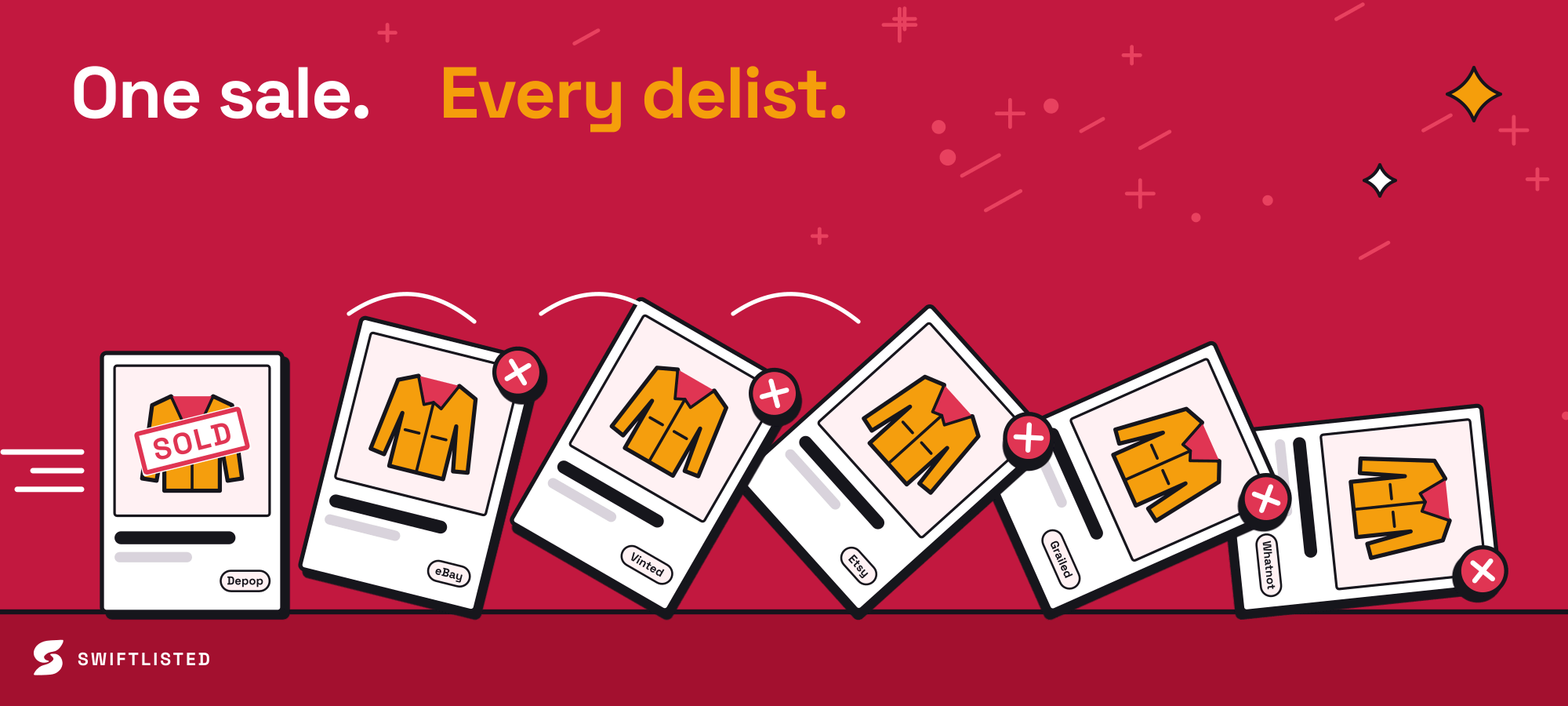
When the Mercari integration ships, it will feature full one-click crossposting, category mapping, inventory sync, and sold-item delisting. This will allow you to crosslist your Grailed inventory straight to Mercari and have sales on either platform automatically delist the item elsewhere.
- One-click crossposting from your central Stockroom to Mercari
- Automated category mapping between Grailed streetwear taxonomy and Mercari categories
- Background sold detection to prevent double-selling across channels
Crosslisting to Live Marketplaces in the Meantime
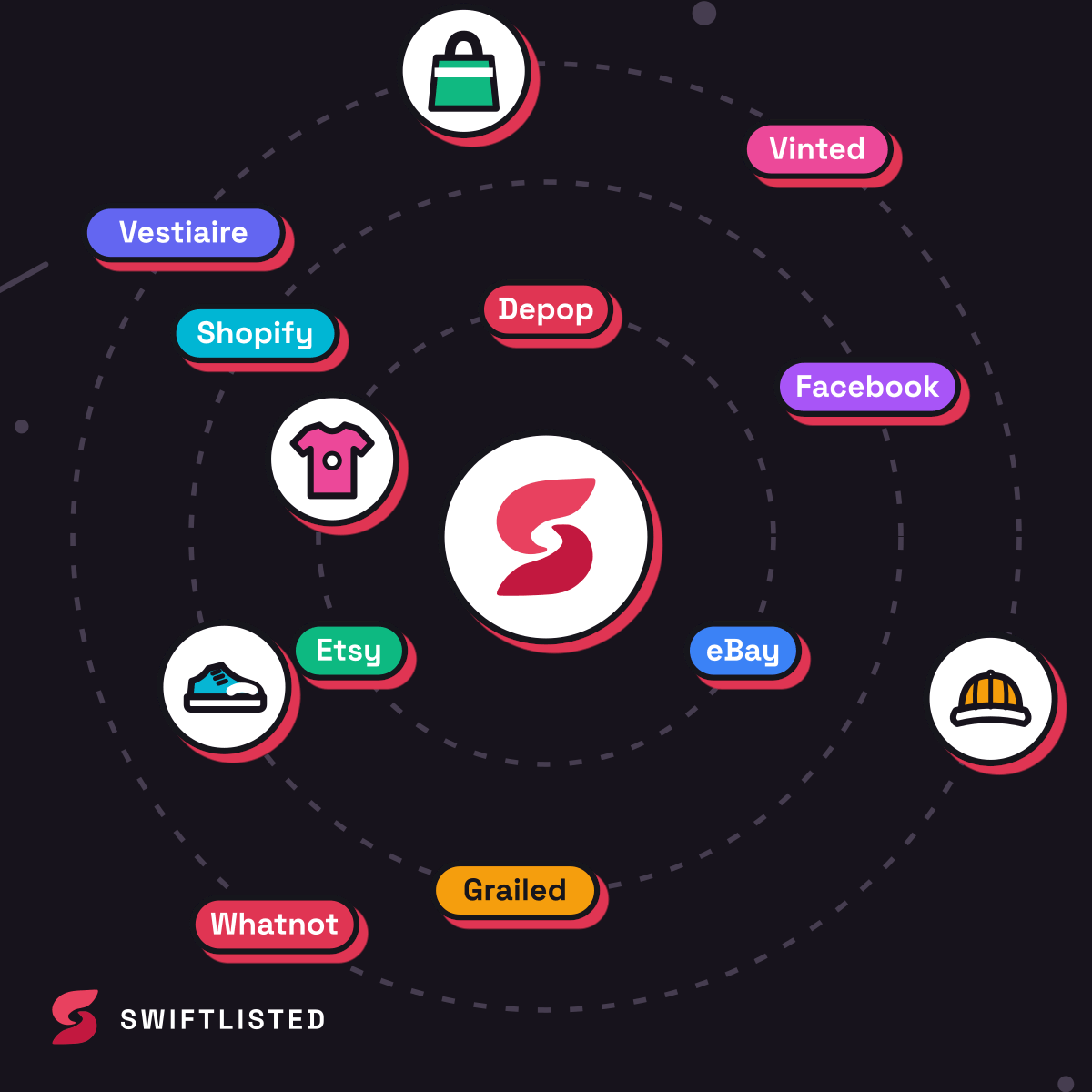
While Mercari is on the roadmap, you can immediately crosslist your Grailed inventory to Swiftlisted's currently active marketplaces, including Depop, eBay, Vinted, Etsy, Shopify, Whatnot, and Facebook Marketplace.
Because Swiftlisted translates universal categories into each marketplace's specific taxonomy, your Grailed streetwear and designer listings are automatically adjusted to fit platforms like Depop or eBay. When an item sells on Grailed or any connected channel, sold detection identifies the order and delists the piece everywhere else automatically.
Common questions
- Is Mercari available to crosslist to right now on Swiftlisted?
- Mercari is currently on the roadmap and appears greyed out in the app. It will light up automatically inside your integrations screen as soon as the lane ships.
- How does Swiftlisted handle Grailed designer names and categories?
- Swiftlisted automatically maps Grailed-specific departments and designer lists to a central inventory record, making it seamless to translate those details to other marketplaces.
- Can I crosslist from Grailed using my phone?
- Listing automation requires the Swiftlisted Chrome extension on a desktop or laptop computer. However, the Swiftlisted dashboard is mobile-friendly so you can manage inventory and view analytics from your phone.
- What happens when a Grailed item sells?
- Swiftlisted monitors your connected shops for sales. When an item sells on Grailed, sold detection marks the item as sold in your Stockroom and delists it from your other connected channels to protect you from double-selling.
List once, sell everywhere
Swiftlisted photographs, describes and crosslists your stock across every marketplace you sell on — then delists it everywhere when it sells.
Start free trial