 Swiftlisted
How to Crosslist from Vestiaire Collective to Mercari
Expanding your reach from a high-end luxury platform like Vestiaire Collective to a broad resale app like Mercari is a smart way to move designer stock faster. While Vestiaire Collective focuses on authenticated luxury goods, Mercari caters to everyday buyers looking for accessible pricing and quick transactions. Here is everything you need to know about crosslisting between the two platforms and managing your inventory efficiently.
Understanding the Platforms: Vestiaire Collective vs Mercari
Selling on Vestiaire Collective requires detailed information about luxury authentication, condition, and brand tags. Vestiaire authenticates items before they go public on the shopfront, placing new submissions into a review state rather than publishing them immediately. Their commission is banded rather than flat-rate, meaning payout calculations depend directly on the item's sale value.
Mercari operates on a very different model. It is a general resale app focused on fast, direct transactions between buyers and sellers. While high-end designer items sell on Mercari, listings go live instantly without a manual pre-publication review process. When you crosslist from Vestiaire Collective to Mercari, your goal is to adapt curated, highly detailed luxury listings into clean, search-friendly titles and descriptions that appeal to Mercari's everyday bargain hunters.
The Status of Mercari Crosslisting on Swiftlisted
Mercari support is officially on the Swiftlisted roadmap. Until the lane ships, Mercari appears greyed out across the app. However, you can already import your existing shop directly from Vestiaire Collective into your central Stockroom so your inventory is structured and ready.
Once the Mercari integration launches, it will illuminate inside your account automatically without requiring an extension reinstall or manual setup.
- Coming soon: One-click crossposting from Vestiaire Collective to Mercari
- Coming soon: Automated sold-item delisting when items sell elsewhere
- Coming soon: Category mapping between luxury taxonomies and general resale lists
- Coming soon: Real-time inventory synchronization across all connected channels
Preparing Vestiaire Collective Listings for Multi-Platform Selling
Because Vestiaire Collective uses strict, live-resolved category and brand lists, your imported listings carry rich metadata. To make these items ready to crosslist across multiple marketplaces, Swiftlisted translates platform-specific taxonomies into universal categories and standardized sizing.
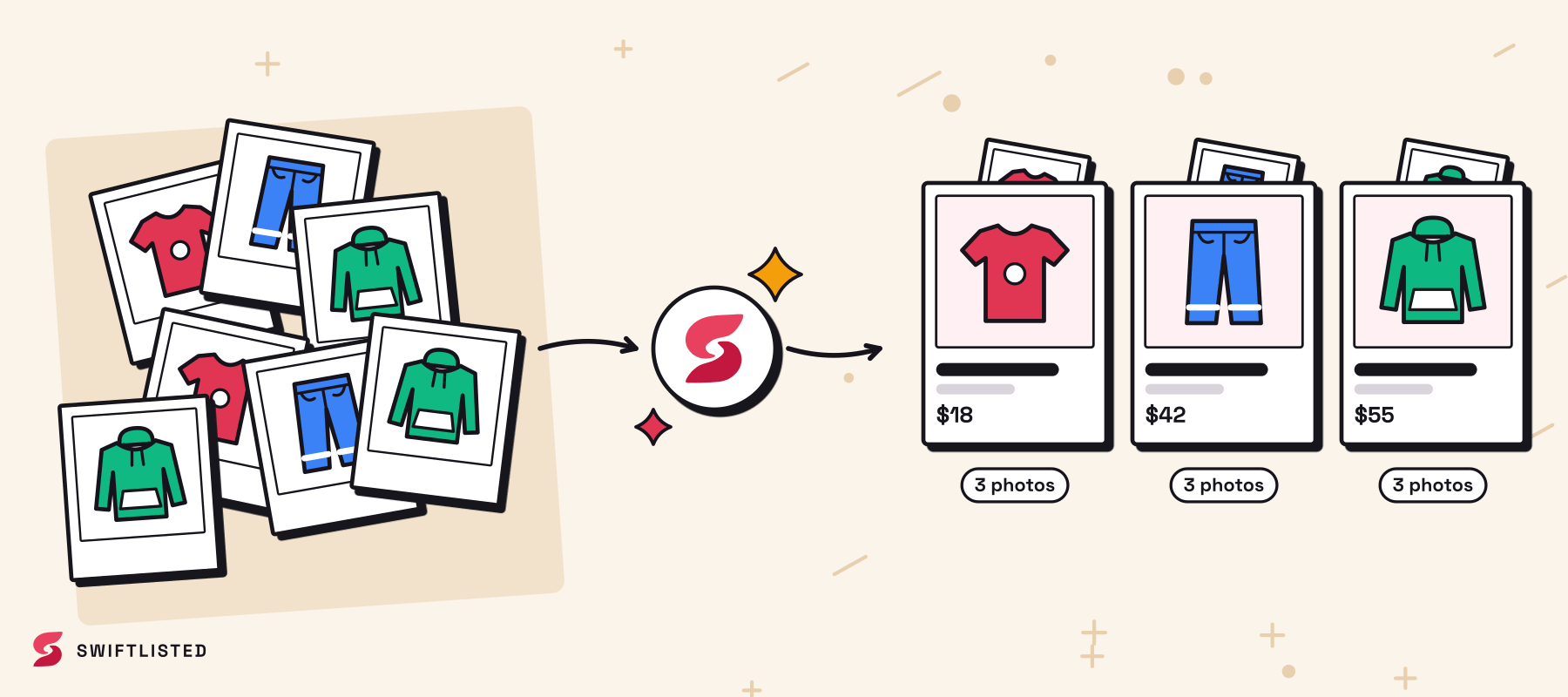
When you import your Vestiaire Collective catalogue into Swiftlisted, photos and listing fields land in an editable grid. You can refine descriptions, swap photo order, or adjust pricing per marketplace before pushing inventory live.

Crosslisting Vestiaire Stock to Supported Marketplaces Today
While waiting for the Mercari lane to ship, you do not have to leave your inventory sitting on a single platform. Swiftlisted allows you to crosslist your luxury catalog from Vestiaire Collective to nine active marketplaces, including eBay, Depop, Grailed, Vinted, Etsy, Whatnot, Shopify, and Facebook Marketplace.
Getting your inventory connected takes just a few minutes using Google Chrome on a desktop or laptop computer.
- Create your account on swiftlisted.ai and install the Swiftlisted Chrome extension.
- Log into your Vestiaire Collective account in Chrome and grant Swiftlisted access.
- Import your live catalogue into the central Stockroom grid.
- Select your target marketplaces, review the draft fields, and hit Crosslist.
Managing Sales and Inventory Sync
When you crosslist across multiple channels, double-selling is the biggest risk. Swiftlisted monitors connected accounts in the background and automatically delists items everywhere else when a sale is detected on supported marketplaces like eBay or Shopify.
Because Vestiaire Collective authenticates sales independently, sales occurring directly on Vestiaire Collective should be marked as sold in your Stockroom manually. This immediately removes the item from your other active storefronts, keeping your seller rating intact.
Common questions
- Is Mercari available on Swiftlisted right now?
- Mercari support is currently on the roadmap and shows greyed out in the app. It will light up automatically in your dashboard the day the lane ships, with no extra setup required.
- Do I need a desktop computer to crosslist my inventory?
- Yes. Listing automation relies on the Swiftlisted Chrome extension, which requires Google Chrome on a Mac, Windows, or Linux desktop or laptop. The mobile web dashboard allows you to review inventory on your phone, but initial listing runs require a computer.
- How does Swiftlisted handle Vestiaire Collective imports?
- Swiftlisted imports your live listings—including photos, titles, descriptions, and attributes—directly from Vestiaire Collective into your central Stockroom so you never have to retype catalog details.
- Can I set different prices when I crosslist to other platforms?
- Yes. You can override pricing for individual marketplaces directly within your Stockroom grid before publishing your listings live.
List once, sell everywhere
Swiftlisted photographs, describes and crosslists your stock across every marketplace you sell on — then delists it everywhere when it sells.
Start free trial