 Swiftlisted
How to Crosslist from Vestiaire Collective to Facebook Marketplace
If you sell designer apparel and accessories on Vestiaire Collective, you already have a catalogue of high-value inventory sitting behind authenticated listings. Crosslisting those items to Facebook Marketplace opens your shop to local buyers and nationwide shoppers who never open dedicated luxury apps. Instead of copying titles, descriptions, and photos by hand, you can use Swiftlisted to import your Vestiaire Collective catalogue and publish it directly to Facebook Marketplace in minutes.
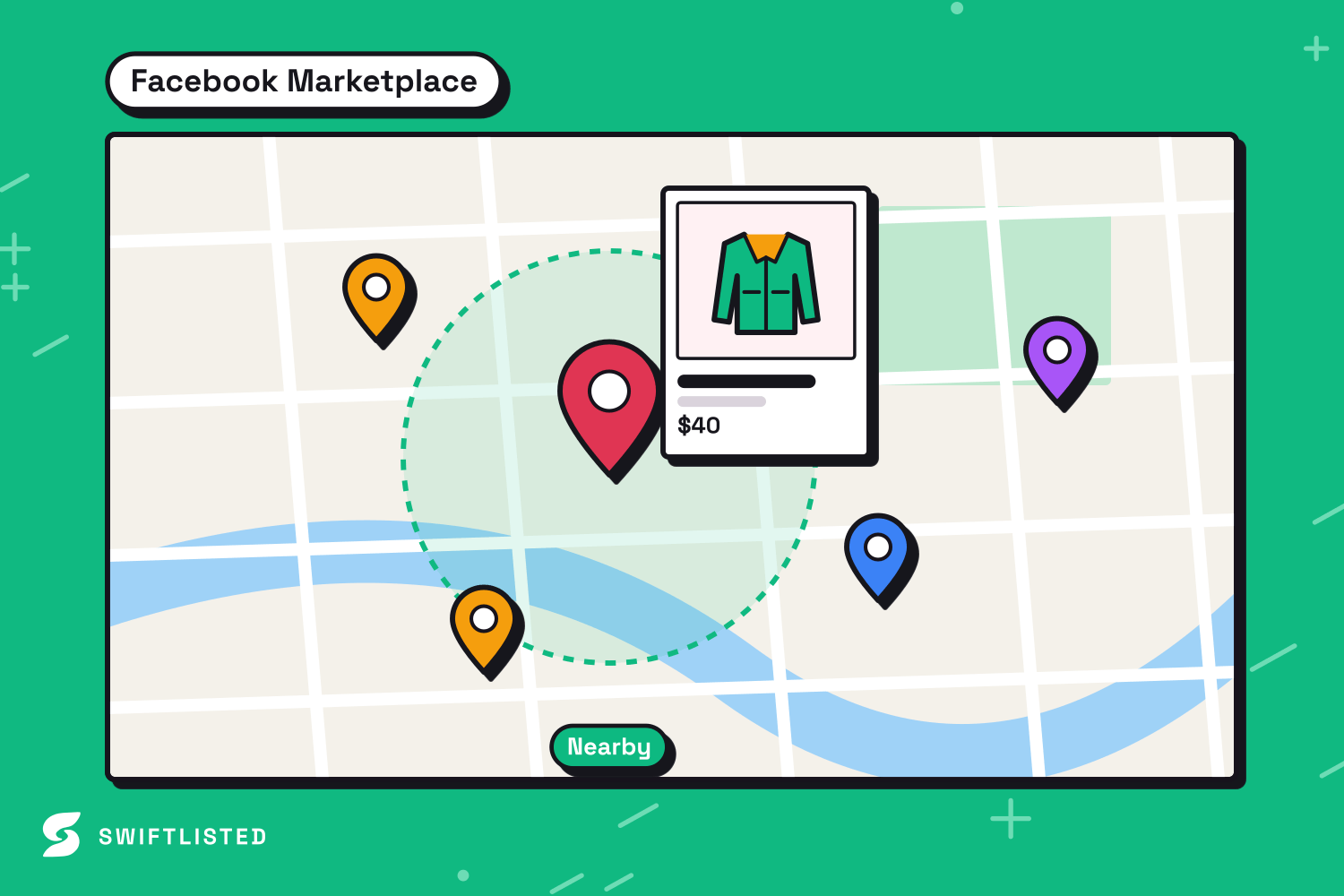
Why Expand from Vestiaire Collective to Facebook Marketplace?
Vestiaire Collective and Facebook Marketplace serve completely different buyer mindsets, making them an effective pairing for resellers. Vestiaire Collective is a luxury resale platform where every item goes through an authentication review before reaching the shopfront. Buyers there expect designer labels, verified authenticity, and branded packaging. Because Vestiaire uses banded commission rates rather than a flat fee, pricing requires careful attention to your net payout.
Facebook Marketplace, by contrast, connects you directly to local pickup buyers and nationwide shoppers looking for convenience. There are no authentication queues, and you can offer flexible options like local collection alongside posted delivery. Crosslisting to Facebook Marketplace puts your luxury pieces in front of buyers who browse locally, giving your inventory maximum exposure without paying additional listing fees.
- Reach local buyers who prefer in-person pickup alongside nationwide delivery.
- Sell items faster by putting your inventory in front of casual Facebook scrollers.
- Maintain your authenticated listing on Vestiaire Collective while capturing local demand.
How the Two Marketplace Systems Differ
Moving a listing from Vestiaire Collective to Facebook Marketplace requires translating platform-specific fields. Vestiaire Collective relies on strict brand indexes, specific attribute lists, and mandatory condition rules tailored to luxury goods. When a listing is submitted to Vestiaire, it enters a review status rather than going live immediately.
Facebook Marketplace uses broader category trees and simplified condition choices. It also supports settings specific to social commerce, such as choosing your delivery options and selecting whether to hide listings from your Facebook friends. Swiftlisted bridges this gap by mapping your universal product details into Facebook Marketplace's category taxonomy automatically.
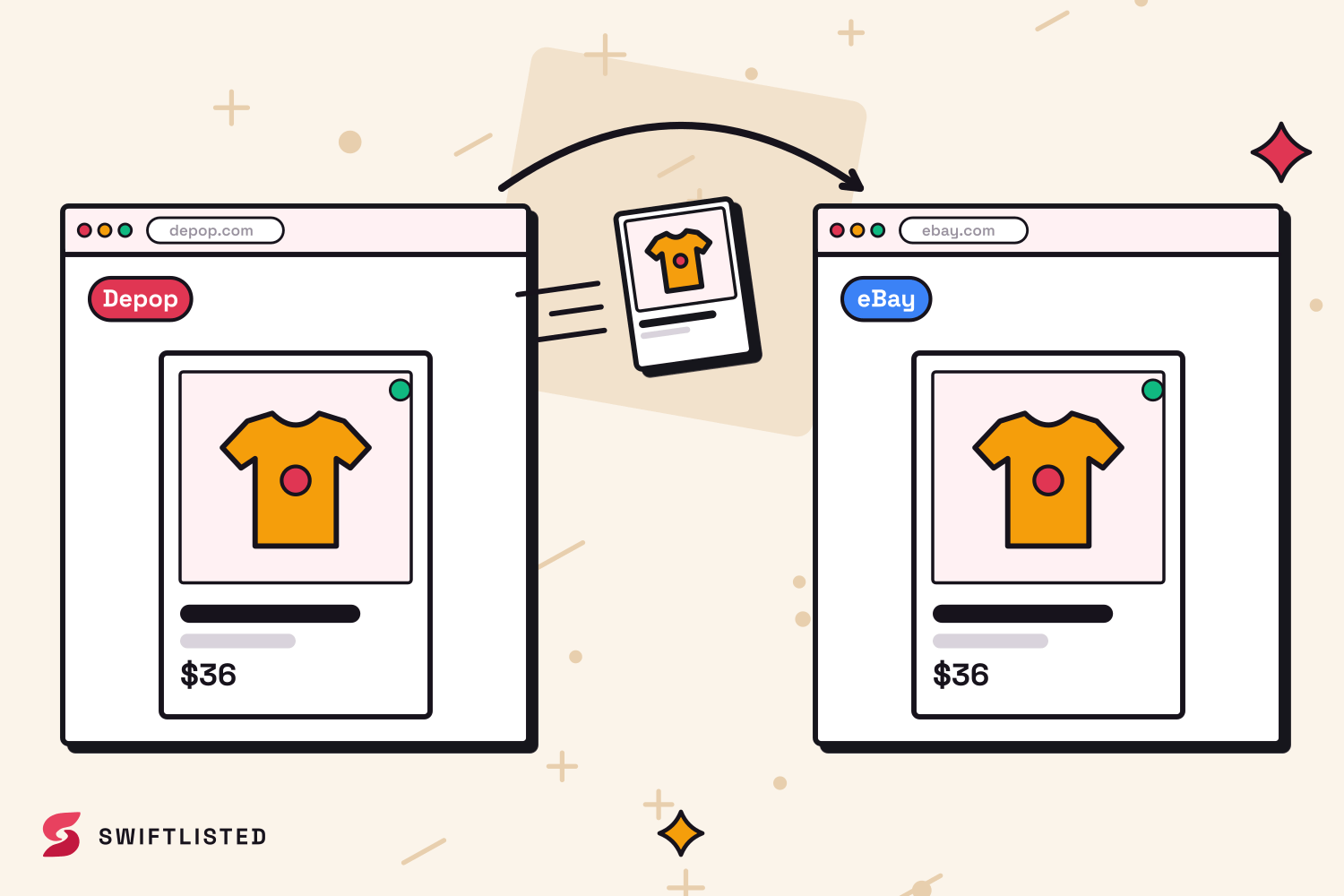
Step-by-Step: Crosslist Your Vestiaire Listings to Facebook
To crosslist automatically, you will need a computer running Google Chrome with the Swiftlisted extension installed. Listing automation operates through your active browser session, allowing Swiftlisted to post directly to your Facebook account without ever asking for your passwords.
- Step 1: Sign in to your Vestiaire Collective and Facebook accounts in your Google Chrome browser profile.
- Step 2: Open your Swiftlisted dashboard and import your existing catalogue from Vestiaire Collective into your central Stockroom.
- Step 3: Review the imported drafts in your inventory grid. You can adjust titles, descriptions, or set marketplace-specific pricing if you want a different price on Facebook Marketplace.
- Step 4: Select the items you want to post, choose Facebook Marketplace as your target, and configure your default pickup or delivery settings.
- Step 5: Click Crosslist. Swiftlisted will map the categories and publish your listings sequentially to Facebook Marketplace.
Managing Inventory and Preventing Double Sales
Selling across multiple channels requires dependable inventory control so you do not double-sell an item. Swiftlisted keeps your shop synchronized by monitoring your connected accounts for sales.
Because Facebook restricts automated traffic on personal accounts, Swiftlisted scans Facebook Marketplace for sales on a careful hourly schedule. When an item sells on Facebook Marketplace, Swiftlisted marks it sold in your Stockroom and automatically delists it from your other connected channels. If an item sells elsewhere, Swiftlisted takes down the Facebook Marketplace listing immediately. Note that Vestiaire Collective does not currently support background sold detection, so if an item sells on Vestiaire first, simply mark it as sold manually inside your Swiftlisted Stockroom to clear it from Facebook Marketplace.
Common questions
- Do I need a desktop computer to crosslist from Vestiaire Collective to Facebook Marketplace?
- Yes. Listing automation requires the Swiftlisted Chrome extension, which runs on desktop browsers including Mac, Windows, and Linux. You can view your dashboard and inventory on a mobile device, but crosslisting runs from Chrome on a computer.
- Can I set a different price on Facebook Marketplace than on Vestiaire Collective?
- Yes. You can override the price for Facebook Marketplace inside the Swiftlisted Stockroom grid before you crosslist.
- What happens if a listing fails to post during a bulk run?
- If an item encounters an issue, such as a missing required field, Swiftlisted logs the specific error in your Activity feed and continues posting the remaining items. You can correct the flagged field in your grid and retry just that item.
- Does crosslisting automatically delist my item when it sells on Facebook Marketplace?
- Yes. Swiftlisted scans Facebook Marketplace hourly for sales. When a sale is detected, the item is marked sold in your inventory and automatically delisted from your other active marketplaces.
List once, sell everywhere
Swiftlisted photographs, describes and crosslists your stock across every marketplace you sell on — then delists it everywhere when it sells.
Start free trial