 Swiftlisted
How to Crosslist from Facebook Marketplace to Vestiaire Collective
Facebook Marketplace is ideal for reaching broad local and nationwide buyers, but when you have authentic luxury fashion, high-end designer handbags, or premium footwear, listing on Vestiaire Collective opens your inventory to a global audience specifically looking for authenticated goods. Retyping listing titles, descriptions, brand tags, and measurements between platforms takes up hours of sourcing time. By setting up a streamlined workflow to crosslist from Facebook Marketplace to Vestiaire Collective, you can expand into luxury resale without duplicating your workload.

Understanding the Differences Between Platforms
Facebook Marketplace and Vestiaire Collective serve entirely different buyer audiences and maintain distinct platform rules. Facebook Marketplace focuses on general goods and local or nationwide delivery. Items posted to Facebook Marketplace go live immediately through your signed-in browser session, mapping straight into standard Marketplace categories.
Vestiaire Collective is a dedicated luxury resale platform that authenticates items before they are offered to buyers. When you crosslist an item to Vestiaire Collective, it does not hit the shopfront immediately. Instead, it posts directly into Vestiaire's review queue where listing details and photos are verified before going public.
Commission models also differ significantly between the two venues. While Facebook Marketplace uses straightforward transaction fees for shipped items, Vestiaire Collective uses a banded commission structure. At their AUD25 minimum price requirement, for example, the seller keeps AUD7. To ensure you maintain profit margins across channels, Swiftlisted carries out a minimum-price check before submitting and displays your exact calculated seller payout on the activity row as soon as the item posts.
Preparing Your Computer and Account Integrations
Listing automation for extension-driven marketplaces runs through Google Chrome on a desktop or laptop computer. Mobile browsers do not support extension automation, so while you can review inventory on your phone, you need a desktop browser session to run crosslisting workflows.
Connecting your accounts takes only a few simple setup steps inside Chrome before you launch your first run.
- Stay signed into your Facebook account and Vestiaire Collective seller account in the same Chrome browser profile.
- Connect Facebook Marketplace from the Swiftlisted integrations screen and set your delivery preferences once.
- Select Vestiaire Collective as a target platform and grant permission to vestiairecollective.com when prompted in Chrome.
Step-by-Step: Moving Facebook Listings to Vestiaire Collective
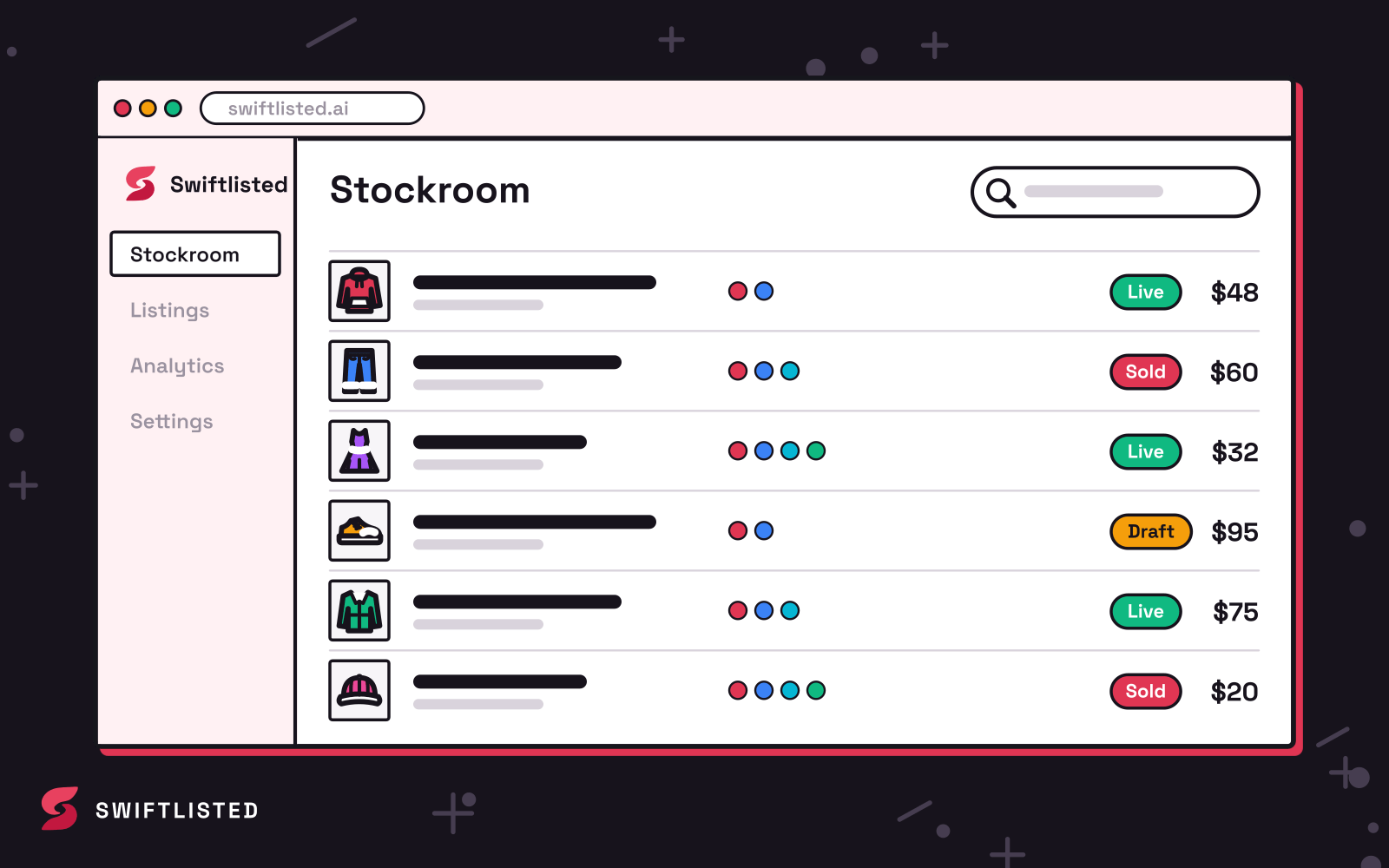
If you already have a catalogue on Facebook Marketplace, start by importing your live shop into your central Stockroom. Importing pulls in photos, titles, descriptions, and current prices without requiring you to re-photograph existing stock.
Once your items land in the inventory grid, you can review and refine every field. Swiftlisted resolves Vestiaire Collective's category tree, brand lists, and item attributes live from Vestiaire itself. If a niche designer is not present on Vestiaire's official brand taxonomy, the system maps the item safely to their general fallback brand option to keep your submission moving forward.
When your details are approved in the grid, select your items, choose Vestiaire Collective as the destination, and launch the crosslisting process. Swiftlisted creates the entry in Vestiaire's review pipeline and records your final seller payout on your dashboard activity row.
Managing Inventory and Preventing Double-Sales
Maintaining accurate stock across multiple channels is essential when selling one-off luxury items. Swiftlisted monitors connected accounts in the background to handle multi-platform inventory management automatically.
When an item sells on Facebook Marketplace or another connected shop, Swiftlisted detects the sale and takes down the listing everywhere else. Facebook Marketplace account activity is scanned on an hourly schedule to operate safely within platform limits on personal accounts, while sales originating on other connected platforms trigger an immediate removal on Facebook.
Because Vestiaire Collective items post into a review queue and do not support background automated sold scanning, sales occurring directly on Vestiaire Collective should be marked as sold manually in your Stockroom. Once marked sold, Swiftlisted immediately delists the item from Facebook Marketplace and your other active storefronts.
Common questions
- Do my listings go live on Vestiaire Collective immediately?
- No. Vestiaire Collective authenticates items before making them visible to buyers. Items crosslisted to Vestiaire Collective post into their review queue first and go public once approved.
- Can I crosslist from Facebook Marketplace to Vestiaire Collective on my phone?
- No. Automation runs through the Swiftlisted Chrome extension on a desktop or laptop computer. The dashboard itself is mobile-friendly for viewing analytics and stock, but listing runs require a computer.
- How does pricing work with Vestiaire Collective's commission?
- Vestiaire Collective uses banded commission rates rather than a fixed fee. Swiftlisted runs a minimum-price check before submitting and logs what you will actually earn on the activity row when the listing posts.
- What happens when an item sells on Facebook Marketplace?
- Swiftlisted scans Facebook Marketplace hourly for completed sales. When a sale is detected, the item is marked as sold in your Stockroom and automatically delisted from your other connected channels.
List once, sell everywhere
Swiftlisted photographs, describes and crosslists your stock across every marketplace you sell on — then delists it everywhere when it sells.
Start free trial