 Swiftlisted
How to Crosslist from Vestiaire Collective to Shopify
If you sell high-end designer pieces on Vestiaire Collective, expanding to your own Shopify store is the logical next step for building a direct-to-consumer brand. However, manually moving authenticated luxury listings—re-uploading photos, rewriting descriptions, and re-entering brand and size attributes—takes hours you could spend sourcing inventory. By using Swiftlisted to crosslist your catalogue, you can import your active Vestiaire Collective listings and publish them directly to your Shopify store in just a few clicks.
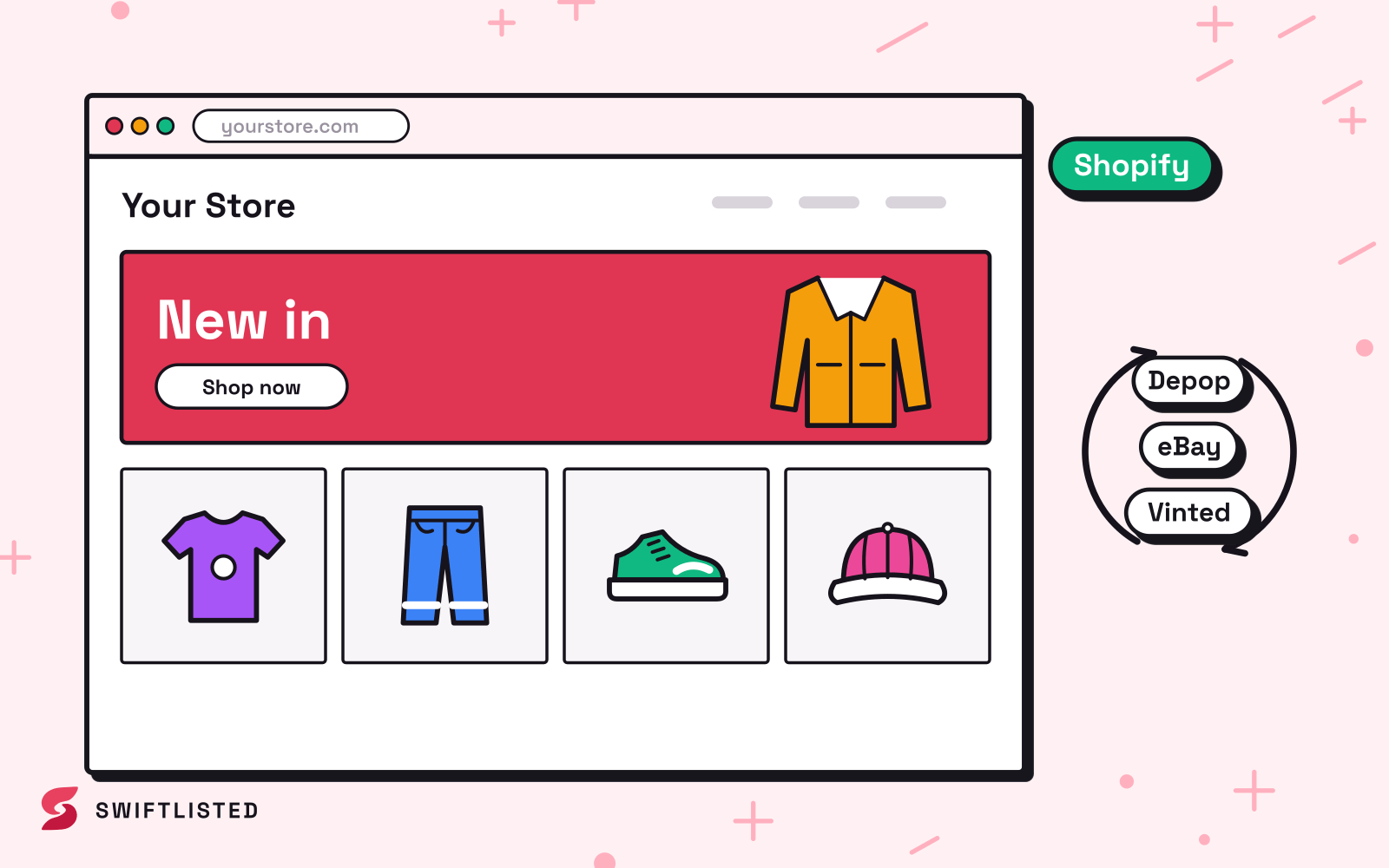
Understanding Platform Differences: Vestiaire Collective vs Shopify
Moving luxury stock between Vestiaire Collective and Shopify involves two distinct selling environments. Vestiaire Collective operates as an authenticated luxury resale platform. Every item posted goes into a review stage before it reaches the public shopfront, and Vestiaire applies a banded commission structure to your final payout.
Shopify, on the other hand, powers your independent e-commerce storefront. There are no mandatory authentication queues or platform commission bands on sales. Because Shopify integrates through an official API rather than browser extension actions, publishing updates and receiving sale notifications happen in real time.
Step 1: Connect Your Accounts in Swiftlisted
To start crosslisting between platforms, open Google Chrome on a desktop or laptop computer and install the Swiftlisted extension from the Chrome Web Store. Listing automation requires a desktop browser session, though you can monitor your inventory dashboard from any device.
Next, log into your Vestiaire Collective account in Chrome and grant Swiftlisted access to vestiairecollective.com when prompted. To connect Shopify, navigate to Integrations in your Swiftlisted dashboard and authorise your shop domain via Shopify's official login screen. Because Shopify uses official API credentials, Swiftlisted maintains store access even when your browser tab is closed.
Step 2: Import Your Vestiaire Collective Catalogue
Rather than re-photographing your stock or retyping item details, you can import your existing active catalogue directly into your central Stockroom.
Swiftlisted pulls in your Vestiaire Collective product titles, descriptions, sizing, pricing, and images. If an item you import matches stock already inside your inventory, Swiftlisted automatically merges the imported details into the existing record to prevent duplicate entries.
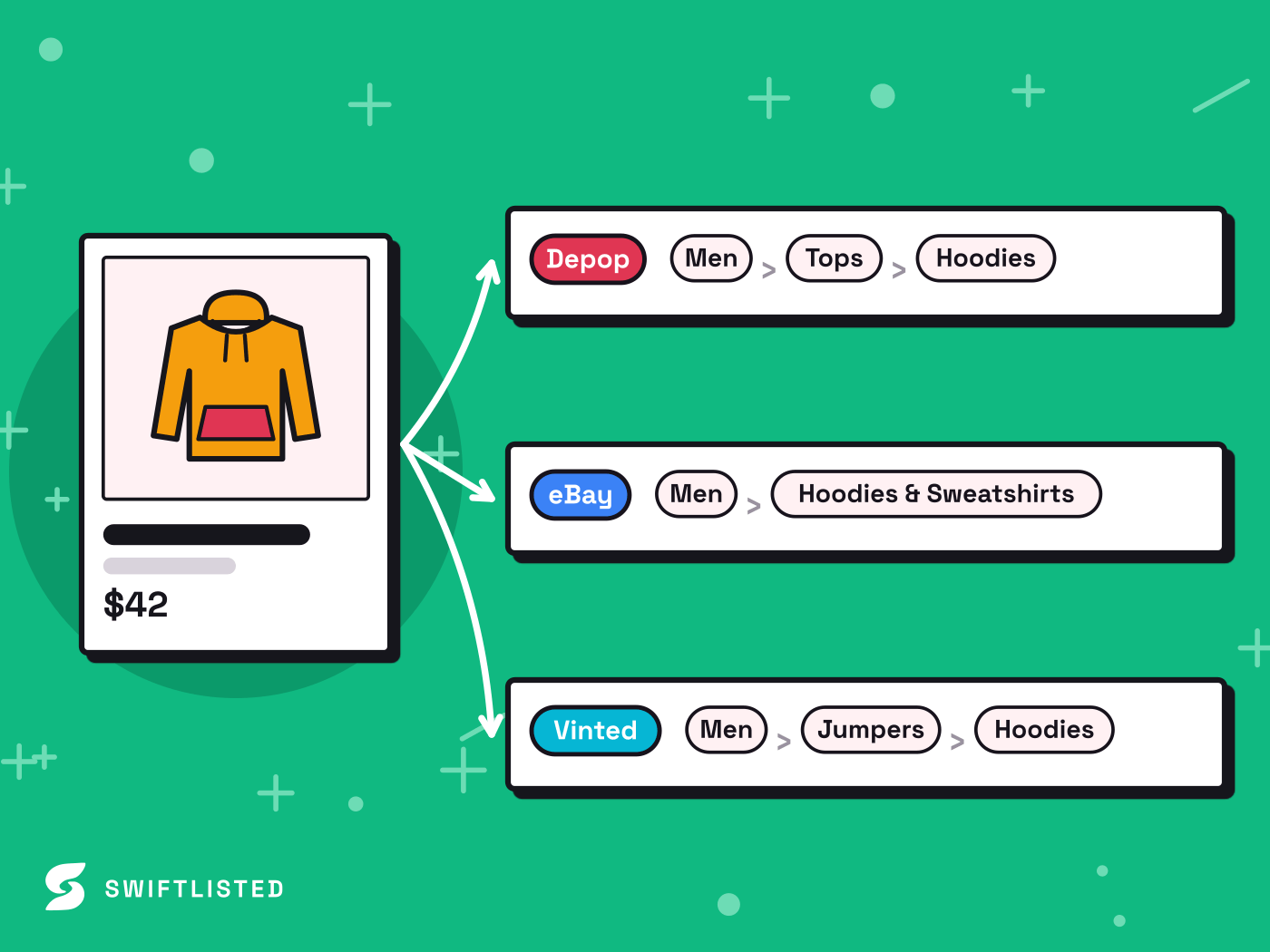
Step 3: Review and Crosslist to Shopify
Before publishing to your web store, open your inventory grid in Swiftlisted to review your drafts. Every field remains fully editable, allowing you to refine titles, tags, or prices.
When your items are ready, select up to 50 listings in your inventory grid, choose Shopify as your target marketplace, and hit Crosslist. Swiftlisted translates your product attributes and uploads your image sets directly to your Shopify catalogue.
Managing Sales and Inventory Sync
Keeping stock synced across multiple storefronts is essential when selling one-of-a-kind luxury items. When an order is placed on Shopify, Shopify notifies Swiftlisted instantly via API. Swiftlisted marks the item as sold in your Stockroom and delists it from your other connected channels.
Because Vestiaire Collective does not currently support automated sold detection, when an item sells on Vestiaire Collective first, simply mark it as sold in your Swiftlisted Stockroom to take down the corresponding Shopify listing.
Common questions
- Do I need a computer to crosslist from Vestiaire Collective to Shopify?
- Yes. Listing automation requires Google Chrome running on a desktop or laptop (Mac, Windows, or Linux). While the Swiftlisted dashboard is accessible on mobile for checking inventory, crosslisting requires a computer browser session.
- Can I set a different price on Shopify than on Vestiaire Collective?
- Yes. You can override the price per marketplace in your Swiftlisted inventory grid before publishing your listing to Shopify.
- How fast are sales on Shopify detected?
- Because Shopify connects via official API, Shopify notifies Swiftlisted the moment a customer places an order, making sold detection near-instant.
- What happens if one listing fails during a bulk crosslisting run?
- If an item fails during a run, the remaining items continue crosslisting. The failed item is logged in your Activity feed with the exact reason so you can fix the issue and retry that specific listing.
List once, sell everywhere
Swiftlisted photographs, describes and crosslists your stock across every marketplace you sell on — then delists it everywhere when it sells.
Start free trial