 Swiftlisted
How to Crosslist from Vestiaire Collective to eBay
If you sell designer clothing, handbag collections, or premium footwear on Vestiaire Collective, you already know the value of reaching dedicated luxury buyers. However, keeping your inventory locked to a single platform limits your turnover. Crosslisting your catalogue onto eBay opens your listings to one of the largest global audiences on the web. Instead of retyping titles, descriptions, and item specifics for every single piece, you can crosslist your items directly using Swiftlisted. This guide explains how to import your authenticated luxury items from Vestiaire Collective and publish them straight to eBay without double-handling your inventory.
Why Expand from Vestiaire Collective to eBay?
Vestiaire Collective and eBay serve distinct buyer segments, making them ideal partners for a multi-channel luxury resale strategy. Vestiaire Collective is a curated, authentication-focused marketplace where listings undergo review before appearing publicly on the shopfront. Its commission structure is banded, with specific minimum payout thresholds calculated as items are created. Because luxury items are authenticated prior to final dispatch, buyers on Vestiaire specifically seek verified high-end labels.
eBay, by contrast, operates at a massive global scale. Items listed on eBay go live immediately and benefit from robust search indexing, dynamic item specifics, and high international traffic. By listing your stock on both venues, you retain your presence in the curated luxury space while putting your inventory in front of millions of active bargain hunters and collectors on eBay. Crosslisting between these platforms ensures your stock moves faster without requiring double the administrative work.
- Reach global buyers on eBay alongside boutique luxury shoppers on Vestiaire Collective.
- Avoid retyping listing details, sizes, and brand names across platforms.
- Maintain control over per-marketplace pricing to account for differing fee structures.
Connecting Your Marketplaces in Swiftlisted
To start crosslisting, you need to link both marketplace accounts to Swiftlisted. The connection method reflects how each marketplace operates.
eBay connects directly via an official API authorisation. You authorize your eBay seller account once through their secure login screen in your Swiftlisted Integrations settings. Because it uses an official API token, crosslisting to eBay can run directly in the background and does not require an active browser tab.
Vestiaire Collective connects through the Swiftlisted Chrome extension operating on a desktop or laptop computer. Because listing automation for Vestiaire relies on browser integration, you simply log into your Vestiaire Collective account in Google Chrome on Mac, Windows, or Linux, grant the extension permission, and you are ready to manage your catalogue.
Importing Your Active Vestiaire Collective Catalogue
If you already have an established shop on Vestiaire Collective, you do not need to photograph or re-enter your items from scratch. Swiftlisted allows you to import your active listings straight into your central Stockroom.
During the import process, Swiftlisted extracts your high-resolution photos, titles, descriptions, brand details, and pricing into a clean draft grid. Existing items are checked to prevent duplicate records. Once imported into your Stockroom, your luxury items are stored as central records, ready to be reviewed, edited, and crosslisted across any connected marketplace.

Translating Categories and Item Specifics for eBay
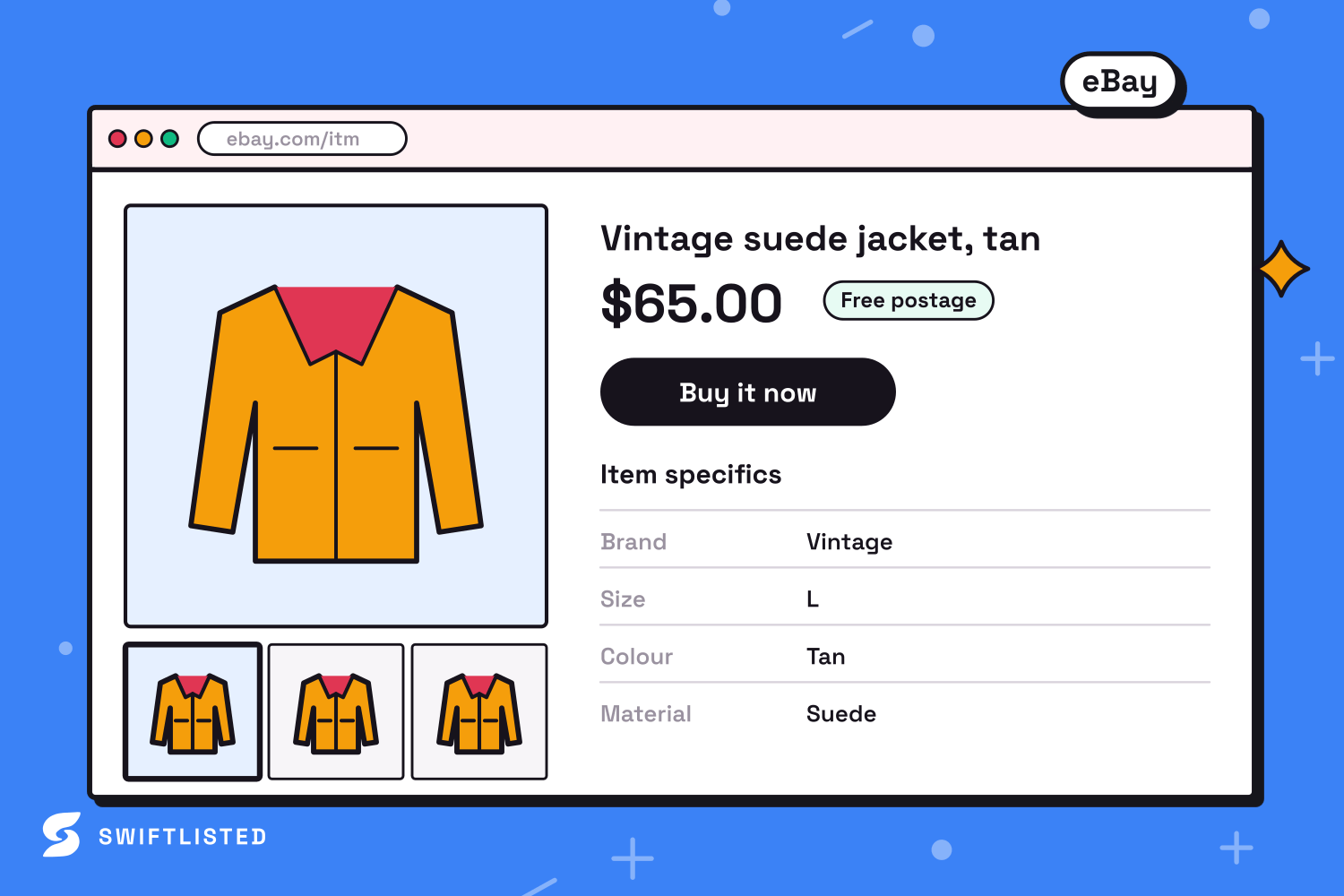
Every marketplace structures its catalogue differently. Vestiaire Collective resolves brand names and attributes live through its own luxury taxonomy. When transferring those items to eBay, your listings must align with eBay's structured category tree and item specifics requirements.
Swiftlisted handles this translation automatically. Your item's universal category maps into the correct eBay leaf category, while brand names, garment sizes, and key attributes populate eBay's item specifics. You can also adjust prices per marketplace inside your Stockroom grid prior to publishing. This allows you to account for Vestiaire's banded commission rules alongside eBay's final value fees, ensuring your net profit targets are met on every sale.
Publishing Listings and Managing Multi-Channel Inventory
Once your imported drafts are reviewed in the Stockroom grid, select the items you wish to publish and launch a bulk listing run. You can crosslist up to 50 items per batch. eBay listings post rapidly in parallel via the official API, making your luxury inventory live globally in moments.
Managing sales across both channels requires understanding how each platform handles order updates. When an item sells on eBay, eBay sends an instant order notification to Swiftlisted, allowing the platform to flag the item as sold and delist it from other automated venues. Because Vestiaire Collective does not currently support background sold scanning, sales originating on Vestiaire Collective should be marked as sold manually in your central Stockroom to keep your inventory perfectly synchronised and prevent double-sales.
Common questions
- Do I need a desktop computer to crosslist from Vestiaire Collective to eBay?
- Yes. Crosslisting actions and Vestiaire Collective integration require the Swiftlisted extension running in Google Chrome on a Mac, Windows, or Linux desktop or laptop computer. While the dashboard can be viewed on mobile devices, listing tasks run on desktop.
- How does pricing work when listing to both platforms?
- You can set marketplace-specific price overrides inside your Stockroom grid before crosslisting. This helps you adjust for Vestiaire Collective's banded commission model versus eBay's fee structure.
- What happens if an item sells on Vestiaire Collective?
- Vestiaire Collective does not currently support automated sold detection. When an item sells on Vestiaire, simply open your Swiftlisted Stockroom and mark the item as sold to keep your inventory records up to date.
- Are item specifics filled in automatically for eBay?
- Yes. Swiftlisted automatically maps categories, brands, sizes, and attributes from your central record into eBay's dynamic item specifics before posting.
List once, sell everywhere
Swiftlisted photographs, describes and crosslists your stock across every marketplace you sell on — then delists it everywhere when it sells.
Start free trial