 Swiftlisted
How to Crosslist from Grailed to Poshmark Without Retyping Listings
Grailed is the go-to marketplace for curated designer menswear, vintage pieces, and high-end streetwear. Poshmark offers a massive social commerce community looking for apparel across every style and category. Expanding your Grailed inventory to Poshmark opens your catalogue to millions of new buyers, but copying every title, description, size, and designer tag by hand can devour your entire workday. Here is a clear guide on how to crosslist your listings from Grailed to Poshmark efficiently using automation.
Understanding the Differences Between Grailed and Poshmark
While both platforms host thriving secondhand apparel markets, their catalog structures and buyer expectations operate differently. Succeeding on both requires adapting your listings to fit each marketplace's unique requirements.
Grailed uses a highly specific menswear and streetwear taxonomy divided into curated departments (such as Grailed Official, Hype, Sartorial, or Vintage) alongside exact designer name tags. Poshmark relies on broader social commerce categories, multi-item bundling features, and distinct brand profiles.
When moving items from Grailed to Poshmark, your listings must translate accurately between these systems. For instance, a vintage streetwear jacket listed under Grailed's specific designer categories needs its sizing and brand tags translated so Poshmark shoppers can easily discover it via search filters.
- Audience Focus: Grailed focuses on curated menswear, archive pieces, and streetwear, whereas Poshmark spans all clothing categories and social commerce buyers.
- Taxonomy & Departments: Grailed organizes items by specific streetwear departments and niche designer lists; Poshmark uses standardized fashion categories and brand pages.
- Sizing Conventions: Grailed listing formats often prioritize detailed measurements, while Poshmark requires specific standard size selections alongside custom descriptions.
Step 1: Set Up Your Workspace in Google Chrome
Crosslisting automation requires a desktop or laptop computer running Google Chrome on Mac, Windows, or Linux. Mobile browsers do not support extension-based automation, so all initial listing creation and importing takes place on your desktop browser.
First, log into your Grailed seller dashboard and your Poshmark account in the same Chrome profile. Install the Swiftlisted Chrome extension from the Chrome Web Store. Because marketplaces like Grailed and Poshmark do not offer public listing APIs, the extension works directly within your active browser session to map catalog details safely.
Step 2: Import Your Existing Grailed Listings
Rather than re-photographing your stock or retyping item details, you can pull your live Grailed listings straight into your central inventory.
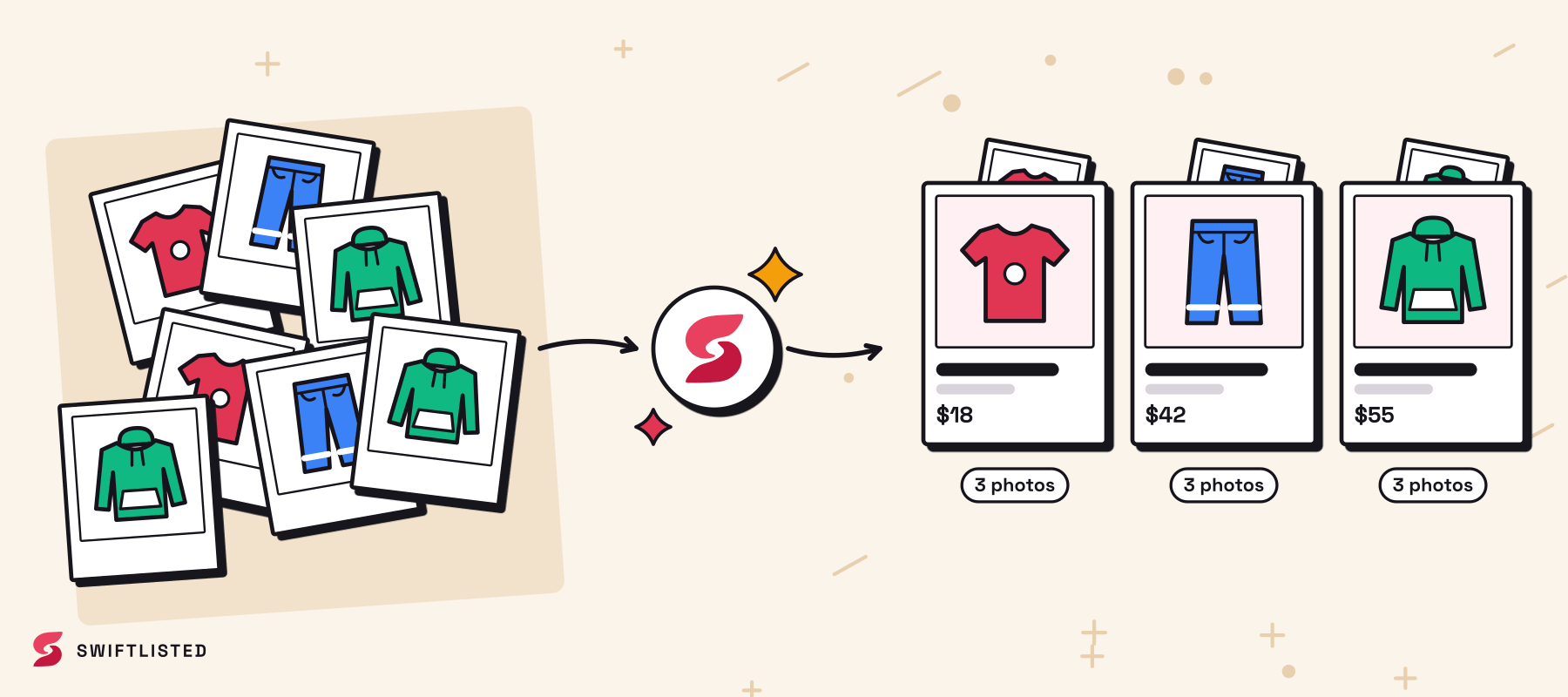
Inside the Swiftlisted dashboard, navigate to the import section and select Grailed. The tool extracts your active photos, titles, descriptions, conditions, and prices, organizing them into an editable inventory grid called the Stockroom. If an item already exists in your inventory, duplicate detection merges the data into a single master record so your stock stay organized.

Step 3: Convert Taxonomy, Brands, and Sizes for Poshmark
Before publishing listings live to Poshmark, review how your Grailed data maps to Poshmark's requirements inside the central inventory grid.
Swiftlisted automatically converts Grailed's specialized streetwear categories into Poshmark's category structure. The dynamic size mapper translates Grailed sizing into Poshmark equivalents. Additionally, designer autocomplete maps niche Grailed brand names to Poshmark brand profiles. If a rare designer tag is not on Poshmark's approved brand list, the system falls back to Poshmark's 'Other' designation rather than letting the listing fail.
You retain complete control over every field before anything posts. You can adjust prices, update descriptions, add style tags, or edit photos directly inside the grid.
Step 4: Crosslist to Poshmark and Enable Sold Protection
Once your drafts are reviewed, select the items you want to crosspost, choose Poshmark as your destination, and start the batch run.
The extension processes your listings sequentially to respect platform rate limits and ensure each listing posts cleanly. After your items go live on Poshmark, background sold detection monitors both marketplaces. When an item sells on Grailed, Swiftlisted detects the sale and automatically delists it from Poshmark—and vice versa—preventing double sales and protecting your seller ratings on both platforms.
Common questions
- Can I crosslist from Grailed to Poshmark using my mobile phone?
- Listing automation requires the Swiftlisted Chrome extension on a Mac, Windows, or Linux computer. While you can review your inventory grid and sales analytics on a mobile phone browser, the actual crosslisting action must be executed on a desktop or laptop.
- Do I need to re-photograph my items to post them on Poshmark?
- No. Swiftlisted imports your high-resolution listing photos directly from your live Grailed account into your inventory grid, preserving your existing photography.
- How does Swiftlisted handle Grailed designer names that aren't on Poshmark?
- The tool uses brand mapping profiles to match Grailed designers with Poshmark's catalog. If Poshmark does not recognize a specific niche brand, Swiftlisted selects 'Other' so your listing publishes successfully.
- How does automatic sold detection prevent double sales?
- Swiftlisted scans your connected shop accounts in the background. When an item sells on either Grailed or Poshmark, it marks the item as sold in your inventory and immediately delists it from the other marketplace.
List once, sell everywhere
Swiftlisted photographs, describes and crosslists your stock across every marketplace you sell on — then delists it everywhere when it sells.
Start free trial