 Swiftlisted
How to Crosslist from Poshmark to Whatnot
Moving inventory from Poshmark to Whatnot allows you to clear stagnant social commerce listings through high-energy live auctions. However, manually copying titles, brand details, sizing, and measurements between platforms is exhausting. By using a dedicated crossposting workflow, you can convert static Poshmark listings into ready-to-bid Whatnot stream items in bulk, saving hours of manual data entry while expanding your buyer reach.
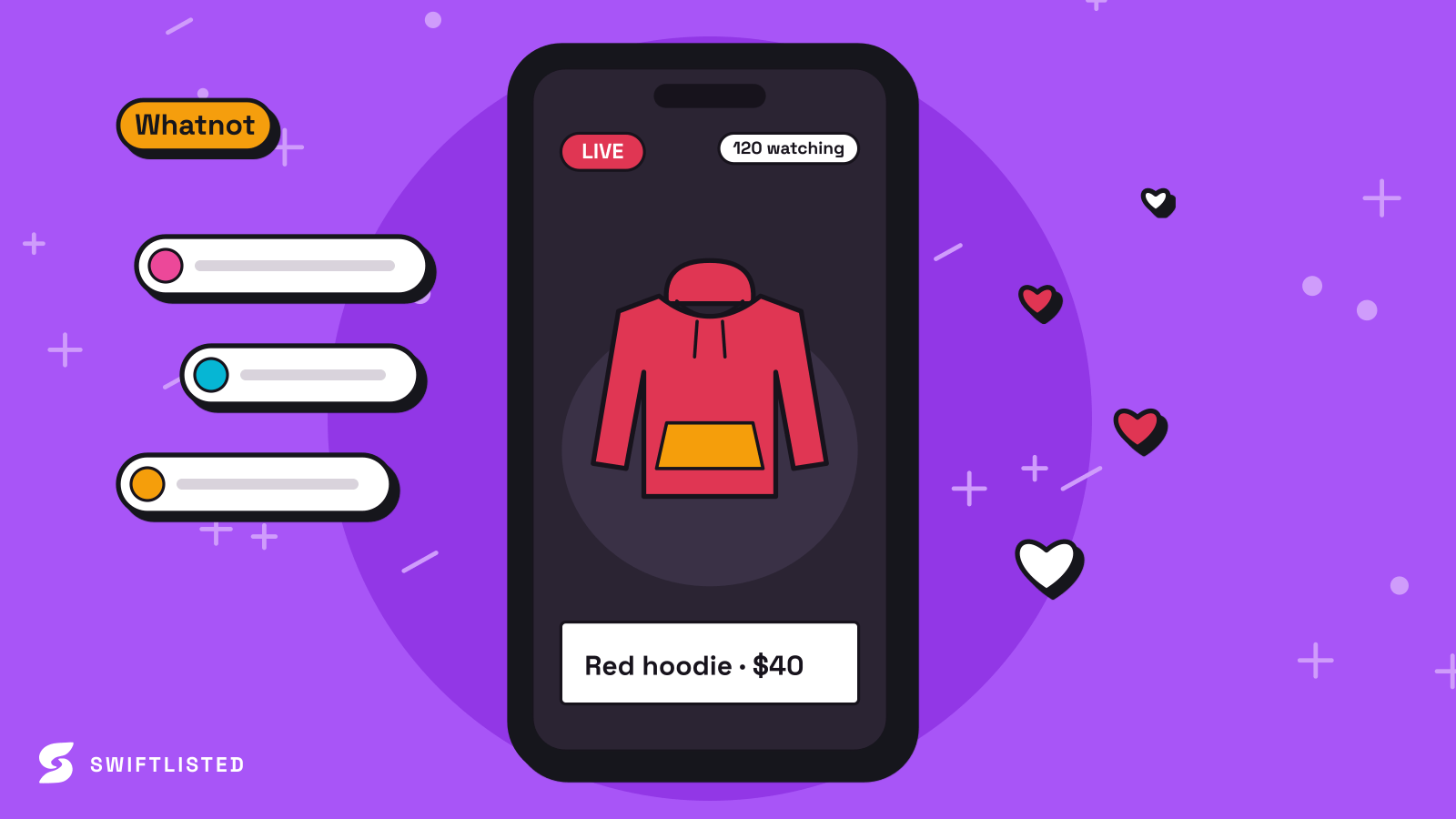
Understanding Platform Differences: Poshmark vs Whatnot
Poshmark and Whatnot cater to distinct reseller business models. Poshmark operates as a social commerce marketplace where buyers browse photo-heavy catalogues, negotiate via offers, and purchase at fixed prices. Listings stay active until sold, relying on brand mapping profiles and dynamic size mappers to help buyers filter specific items.
Whatnot focuses on fast-paced live auctions and stream store lists. Instead of waiting for search traffic, sellers run scheduled live streams where items are auctioned in seconds or listed in a quick-buy stream shop. Converting inventory between the two requires reformatting listing details so that live viewers can immediately see essential information such as sizing, brand names, and condition while you host your stream.
- Poshmark uses static listings with offer-based negotiations and detailed search filters.
- Whatnot relies on live stream auction lists and immediate buy-it-now shop queues.
- Format translation requires adapting fixed pricing into auction starting bids or quick-buy stream prices.
Setting Up Your Desktop Workspace
To crosslist inventory efficiently, you need a desktop or laptop running Google Chrome. Because extension-driven marketplaces interact directly with your signed-in browser session, automated listing functions require a desktop environment rather than a mobile device.
Before generating drafts, ensure you are logged into your seller accounts on Google Chrome and that the Swiftlisted Chrome extension is installed and active in your toolbar. The extension handles communication between your dashboard and Whatnot, allowing you to queue items directly into your stream store list without handling marketplace passwords.
- Log into your seller accounts in Google Chrome on Mac, Windows, or Linux.
- Install the Swiftlisted Chrome extension from the Chrome Web Store.
- Ensure green connection indicators show active sessions before building listings.
How to Import and Queue Items to Whatnot Stream Lists
Crosslisting starts by gathering item details and photos into your central inventory grid. Once your photos are uploaded, artificial intelligence scans the images to extract key fields including brand, size, condition, category, and suggested pricing. You can review and edit all fields in the stockroom grid before anything is published.
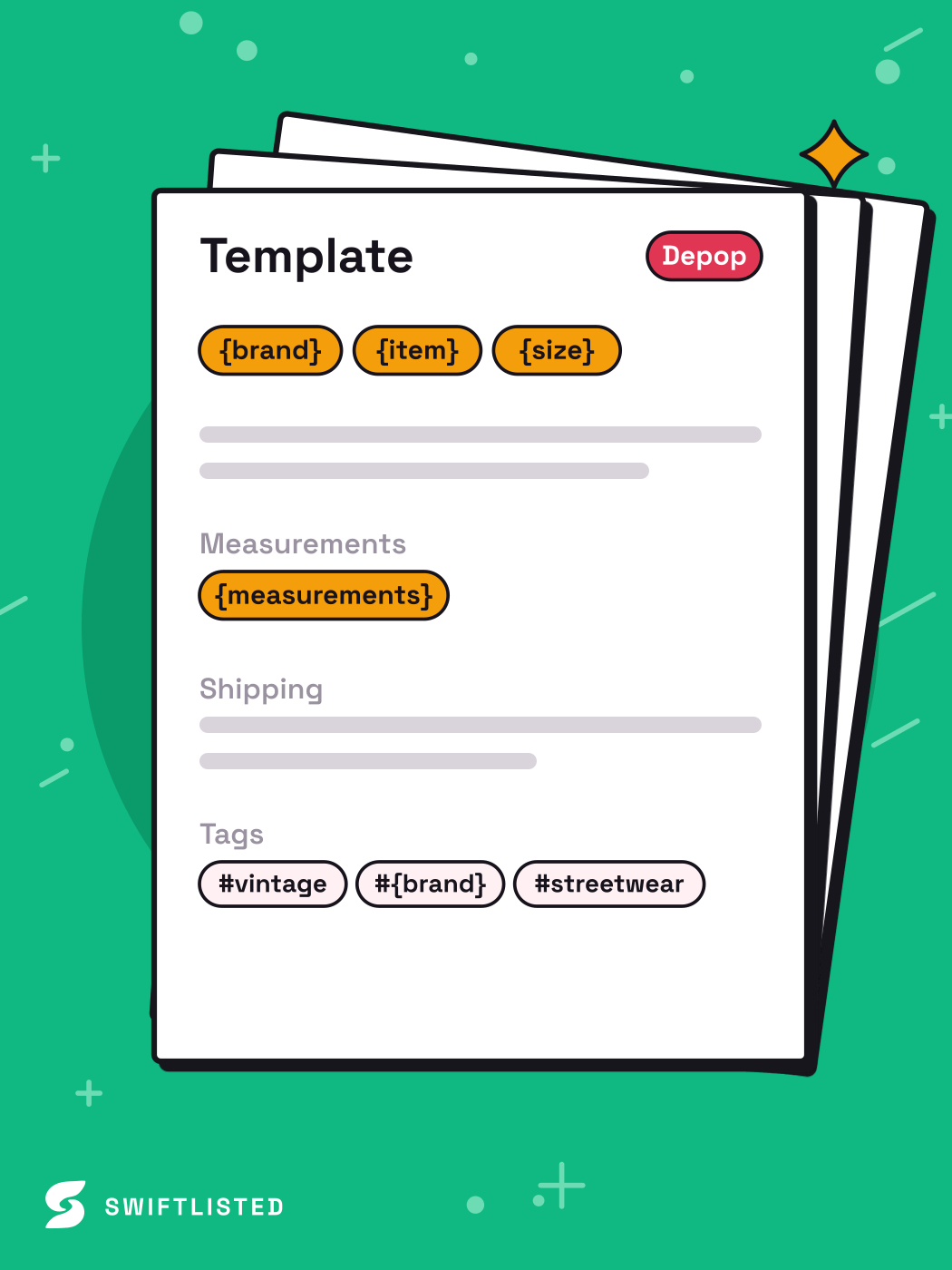
When preparing items for a Whatnot stream, select up to 50 active drafts in your inventory grid at a time. Through the bulk live-stream importer, Swiftlisted populates Whatnot's listing forms automatically inside your signed-in browser session, embedding measurement grids and uploading clear tag details straight into your stream store list.
- Upload item photos to generate AI drafts containing titles, categories, and tags.
- Review and refine sizing and brand mappings inside the central stockroom grid.
- Queue up to 50 active drafts per run directly into your Whatnot live stream dashboard.
Preventing Double Sales with Real-Time Inventory Control
Crosslisting across multiple channels increases your risk of double sales if an item buys on one platform while active on another. Managing active stock requires absolute sync accuracy, especially when transitioning items into fast-moving live stream auctions.
Using sold detection scanners, your central stockroom tracks purchases across connected marketplaces. When an item sells on one platform, automated delisting removes the item elsewhere to keep your catalog clean. This automated safeguard allows you to run aggressive multi-channel strategy across both fixed marketplaces and live auction formats with complete confidence.
Common questions
- Can I crosslist from Poshmark to Whatnot on my mobile phone?
- No. Listing automation relies on a Google Chrome extension running on a desktop or laptop computer (Mac, Windows, or Linux). While you can review inventory on a mobile browser, listing execution requires a desktop Chrome environment.
- How many items can I queue into Whatnot at one time?
- You can select and queue up to 50 active drafts per run directly into your Whatnot stream store list. Larger catalogues can be loaded in back-to-back runs.
- Do I need to give Swiftlisted my marketplace passwords?
- No. Swiftlisted never sees or stores your passwords. Extension-driven listing works directly inside your existing, signed-in Chrome browser sessions.
- What happens if a required field like size is missing during import?
- If a required field is missing, Swiftlisted leaves the box empty and flags the item in your inventory grid. The bulk list option stays disabled for that item until you fill in the missing detail, preventing failed listing runs.
List once, sell everywhere
Swiftlisted photographs, describes and crosslists your stock across every marketplace you sell on — then delists it everywhere when it sells.
Start free trial