 Swiftlisted
How to Crosslist from Whatnot to Poshmark
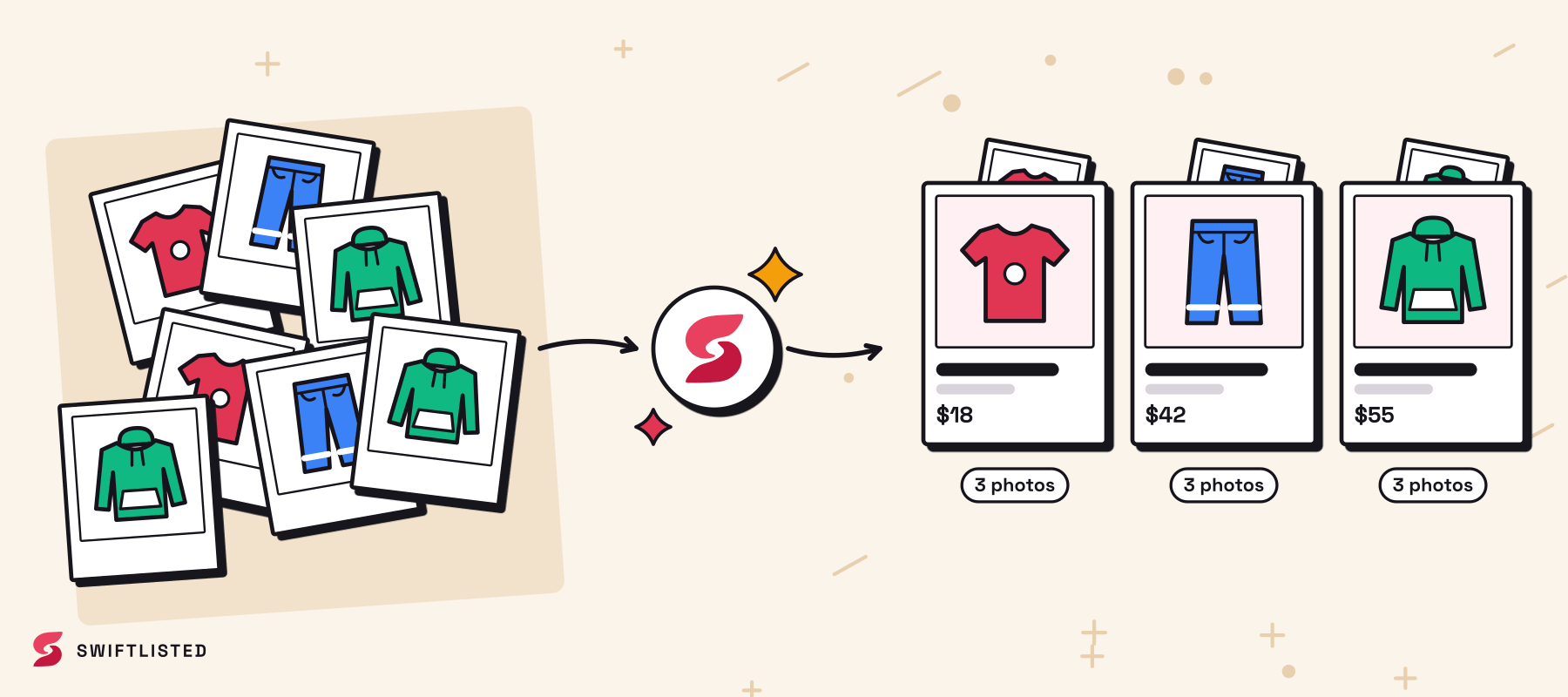
Moving inventory from Whatnot onto Poshmark is one of the most effective ways for resellers to broaden their audience and increase turnover. Whatnot excels at real-time live auction sales, but items that do not sell during a stream often sit idle in your inventory. By crosslisting those items directly to Poshmark, you open your catalogue to millions of active social commerce shoppers without having to retype listing titles, descriptions, or sizes.
Whatnot vs. Poshmark: Key Differences for Resellers
Whatnot and Poshmark operate on completely different selling models. Whatnot is built around live auctions where speed, quick form completion, draft scheduling, and measurement grid embedding drive fast-paced sales during a stream. Items are queued in bulk—often up to 50 active drafts loaded directly into a stream store list—to keep the stream moving smoothly.
Poshmark, in contrast, is a social commerce platform where buyers search for specific brands, interact with feeds, and purchase at fixed prices. Successful listings on Poshmark depend on dynamic size mapping, accurate brand mapping profiles, and structured visual details. Knowing how to adapt your Whatnot listings to meet Poshmark standards ensures your products rank well in search results and convert into sales.
Importing Your Whatnot Inventory into Swiftlisted
Instead of taking fresh photos or copy-pasting text line by line, you can import your existing shop details directly. Swiftlisted allows you to import live listings from Whatnot—along with supported channels like Depop, Vinted, Grailed, eBay, Etsy, Shopify, Facebook Marketplace, and Vestiaire Collective—bringing over item photos, descriptions, and pricing.
When importing inventory, duplicate detection checks your existing stockroom records to prevent creating double copies. Any merged item is clearly badged in your inventory grid so you can track where the data originated. Note that crosslisting automation runs through the Swiftlisted Chrome extension on a desktop or laptop computer running Google Chrome across Mac, Windows, or Linux.
Mapping Categories, Sizes, and Platform Prices
Because Whatnot and Poshmark structure their metadata differently, translating your item details accurately is essential during the crosslisting process.
Swiftlisted automates this transformation across several key listing fields:
- Dynamic Size Mapper: Converts sizing details across platforms automatically so clothing and footwear match Poshmark's standard sizes.
- Brand Mapping Profiles: Maps recognised clothing and accessory brands directly to Poshmark brand fields, falling back safely to standard options if a brand is unlisted.
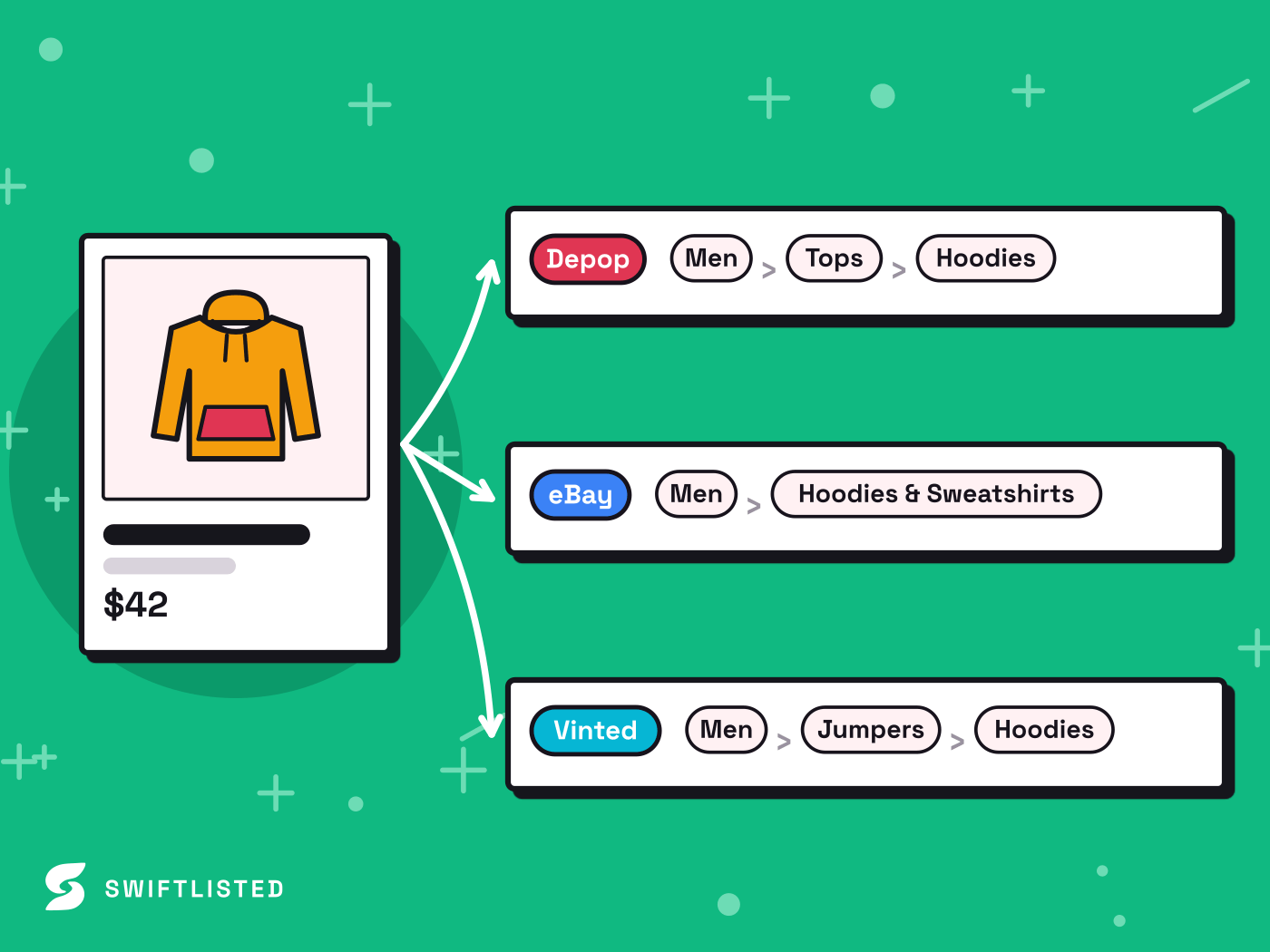
- Category Translation: Maps a single universal category into Poshmark's specific taxonomy without manual adjustments.
- Per-Marketplace Pricing: Allows you to set distinct prices for each venue. Lower starting auction bids on Whatnot can be adjusted to higher fixed buy-it-now prices on Poshmark to reflect buyer expectations.
Step-by-Step Guide to Crosslist Whatnot to Poshmark
Crosslisting your items from Whatnot to Poshmark takes only a few minutes once your accounts are ready. Follow this straightforward workflow to publish your catalogue:
- Step 1: Sign into your Whatnot and Poshmark seller accounts in Google Chrome on your desktop or laptop.
- Step 2: Connect your accounts via the Swiftlisted Chrome extension and import your active Whatnot listings or upload item photos directly into the Stockroom.
- Step 3: Review your draft listings in the editable inventory grid. The AI tool automatically generates titles, descriptions, brand profiles, and suggested pricing for review.
- Step 4: Confirm that category mappings, sizes, and pricing overrides meet your preferences.
- Step 5: Select your prepared drafts and launch single-click crossposting to publish live listings straight to Poshmark.
Automating Delisting to Prevent Double Sales
Selling across multiple platforms creates the risk of selling the exact same item twice—once during a live Whatnot auction and once to a buyer on Poshmark. Managing inventory manually across fast-paced live streams is almost impossible and often leads to cancelled orders and store penalties.
Swiftlisted solves this challenge with an automated sold detection scanner. When an item sells on Poshmark, Whatnot, or any connected channel, the system updates your central inventory and triggers real-time sold delisting to remove the item everywhere else. This keeps your shop status clean and protects your seller performance metrics without requiring manual oversight.
Common questions
- Can I crosslist from Whatnot to Poshmark using my mobile phone?
- No. Crosslisting automation requires the Swiftlisted Chrome extension, which runs on desktop or laptop computers (Mac, Windows, or Linux). While the web dashboard is mobile-friendly for viewing inventory and analytics, creating and posting listings requires a computer browser.
- How does Swiftlisted handle pricing differences between Whatnot streams and Poshmark?
- You can set per-marketplace price overrides inside the central inventory grid. This enables you to keep lower opening auction prices for your Whatnot live stream store lists while assigning higher buy-it-now prices for buyers on Poshmark.
- Do I need to re-upload photos when moving items from Whatnot to Poshmark?
- No. When you import your existing shop details from Whatnot, Swiftlisted brings your photos, descriptions, and listing fields into your Stockroom inventory automatically.
- What happens if an item sells on Whatnot while it is live on Poshmark?
- Swiftlisted features sold detection and automatic delisting. Once a sale is detected on Whatnot or another connected marketplace, the item is marked as sold in your inventory and automatically delisted on Poshmark to prevent double sales.
List once, sell everywhere
Swiftlisted photographs, describes and crosslists your stock across every marketplace you sell on — then delists it everywhere when it sells.
Start free trial