 Swiftlisted
How to Crosslist from Poshmark to Vinted: A Step-by-Step Guide
If you already sell on Poshmark, expanding your inventory to Vinted is one of the most effective ways to reach new buyers. Poshmark built its platform around social interaction, sharing, and buyer offers, whereas Vinted operates as a direct fashion marketplace across the UK and Europe where buyers search for quick purchases. Manually copying titles, photos, brands, and descriptions between platforms takes substantial time. By choosing to crosslist your inventory with Swiftlisted, you can publish listings onto Vinted in minutes while keeping sizes and conditions accurately converted.
Understanding Platform Differences: Poshmark vs Vinted
Poshmark and Vinted attract distinct buyer demographics and handle listing data differently. Understanding these differences ensures your crosslisted items perform well on both platforms.
Poshmark listings rely heavily on closet sharing, social style tags, and offer interactions. Vinted, on the other hand, relies heavily on clear structured item attributes, precise catalogue categories, and straightforward item conditions. When you crosslist manually, you have to adjust sizes, pick new category trees, and re-select condition dropdowns for every single item.
Swiftlisted solves this friction by mapping your universal listing details into Vinted's specific catalogue taxonomy. Brand details, sizes, and garment conditions translate automatically so your listings land on Vinted fully compliant with platform guidelines.
Step-by-Step Guide to Crosslist from Poshmark to Vinted
Crosslisting your catalogue from Poshmark to Vinted requires a desktop or laptop computer running Google Chrome. Follow these steps to get your items live:
- Log into your Poshmark seller account in your Google Chrome browser.
- Log into your Vinted account within the same Chrome browser profile.
- Install the Crosslister by Swiftlisted extension from the Chrome Web Store.
- Open your Swiftlisted dashboard and click Sync to fetch your active listings and drafts.
- Review your items in the inventory grid to check the automated size and brand mappings.
- Select the listings you wish to publish, choose Vinted as your destination marketplace, and click Crosslist.
Automated Condition and Size Translation
One of the biggest hurdles when transferring listings across fashion marketplaces is handling non-standard sizing and condition descriptors. Poshmark's option structure does not match Vinted's mandatory condition choices.
Swiftlisted includes automated condition translation and a dynamic size mapper. When you crosslist an item, the tool converts Poshmark item conditions and footwear sizes into Vinted's exact regional sizing taxonomy. This ensures your items appear in the correct search filters on Vinted without manual corrections.
Preventing Double Sales with Sold Detection
Managing stock across multiple live channels carries the risk of selling the same item twice. A sale on Poshmark that remains live on Vinted can force a cancellation, damaging your seller standing.
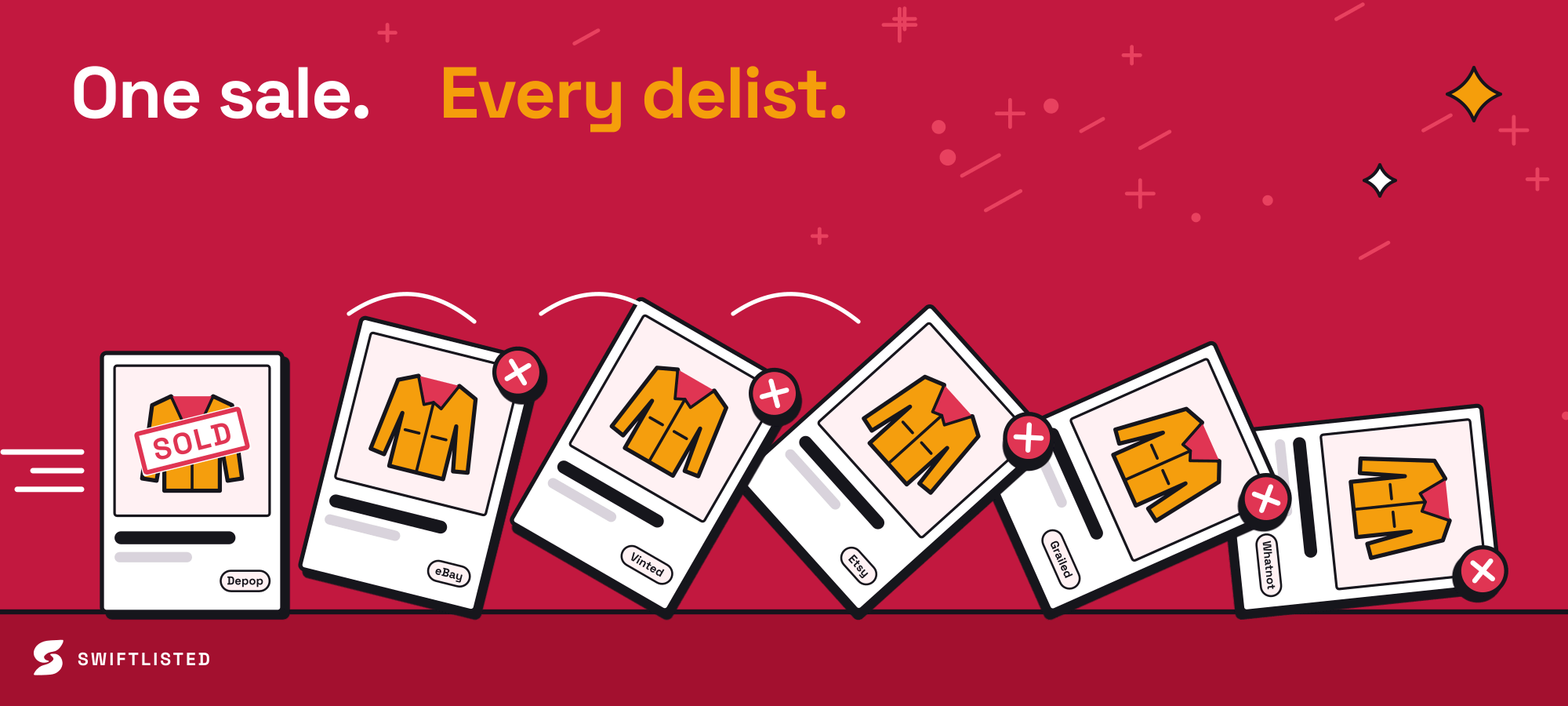
Swiftlisted includes sold scanner protection. When an item sells on one platform, Swiftlisted detects the order, marks the item as sold in your stockroom, and automatically delists it from your other connected marketplaces. This real-time sold delisting lets you crosslist your full inventory without worrying about double sales.
Common questions
- Can I crosslist from Poshmark to Vinted using my phone?
- No. Crosslisting automation relies on the Swiftlisted extension, which requires Google Chrome on a desktop or laptop computer running Mac, Windows, or Linux.
- Do I need to re-upload my listing photos for Vinted?
- No. Swiftlisted imports your existing photos and item details into your inventory grid, so you can crosslist to Vinted without re-uploading files.
- How does Swiftlisted handle size conversions between platforms?
- Swiftlisted uses a dynamic size mapper that automatically converts clothing and footwear sizes into Vinted's specific catalogue taxonomy.
- What happens if an item sells on Poshmark after I crosslist it to Vinted?
- Swiftlisted's sold detection scanner notices the sale on Poshmark and automatically delists the item from Vinted to prevent a double sale.
List once, sell everywhere
Swiftlisted photographs, describes and crosslists your stock across every marketplace you sell on — then delists it everywhere when it sells.
Start free trial