 Swiftlisted
Selling on Poshmark: A Reseller’s Guide
Poshmark stands apart from traditional reselling platforms by pairing a secondary fashion marketplace with social commerce mechanics. Rather than relying solely on keyword search, listings on Poshmark gain visibility through social shares, party themes, direct offers to likers, and seller bundles. Whether you are launching your first Poshmark closet or adding the platform to an established multi-marketplace inventory, succeeding on Poshmark requires an understanding of how its social algorithm operates alongside disciplined inventory management.
How Poshmark Differs from Standard Marketplaces
Traditional marketplaces function primarily as search engines where buyers type specific keywords to locate a product. Poshmark operates as a social commerce environment where buyer feeds update dynamically based on seller activity, closet shares, and community engagement.
To maintain visibility in search results and buyer feeds, listings must be shared regularly. When a buyer shows interest by liking an item, it opens a direct sales channel where you can send private price discounts combined with reduced shipping rates.
- Shared items move back to the top of follower feeds and search results.
- Posh Parties provide category-specific sharing events to target engaged buyers.
- Offers to Likers allow private discounting without permanently reducing your public listing price.
Creating Optimised Poshmark Listings
While social activity drives initial discovery, structured listing details ensure your items rank when buyers search directly. Clear photography in natural lighting with distinct shots of brand and care tags forms the foundation of a high-converting closet.
Poshmark places heavy emphasis on precise brand tags and category taxonomies. Accurately completing brand details and sizing attributes ensures your items appear in filtered catalogue searches. When transferring items from platforms that use different sizing scales, accurate attribute mapping is essential to prevent buyer returns and misrepresentation.
Pricing Strategies: Room for Offers and Bundles
Pricing on Poshmark requires a different calculation than fixed-price listing platforms. Because the community culture heavily revolves around negotiation, listing an item at your absolute bottom line can limit your sales velocity.
Buyers frequently expect price drops and direct offers. Structuring your initial listing price with a margin buffer allows you to send competitive private offers while protecting your profit margins. Furthermore, buyers routinely add multiple items from the same closet into a bundle to consolidate shipping costs, making multi-item shop strategies particularly effective.
Managing Poshmark Alongside Other Marketplaces
Adding Poshmark to your reselling workflow expands your buyer reach, but running multiple shops manually increases administrative work. Re-typing titles, re-uploading photos, and manually re-selecting categories for every venue consumes hours that could be spent sourcing stock.
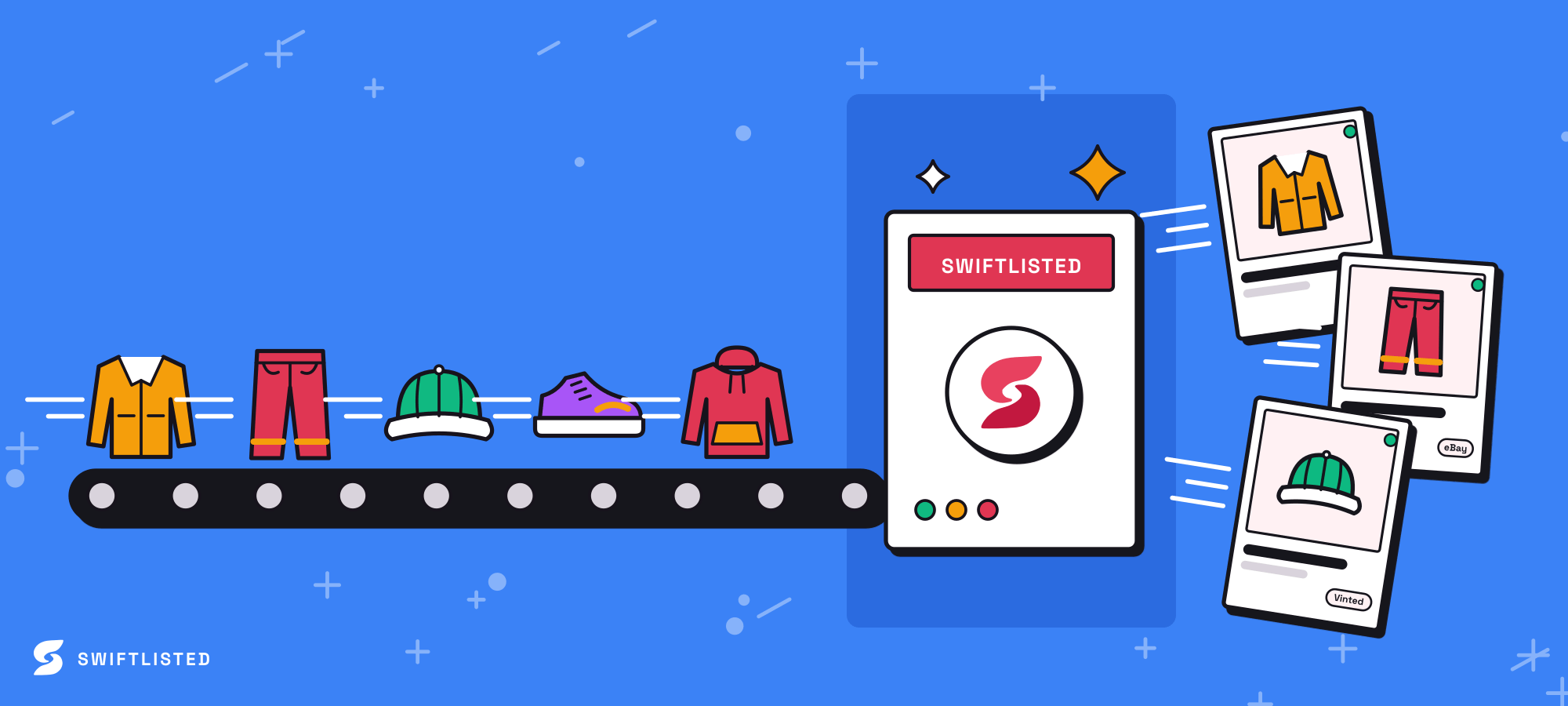
Using a dedicated crosslisting tool like Swiftlisted simplifies multi-channel management. Operating via a Google Chrome extension on desktop or laptop computers (Mac, Windows, and Linux), Swiftlisted supports full catalogue mapping, single-click crossposting, and dynamic size mapping across platforms.
To get set up, log into your Poshmark seller account in Chrome, open the Swiftlisted extension, and draft listings with automated size and brand translation. As you make sales across different platforms, Swiftlisted uses a real-time sold delisting scanner. When an item sells on one marketplace, the sold detection scanner automatically triggers protection to delist the item everywhere else, preventing double sales.
Common questions
- How do I start crosslisting to Poshmark with Swiftlisted?
- Log into your Poshmark seller account in Google Chrome on your desktop or laptop, open the Swiftlisted extension, and draft listings using automated size and brand translation.
- How does Swiftlisted prevent double sales on Poshmark?
- Swiftlisted uses a sold detection scanner that monitors your connected platforms. Once a sale occurs on one marketplace, it automatically delists the sold item everywhere else.
- Can I manage Poshmark listing automation on my phone?
- No. Listing automation relies on the Swiftlisted Chrome extension, which requires a desktop or laptop computer running Google Chrome. Mobile web browsers do not support extension automation.
- How are different sizing standards handled between platforms?
- Swiftlisted features a dynamic size mapper and brand mapping profiles that automatically convert your item's attributes into the specific taxonomy required by each marketplace, including Poshmark.
List once, sell everywhere
Swiftlisted photographs, describes and crosslists your stock across every marketplace you sell on — then delists it everywhere when it sells.
Start free trial