 Swiftlisted
Using AI to Write Resale Listings: What It Gets Right and Wrong
An AI listing generator will write a usable title and description in seconds, and it will usually get the category and colour right on mainstream clothing. Where it goes wrong is the detail that costs you a return or a dispute: the exact brand line, the size on a tag it could not read, and the material on an unlabelled piece. Treat its output as a first draft you verify, not a finished listing you publish. This guide sets out what to trust, what to check, and how to lower the risk of a confident wrong answer.
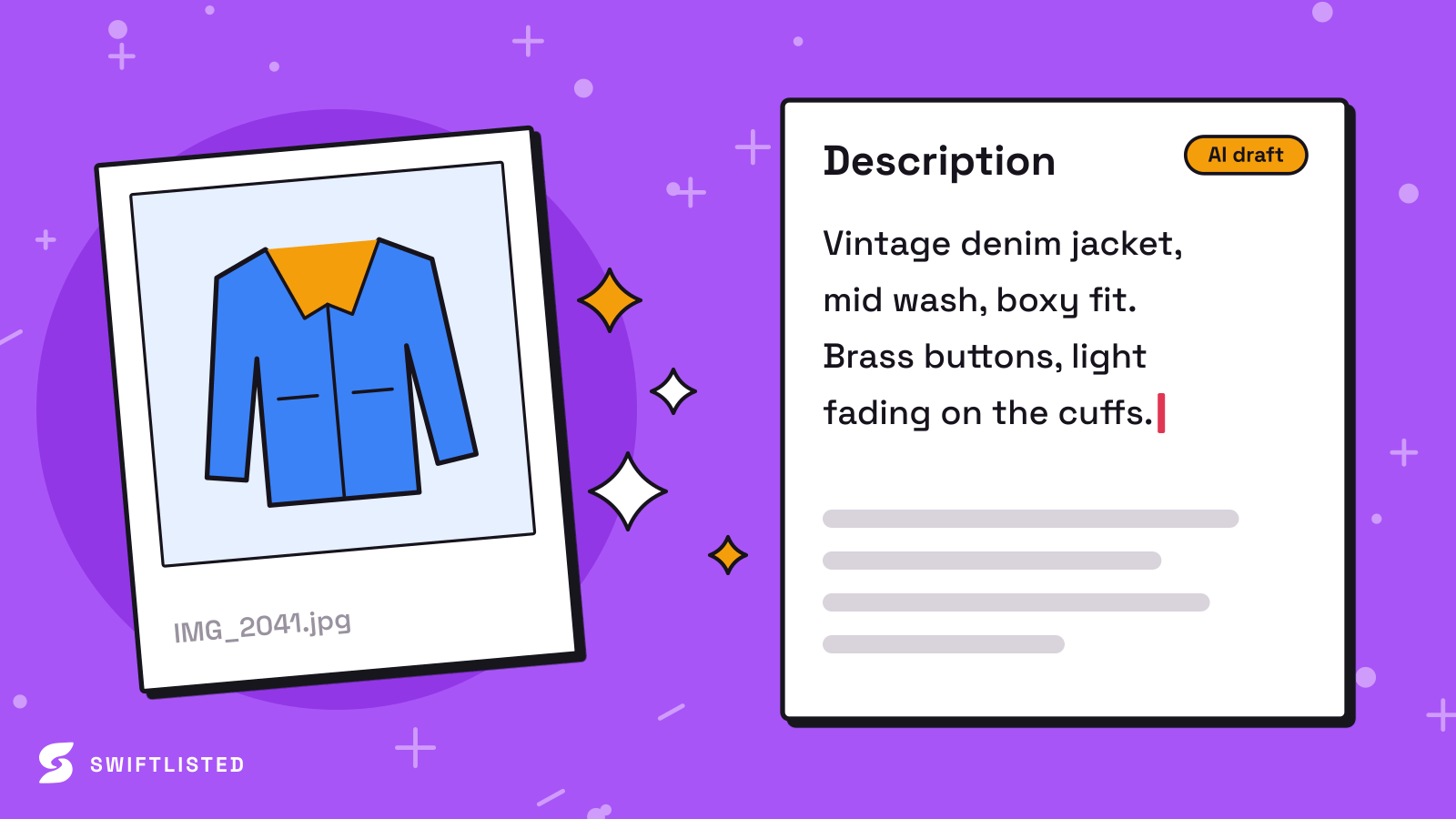
What AI gets right
On well-known brands and standard items, AI listing tools are genuinely useful. A recognisable jacket, a pair of trainers from a major label or a common dress shape is usually identified correctly, and the description it writes is often better organised than the one most resellers would type at the end of a long day. Colour, item type, a sensible condition note and a reasonable set of style tags are areas where the first draft tends to be solid.
The time saving is real, but it comes from the structure, not from the facts. The AI gives you a complete set of fields to review, so you spend your attention on the three or four things that actually matter for the sale rather than on writing everything from scratch.
- Common clothing and footwear from mainstream brands: category, colour and item type are usually reliable.
- Titles and descriptions: good starting structure and keyword coverage that you can tighten.
- Condition wording: reasonable first pass, but you must still describe any flaw you can see.
- Style tags and occasion: useful suggestions, low risk if they are slightly off.
Where it confidently gets things wrong
The dangerous errors are the ones delivered with the same certainty as the correct answers. Brand is the most common. A generator may read a partial logo, a similar-looking label or a brand name printed on the packaging and assign it to the garment with no hesitation. Lookalike labels, reissues, sub-lines and collaboration tags are where it is weakest. Vintage and unbranded pieces are worse again, because there is no label to anchor the guess, so the AI fills the gap with a plausible brand, era or fabric.
Size is the second trap. Sizes differ between brands, between men's and women's cuts, and between regions. An AI that reads a tag incorrectly, or infers a size from the photo of the model or the hanger, can state a size that is simply wrong. Footwear is particularly exposed because the same number means different things across markets.
Materials are the third. Fabric composition is printed on a care label that is often out of frame, so the AI will often describe a material from the look of the garment. Wool, cashmere-blend and acrylic can look almost identical in a photo. Stating a material you have not verified is the fastest route to a 'not as described' claim.
- Brand: confidently assigned from partial or lookalike logos, especially on vintage and unlabelled items.
- Size: read from the wrong tag, inferred from a model or hanger, or mixed up between regional scales.
- Material: described from appearance when the care label was never photographed.
- Era or model name: stated as fact when it is a guess from the cut or print.
A worked check before you publish
Take a typical draft: a navy wool-look coat from an unknown label, with the AI reporting a named brand, a size M and '100% wool'. Before you accept any of it, look at the photos you actually uploaded. If the brand tag was not shot clearly, the brand is a guess, so either photograph the label and re-scan, or change the brand to the honest version and describe the label you can see. If the size tag is blurred or absent, delete the size rather than keep a number from the model photo. If no care label was photographed, change 'wool' to what you can verify, or write 'material not confirmed' and state the composition only once you have checked it.
Now the same coat with a clear tag shot: the brand reads correctly, the size reads as a regional S, and the care label shows 60% wool and 40% polyester. The fix is the same in principle, but the outcome is a listing you can defend. The lesson is that the photo is the source of truth. The AI is only as reliable as the evidence you gave it.
- Open the brand tag photo and confirm the spelling and line name against the label itself.
- Check the size on the tag, and note the regional scale if the tag shows one.
- Find the care label and copy the composition from it, not from the AI's guess.
- Delete any field you cannot verify rather than leaving a confident-sounding guess in place.
How to lower the risk
The single biggest accuracy gain is a clear shot of the brand and size tag, taken in good natural light against a plain background. Front and back views help where the cut or a feature needs confirming, but the label is the piece that prevents the most errors. If you are scanning a batch, shoot the labels first for each item so the grouping and reading have the evidence they need.
Keep a short personal checklist and run it on every item rather than trusting the grid's appearance. Read the brand, size and material fields against your photos each time. Items with a required field left empty are flagged in Swiftlisted and the Bulk List button stays disabled until they are filled, which stops an incomplete item reaching a marketplace, but it does not catch a field that is filled in wrongly. That check is still yours.
Where you crosslist, remember that marketplaces differ in their brand lists, size charts and category rules, and those rules change. Swiftlisted maps your universal category and converts sizes into each marketplace's own taxonomy, and it falls back to a marketplace's 'Other' option when a brand is not on its approved list. That keeps a listing from failing, but a fallback brand is less searchable, so check what each marketplace actually received.
- Photograph every brand and size tag, and the care label, for each item before scanning.
- Use good light and a plain background so the text on tags is legible.
- Read the brand, size and material fields against your photos on every item, not just the first few.
- Check each marketplace's current policy on brands, sizes and descriptions, since these differ by marketplace and change over time.
When to stop trusting the draft
Be most sceptical on vintage, designer-adjacent and unlabelled pieces, on anything where a size or material changes the price materially, and on footwear, where regional scales cause the most mismatches. If the AI is confident about a detail you cannot see in your own photos, that confidence is a warning, not a reassurance. The tool is designed to leave a size blank rather than guess, so an empty field is the honest outcome you should expect when the evidence is missing.
No amount of checking removes all risk. A tag can be unreadable, a label can be a fake, and a buyer can disagree with a fair description. AI drafting makes the listing faster to produce, but the accountability for what the listing says still sits with you.
- Vintage, unlabelled and unusual pieces: assume the brand and era are guesses until verified.
- Anything where size or material changes the value: verify before publishing.
- Footwear: confirm the regional scale on the tag.
- Confident detail that is not visible in your photos: treat it as unverified.
Common questions
- Can I trust an AI listing generator for brand names?
- Only where the label is clearly visible in your photos. On well-known brands with a clear tag, the brand is usually right. On partial logos, lookalike labels and vintage or unbranded items, the brand is often a confident guess, so verify it against the label itself before publishing.
- Why does the AI get sizes wrong?
- Sizes are read from a tag or inferred from a photo. If the tag is blurred or missing, the AI may use a size from a model or hanger, or mix up regional scales. Footwear and cuts that differ between men's and women's sizing are the most common problems. Shoot the size tag clearly and check the regional scale.
- How do I stop the AI guessing materials?
- Photograph the care label so the composition is printed in your evidence. Without it, materials are inferred from how the fabric looks, and wool, cashmere blends and acrylic can look almost identical. If you cannot verify the composition, remove the material claim rather than keep the guess.
- Does Swiftlisted stop bad details reaching a marketplace?
- It stops incomplete items: empty required fields are flagged and Bulk List stays disabled until they are filled. It does not check that a filled-in brand, size or material is correct, so you still need to review those fields against your photos. Marketplace brand lists and size rules differ and change, so check each marketplace's current policy as well.
List once, sell everywhere
Swiftlisted photographs, describes and crosslists your stock across every marketplace you sell on — then delists it everywhere when it sells.
Start free trial