 Swiftlisted
How to Organise Reseller Inventory: Bins, Locations and Labels That Scale
When a reseller's stock spills out of one corner, the problem is rarely space. It is that nothing has a fixed address. Every item is in a pile, a bag or a box, and finding it means searching. The fix is a simple physical system: every item gets a unique code, every location gets a fixed name, and the two are linked by a label. Set that up once and it keeps working as your catalogue grows, including when the same item is crosslisted to several marketplaces at once.
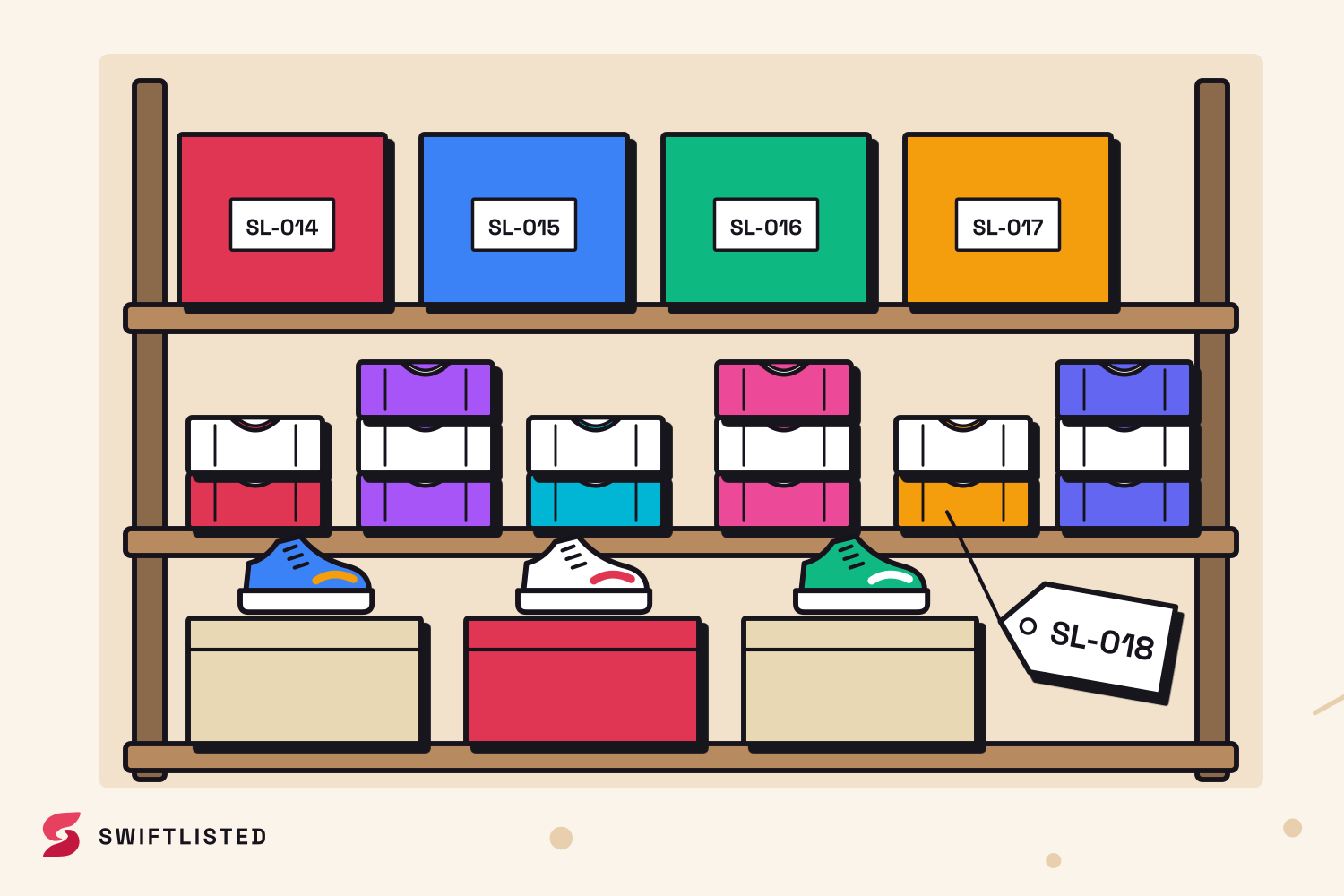
Start with one rule: every item has one home
The most common failure in reseller storage is an item that exists in two places in your head and zero places on the shelf. A system only works if each physical item has exactly one recorded location at any moment. Decide that rule before you buy any bins.
Pick a unit of location you can name. A shelf bay, a numbered tote, a rail section. The name should be short enough to write on a label and unambiguous enough that anyone in the room can walk to it. Avoid descriptive names like 'winter stuff', because they stop being true by March.
Build a location scheme that can grow
Use a hierarchy: a zone, then a unit, then a slot. For example, A (the wall shelving), then A3 (the third shelf), then A3-2 (the second tote on that shelf). Each level is a single short code. This lets you add shelving later without renumbering anything you have already labelled.
Keep location codes separate from item codes. A location answers 'where is the box'. An item code answers 'which thing is this'. Mixing them means a moved box silently breaks every label inside it.
- Number locations, never name them by content, so moving stock never makes a name wrong.
- Leave gaps in numbering (A1, A2, A5) so new units slot in without disruption.
- Write the location code on the bin itself and on the shelf edge, not only on a list.
Give every item a permanent code and a label
Each item needs a code that never changes, printed on a label that stays with it. Swiftlisted assigns each item a SKU automatically the first time it is saved (SL-1001, SL-1002 and so on, or your own prefix set in Settings, under Barcodes and SKUs). Because the SKU does not change, a label printed with it keeps pointing at the right item for as long as that item exists.
Label the item, not the bag it sits in. If the item leaves the bag and goes to a photo table, the label should travel with it. For clothing, a tag or sticky label inside the neckline or on the packaging works. Print labels at 100 percent scale on your label printer so the barcode scans reliably; a scaled-down barcode is a common cause of scan failures.
Make the physical record and the software record match
The system breaks when a box is moved but the record is not. Make the update part of the physical act: when you put an item in a bin, record that bin in the item's details, and when it goes out, mark it. Otherwise your stockroom and your shelf quietly disagree.
Scanning helps here. A USB barcode scanner acts as a keyboard, so you can scan an item's SKU to open it and then update its location without typing. Test the scanner on a few labels before you rely on it for a whole stock take.
Be straight about the risk: a physical system is only as accurate as the habit behind it. Items moved in a hurry, or sold and not marked, will drift. Schedule a short monthly check of a sample of bins against the records to catch drift early, rather than discovering it during a sale.
Crosslisted stock needs one physical item, not one per marketplace
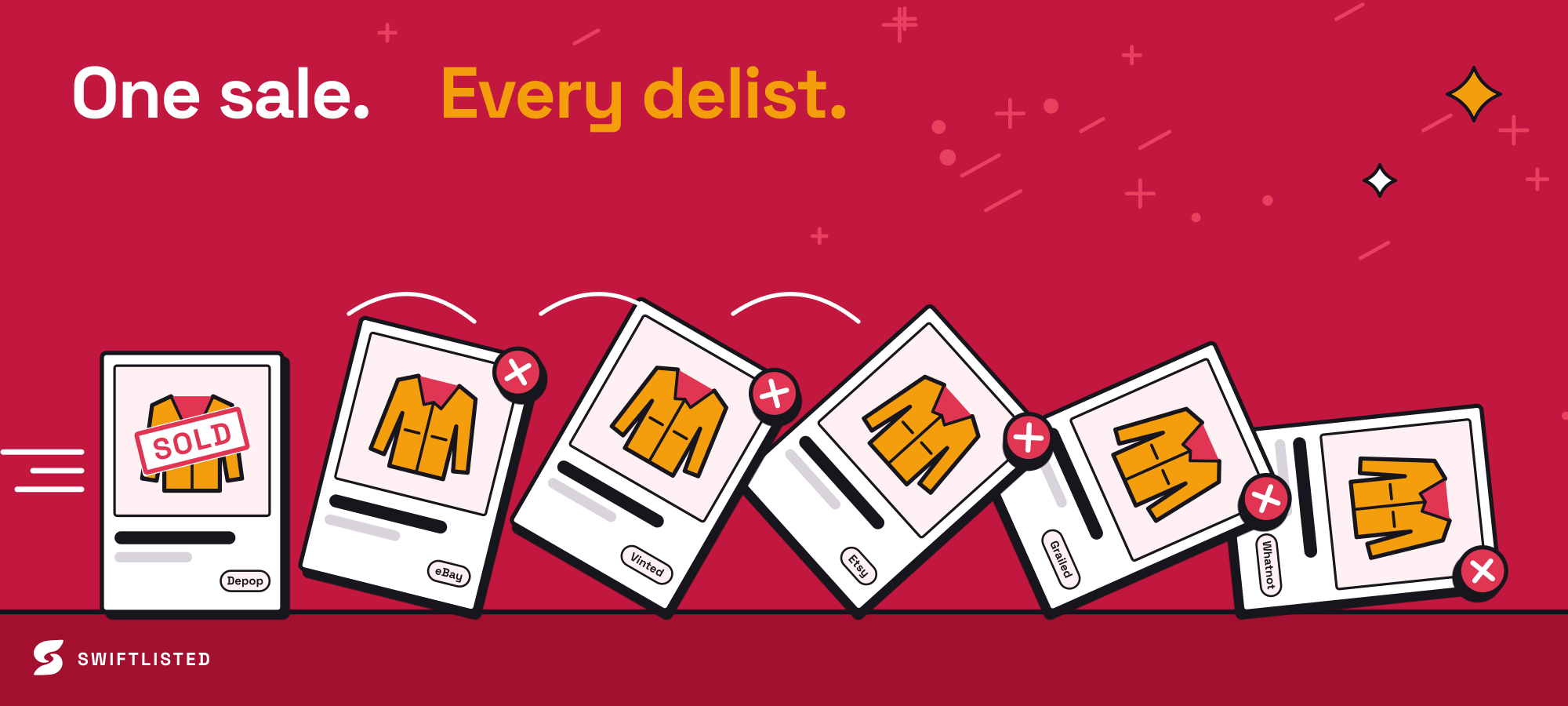
When the same item is crosslisted to several marketplaces, the danger is treating each listing as a separate unit of stock. There is only one physical item. Keep one SKU and one location for it, and let the listings hang off that record. Then a sale on one marketplace tells you exactly which physical item to pull and where it lives.
Sold detection depends on the marketplace. Swiftlisted detects sales on eBay and Shopify through their official order notifications, and checks the other marketplaces on a schedule. Vestiaire has no sold detection yet, so a Vestiaire sale must be marked sold by hand. Until that record is updated, the item is still on your shelf and still listed elsewhere, so a double sale is possible. Physically pulling and marking the item the moment it sells is what closes that gap.
Listing itself runs in two ways. eBay, Etsy and Shopify connect through an official login, so listing works with the browser closed. Depop, Vinted, Grailed, Whatnot and Facebook Marketplace are handled by the Chrome extension, which needs you signed in to each marketplace in the same Chrome profile on a desktop or laptop. Plan your listing sessions around that, not around the shelf.
Set a routine you will actually keep
A system nobody maintains is worse than none, because it looks trustworthy. Keep the routine small: label on intake, record location when it changes, mark sold the same day, and do a short sample check each month. The rules differ between marketplaces and change over time, so when you are unsure whether an item can be listed or relisted somewhere, check that marketplace's current policy rather than relying on what worked last year.
- Label every new item on intake before it goes anywhere else.
- Update location at the moment of moving, not at the end of the day.
- Mark sold on the same day, and pull the item if it was sold off-platform.
- Run a monthly sample check of bins against records.
Common questions
- What should a reseller label on each item?
- At minimum, a permanent SKU as a barcode, plus the title, size and price if you have room. The SKU is the part that must never change; the rest is for convenience when you are scanning quickly at a bench.
- Do I need a label printer?
- Not strictly, but a printed barcode scans far more reliably than handwriting, and it saves time at scale. Print at 100 percent scale so the barcode is not distorted. Check your label size against the roll you buy before printing a batch.
- How do I stop stock getting lost when I move bins?
- Make the record update part of the move itself, and scan the item's SKU when you relocate it. Run a monthly sample check to catch drift before it becomes a stock-take problem.
- Does one physical item need multiple SKUs if it is crosslisted?
- No. There is one physical item, so it should have one SKU and one location. The marketplace listings are separate records that point back to that single item, which is what prevents you from treating one shirt as two units of stock.
- What happens to my listings if I delete an item from my records?
- Deleting an item from Swiftlisted's stockroom does not remove its live listings on marketplaces. Those stay up until you delist them, either through Swiftlisted or on the marketplace itself, so check your live listings before removing a record.
List once, sell everywhere
Swiftlisted photographs, describes and crosslists your stock across every marketplace you sell on — then delists it everywhere when it sells.
Start free trial