 Swiftlisted
Ghost Listings: The Real Cost of Leaving Sold Items Up
A ghost listing is an item that has already sold on one marketplace but is still live on another. It is the most common way resellers lose money without noticing, and the cost is rarely the sale itself. It is the sale you cannot complete, the buyer you disappoint, the account standing you quietly damage, and the hours spent finding out. If you have found sold items still up weeks after the event, the first job is to stop the bleeding today, and the second is to work out how many went unnoticed.
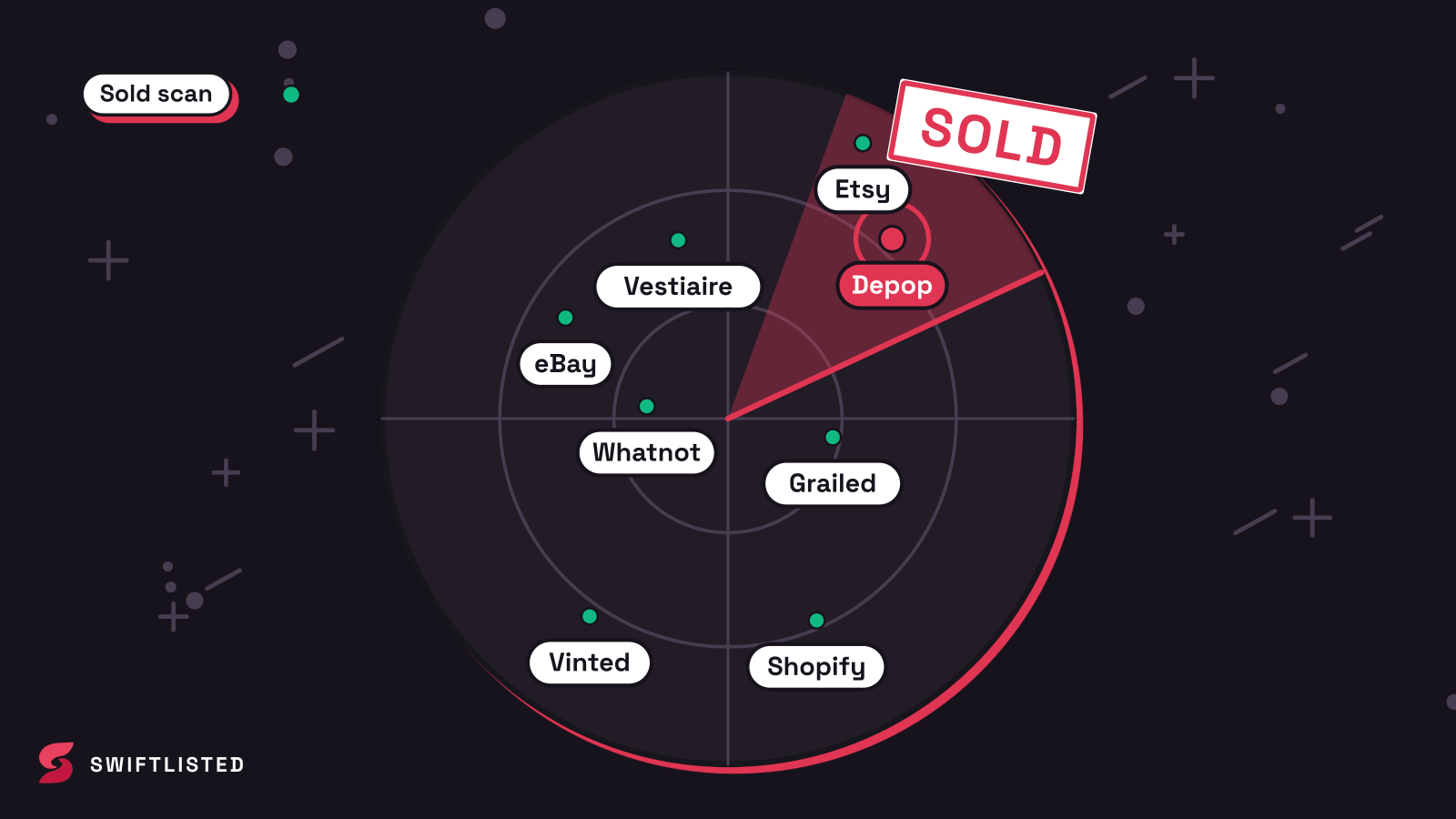
What a ghost listing actually costs
The obvious cost is a double sale: two buyers pay for one item, and you can only send one parcel. Refunding the second buyer means money leaves your pocket, sometimes with a cancellation fee on the marketplace, and the item you have to source or buy back may now cost more than you sold it for.
The less obvious costs add up faster. A buyer who pays and then gets a cancellation or a 'sorry, item unavailable' message is a buyer who may leave negative feedback or open a dispute. Repeated cancellations can hurt your seller standing, which affects how prominently your other listings are shown. Every week an item sits live after selling is also a week of lost time spent on enquiries, offers and messages about something you no longer have.
Weeks of ghost listings are worse than days, because they compound. Buyers who messaged about an item that was never really available remember the experience, and the marketplace's own sold-item signals are muddied when your shop keeps showing stock you do not hold.
- Double-sale refunds, which can cost more than the original profit
- Cancellations and disputes that can affect your seller standing
- Hours spent on messages and offers for items that are gone
- Lost trust with buyers who were told something was available
Find every ghost listing before you fix anything
Start with a full audit rather than fixing the ones that happen to catch your eye. Open every marketplace you sell on and compare the live list against your sales records for the same period. Sold items are often listed by a slightly different title, so match on photos and brand as well as names. Check each marketplace's own sold or order history rather than relying on memory.
Be honest about the limits of this check. A manual audit misses items you have forgotten you listed on a marketplace you rarely use, and it is easy to skip a shop whose login you have not used in months. Work through each marketplace in turn, write down every ghost you find, and note the sale date and the marketplace it sold on. That record tells you how long the problem has run and which channel is failing.
- Pull the full sales history from each marketplace for the last 60 days or more
- Match live listings to sales by photo and brand, not only by title
- Include shops you rarely log into, because those are where ghosts hide
- Record each ghost with its sale date and the marketplace where it sold
Stop the damage in the right order
Delist first, then contact buyers. A live ghost can take another sale while you are writing a message, so remove it from every other marketplace immediately. Then deal with any buyer who has already paid or messaged, and be direct: say the item has sold, apologise once, and offer the refund route the marketplace supports. Do not promise a replacement you cannot deliver.
Check each marketplace's current policy on cancelling an order and on refunds before you act, because the process and any fees differ by marketplace and change over time. Do not assume what one marketplace allows is allowed everywhere. Keep a copy of every message in case a dispute is opened.
- Delist the item everywhere else before anything else
- Message any buyer who has paid, once, clearly and without excuses
- Use the cancellation or refund route the specific marketplace provides
- Keep records of all messages and actions in case of a dispute
Work out why it happened
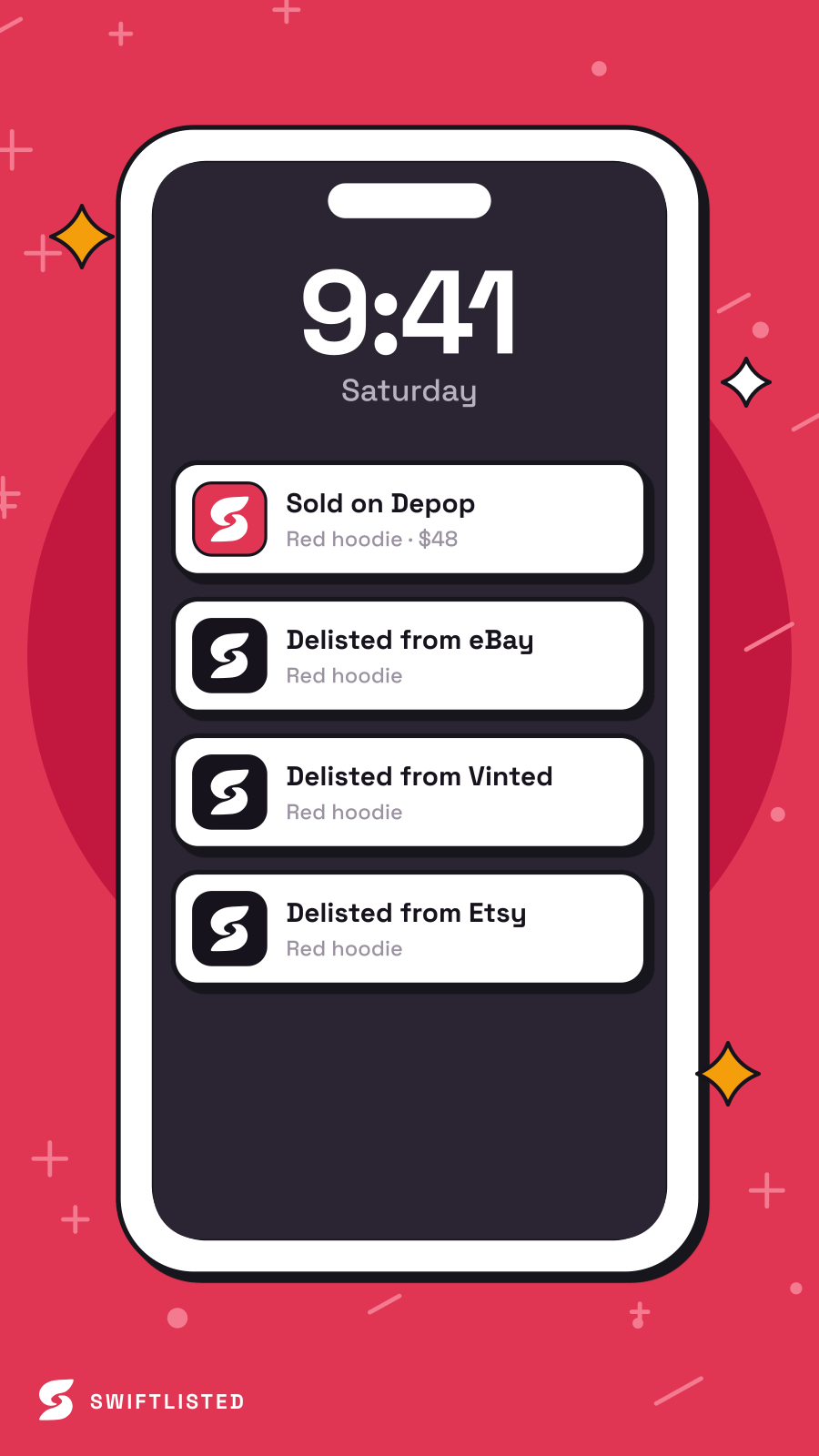
Ghost listings almost always come from one of three causes: a sale on one marketplace that you did not mirror elsewhere, a delist that was attempted but never confirmed, or a listing you forgot existed. Each has a different fix. A missed mirror means you need a process that removes the item everywhere when it sells. A failed delist means you need to verify removals rather than assume them. A forgotten listing means you need one place that shows every live item.
This is where a crosslist tool helps, and also where you should be careful. Swiftlisted is a crosslisting tool for resellers: it posts an item to several marketplaces and, on paid plans, delists it everywhere else when a sale is detected. It helps most with the first cause, because it keeps one inventory record of what is live where. It does not remove the need to check. Sales are detected by scanning connected marketplaces on a schedule, not instantly for every platform, so a sale can still be missed for a while. Facebook Marketplace is checked once an hour rather than on the fast scan, and automated tools depend on the browser session staying signed in. If the extension is not connected or you are signed out of a marketplace, delisting can fail, so check the Activity feed after a sale rather than assuming it worked.
- A sale on one channel that was never removed from the others
- A delist that was attempted but not confirmed
- A listing you forgot existed on a little-used shop
- Automated tools can miss a sale or fail a delist if the session is signed out
Stop ghost listings happening again
Build one routine that covers every marketplace. Once a week, compare your sold list against the live list on each channel. After any sale, confirm the item is gone from every other marketplace before you move on. Keep the number of places you list manageable, because every extra shop is another place a sold item can hide.
Lower the risk where you can. Keep your marketplace sessions signed in, check the Activity feed for failed delists, and pace large batches sensibly rather than pushing hundreds of listings in one go. Treat any automated removal as something to verify, not something to trust blindly. Marketplaces set their own rules on automation and enforce them themselves, so any tool you use carries some risk to your account. Reduce it by checking, not by hoping.
- Run a weekly sold-versus-live check on every marketplace you use
- Verify every delist after a sale rather than assuming it worked
- Keep marketplace sessions signed in so removals can actually run
- Pace large batches and review the Activity feed for failures
Common questions
- How do I find out which sold items are still listed?
- Pull the sales history from each marketplace you use and compare it with the live listings on the same marketplace. Match items by photo and brand as well as title, because sold items are often listed under slightly different names. Include shops you rarely use, since those are where ghost listings are most often missed.
- What should I do when a buyer has paid for an item that already sold?
- Delist it everywhere first so it cannot sell again. Then message the buyer once, clearly and without excuses, and use the cancellation or refund route the marketplace provides. Check that marketplace's current policy, as the process differs by marketplace and changes over time.
- Can a ghost listing hurt my seller account?
- It can. Cancellations and disputes caused by items that were no longer available may affect your seller standing on some marketplaces, and the effect varies by platform and changes over time. Check each marketplace's current seller policy to understand the exact impact.
- Will a crosslisting tool stop ghost listings completely?
- No. Swiftlisted can delist an item from your other connected marketplaces when a sale is detected, which prevents most double sales, but sale detection runs on a schedule for most platforms and automated removals depend on your marketplace sessions staying signed in. Check the Activity feed after each sale and verify removals rather than trusting them blindly.
- How do I check which plan includes sold detection and auto-delisting?
- Sold detection is included on every plan and in the free trial, and auto-delisting applies on paid plans. For the current plan details and what each includes, see the pricing page at swiftlisted.ai.
List once, sell everywhere
Swiftlisted photographs, describes and crosslists your stock across every marketplace you sell on — then delists it everywhere when it sells.
Start free trial