 Swiftlisted
How to Crosslist from Depop to Poshmark
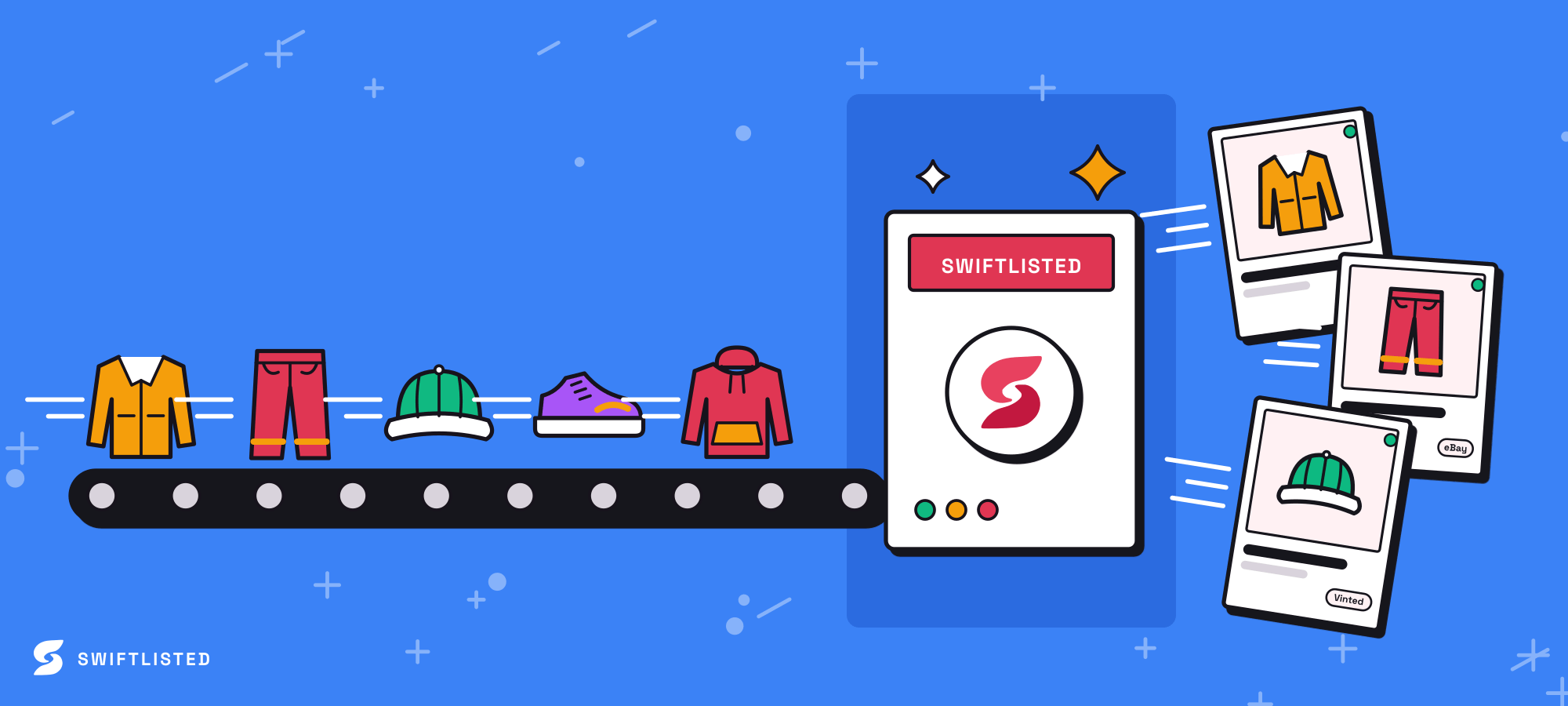
If you already run a successful shop on Depop, expanding your catalogue to Poshmark is one of the most effective ways to grow your reselling business without sourcing extra stock. While Depop excels as the go-to fashion app for Gen-Z buyers seeking vintage and Y2K aesthetics, Poshmark offers a thriving social commerce platform focused on brand-name apparel and structured search. Manually copying every title, description, photo, and size from Depop to Poshmark is time-consuming and tedious. By establishing an automated crosslisting workflow, you can transfer your entire catalogue in minutes while keeping inventory synchronized across both marketplaces.
Depop vs Poshmark: Key Differences for Resellers
Before crossposting your listings, it is important to understand how buyer behaviour and listing structures differ between these two platforms. Depop relies heavily on curated aesthetic tags, item age, condition, and visual presentation to feed its Gen-Z audience. Sellers frequently use casual descriptions with style tags to help items surface in discovery feeds.
Poshmark operates on a social commerce model built around structured cataloguing. Poshmark buyers search primarily by brand, department, and precise size profiles rather than broad aesthetic tags. When transferring inventory, attributes like Depop style tags, age, and item condition must be parsed and mapped into Poshmark's rigid brand and size categories. Tailoring your data to fit Poshmark's taxonomy ensures your items remain easily searchable.
Setting Up Your Desktop Workspace
Listing automation for extension-driven marketplaces runs directly inside your desktop browser. Because mobile browsers do not support browser extensions, you must use Google Chrome on a desktop or laptop running Mac, Windows, or Linux.
To begin setting up your crosslisting environment, follow these simple preparation steps:
- Log into your Depop web dashboard in your Chrome browser.
- Log into your Poshmark seller account in another tab within the same Chrome browser profile.
- Install and launch the Swiftlisted Chrome Extension from the Chrome Web Store.
- Ensure your marketplace sessions remain active so the extension can safely communicate with your storefronts.
Importing Depop Listings and Mapping Attributes
Once your accounts are connected in Chrome, you can import your existing Depop shop into your central inventory Stockroom on swiftlisted.ai. Swiftlisted imports your active listings, pulling in original photos, prices, descriptions, and item attributes so you do not have to re-photograph or re-type your inventory.
During import, Swiftlisted parses your Depop listing text for details like age, style tags, and condition. It then uses universal category mapping to translate your Depop items into Poshmark's structured taxonomy. Swiftlisted's dynamic size mapper automatically translates clothing and footwear sizes into Poshmark's standard sizing profiles, while brand mapping profiles match your item details to Poshmark's approved brand list.
Reviewing Drafts and Executing a Single-Click Crosspost
Imported items land in your Stockroom as draft records before anything goes live on Poshmark. You can edit any field directly inside the inventory DataGrid, including titles, descriptions, categories, or custom price overrides if you wish to adjust pricing for Poshmark's fee structure.
When your drafts are ready, select the items you want to crosslist and launch a single-click crossposting run. Up to 50 items can be listed in a single batch. Swiftlisted runs through the batch automatically in your browser session. If a listing fails due to a missing required field, such as an unselected size, the failed item is logged in your Activity feed with the exact reason so you can correct it, while the remaining items in the batch continue posting seamlessly.
Automating Sold Detection to Prevent Double Sales
Managing identical items across multiple sales channels introduces the risk of double sales. Deleting listings manually every time an item sells on Depop or Poshmark quickly becomes unmanageable as order volume increases.
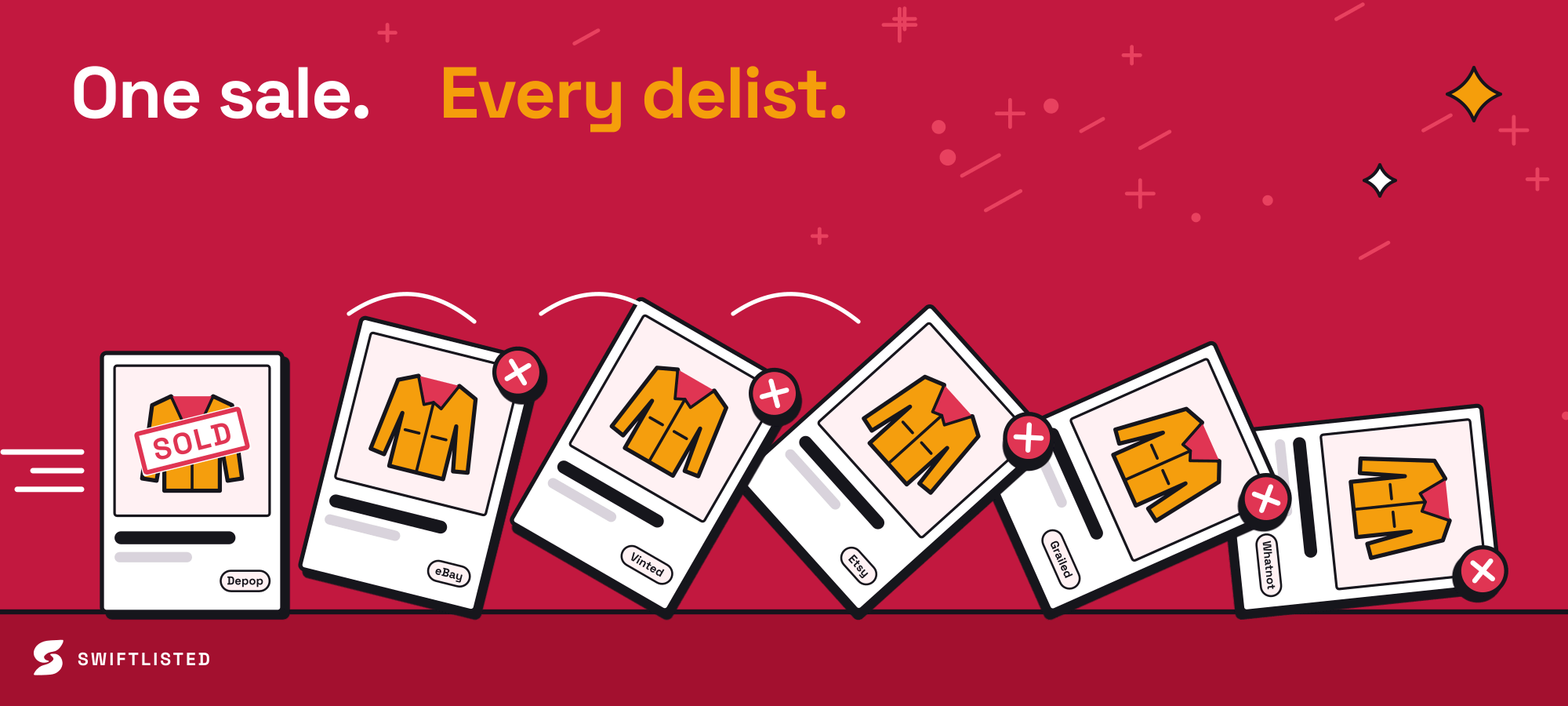
Swiftlisted solves this by integrating a sold detection scanner. The scanner checks your connected shops in the background for completed orders. When an item sells on Depop, Swiftlisted marks the item as sold in your inventory and automatically delists it from Poshmark. The system requires positive proof of a sale before removing any listing, ensuring active inventory is never delisted by mistake.
Common questions
- Can I crosslist from Depop to Poshmark on my phone?
- No. The listing automation requires the Swiftlisted extension, which runs exclusively in Google Chrome on a desktop or laptop computer (Mac, Windows, or Linux). You can view your inventory dashboard on a phone, but crosslisting runs require a computer.
- Do I need to enter my marketplace passwords into Swiftlisted?
- No. Swiftlisted never asks for or stores your marketplace passwords. The Chrome extension works directly inside the browser sessions where you are already logged into Depop and Poshmark.
- How does Swiftlisted map Depop sizes to Poshmark?
- Swiftlisted utilizes a dynamic size mapper that converts universal size data from your Depop listing into Poshmark's precise category sizing, including regional footwear and apparel standards.
- What happens if an item sells on Depop after I crosslist it?
- Swiftlisted's background sold scanner detects the sale on Depop, records the transaction in your Stockroom, and automatically delists the sold item from Poshmark to prevent double sales.
List once, sell everywhere
Swiftlisted photographs, describes and crosslists your stock across every marketplace you sell on — then delists it everywhere when it sells.
Start free trial