 Swiftlisted
How to Crosslist from eBay to Poshmark
If you already sell on eBay, your active listings represent a substantial investment of time. Your photographs, descriptions, measurement details, and prices are already formatted and live. Moving that inventory onto Poshmark opens up a fashion-focused buyer base, but copying every listing manually is tedious and inefficient. Crosslisting allows you to import your structured eBay inventory and publish it to Poshmark without retyping a single line.
eBay vs Poshmark: Understanding Platform Differences
eBay and Poshmark operate on entirely different marketplace models. eBay is a search-driven global marketplace built around structured data. It relies on extensive Item Specifics such as MPN, exact material breakdown, style codes, and custom attributes to help search engines surface your items.
Poshmark, by contrast, is a social commerce platform centered around brand profiles, standard size selections, and visual browsing. Buyers on Poshmark filter items primarily by brand, department, subcategory, and size rather than complex keyword strings.
When crosslisting from eBay to Poshmark, you cannot simply paste raw eBay data into Poshmark fields. Your listing workflow must translate eBay's detailed item specifics into Poshmark's streamlined taxonomy, ensuring your items appear in the correct brand feeds and category searches.
Translating Sizes, Brands, and Categories Automatically
Two of the most common friction points when crosslisting from eBay to Poshmark are sizing structures and brand tagging.
eBay listings frequently use custom text fields or varied sizing conventions. Poshmark requires strict adherence to standardized size categories, including standard alpha sizes, numeric clothing sizes, or shoe sizes. A dedicated crosslisting workflow utilizes a dynamic size mapper to automatically convert your eBay size data into Poshmark's expected options.
Brand formatting is equally important. On Poshmark, tagging an official brand attaches your listing directly to that brand's dedicated social feed. Automated brand mapping profiles ensure variations in eBay titles—such as 'Nike Sportswear' or 'Vintage Nike'—map directly to the official 'Nike' brand tag on Poshmark.
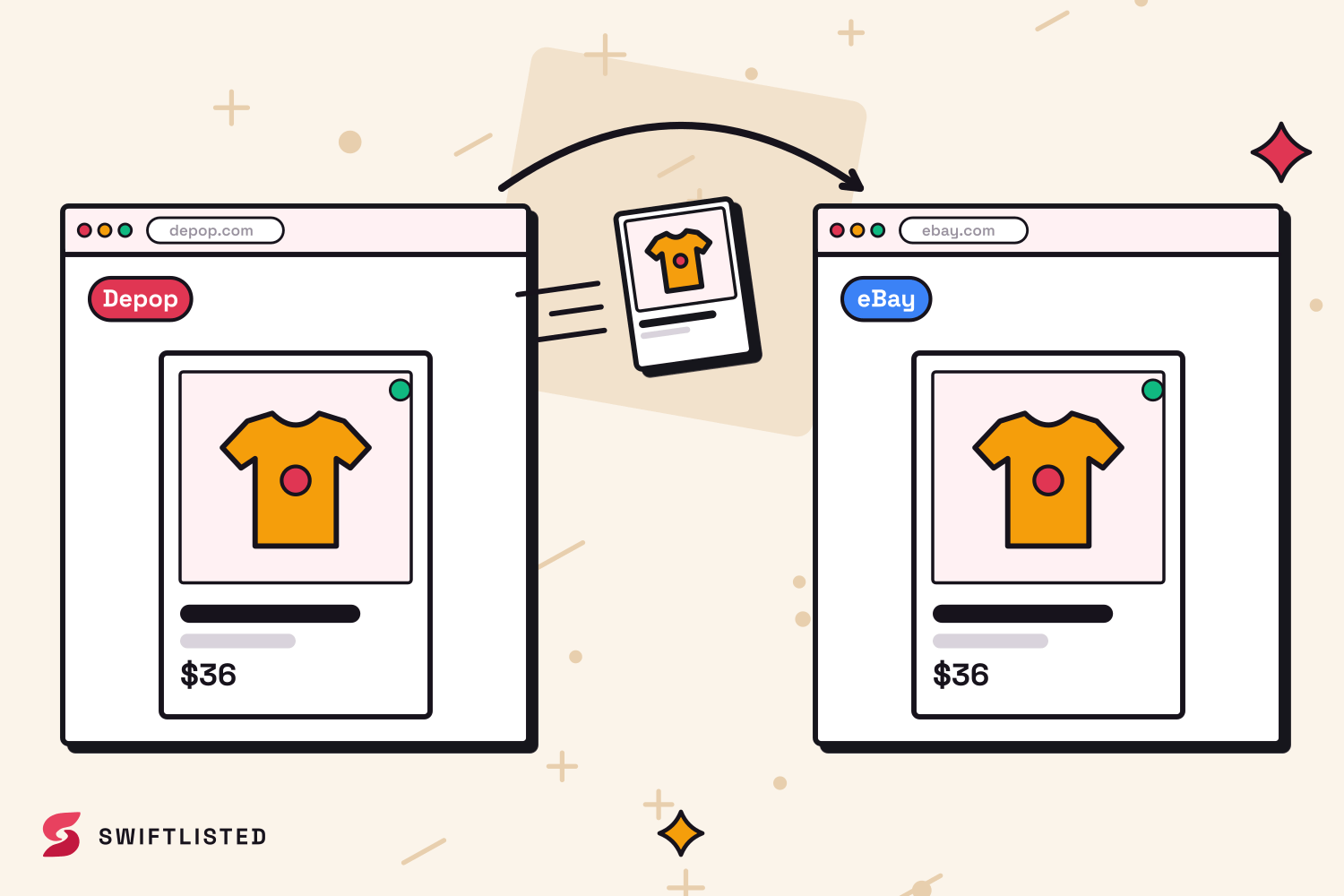
Step-by-Step: How to Crosslist Your Catalog
Crosslisting automation runs through a Google Chrome extension on a desktop or laptop computer (Mac, Windows, or Linux). Because the extension interacts with your open browser session, you must be logged into your seller accounts in Chrome before starting.
The crosslisting process follows four clear steps:
- Sync your eBay inventory: Connect your account to import active listings, photos, titles, and item attributes automatically.
- Review generated drafts: Your imported items populate a central inventory grid as drafts, allowing you to edit titles, descriptions, or prices before anything goes live.
- Apply Poshmark category and size mapping: Confirm that universal categories match Poshmark's department structure and that dynamic size mapping has selected the correct size tags.
- Publish with single-click crossposting: Select your prepared items and send them live to your Poshmark closet.
Preventing Double-Sales with Automated Sold Detection
Expanding your catalog to multiple marketplaces increases sales velocity, but it also creates the risk of double-selling an item. Selling a piece on eBay and subsequently failing to remove it from Poshmark leads to cancelled orders, disappointed buyers, and damaged seller metrics on both platforms.
To manage multi-channel inventory safely, your setup requires automated sold protection. eBay communicates sales via official real-time notifications. The moment an order clears on eBay, a real-time sold detection scanner flags the item as sold in your central inventory and automatically delists it from Poshmark.
Crucially, automated delisting requires positive proof of a sale before taking action. A listing that simply expires or goes missing is never assumed to be sold, protecting your active inventory from accidental removal.
Common questions
- Do I need existing seller accounts on both platforms?
- Yes. Swiftlisted crosslists directly to your own shops. You must already have active accounts on eBay and Poshmark to crosspost listings between them.
- Can I crosslist from eBay to Poshmark on my phone?
- Not for publishing listings. Crosslisting automation relies on a Chrome extension, which requires a desktop or laptop computer running Google Chrome. However, you can review inventory and analytics on a mobile browser.
- Can I set different prices on Poshmark compared to eBay?
- Yes. You can edit and override prices per marketplace inside your inventory grid prior to publishing, allowing you to adjust for different fee structures or shipping models.
- How quickly does sold detection delist an item when it sells on eBay?
- eBay notifies Swiftlisted the moment an order is placed, making sale detection near-instant. The system then automatically removes the listing from Poshmark to prevent double-sales.
List once, sell everywhere
Swiftlisted photographs, describes and crosslists your stock across every marketplace you sell on — then delists it everywhere when it sells.
Start free trial