 Swiftlisted
How to Crosslist Etsy to Mercari for Secondhand Resellers
Expanding your resale business from Etsy to Mercari is one of the quickest ways to put your pre-owned inventory in front of a fresh buyer demographic. While Etsy excels as a destination for vintage items and handmade goods, Mercari has built a massive audience around everyday secondhand fashion, home goods, and collectibles. However, retyping every title, description, and price by hand when you crosslist from Etsy to Mercari takes up valuable time that would be better spent sourcing stock. Streamlining this transition requires understanding how these two platforms differ and how modern crosslisting tools handle your catalogue.
Why Crosslist Your Etsy Inventory to Mercari?
Etsy and Mercari attract very different shopping mindsets. Etsy buyers often search specifically for vintage garments, retro decor, or crafted goods, placing high value on unique aesthetics and curated shop identities. In contrast, Mercari operates as a fast-paced resale app where buyers search for bargain pre-owned apparel, popular brand names, and quick deals.
When you crosslist your inventory across both platforms, you eliminate single-marketplace dependency. An item that has sat quiet on Etsy for months due to niche search traffic might sell within days on Mercari when exposed to deal-seeking mobile shoppers. Crosslisting allows you to double your listing exposure without purchasing additional stock.
Understanding Platform Differences: Etsy vs Mercari
Before you start to crosslist items from Etsy to Mercari, you must adjust to the distinct listing structures each marketplace relies upon. Copying a listing word-for-word without editing can lead to poor search visibility or missing details.
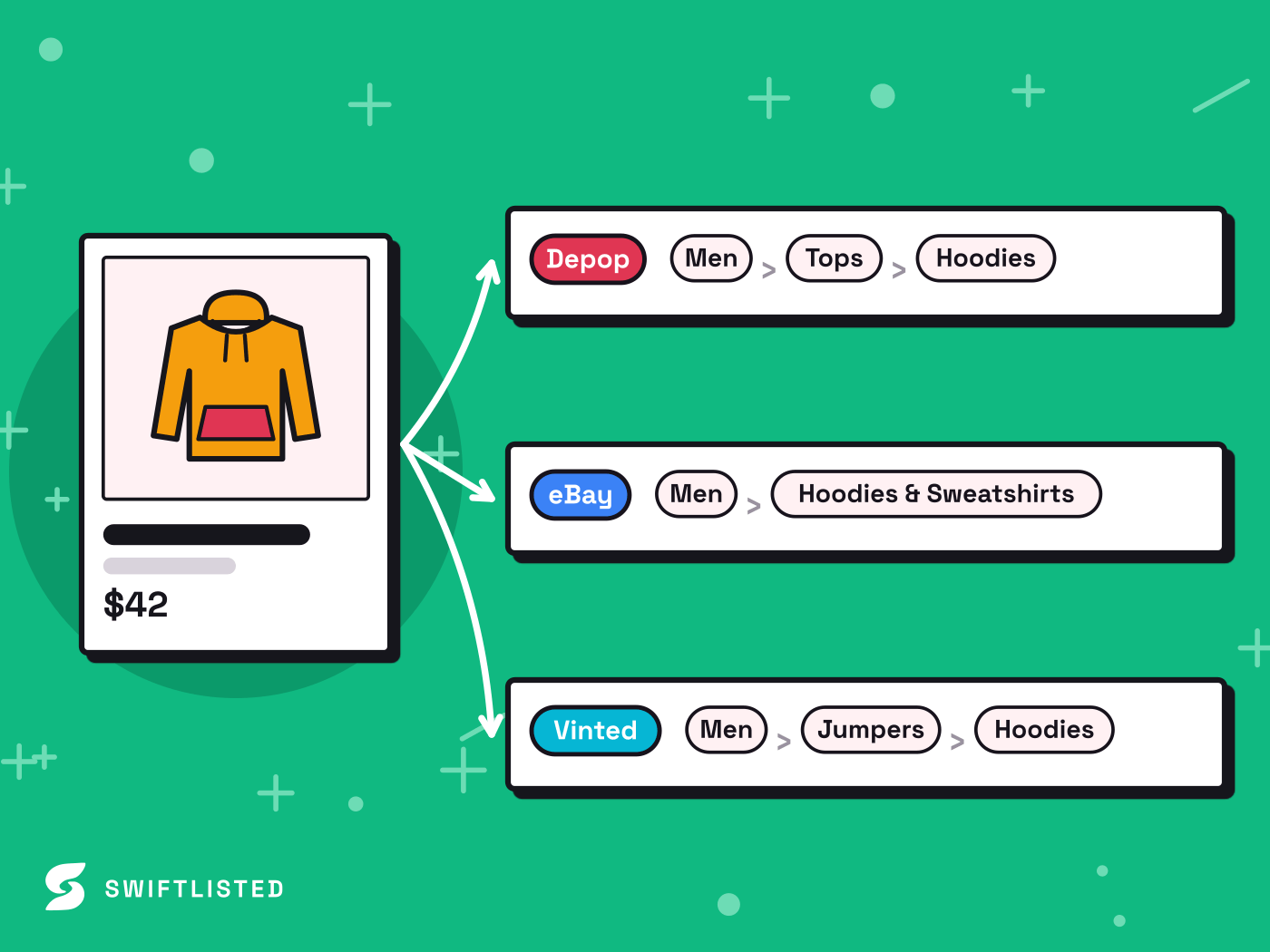
Etsy allows long, keyword-rich titles and complex tag structures, alongside preset shipping profiles tailored for heavier or international packages. Mercari prefers concise titles, clean item descriptions, and simplified shipping options. Categories also differ significantly: Etsy classifies items through a detailed handmade and vintage taxonomy, whereas Mercari uses a broader resale catalogue structure. Adjusting brand tags, size formats, and condition categories is essential when translating your Etsy shop over to Mercari.
How the Crosslisting Workflow Works
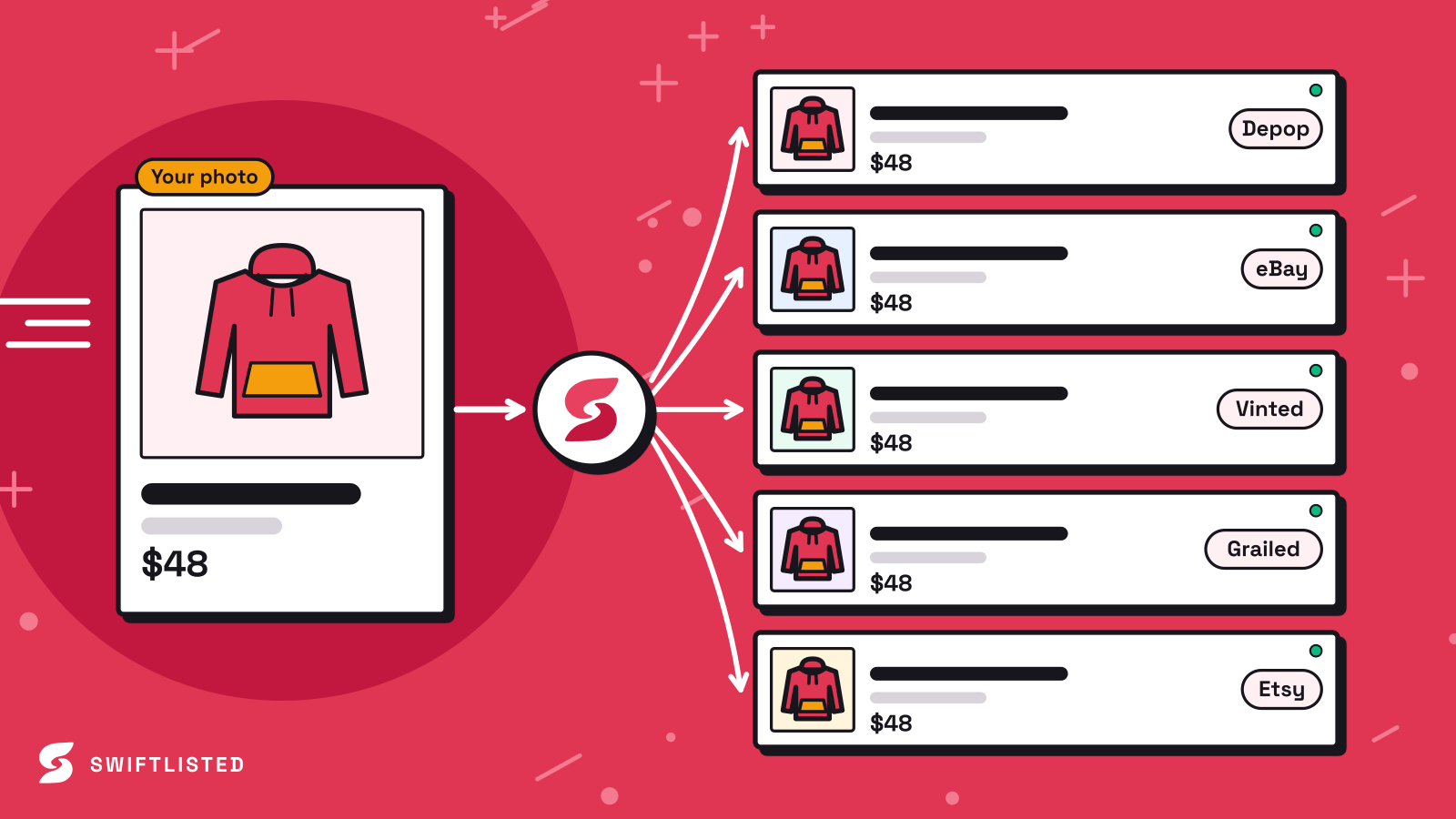
Using a desktop tool like Swiftlisted simplifies moving items between marketplaces. Rather than manually copying text and re-uploading photos for every item, you manage your inventory from a centralized grid.
The crosslisting workflow relies on a desktop browser extension running on Google Chrome. You connect your marketplace accounts, import or upload your item details, review the generated listing fields, and publish them to your active channels. The automation layer acts inside your browser session on a scheduled routine to ensure listings post smoothly without triggering marketplace spam filters.
- Prepare photos on your computer in clear, natural lighting with tag shots visible.
- Import existing listings or let AI scan your items to generate title, brand, size, and category fields.
- Review each draft in your central stockroom to ensure per-marketplace category mapping is accurate.
- Trigger the crosslisting run via the Chrome extension on your desktop or laptop.
Preparing Your Etsy Listings for Mercari
To get the best results when you crosslist, audit your Etsy listings to ensure they translate cleanly to a resale app environment. Remove any Etsy-specific language from your item descriptions, such as references to shop policies, custom listing bundles, or vintage age guarantees that Mercari shoppers might find confusing.
Make sure your pricing strategy reflects platform fees. Mercari and Etsy calculate fee structures differently, so setting marketplace-specific price overrides in your central inventory grid ensures your net margins remain protected wherever the sale occurs.
Managing Sales and Inventory Across Channels
The biggest challenge of crosslisting to multiple platforms is avoiding double sales. When an item sells on Etsy, it must be prompt removed from Mercari, and vice versa. Multi-channel inventory management tools monitor your connected marketplaces on a background schedule, detecting completed orders and issuing delist commands to keep your stock accurate across every venue.
Mercari integration is currently on the Swiftlisted roadmap and greyed out in the app until the lane official ships. In the meantime, resellers can build their central inventory stockroom using currently supported marketplaces like Etsy, eBay, Depop, Vinted, Grailed, Whatnot, and Facebook Marketplace. Once the Mercari lane lights up, existing shop stock can be crosslisted to Mercari with a single click.
Common questions
- Can I crosslist from Etsy to Mercari on a mobile phone?
- No. Crosslisting automation relies on a Chrome extension running on a desktop or laptop computer. While you can review your central inventory on a mobile browser, listing creation and publishing require a desktop setup.
- Is Mercari support live on Swiftlisted today?
- Mercari is on the roadmap and greyed out inside the app while under development. You can connect and crosslist across active lanes like Etsy, eBay, Depop, Vinted, Grailed, Whatnot, and Shopify today, and Mercari will activate automatically when the lane ships.
- How does category mapping work when crosslisting from Etsy?
- Swiftlisted takes a single universal category assigned to your item and translates it automatically into each marketplace's specific taxonomy, converting Etsy vintage categories into Mercari's equivalent resale categories.
- What happens when an item sells on one marketplace?
- Background sold detection scans your connected store lanes on a schedule. When a sale is confirmed on one platform, the software flags the item as sold and triggers delisting actions across your other connected channels to prevent double selling.
List once, sell everywhere
Swiftlisted photographs, describes and crosslists your stock across every marketplace you sell on — then delists it everywhere when it sells.
Start free trial