 Swiftlisted
How to Crosslist from Mercari to Etsy
Expanding your resale inventory from Mercari to Etsy is a practical way to reach buyers searching specifically for vintage items, unique collectibles, and handmade goods. While Mercari caters to general everyday resale across simple categories, Etsy requires specific taxonomy mapping, vintage item details, and pre-configured shipping profiles. Here is how to prepare your catalogue and crosslist your items to Etsy efficiently.

Mercari vs Etsy: Understanding Marketplace Differences
Mercari and Etsy serve distinct buyer audiences and operate under different listing requirements. Mercari focuses on general pre-loved items, offering straightforward title fields, quick descriptions, and automated or simple shipping options. Buyers on Mercari are typically looking for everyday fashion, electronics, and home goods.
Etsy is dedicated to vintage items (which must be at least 20 years old), handmade items, and craft supplies. When you post listings to Etsy, you must supply granular item details, including era, materials, and occasion, alongside pre-configured shipping profiles from your Etsy Shop Manager.
- Etsy requires categorisation as either vintage or handmade during listing setup.
- Mercari uses single-tier category trees, while Etsy relies on deep taxonomy structures.
- Etsy listing creation relies on shipping profiles configured inside your store settings.
Connecting Etsy and Handling Inventory Sync
To start crosslisting to Etsy with Swiftlisted, you log into your Etsy Shop Manager portal in Google Chrome and use the Swiftlisted extension to connect the store. This allows you to publish vintage clothing and item catalogue records directly with automated attribute mapping.
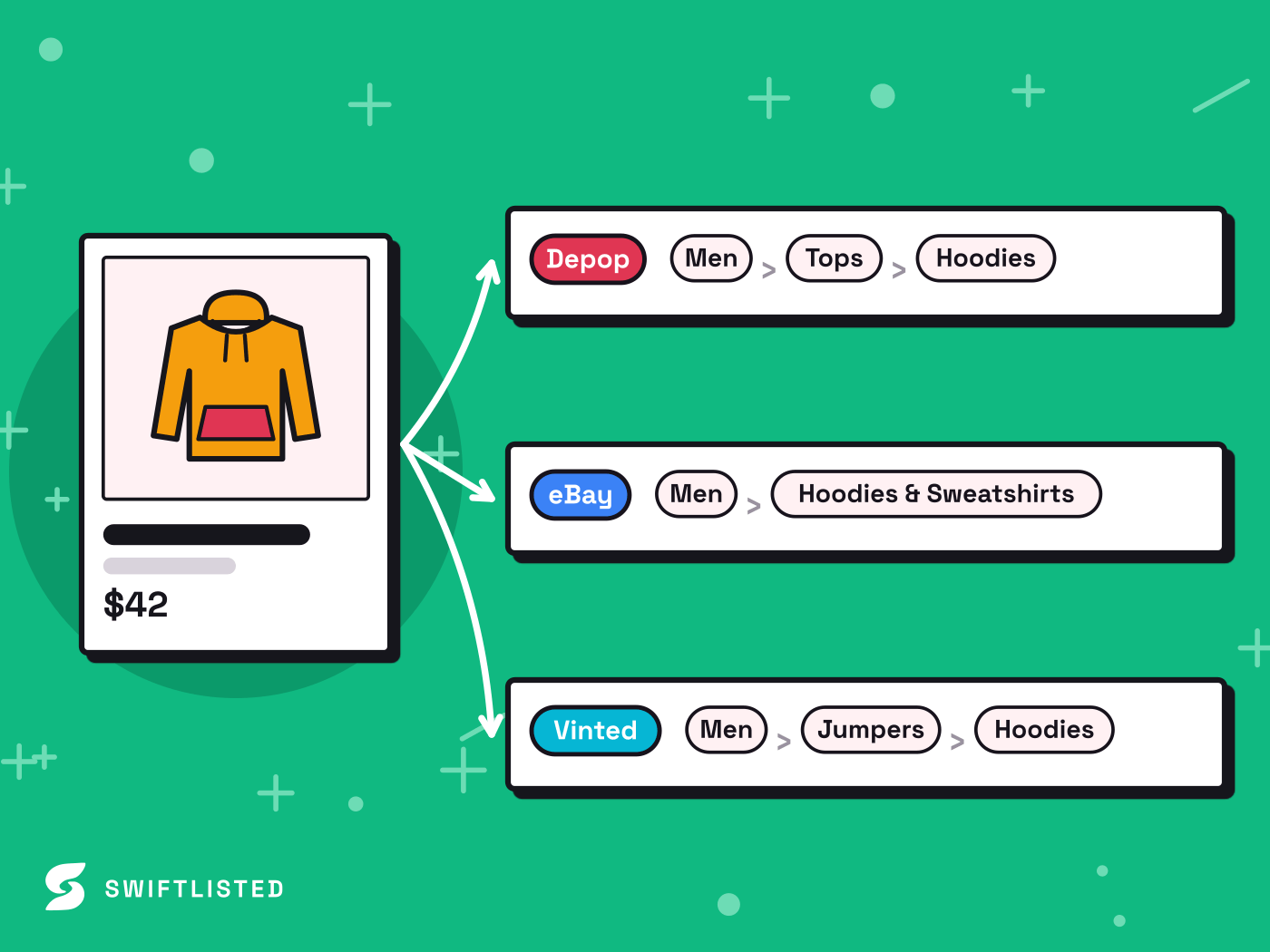
When you trigger a crosslist run to Etsy, Swiftlisted maps your generic categories into Etsy's specific taxonomy tree, applies your selected shipping profile, and posts the listing inside your signed-in session. Sold detection for Etsy runs through the Chrome extension on a schedule, checking your store periodically so sold items can be marked and managed centrally in your stockroom.
Mercari Integration Status and Roadmap
Support for Mercari is currently on the Swiftlisted roadmap. While Mercari is not connected yet, the lane appears greyed out across the app. When the Mercari lane officially ships, it will light up in the application automatically with no reinstall required.
Once live, the Mercari integration will allow you to list, delist, and scan for sales in the same manner as other supported marketplaces. In the meantime, you can build your central inventory in Swiftlisted by uploading photos directly or importing listings from your active shops on other supported platforms.
How to Crosslist Your Catalogue to Etsy Step-by-Step
Publishing your inventory to Etsy takes only a few minutes when using Google Chrome on a desktop or laptop computer.
- Upload item photos into Swiftlisted to automatically generate draft listings complete with titles, descriptions, categories, and suggested pricing.
- Review the generated draft fields in your inventory grid and adjust specific details like vintage era, brand, or materials.
- Ensure your Etsy shop is connected by signing into Etsy Shop Manager and linking through the extension.
- Select your draft items, choose Etsy, select your shipping profile, and click crosslist to publish your listings.
Common questions
- Is Mercari supported for automated crosslisting today?
- Mercari support is on the roadmap and coming soon. The lane currently shows as greyed out in the app and will light up automatically without needing a reinstall once it ships.
- How do I connect my Etsy shop to Swiftlisted?
- You log into your Etsy Shop Manager portal in Google Chrome on your computer and use the Swiftlisted extension to connect your shop.
- How does sold detection work for Etsy?
- Sold detection for Etsy runs through the Chrome extension on a schedule, scanning your connected shop periodically to detect sales and update your inventory.
- Can I crosslist from Mercari to Etsy on my mobile phone?
- No. Crosslisting automation runs through the Swiftlisted Chrome extension, which requires Google Chrome on a desktop or laptop computer.
List once, sell everywhere
Swiftlisted photographs, describes and crosslists your stock across every marketplace you sell on — then delists it everywhere when it sells.
Start free trial