 Swiftlisted
How to Crosslist from Facebook Marketplace to Poshmark
Moving inventory from Facebook Marketplace to Poshmark allows you to reach an entirely new audience of fashion-focused social commerce shoppers without manually retyping every single listing. While Facebook Marketplace connects you with local and nationwide buyers who might not use dedicated resale apps, Poshmark specialises in clothing, footwear, and branded accessories. This guide covers how to crosslist your listings between both platforms seamlessly while keeping your inventory synchronized.
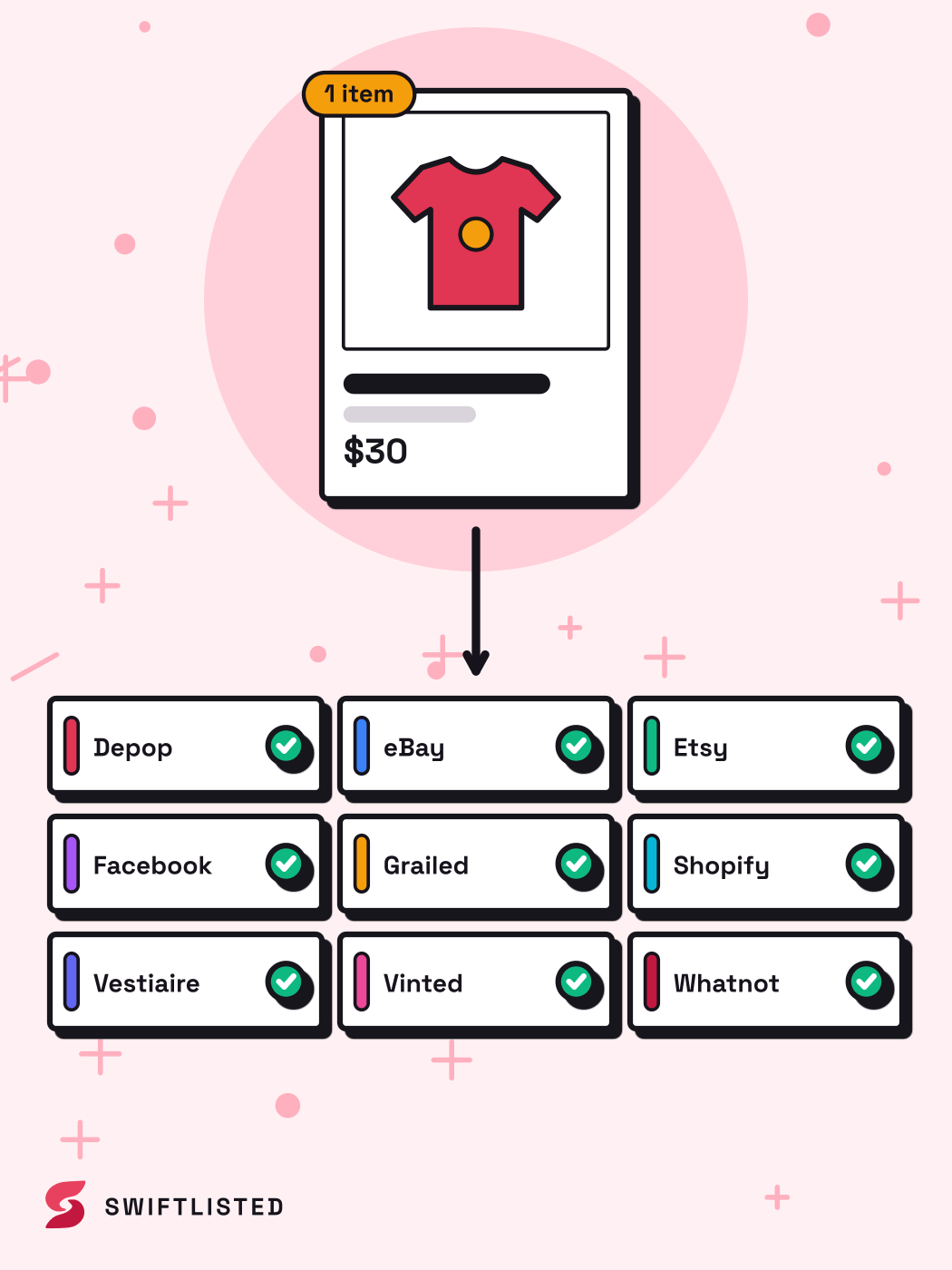
Understanding the Differences: Facebook Marketplace vs Poshmark
Facebook Marketplace and Poshmark cater to distinct buyer behaviours and platform structures. Facebook Marketplace excels at reaching broad local and nationwide shoppers, offering flexible delivery and local pickup options. Buyers on Facebook often search for general terms and expect straightforward local transactions or simple nationwide delivery.
Poshmark, by contrast, is built around social commerce, fashion, and brand-driven discovery. Items on Poshmark rely heavily on accurate brand tags, specific size mappings, and clear visual presentation. Understanding these platform differences ensures your listings adapt correctly when you crosslist from Facebook Marketplace to Poshmark.
Preparing Your Facebook Marketplace Inventory for Poshmark
Manually recreating dozens or hundreds of listings across platforms takes hours of tedious copying and pasting. Swiftlisted simplifies this workflow by importing your active inventory directly from Facebook Marketplace into a central stockroom grid.
Using Google Chrome on a desktop or laptop, you can pull in your existing photos, descriptions, and pricing details. Once imported, Swiftlisted allows you to edit listing fields, refine descriptions, and organise items before posting them live to Poshmark.
Automating Brand, Size, and Category Translation
One of the biggest hurdles when moving listings from Facebook Marketplace to Poshmark is taxonomy differences. Facebook uses broad category hierarchies and simple attributes, whereas Poshmark requires precise brand profiles and standardised sizing.
Swiftlisted uses a dynamic size mapper and brand mapping profiles to translate your item details automatically. Universal categories are mapped into Poshmark's specific taxonomy, ensuring that your apparel, footwear, and accessories land in front of the right buyers without requiring manual adjustments for every item.
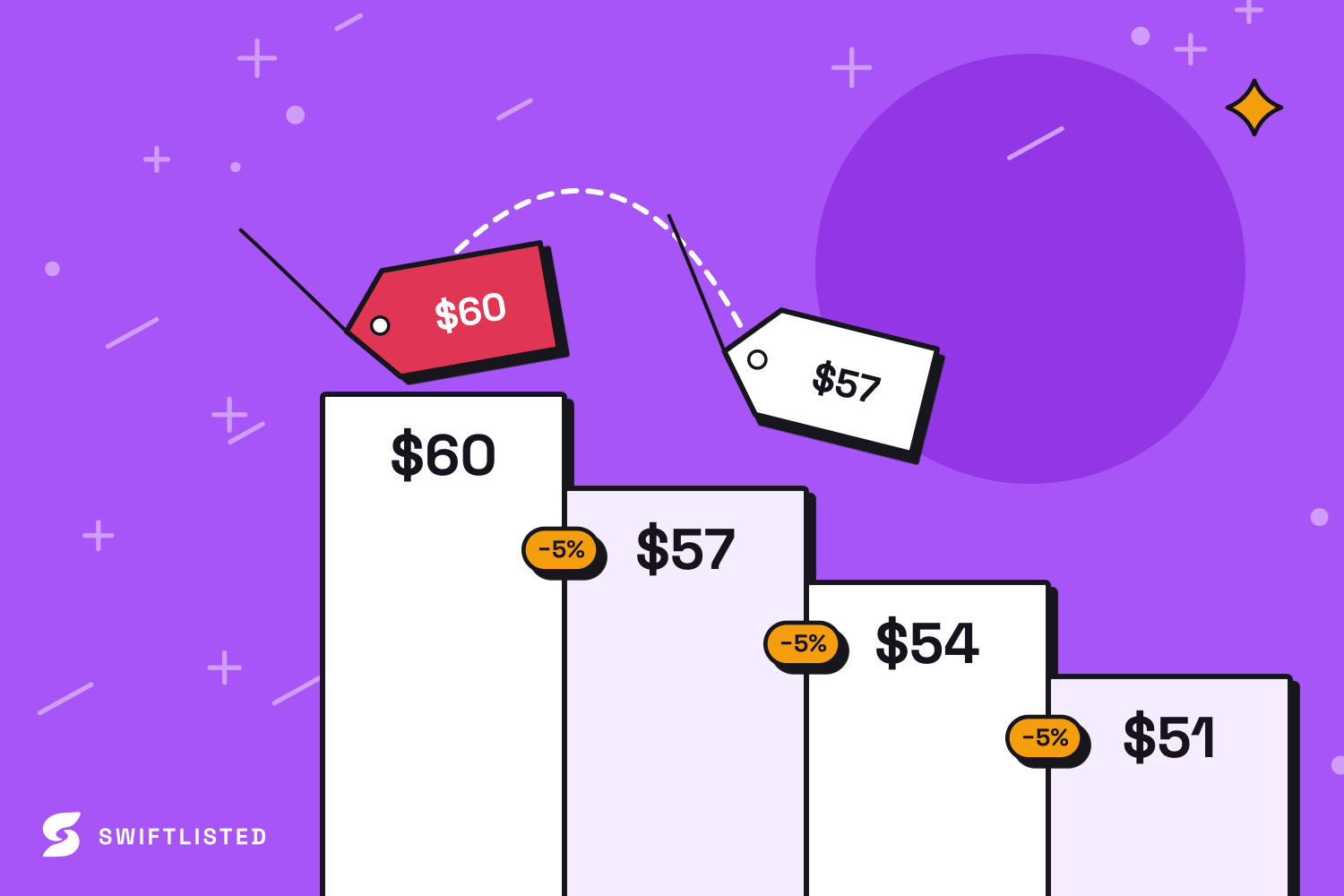
Step-by-Step Guide to Crosslist from Facebook to Poshmark
Crosslisting your inventory takes just a few minutes once your accounts are connected in Chrome. Follow these steps to post your Facebook Marketplace items to Poshmark:
- Step 1: Sign in to both Facebook Marketplace and Poshmark in the same Google Chrome profile on your computer.
- Step 2: Open Swiftlisted and import your active Facebook Marketplace inventory into your stockroom grid.
- Step 3: Review your draft listings to confirm the mapped Poshmark categories, sizes, brands, and price overrides.
- Step 4: Select the items you want to crosslist, choose Poshmark as your destination marketplace, and click Crosslist.
Preventing Double Sales with Automated Sold Detection
Selling across multiple channels raises the risk of double sales if an item is purchased on one platform while remaining live on another. Swiftlisted eliminates this issue by scanning your connected marketplaces for completed orders.
When an item sells on Poshmark or Facebook Marketplace, Swiftlisted detects the sale and automatically takes down the listing from all other connected marketplaces. Facebook Marketplace is checked on an hourly schedule to respect platform limits, while Poshmark utilizes real-time sold delisting to keep your stock sync accurate at all times.
Common questions
- Do I need to re-photograph my items when I crosslist from Facebook Marketplace to Poshmark?
- No. Swiftlisted imports your original high-resolution photos directly from Facebook Marketplace into your central stockroom, so you can post them straight to Poshmark without taking new pictures.
- Can I crosslist from Facebook Marketplace to Poshmark on my phone?
- No. Listing automation runs through the Swiftlisted Chrome extension on a desktop or laptop computer (Mac, Windows, or Linux). However, you can use your phone to view inventory and track analytics via the web dashboard.
- How does Swiftlisted handle size conversions between platforms?
- Swiftlisted includes a dynamic size mapper that automatically converts your Facebook Marketplace item details into Poshmark's standardised sizing structure.
- What happens when an item sells on Poshmark?
- Swiftlisted detects the sale on Poshmark and automatically delists the item from Facebook Marketplace and any other connected stores, protecting you against accidental double sales.
List once, sell everywhere
Swiftlisted photographs, describes and crosslists your stock across every marketplace you sell on — then delists it everywhere when it sells.
Start free trial