 Swiftlisted
Grailed to eBay: Import and Crosslist Listings
Selling curated streetwear and designer menswear on Grailed reaches a dedicated audience, but expanding those listings to eBay opens your inventory to a massive global market. Manually retyping descriptions, sizes, photos, and item specifics for dozens of items takes hours you could spend sourcing. By using Swiftlisted, you can import your existing Grailed catalogue, map taxonomy automatically, and launch listings on eBay without starting from scratch.
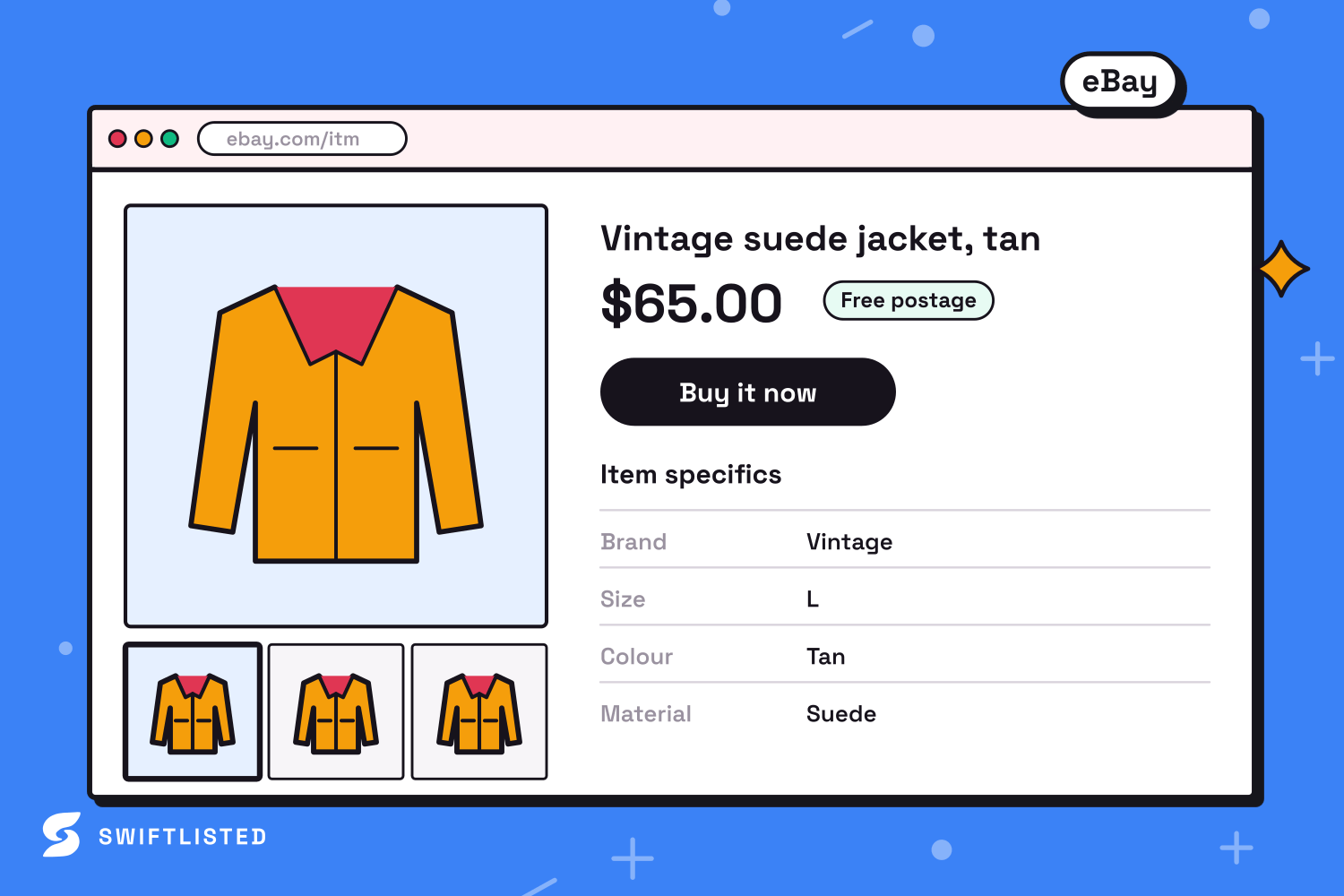
Understanding the Differences Between Grailed and eBay
Grailed is tailored specifically for curated designer menswear and streetwear. Its taxonomy focuses heavily on departments, specific clothing lines, and recognized designer tags. eBay, by contrast, is a broad global marketplace where buyers rely on precise search filters driven by Item Specifics like brand, size, department, color, and material.
When crosslisting between these two platforms, translating category trees and specific attributes is crucial. Grailed listings rely heavily on text descriptions and designer tagging, while eBay demands structured structured data fields so items appear in filtered search results. Automating this translation ensures your streetwear pieces remain discoverable to eBay's global buyer base without manual re-entry.
How Swiftlisted Connects Grailed and eBay
Swiftlisted bridges the gap between these marketplaces using tailored integration methods suited to how each platform operates.
eBay connects directly via an official API authorisation, which stores your credentials securely so crosslisting and real-time order notifications can process in the background. Grailed connects through the Swiftlisted Chrome Extension, which interacts directly with your signed-in browser session.
- Ensure you are logged into your Grailed seller dashboard in Google Chrome.
- Install the Swiftlisted Chrome Extension and verify designer names or tags in the dashboard mapping tools.
- Navigate to the Integrations page in Swiftlisted and authorise your eBay account via the official login screen.
Step-by-Step Guide to Importing and Crosslisting
Once your accounts are connected, moving your active Grailed listings over to eBay takes only a few straightforward steps inside your central Stockroom inventory grid.
First, import your existing shop. Swiftlisted pulls in your active Grailed listings, including photos, titles, descriptions, sizing, and pricing details. If an item already exists in your account, duplicate detection merges the records automatically so your inventory remains clean.
Next, review your drafts in the grid. Swiftlisted translates Grailed's streetwear categories into eBay's corresponding category tree and populates essential Item Specifics. You can edit any field, update photos, or set per-marketplace price overrides if you want to adjust for different channel fee structures.
Finally, select the items you wish to post (up to 50 items per bulk batch) and choose eBay as your target marketplace. Because eBay operates via direct API integration, listings post in parallel, bringing your items live almost instantly.
Protecting Your Store with Automated Sold Detection
Crosslisting across multiple marketplaces speeds up sales, but it also creates the risk of double-selling an item you only have one of. Swiftlisted eliminates this risk through background sold scanning and automated delisting.
When an item sells on eBay, the marketplace notifies Swiftlisted immediately via API. Swiftlisted marks the item as sold in your central inventory, logs the event in your Activity feed, and automatically delists the item from Grailed.
If a piece sells on Grailed first, scheduled scanning detects the sale and removes the matching listing from eBay. Swiftlisted requires positive proof of a sale before taking down a listing, ensuring your live inventory is never accidentally removed.
Common questions
- Do I need to re-upload my photos to list on eBay?
- No. Importing your Grailed catalogue brings all original photos directly into your Swiftlisted inventory, where they can be published straight to eBay.
- Can I set a different price on eBay than on Grailed?
- Yes. Every field in the inventory grid can be edited before posting, including individual marketplace price overrides to account for shipping or fee differences.
- Can I crosslist from Grailed to eBay on a mobile phone?
- Not for automated listing. While the Swiftlisted dashboard is mobile-friendly for viewing inventory and analytics, crosslisting automation relies on a Chrome extension running on a desktop or laptop computer.
- What happens if a listing fails during a bulk crosslisting run?
- If an individual item fails—such as missing a mandatory eBay item specific—the rest of your batch continues posting. The specific error reason is logged in your Activity feed so you can fix the field and retry that item.
List once, sell everywhere
Swiftlisted photographs, describes and crosslists your stock across every marketplace you sell on — then delists it everywhere when it sells.
Start free trial