 Swiftlisted
How to Crosslist from Mercari to eBay
Expanding your resale business from Mercari to eBay is one of the fastest ways to increase your sales velocity. While Mercari offers a simple, app-based marketplace popular for casual buyer-seller interactions, eBay provides access to a massive global marketplace with sophisticated search algorithms and structured data requirements. Transitioning your listings between these platforms requires understanding how their listing formats, category taxonomies, and item details differ so you can crosslist efficiently without retyping every piece of information.
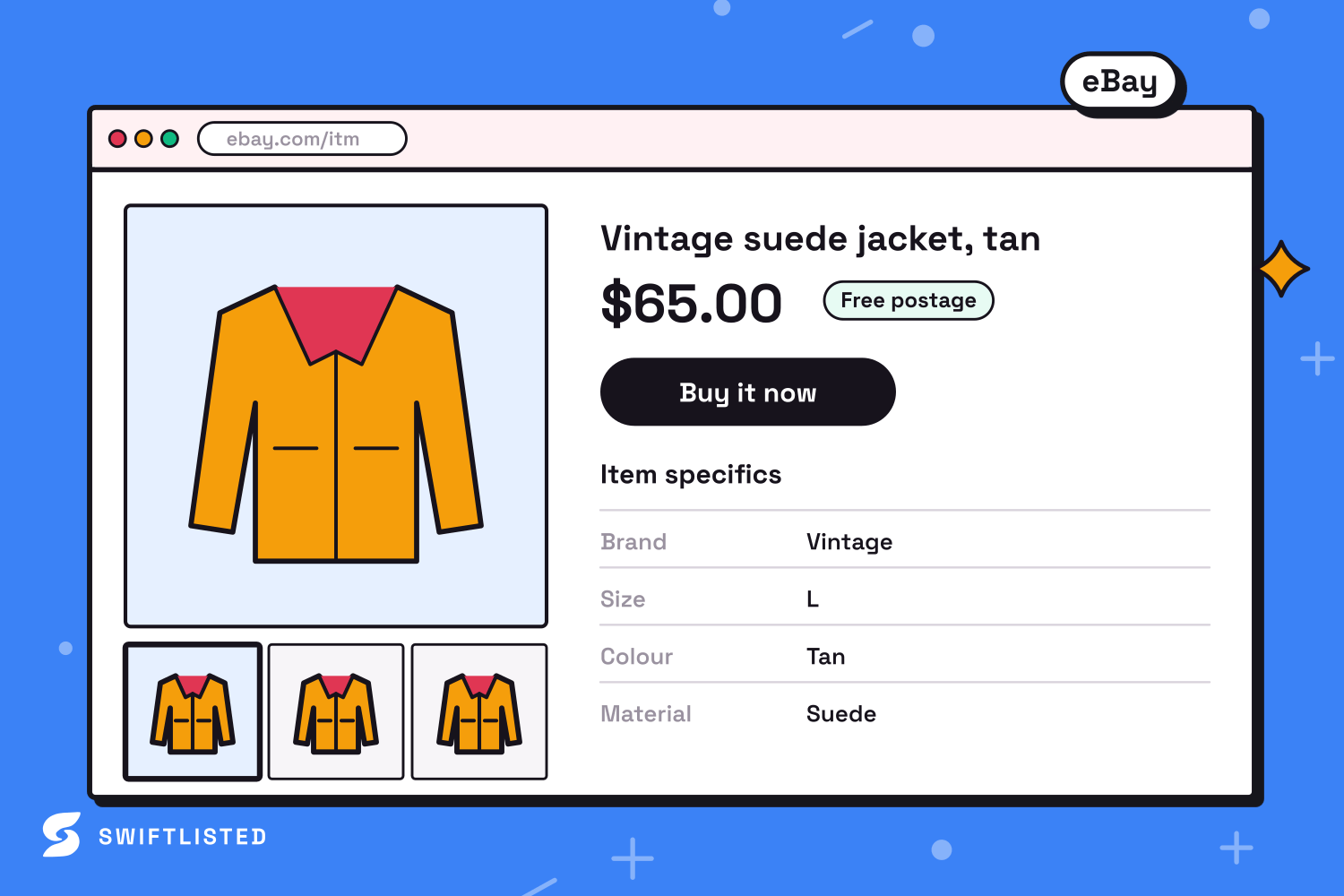
Mercari vs eBay: Key Listing Differences
Mercari and eBay cater to distinct buyer behaviours and require different listing structures. Mercari relies on a straightforward listing form with minimal mandatory item attributes, short titles, and simple shipping options. In contrast, eBay relies heavily on structured data known as Item Specifics to power its search filtering and recommendation engines.
When moving inventory from Mercari to eBay, you need to account for these structural variations to ensure your listings perform well in search results:
- Title Length: Mercari titles are limited to 80 characters, whereas eBay allows up to 80 characters but heavily rewards keyword-dense titles containing brand, model, size, colour, and key features.
- Item Specifics: Mercari uses basic dropdowns for brand, size, and condition. eBay requires granular details such as material, style, pattern, department, and country of manufacture to rank listings effectively.
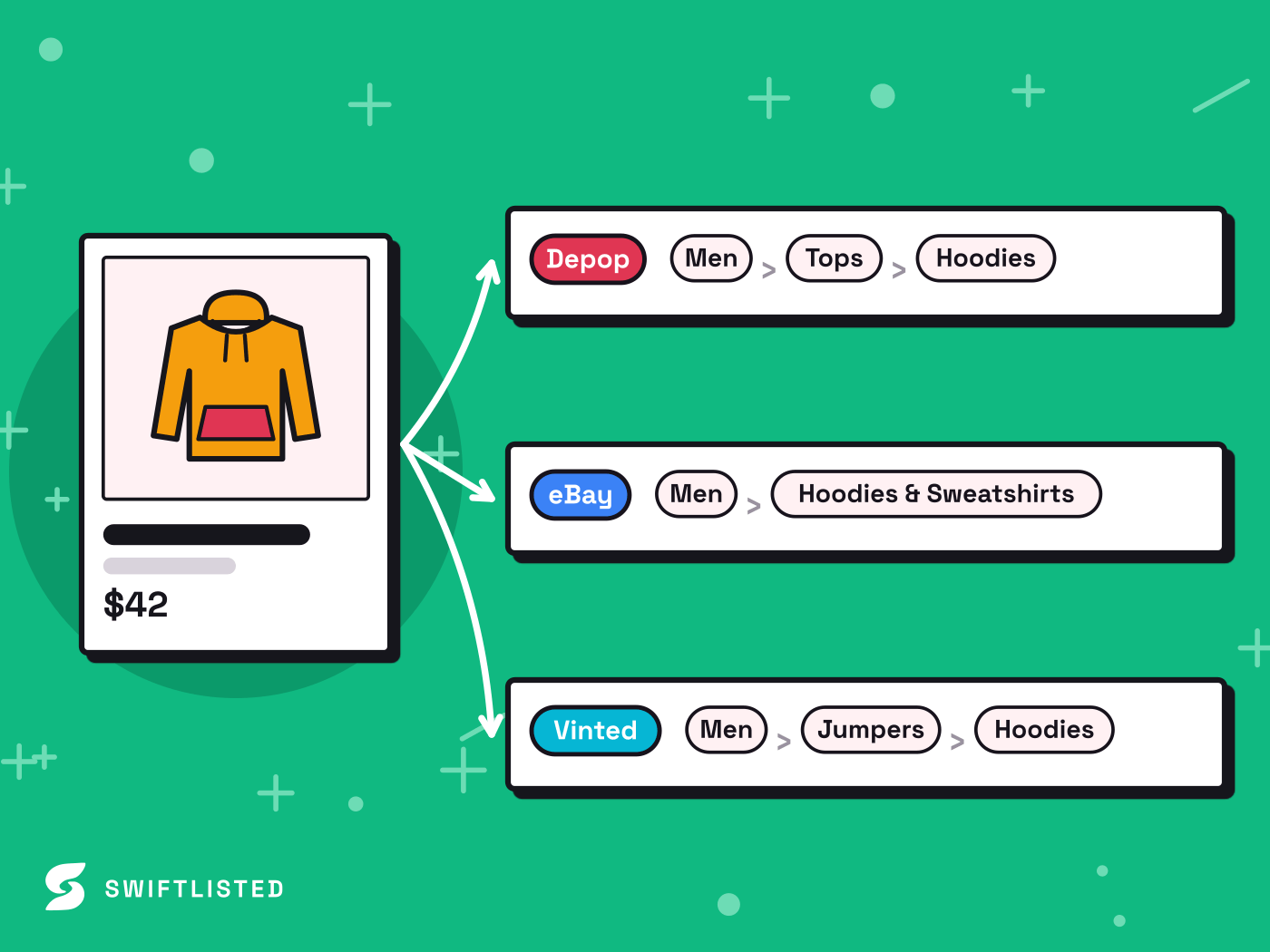
- Category Trees: Mercari uses a broad, shallow category tree. eBay operates a deeply nested category structure where precise placement dictates visibility and fee structures.
- Connection Type: eBay connects directly via an official API for instant listing and background synchronization, whereas app-based platforms like Mercari rely on browser-level tools.
Preparing Your Mercari Catalogue for eBay
Before listing your Mercari items on eBay, audit your current listings to ensure they meet global marketplace standards. Mercari descriptions often contain platform-specific phrasing—such as references to Mercari Local, bundling requests, or informal chat options—that does not apply to eBay buyers.
Ensure your item photos are high quality and saved in compatible formats like JPG or PNG. Clear shots of brand tags, size tags, and materials care labels are essential for filling in eBay's required Item Specifics without manual guessing.
How Crosslisting to eBay Works with Swiftlisted
Swiftlisted streamlines the process of building and scaling your inventory across multiple sales channels. Using an AI-powered inventory workflow, you can centralise your products in one Stockroom and push them directly to supported marketplaces.
Connecting your eBay store to Swiftlisted takes only a few minutes through an official API authorization in your settings. Once connected, Swiftlisted handles the technical heavy lifting required for eBay listings:
- Automated Category Matching: Converts universal product categories into eBay's specific category tree automatically.
- Dynamic Item Specifics Mapping: Populates required and recommended eBay fields—such as brand, size, and material—directly from your central product data.
- Real-Time Sold Scanning: Monitors your connected official channels so when an item sells on eBay, Swiftlisted immediately records the sale and delists it across your other connected channels to prevent double-sales.
Managing Multi-Platform Inventory and Preventing Double-Sales
The biggest operational challenge when selling across multiple channels is keeping inventory counts accurate. A double-sale—where the same physical item sells on two platforms before you can manually delete one—can lead to cancelled orders, seller penalties, and negative feedback.
To maintain a clean stockroom, assign a unique Stock Keeping Unit (SKU) to every item when you build your central inventory in Swiftlisted. Swiftlisted tracks active listings by SKU across platforms, making it simple to manage draft states, view live listings, and monitor sales performance across your channels.
What is Next for Mercari Automation
Mercari integration is currently on the Swiftlisted roadmap. When the dedicated Mercari lane ships, it will allow seamless crosslisting, automated category translation, and instant sold-sync between Mercari and your other marketplaces without requiring any reinstall of your extension.
In the meantime, resellers can build their central inventory standard, crosslist seamlessly to active platforms like eBay, Etsy, Depop, Vinted, Grailed, Whatnot, and Facebook Marketplace, and prepare their catalogue for one-click Mercari sync the moment the integration lights up.
Common questions
- Can I crosslist from Mercari to eBay without retyping every description?
- Yes. By creating your listings in a central inventory tool like Swiftlisted, your titles, descriptions, photos, and item attributes are saved in a reusable stockroom format. You can select an item and post it to eBay without manually re-entering details.
- How does eBay handle item specifics compared to Mercari?
- Mercari requires only basic details like brand, size, and broad category. eBay uses extensive Item Specifics (such as material, style, and fit) to filter search results. Swiftlisted automatically maps your listing details to eBay's specific field requirements.
- Will crosslisting to eBay double-sell my Mercari inventory?
- Double-sales happen when an item sells on one platform and remains live on another. For API-connected platforms like eBay, Swiftlisted detects sales in real time and automatically updates inventory. For manual platforms, prompt delisting from your central stockroom ensures inventory stays accurate.
List once, sell everywhere
Swiftlisted photographs, describes and crosslists your stock across every marketplace you sell on — then delists it everywhere when it sells.
Start free trial