 Swiftlisted
How to Crosslist from Grailed to Whatnot
Selling curated streetwear and designer pieces on Grailed gives you access to a dedicated menswear audience, but expanding into live auctions on Whatnot lets you liquidate inventory quickly and engage directly with buyers. Re-entering every title, description, size, and brand manually into a live stream queue is tedious and time-consuming. Fortunately, you can crosslist your active Grailed catalogue straight to Whatnot without retyping a single line.
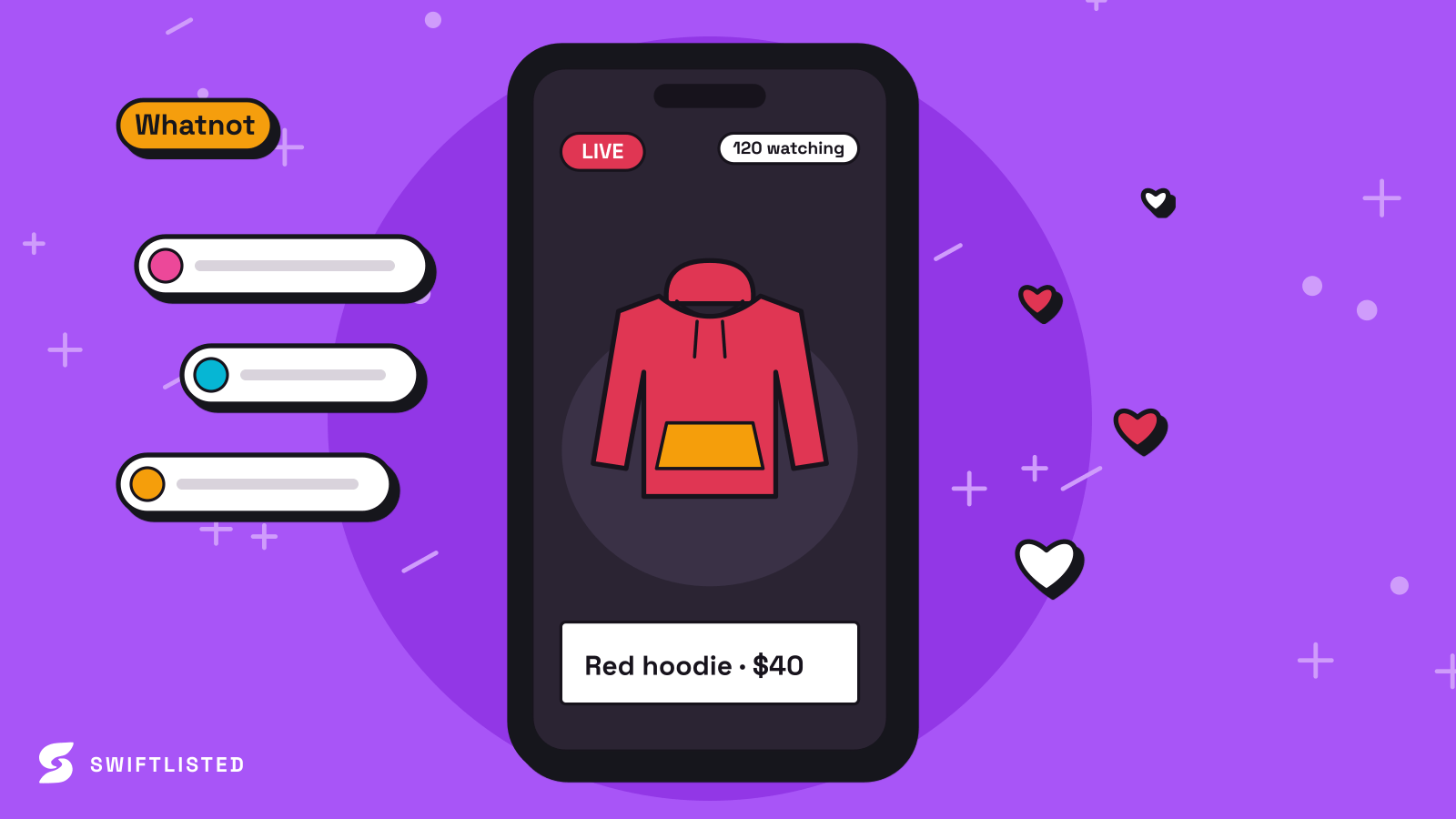
Why Move Grailed Inventory to Whatnot?
Grailed is built for traditional asynchronous shopping, where buyers search for specific designers, save items to favourites, and make offers over days or weeks. Whatnot operates on live interaction, allowing sellers to run rapid auctions or sell directly from a fixed-price stream store list during a stream.
Moving your Grailed catalogue to Whatnot lets you present your high-end clothing to active stream viewers without taking those listings down from Grailed beforehand. By maintaining live listings on both platforms simultaneously, you maximise visibility while opening up an immediate sales channel for items that have gone quiet on Grailed.
- Convert slow-moving Grailed listings into rapid live auction inventory.
- Reuse detailed item specifications, measurements, and photos without manual data entry.
- Reach active live-stream buyers while keeping your Grailed storefront fully populated.
Understanding Platform Differences: Grailed vs. Whatnot
Grailed relies on strict taxonomy matching, designer autocompletion, and structured department categories (such as Tops, Outerwear, or Footwear) to help buyers filter through niche streetwear and luxury items. Each listing relies heavily on precise brand tagging and item condition.
Whatnot focuses on streamlined entries designed for quick browsing during a broadcast. Items land inside your stream store list, where they can be launched into quick-fire auctions or pinned for buy-it-now purchases. Swiftlisted bridges these platform differences by converting Grailed's designer tags and categories into Whatnot's stream format automatically.
Step-by-Step: Importing and Crosslisting
Both Grailed and Whatnot connect to Swiftlisted through the desktop Chrome extension, using the active sessions you already have open in your browser. Because mobile browsers do not support extension-based automation, you will need to perform the initial setup and listing run on a Mac, Windows, or Linux desktop or laptop running Google Chrome.
Here is the simple workflow to transfer your items from Grailed to Whatnot:
- Log into your Grailed seller dashboard and your Whatnot account inside Google Chrome.
- Open the Swiftlisted extension and import your live Grailed listings into your Stockroom.
- Review your imported inventory in the grid to verify translated categories, sizes, and pricing.
- Select your items and queue up to 50 active drafts in a single run to load directly into your Whatnot stream store list.
Protecting Against Double-Sales with Auto-Delisting
Running live auctions on Whatnot while keeping identical items live on Grailed introduces the risk of double-selling if a buyer purchases an item on Grailed while you are streaming.
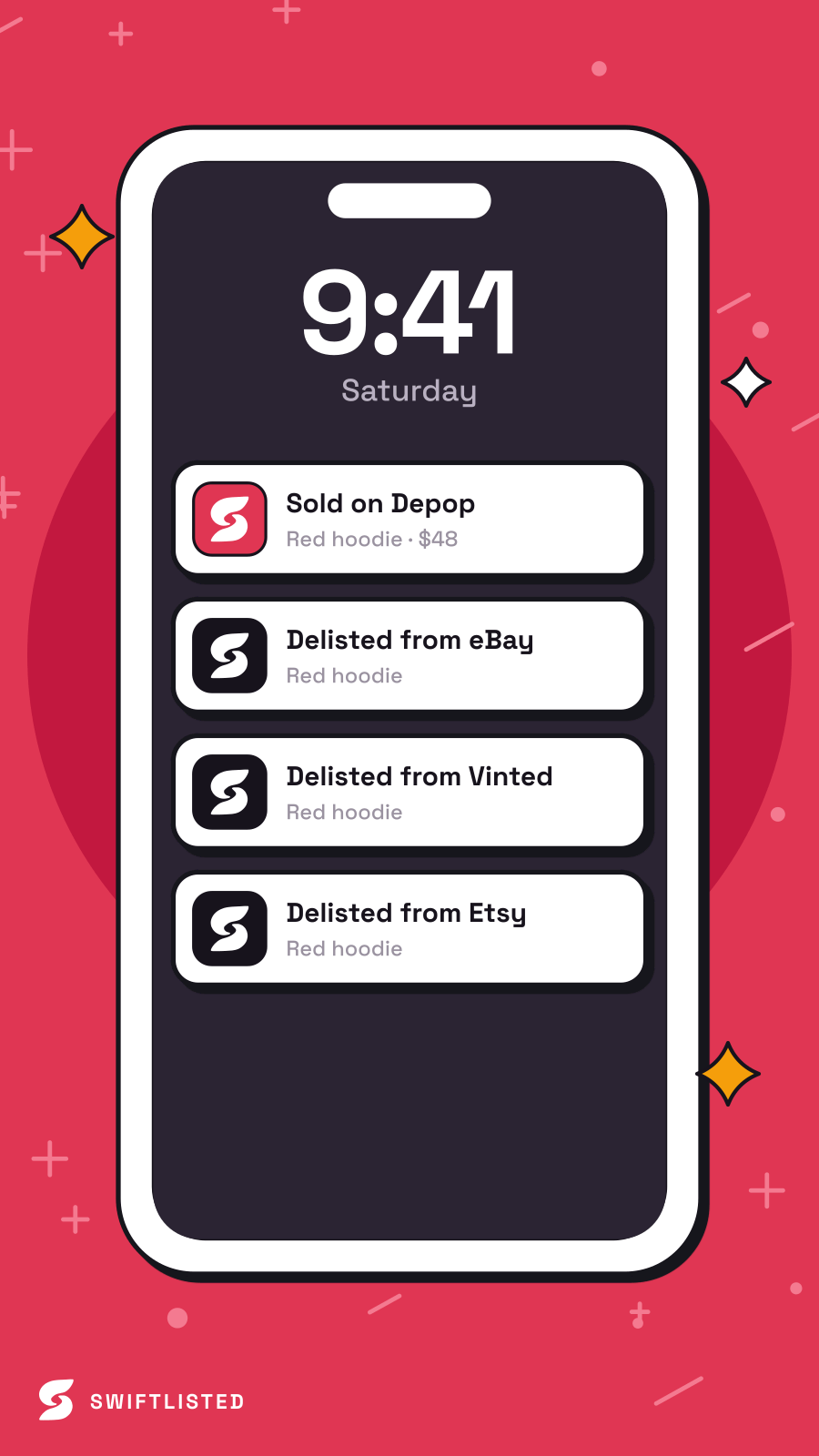
Swiftlisted solves this using background sold detection. The system continuously scans your connected marketplaces for new orders. The moment an item sells on Grailed or Whatnot, Swiftlisted marks it as sold in your Stockroom and automatically delists it from the other marketplace, protecting your seller metrics and keeping your catalogue synchronised.
Common questions
- Do I need to install software or can I list from my phone?
- Listing automation requires Google Chrome on a desktop or laptop with the Swiftlisted extension installed. While the inventory dashboard can be viewed on a mobile device, crosslisting runs must be initiated from a desktop browser.
- Can I edit my item details before sending them to Whatnot?
- Yes. Every field—including title, description, price, size, brand, and photos—lands in an editable grid inside your Stockroom so you can refine item details before publishing.
- How many Grailed items can I crosslist to Whatnot at one time?
- You can process up to 50 items in a single bulk listing window. Larger catalogues can be crosslisted in sequential batches of 50.
- What happens if a Grailed listing fails to post to Whatnot?
- If an item fails due to a missing required field or a connection issue, Swiftlisted logs the specific error in your Activity feed and skips to the next item. The failed draft remains in your inventory so you can correct it and retry.
List once, sell everywhere
Swiftlisted photographs, describes and crosslists your stock across every marketplace you sell on — then delists it everywhere when it sells.
Start free trial