 Swiftlisted
How to Crosslist Mercari Listings to Facebook Marketplace
Expanding your reselling business from Mercari to Facebook Marketplace is one of the most effective ways to increase item views and turn idle stock into cash. While Mercari relies on a dedicated resale app community, Facebook Marketplace opens your catalogue to local buyers looking for quick pickup alongside nationwide shoppers searching for delivered items. Crosslisting between these platforms helps you reach entirely different buyer demographics without doubling your administrative workload.
Understanding the Differences Between Mercari and Facebook Marketplace
Mercari and Facebook Marketplace cater to distinct shopper habits and feature unique listing structures. Mercari operates as a structured resale platform where buyers browse specifically by brand, category, size, and item condition. Shipping on Mercari is standardized through pre-paid or buyer-paid shipping labels, and transactions are contained entirely within the app environment.
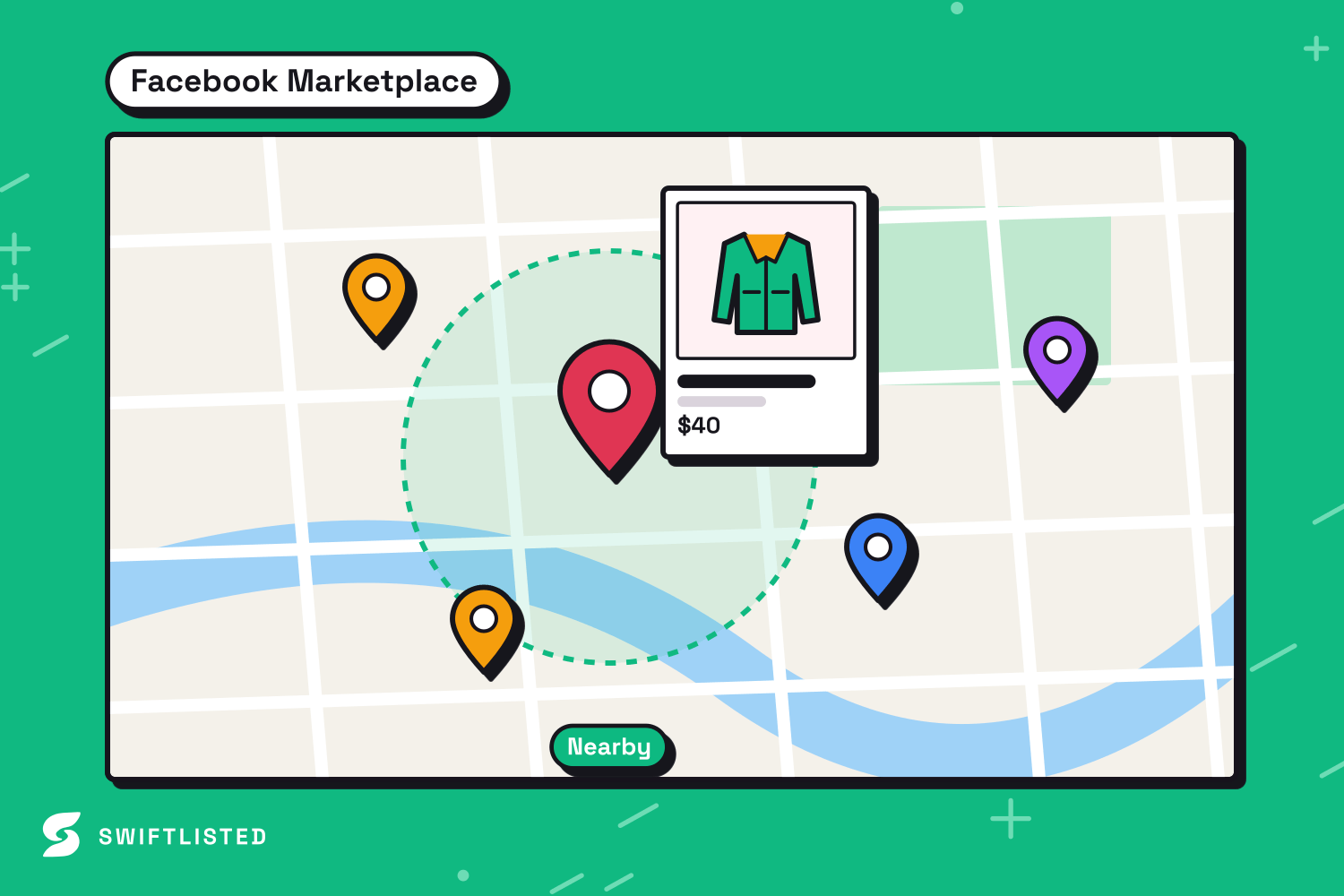
Facebook Marketplace combines nationwide shipping options with local pickup, putting your inventory in front of casual browsers who may never download a dedicated resale app. Because Facebook listings allow seller options like hiding items from Facebook friends and choosing local delivery terms, preparing your items for Facebook requires adjusting listing details to suit both local and distant buyers.
Preparing Your Inventory for Crosslisting
Re-entering listing details manually between marketplaces takes valuable time away from sourcing and packing orders. Moving listings across platforms manually requires re-uploading photos, copying titles, retyping descriptions, and choosing marketplace-specific categories line by line.
To make crosslisting efficient, keep item details, photos, and measurements organised in a central workflow. Using keyword-rich titles and clear photos showing brand tags helps items rank better in search results on both Mercari and Facebook Marketplace.

How Swiftlisted Manages Facebook Marketplace and Mercari
Swiftlisted provides a central Stockroom where you manage, edit, and post listings across multiple reselling platforms using Google Chrome on a desktop or laptop computer. Facebook Marketplace is fully live in Swiftlisted today, allowing you to post drafts, map categories automatically, set delivery preferences, and automatically delist items when they sell on another channel.
Mercari support is currently on the roadmap and coming soon to Swiftlisted. When the Mercari lane ships, it will light up across the app automatically with no reinstall required. Resellers will then be able to crosslist and sync inventory seamlessly between Mercari, Facebook Marketplace, and other supported platforms.
- Stay signed in to Facebook Marketplace in your primary Chrome browser profile.
- Swiftlisted posts through your signed-in session, translating universal categories into Facebook's specific category list.
- Configure default shipping and pickup choices once in Settings so they apply across every listing.
- Background sold detection monitors Facebook Marketplace hourly, taking down listings automatically when an item sells on another connected shop.
Step-by-Step: Posting to Facebook Marketplace
To crosslist your inventory to Facebook Marketplace using Swiftlisted, open your dashboard on a desktop or laptop computer running Google Chrome with the Swiftlisted extension installed.
Upload item photos into the dashboard. Google Gemini AI scans your images to fill in the title, description, brand, size, condition, category, and suggested price. Review and edit the generated drafts in the editable Stockroom grid.
Select the items you want to post, open the bulk list window, and choose Facebook Marketplace. Swiftlisted processes extension-driven marketplaces sequentially, running Facebook Marketplace carefully to ensure your account stays compliant with platform listing speeds. Once published, your listings go live to local and nationwide Facebook buyers immediately.
Common questions
- Can I crosslist directly from Mercari to Facebook Marketplace right now?
- Facebook Marketplace is fully supported today in Swiftlisted. Mercari integration is on the roadmap and will light up in the dashboard automatically as soon as the lane ships.
- Why does Facebook Marketplace list slower than other platforms in Swiftlisted?
- Swiftlisted posts extension-driven marketplaces sequentially, placing Facebook Marketplace last and pacing it deliberately to respect platform speed guidelines and keep personal accounts safe.
- Can I crosslist to Facebook Marketplace from my phone?
- No. Listing automation runs through the Swiftlisted Chrome extension, which requires Google Chrome on a desktop or laptop computer. You can, however, view your Stockroom inventory and analytics on a mobile browser.
- What happens on Facebook Marketplace when an item sells elsewhere?
- When sold detection is active on a Pro or Expert plan, Swiftlisted detects sales on your connected platforms and automatically delists the sold item from Facebook Marketplace to prevent double-selling.
List once, sell everywhere
Swiftlisted photographs, describes and crosslists your stock across every marketplace you sell on — then delists it everywhere when it sells.
Start free trial