 Swiftlisted
How to Crosslist from Vinted to Grailed
Expanding your reselling business from Vinted to Grailed is one of the most effective ways to increase margins on premium menswear, vintage garments, and streetwear. While Vinted caters to a broad European audience across general fashion, Grailed is a dedicated marketplace built specifically around high-end designer labels, curated vintage, and streetwear culture. Transferring your catalog manually between the two platforms can take hours of copying text, downloading photos, and selecting categories. Using Swiftlisted, you can import your existing Vinted inventory and crosslist it to Grailed in just a few clicks.
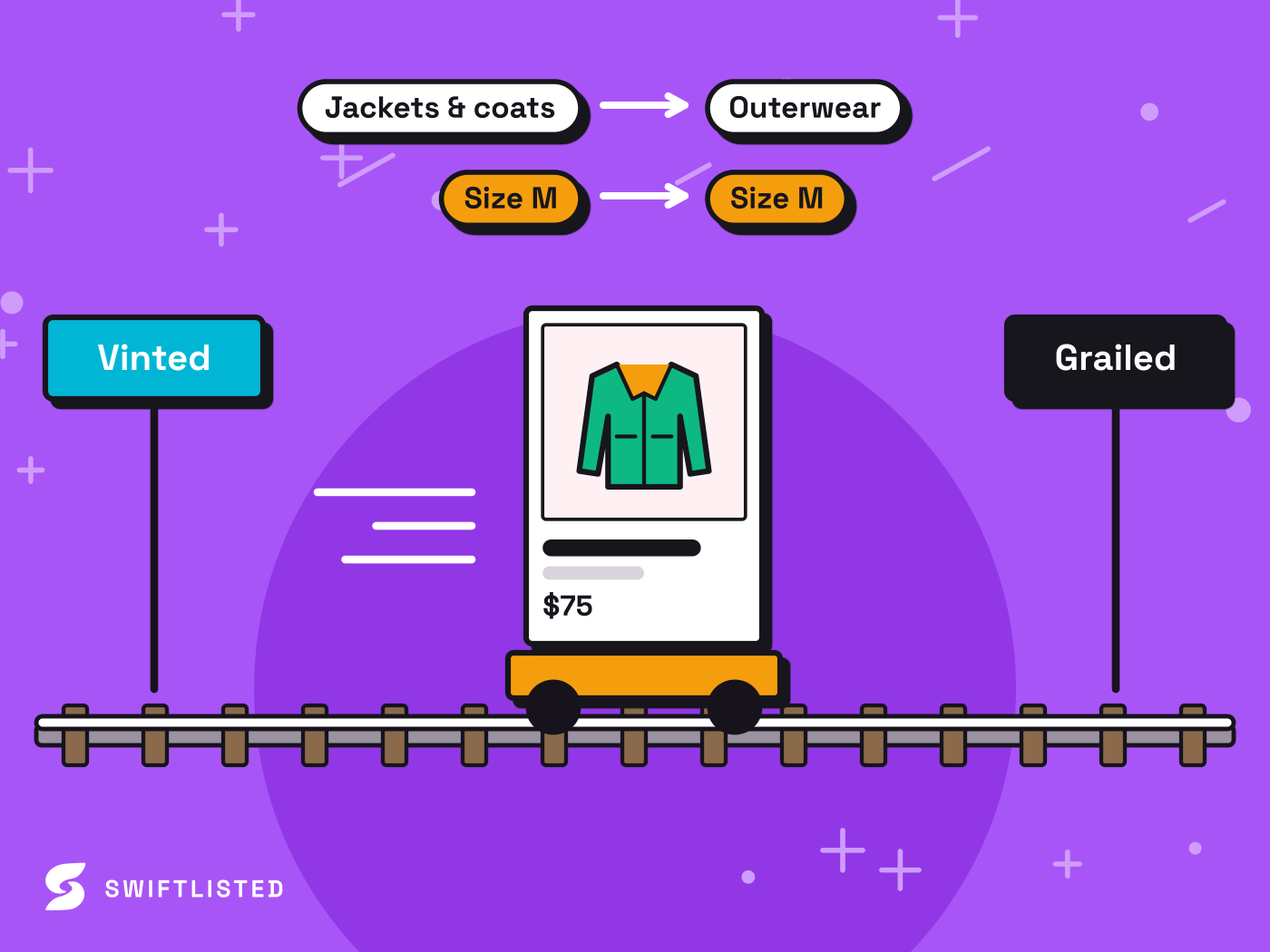
Understanding Vinted and Grailed Key Differences
Before crossposting your listings, it helps to understand how Vinted and Grailed differ in buyer expectations, taxonomy structure, and fields. Vinted operates primarily as a European fashion marketplace structured around broad catalog categories and straightforward condition ratings. Buyers on Vinted often search by item type or brand name across all price points.
Grailed, by contrast, focuses heavily on designer menswear, luxury fashion, and streetwear. Its catalog taxonomy is strict, requiring specific department classifications, exact designer names, and tagged subcategories. Sizing on Grailed also accounts for international conversions, and prices can be automatically adjusted for currency differences depending on your settings.
- Taxonomy: Vinted uses simplified catalog IDs, whereas Grailed relies on deep department trees and brand tagging.
- Designer Autocomplete: Grailed enforces pre-approved designer names. Unrecognised niche brands automatically map to an approved fallback like Other.
- Pricing & Currency: Grailed caters to a global buyer base, meaning prices may be converted across currencies depending on your location settings.
Prerequisites for Crosslisting
Swiftlisted automates crossposting between extension-driven platforms through your browser. Because Vinted and Grailed do not offer public listing APIs, the automation layer operates directly inside your desktop browser session.
- A desktop or laptop computer running Google Chrome on Mac, Windows, or Linux.
- The official Swiftlisted Chrome extension installed from the Chrome Web Store.
- Active seller accounts logged into both Vinted and Grailed within the same Chrome browser profile.
Step 1: Connect Your Marketplace Accounts
Getting set up takes only a few minutes. Open Google Chrome on your computer and log into your Vinted account and your Grailed seller dashboard. Install the Swiftlisted extension from the Chrome Web Store and open your Swiftlisted dashboard.
Swiftlisted connects to Vinted and Grailed by leveraging your active browser sessions. You never need to share your account passwords with Swiftlisted. Once your browser sessions are open, the green connection indicator in your dashboard will confirm that Swiftlisted is ready to interact with both stores.
Step 2: Import Your Active Vinted Shop
Instead of re-photographing your stock or retyping item details, you can pull your live Vinted inventory directly into your Swiftlisted Stockroom. Navigate to your dashboard, trigger an import run, and Swiftlisted will pull in your photos, titles, descriptions, conditions, and pricing.
If you already have items stored in your Stockroom, Swiftlisted checks for duplicates and merges matching records automatically so your catalog stays organized without clutter.
Step 3: Review Category Mapping and Designer Tags
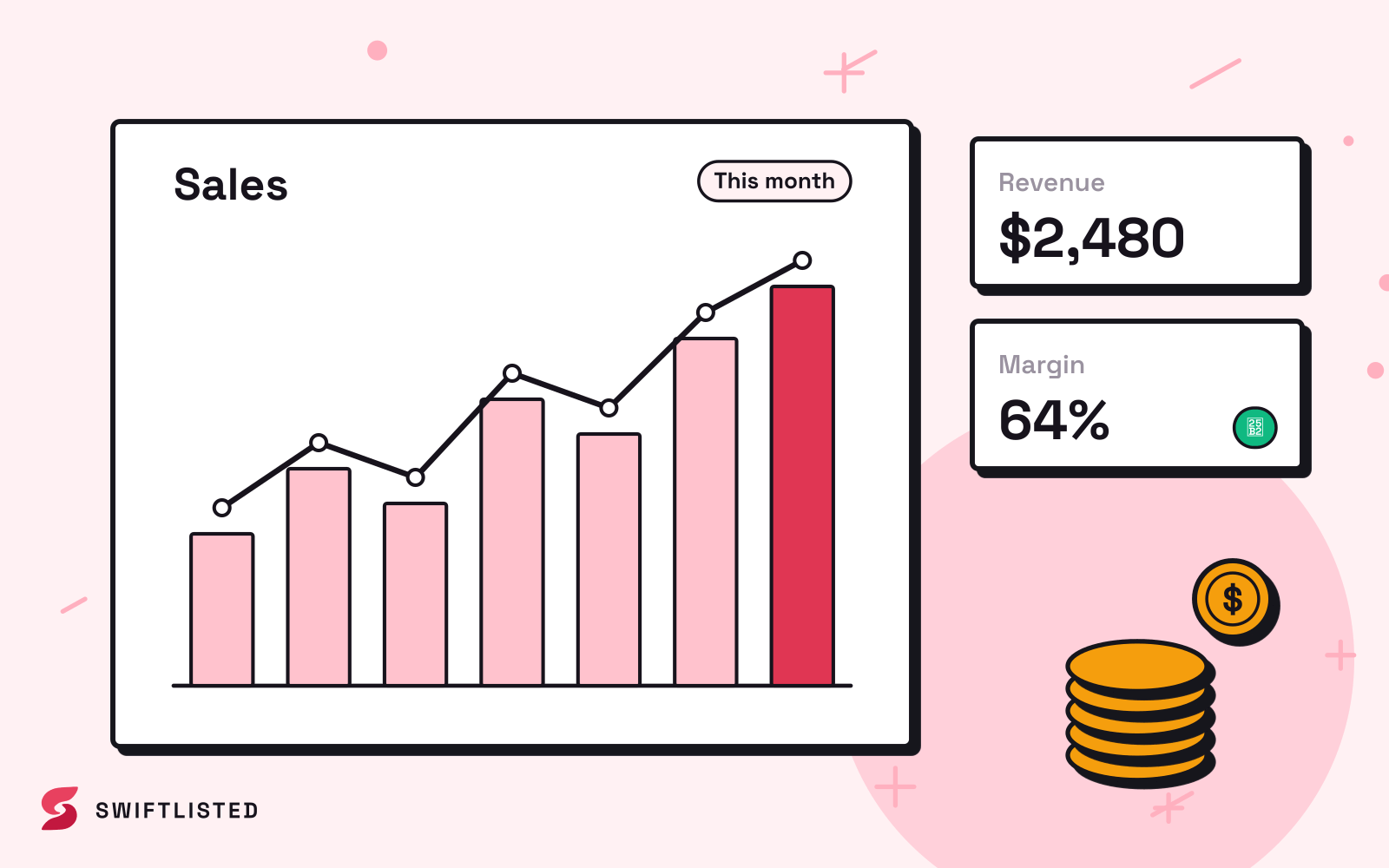
Once your Vinted items are in the Stockroom, review them before publishing. Swiftlisted uses universal categories and automatically translates Vinted catalog details into Grailed's specific department structure and designer lists.
Every field remains fully editable inside the central grid. You can adjust your title, fine-tune the description, override the price per marketplace, or update brand tags. If a brand from Vinted is not in Grailed's pre-approved designer list, Swiftlisted safely defaults to Grailed's Other designer taxonomy so your listing completes smoothly without failing.
Step 4: Crosslist to Grailed
When your inventory drafts are reviewed and ready, select up to 50 items at a time in your inventory grid, choose Grailed as your destination marketplace, and click list. Swiftlisted will process the items sequentially in your Chrome browser, populating photos, titles, taxonomy fields, and descriptions on Grailed.
If an individual listing encounters an issue—such as a missing required size—the remaining items in the queue continue posting uninterrupted. Any flagged item is logged in your Activity feed with a specific reason, allowing you to quickly fill in the missing details and retry.
Managing Your Crosslisted Inventory Automatically
Once your products are live on both Vinted and Grailed, maintaining synced inventory becomes critical to prevent double sales. Swiftlisted offers automated protection by regularly scanning your connected stores. When an item sells on Vinted, Swiftlisted detects the sale, marks the product as sold in your Stockroom, and automatically delists it from Grailed.
To keep old listings fresh on both platforms, you can also use Relister Pro. This feature creates a brand-new listing first before removing the stale one, ensuring your items jump back to the top of buyer feeds without ever leaving your inventory blank.
Common questions
- Can I crosslist from Vinted to Grailed on my mobile phone?
- Not currently for listing. Swiftlisted listing automation relies on a Chrome extension, which requires a desktop or laptop browser (Mac, Windows, or Linux). You can, however, use your phone to view your mobile-friendly dashboard, inventory grid, and analytics.
- What happens if a brand on Vinted is not recognized by Grailed?
- Grailed requires brand names to match their approved designer taxonomy. If Swiftlisted encounters a brand that is not on Grailed's list, it automatically falls back to the approved Other option so your item lists successfully.
- Will crosslisting create duplicate entries in my inventory?
- No. Swiftlisted matches incoming listings against existing inventory records. When importing or linking items across platforms, duplicate entries are merged into a single item record badged in your Stockroom.
- Do I need to enter my Vinted or Grailed passwords into Swiftlisted?
- No. Swiftlisted operates through the official extension inside your own signed-in browser session. It never asks for or stores your marketplace passwords.
List once, sell everywhere
Swiftlisted photographs, describes and crosslists your stock across every marketplace you sell on — then delists it everywhere when it sells.
Start free trial