 Swiftlisted
How to Crosslist from Depop to Vinted Without Retyping
If you already have a thriving shop on Depop, crosslisting your inventory to Vinted is one of the fastest ways to double your audience and increase your sales. While Depop excels with Gen-Z fashion, aesthetic pieces, and vintage trends, Vinted offers access to a massive European fashion marketplace filled with buyers searching for everyday clothing, high-street brands, and pre-loved wear. Manually copying listings between platforms requires retyping descriptions, re-uploading photos, mapping categories, and adjusting condition fields for every single item. Using a crosslisting tool like Swiftlisted allows you to import your Depop inventory and publish directly to Vinted without repeating the manual work.
Key Differences Between Depop and Vinted Listings
Although both platforms focus on fashion, Depop and Vinted structure listing attributes differently. Depop listings rely on specific style tags, age attributes, and detailed description text where sellers frequently list measurements. Vinted, by contrast, organizes inventory using precise catalogue IDs, strict taxonomy rules, and standardized condition ratings.
When crosslisting an item, these data fields must be translated accurately so your items rank well in Vinted search results. For example, a Depop item tagged as excellent condition with custom style tags needs to match Vinted's exact condition equivalents and catalog categories. Swiftlisted handles this translation automatically inside your central inventory, converting categories, attributes, and sizing rules before posting.
Prerequisites for Crosslisting from Depop to Vinted
Before you start moving your catalogue, make sure your workspace is ready. Crosslisting between extension-driven platforms requires desktop browser support to run the automation smoothly.
To crosslist from Depop to Vinted, you need the following setup:
- A desktop or laptop computer (Mac, Windows, or Linux) running Google Chrome.
- An active seller account on Depop and an active seller account on Vinted.
- The official Swiftlisted Chrome extension installed from the Chrome Web Store.
- Signed-in sessions for both Depop and Vinted within the same Chrome browser profile.
Step-by-Step: Crosslisting Your Depop Shop to Vinted
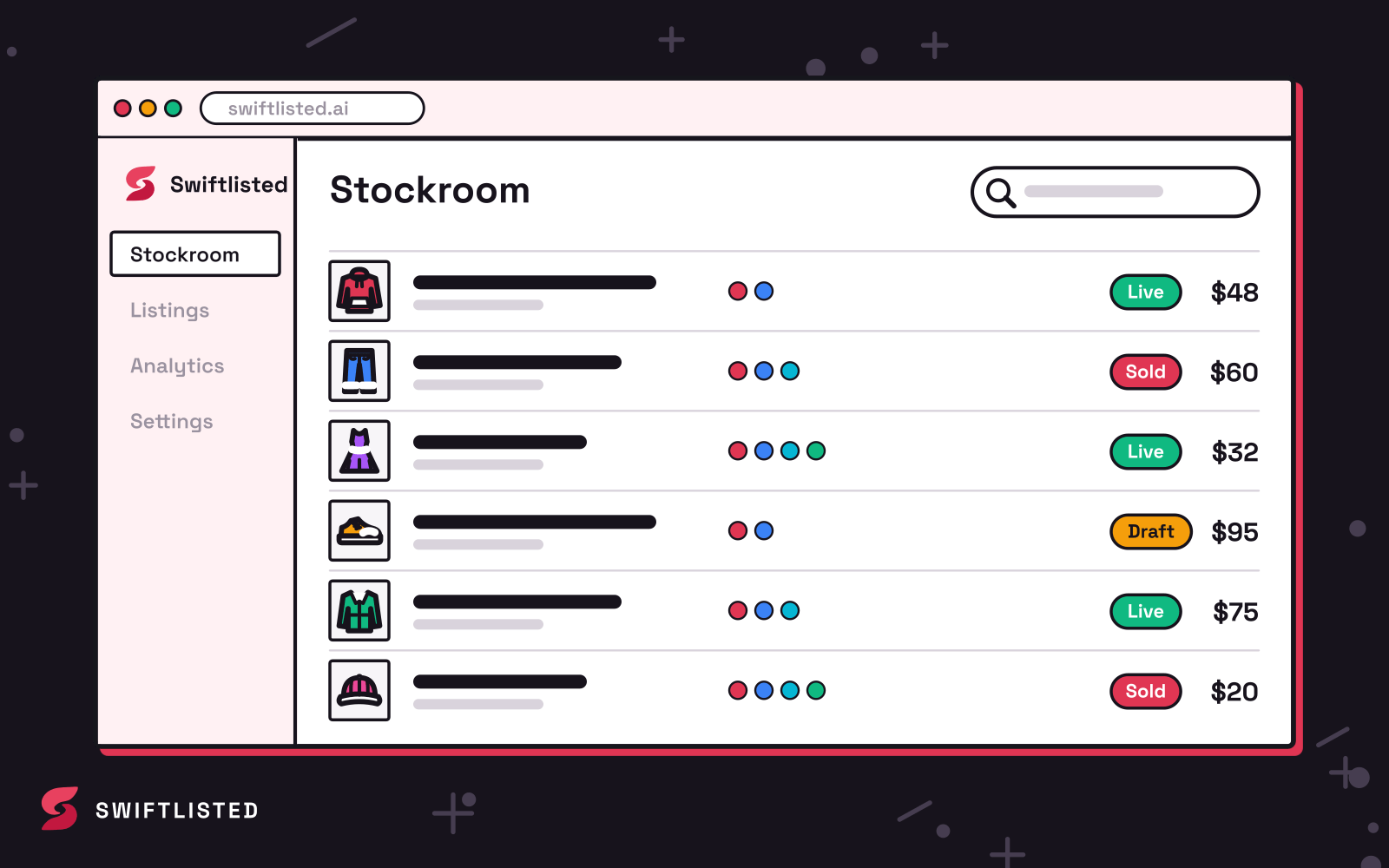
Once your accounts are connected in Chrome, crosslisting your shop takes only a few simple steps. Everything is managed from your central Stockroom dashboard on swiftlisted.ai.
Here is the process to crosslist your listings:
- Log into your Depop web dashboard in your Chrome browser and launch the Swiftlisted Chrome Extension.
- Import your active Depop items into your central inventory. Swiftlisted fetches your titles, descriptions, style tags, and photos automatically.
- Manage Depop attributes directly inside the Swiftlisted DataGrid, where AI converts age, style tags, and descriptions into universal category mappings.
- Log into your Vinted account in Chrome and click Sync in your Swiftlisted dashboard to fetch active listings and drafts.
- Select up to 50 items in your inventory grid, review the converted Vinted category IDs and translated conditions, choose Vinted as your destination, and click Crosslist.
Preventing Double-Selling with Automatic Sold Detection
The primary challenge of listing items across multiple channels is the risk of double-selling. If an item sells on Depop while you are away from your desk, forgetting to delete the Vinted listing manually can lead to cancelled orders and store penalties.
Swiftlisted protects your shop using automated sold detection. The background scanner checks your connected accounts for completed sales, marks the item as sold in your Stockroom, and automatically delists it from Vinted and any other connected marketplace. Furthermore, when inventory goes quiet, you can use Relister Pro to refresh stale items on both Depop and Vinted by recreating fresh listing records to boost search visibility.
Best Practices for Safe Marketplace Crosslisting
Maintaining a healthy seller status on both Depop and Vinted relies on following platform safety standards. The Swiftlisted Chrome extension operates directly inside your signed-in browser session, performing actions at a steady, human-like pace without ever requesting or storing your account passwords.
To keep your listing runs running smoothly, consider these tips:
- Process inventory in moderate batches rather than attempting to post hundreds of items in a single sitting.
- Ensure you stay logged into both Depop and Vinted in Chrome while running crosslist tasks.
- If a listing fails to post, check your Activity feed in Swiftlisted to see the exact reason, such as an empty required size field or an unselected category mapping.
Common questions
- Can I crosslist from Depop to Vinted on my phone?
- No. Listing automation requires the Swiftlisted Chrome extension, which runs on desktop browsers (Mac, Windows, or Linux). While the Swiftlisted dashboard itself is mobile-friendly for checking analytics and inventory, crosslisting actions require a computer with Google Chrome.
- Does Swiftlisted automatically delist items from Vinted when they sell on Depop?
- Yes. Swiftlisted includes sold detection for Pro and Expert accounts. It checks your connected stores, marks sold items in your Stockroom, and automatically delists them from Vinted and other connected channels to prevent double-selling.
- Will importing my Depop store create duplicate listings in my inventory?
- No. Swiftlisted automatically detects items you already have in your inventory and merges newly imported listings into existing records rather than creating duplicates. Merged items are badged clearly inside your grid.
- How does Swiftlisted handle category and condition differences between Depop and Vinted?
- Swiftlisted translates your item's universal category into Vinted's specific catalogue IDs and converts condition descriptors automatically. You can review and edit all mapped fields in the DataGrid prior to hitting Crosslist.
List once, sell everywhere
Swiftlisted photographs, describes and crosslists your stock across every marketplace you sell on — then delists it everywhere when it sells.
Start free trial