 Swiftlisted
How to Crosslist from Facebook Marketplace to Depop
Selling secondhand clothing on Facebook Marketplace is an effective way to reach local buyers and general shoppers who never open a dedicated resale app. However, if you sell vintage, streetwear, or trendy apparel, you miss out on a valuable buyer base by not having those items live on Depop as well. Depop connects directly with Gen-Z fashion buyers actively searching for specific brands, style tags, and vintage aesthetics. Moving your inventory from Facebook Marketplace to Depop does not mean retyping descriptions or re-uploading photos for every piece. Here is how to crosslist your listings smoothly.
Why Facebook Marketplace Sellers Should Crosslist to Depop
Facebook Marketplace offers huge local reach and straightforward delivery options, but its audience is broad. Buyers there often look for local deals or everyday items rather than specific fashion trends. Depop, by contrast, is built entirely around Gen-Z fashion, vintage apparel, and streetwear culture.
By crosslisting your apparel inventory from Facebook Marketplace to Depop, you place your items in front of buyers willing to pay market value for specific styles, brands, and aesthetics. Instead of waiting for a local buyer to stumble across a vintage jacket on Facebook, you can list it directly where fashion-focused buyers are searching for it.
Understanding Platform Differences: Facebook vs Depop
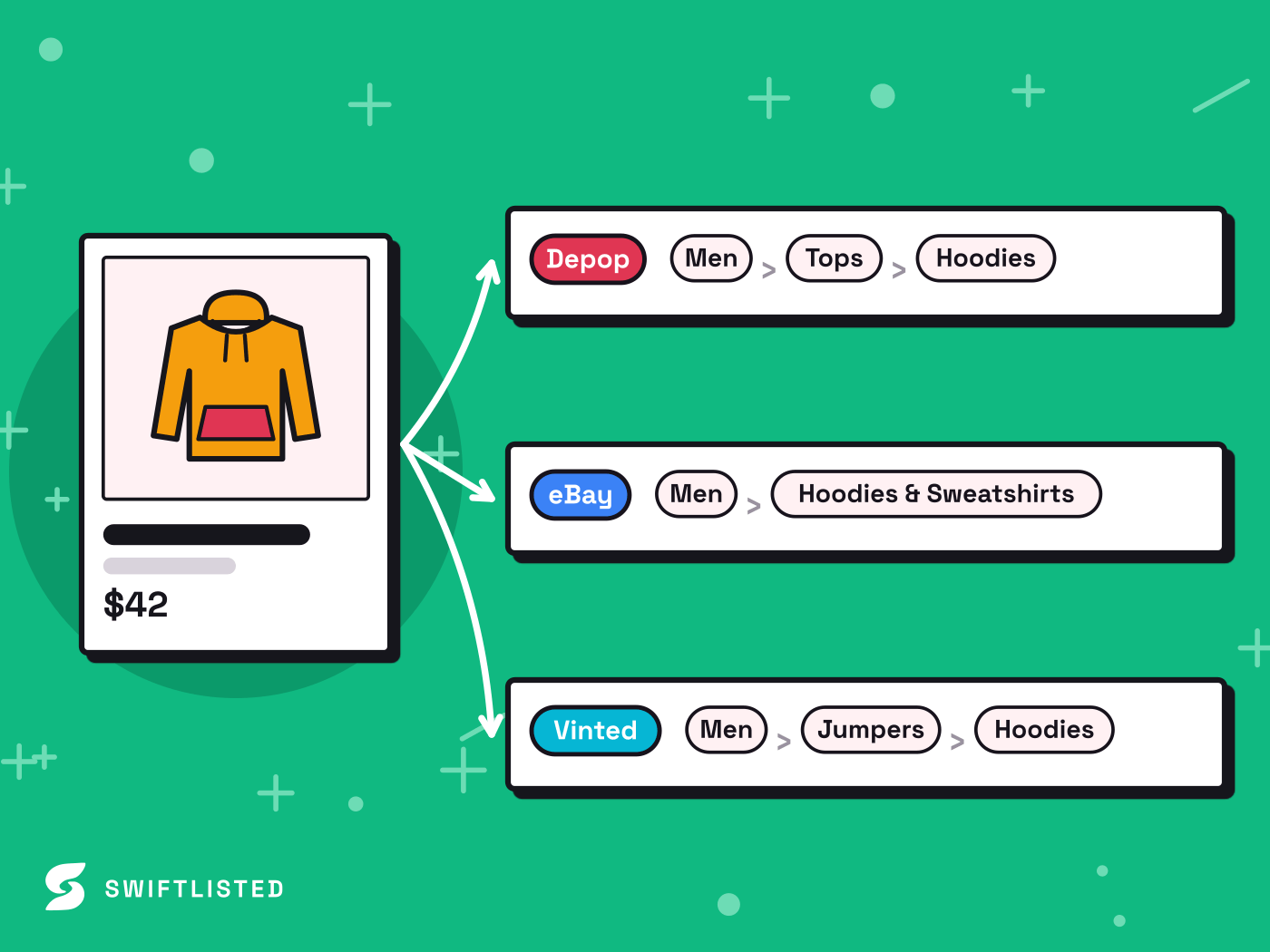
When you move a listing from Facebook Marketplace to Depop, the core item details remain the same, but the attributes require translation. Facebook uses broad category trees suited for general goods and local delivery, whereas Depop relies heavily on fashion-specific metadata.
To get maximum visibility on Depop, your listings need the right attributes mapped correctly from your original Facebook post:
- Categories and Subcategories: Facebook's clothing categories are broad, but Depop requires precise categorisation (such as Tops > Sweatshirts & Hoodies).
- Style Tags and Aesthetics: Depop buyers filter by style tags like Y2K, vintage, streetwear, or minimalist. Facebook Marketplace does not use these tags.
- Condition and Vintage Age: Depop asks for item condition and vintage era (such as 90s or 2000s), which helps rank your listing in curated buyer feeds.
- Delivery vs Shipping: Facebook supports local pickup alongside postal delivery, whereas Depop relies strictly on shipping options.
Step-by-Step: How to Crosslist Using Swiftlisted
Crosslisting manually means copying titles, re-uploading image files, and re-entering item details. With Swiftlisted, you can import your existing Facebook Marketplace catalogue straight into your central inventory and publish to Depop in a few clicks.
Make sure you are using Google Chrome on a desktop or laptop computer (Mac, Windows, or Linux), as browser extensions are required for automation on these platforms.
- Install the Extension: Add 'Crosslister by Swiftlisted' from the Chrome Web Store to your Chrome browser.
- Sign In to Both Platforms: Log into both your Facebook account and your Depop web dashboard within the same Chrome browser profile.
- Import Your Facebook Shop: Go to your Swiftlisted dashboard and import your live Facebook Marketplace listings into your central Stockroom inventory.
- Review Depop Attributes: Swiftlisted automatically maps categories and pulls item details. Check the inventory grid to review titles, prices, and Depop-specific style tags or condition settings.
- Crosslist to Depop: Select the items you want to publish, choose Depop, and hit Crosslist. Swiftlisted will post the items directly to your Depop shop.
Preventing Double Sales with Automated Sold Detection
The biggest concern when listing across multiple platforms is selling the same item twice. Swiftlisted solves this by monitoring your connected shops for sales in the background.
When an item sells on Depop, Swiftlisted marks it sold in your central inventory and takes down the listing on Facebook Marketplace. If an item sells on Facebook Marketplace, Swiftlisted detects the sale during its scheduled background scan and automatically delists the item from Depop, keeping your inventory completely synchronised.
Common questions
- Can I crosslist from Facebook Marketplace to Depop on my phone?
- Not for the listing step itself. Swiftlisted's listing automation relies on a Chrome extension, which requires Google Chrome on a desktop or laptop computer (Mac, Windows, or Linux). You can, however, view your dashboard, inventory, and analytics on a mobile browser.
- Do I need to re-photograph my items to list them on Depop?
- No. When you import your Facebook Marketplace listings into Swiftlisted, your original photos and details are brought into your central inventory grid, ready to be published to Depop.
- Can I set different prices for Depop and Facebook Marketplace?
- Yes. You can override pricing per marketplace in the inventory grid before you crosslist, allowing you to account for differing fee structures or shipping options.
- What happens if an item sells on Facebook Marketplace?
- Swiftlisted checks Facebook Marketplace on a regular schedule and automatically marks the item sold, removing the corresponding listing from Depop so you never double-sell.
List once, sell everywhere
Swiftlisted photographs, describes and crosslists your stock across every marketplace you sell on — then delists it everywhere when it sells.
Start free trial