 Swiftlisted
How to Crosslist from Depop to Facebook Marketplace
If you sell clothing or vintage fashion on Depop, you already know how effective the platform is for reaching Gen-Z shoppers and trend-focused buyers. However, keeping your inventory locked to a single app limits your customer base. Facebook Marketplace reaches millions of local and nationwide buyers who never open dedicated resale apps. Crosslisting manually by copy-pasting titles, photos, descriptions, and sizes between apps consumes hours of administrative time. By using automated crosslisting, you can move your existing Depop shop onto Facebook Marketplace quickly and effortlessly.
Understanding the Differences: Depop vs Facebook Marketplace
Depop and Facebook Marketplace serve distinctly different buyer demographics and utilize different listing metadata. Depop focuses on Gen-Z streetwear, vintage aesthetic tags, condition ratings, age indicators, and detailed measurement descriptions. Facebook Marketplace caters to a much broader demographic searching for everyday apparel, local pickup deals, and nationwide delivery.
When crosslisting between these platforms, proper attribute mapping is essential. Depop requires specific fashion tags, whereas Facebook Marketplace relies on category matching, fulfillment preferences (local pickup or nationwide shipping), and privacy controls like hiding listings from your personal Facebook friends.
Both Depop and Facebook Marketplace connect to Swiftlisted via the Chrome extension. Because neither platform provides a public API for personal seller accounts, automated listing works directly through your active, signed-in Chrome browser session on your desktop or laptop.
Step-by-Step: Crosslisting Depop Items to Facebook Marketplace
Connecting your shops and transferring listings takes just a few minutes. Because crosslisting automation relies on a browser extension, ensure you are using Google Chrome on a desktop or laptop computer.
Follow these steps to transfer your Depop listings onto Facebook Marketplace:
- Log into your Depop web dashboard and your Facebook account within the same Chrome browser profile.
- Install the Swiftlisted extension from the Chrome Web Store and open your Swiftlisted dashboard.
- Import your live Depop shop. Swiftlisted imports your active listings, including photos, titles, and descriptions, into your central Stockroom inventory grid.
- Configure your Facebook Marketplace default shipping and local pickup options once inside your Settings tab.
- Review your imported listings in the DataGrid. Swiftlisted automatically translates universal categories into Facebook Marketplace's specific category list and converts item sizes.
- Select your items, open the bulk listing tool, choose Facebook Marketplace, and launch the crosslisting process.
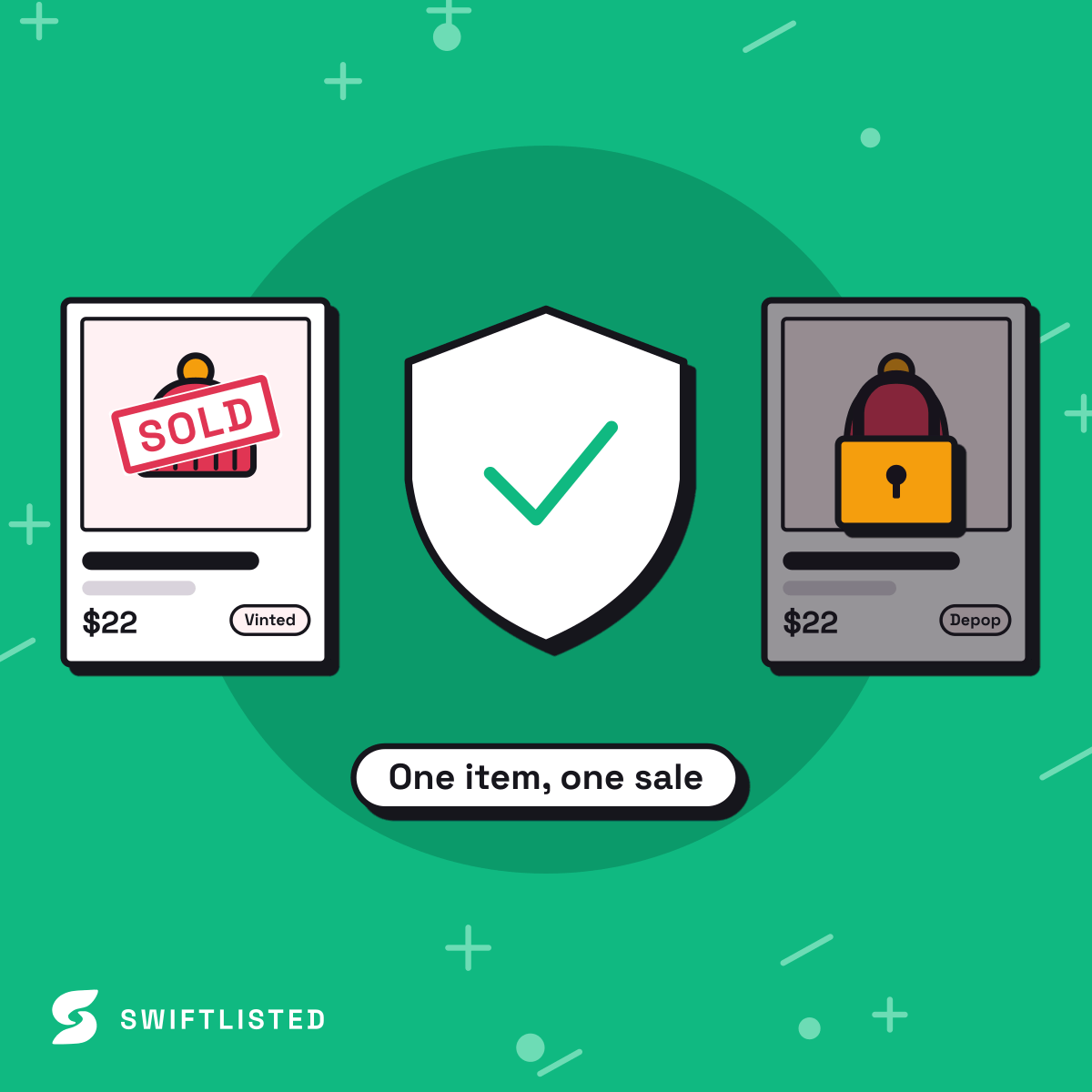
Inventory Syncing, Delisting, and Platform Rules
Crosslisting across multiple channels increases your sales velocity, but managing inventory manually can lead to double-selling. Swiftlisted handles this through automated sold detection. When an item sells on Depop, Swiftlisted marks the item as sold in your inventory and automatically removes the corresponding listing from Facebook Marketplace.
Because Facebook enforces strict controls on personal account automation, Swiftlisted scans Facebook Marketplace for sales on a dedicated once-per-hour schedule. However, when an item sells on Depop or another connected venue, its removal from Facebook Marketplace is triggered immediately.
It is also important to note that relisting rules vary by platform. While Relister Pro allows you to refresh quiet listings on Depop to boost them back to the top of feeds, Facebook Marketplace functions differently. Deleting and reposting listings on Facebook Marketplace can cause the platform to flag items as duplicate content. Instead, use Facebook's native Renew option for older posts, reserving relisting automation for channels like Depop, Vinted, Grailed, and eBay.
Best Practices for Dual-Platform Resellers
To maximise your conversion rate across both Depop and Facebook Marketplace, keep the following strategies in mind:
Adjust pricing per marketplace: Depop buyers often expect styled, curated fashion pricing, while Facebook Marketplace buyers look for clear value or local pickup savings. You can set individual marketplace price overrides in your Swiftlisted inventory grid before posting.
Keep your Chrome browser active: Extension-based crosslisting runs sequentially—processing platforms one by one to prevent browser tabs from competing. Keeping your browser open ensures your bulk runs complete smoothly.
Optimise your descriptions: Depop relies heavily on style tags and aesthetic keywords. Swiftlisted preserves your core item details while mapping your product into the correct Facebook taxonomy so non-fashion-focused buyers can find your items via standard search terms.
Common questions
- Do I need a computer to crosslist from Depop to Facebook Marketplace?
- Yes. Crosslisting between Depop and Facebook Marketplace requires the Swiftlisted Chrome extension, which runs on desktop or laptop browsers (Mac, Windows, or Linux). Mobile browsers do not support extensions, though you can manage your inventory and view analytics on your phone via swiftlisted.ai.
- Can I hide my Facebook Marketplace listings from my personal friends?
- Yes. Facebook Marketplace offers an option to hide listings from your Facebook friends. Swiftlisted supports this setting, allowing your crosslisted Depop inventory to reach general Marketplace buyers without appearing on your personal Facebook feed.
- What happens if an item sells on Depop after I crosslist it?
- With sold detection active, Swiftlisted identifies the sale on Depop, updates your Stockroom status to Sold, and automatically delists the item from Facebook Marketplace so you do not double-sell.
- How much does it cost to crosslist between Depop and Facebook Marketplace?
- Swiftlisted has no free plan. Every new account starts with a free trial, no credit card needed, and the current plans, limits and trial length are on the pricing page at swiftlisted.ai/pricing.
List once, sell everywhere
Swiftlisted photographs, describes and crosslists your stock across every marketplace you sell on — then delists it everywhere when it sells.
Start free trial