 Swiftlisted
How to Crosslist from Poshmark to Shopify Without Retyping Your Catalog
If you have built a successful reselling business on Poshmark, expanding to Shopify is the logical next step. While Poshmark brings built-in buyer traffic through social sharing, Shopify gives you a branded, independent storefront with complete control over customer relationships and zero platform commission fees. Retyping hundreds of titles, descriptions, sizes, and prices by hand to create Shopify product records is tedious and error-prone. Using a crosslisting tool allows you to push your Poshmark listings to Shopify in minutes, automated category mapping included.
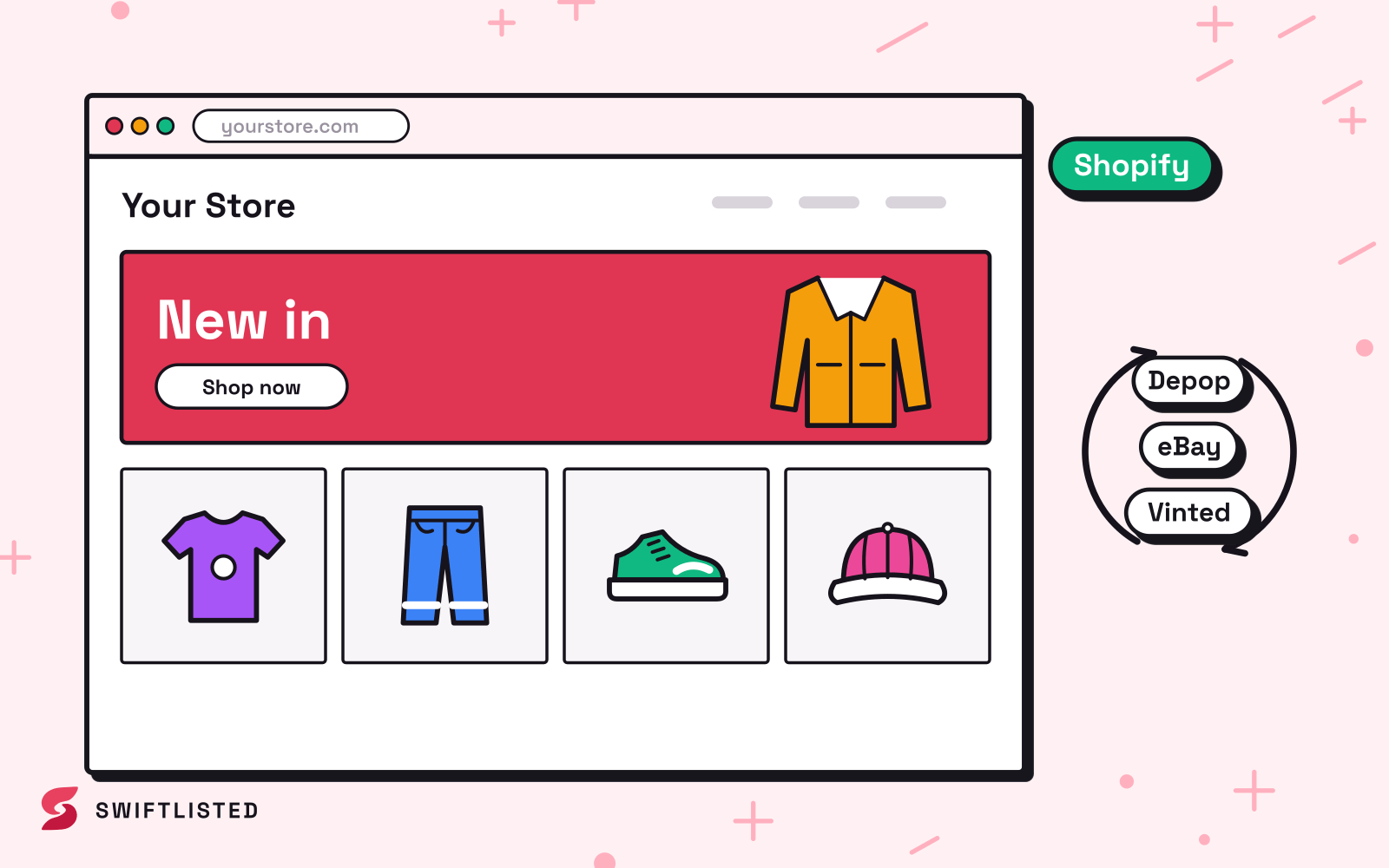
Poshmark vs Shopify: Understanding the Key Platform Differences
Poshmark and Shopify cater to completely different reselling workflows. Poshmark operates as a social commerce platform where community sharing, party shares, and seller interactions drive visibility. Products rely heavily on structured attributes like brand tags, standard apparel sizing, and predefined categories.
Shopify operates as a dedicated e-commerce storefront. There is no built-in marketplace feed or social sharing algorithm; instead, you build your own customer domain. Shopify uses product titles, descriptions, variants, and collections to organise inventory. Because Shopify does not enforce rigid social marketplace rules, your product listings must be complete, polished, and structured properly so search engines and website visitors can navigate your store easily.
When you crosslist from Poshmark to Shopify, you move from a fixed social marketplace format to a flexible e-commerce structure. Doing this manually means copying every image, reformating size descriptions, setting up web tags, and re-entering brand names. Automated crosslisting bridges this gap automatically.
How Poshmark and Shopify Connect to Swiftlisted
Marketplaces communicate with software tools in distinct ways depending on their system architecture. Understanding how your store connections work ensures a smooth workflow when crosslisting.
Shopify connects via an official API integration. You authorise Swiftlisted through your Shopify admin portal. Because it uses an official token-based login, crosslisting to Shopify and updating catalog records works smoothly in the background, even when your web browser is closed.
Poshmark operates via Chrome extension automation. Because social marketplaces do not provide public listing APIs, listing automation works inside your active desktop Chrome browser session. To manage your Poshmark catalog, you log into your account in Chrome, open the Swiftlisted extension, and manage drafts directly.
- Shopify connection: Official API integration authorised through your Shopify admin portal.
- Poshmark connection: Handled via the Swiftlisted Chrome extension in your active Chrome browser session.
- System requirements: Crosslisting actions run on Google Chrome using a desktop or laptop computer (Mac, Windows, or Linux).
Step-by-Step: How to Crosslist Poshmark Items to Shopify
Transferring your stock from Poshmark to your independent Shopify site requires only a few structured steps inside your workspace.
First, make sure your desktop environment is ready. Open Google Chrome on your computer, log into your Shopify admin portal, and verify the Swiftlisted extension has permission for your store domain. Link your Shopify store in Integrations to import active listings or enable publishing.
Next, bring your item details into your central Stockroom inventory. If your items are already created in Swiftlisted or imported from your Poshmark shop, open your stock grid. Review the AI-generated titles, brand tags, conditions, and uploaded photos. Every field remains fully editable before anything goes live.
Finally, select the items you wish to publish, choose Shopify as your target destination, and initiate the run. Swiftlisted maps your product attributes and transfers product descriptions and photos directly into Shopify as active listings or drafts.
Translating Sizes, Brands, and Pricing Across Channels
One of the biggest hurdles when moving listings between marketplaces is dealing with taxonomy differences. Poshmark uses standardized sizing filters and specific brand lists, whereas Shopify uses custom variants and free-form tags.
Swiftlisted handles this translation in the background using dynamic size mapping and brand mapping profiles. When you crosslist an item, standard apparel sizes and shoe sizes are converted to match the receiving platform's catalog structure. If a niche brand is not recognised by a destination platform, the system safely maps it to a suitable fallback option so your bulk run is not interrupted.
Pricing can also be adjusted per channel. Because Shopify does not charge marketplace selling fees per order in the same way Poshmark deducts commission, many resellers choose to set channel-specific pricing. You can set platform overrides directly in the inventory grid before publishing your items live.
Preventing Double Sales with Real-Time Sold Sync
Selling across multiple channels increases your sales velocity, but it introduces the risk of double-selling an item. If a piece sells on Poshmark while you are away from your desk, leaving it live on Shopify risks an unfulfillable order and a disappointed customer.
Automating your delisting safeguards your stock control. When an order is placed on Shopify, Swiftlisted receives a real-time notification via the official API. The item is immediately marked as sold inside your central Stockroom, and the background sold scanner triggers auto-delisting across your connected channels, including Poshmark.
Likewise, when an item sells on Poshmark, the system verifies positive proof of the sale before marking the item as sold and removing the inventory record from Shopify. This ensures you never double-sell an item while protecting your live catalog from premature delisting.
Common questions
- Do I need to re-photograph my Poshmark items to list them on Shopify?
- No. When you import or create your items in Swiftlisted, all existing images are stored securely with your inventory records. You can crosslist those exact photos straight to your Shopify store without taking new photos.
- Can I crosslist from Poshmark to Shopify using a mobile phone?
- Not for listing. Crosslisting automation relies on the Swiftlisted Chrome extension, which requires a desktop or laptop computer (Mac, Windows, or Linux) running Google Chrome. However, you can use your phone's browser to review your Stockroom inventory grid and view analytics.
- How does sold detection prevent double-selling between Poshmark and Shopify?
- Shopify communicates instantly with Swiftlisted via API when an item is purchased. Swiftlisted marks the item as sold in your Stockroom and triggers auto-delisting on Poshmark. Background sold scanning also checks Poshmark sales to keep your Shopify catalog accurate.
- What happens if a listing run encounters an error on Shopify?
- If an item fails to post—due to a missing required field like size or an unmapped category—the bulk run continues for all remaining items. The failure reason is logged in your Activity feed, and the unposted item remains safely in your inventory so you can correct the detail and retry.
List once, sell everywhere
Swiftlisted photographs, describes and crosslists your stock across every marketplace you sell on — then delists it everywhere when it sells.
Start free trial