 Swiftlisted
How to Crosslist from Shopify to Poshmark
Managing an independent e-commerce storefront on Shopify gives you total control over your brand identity and customer relationship, but tapping into a buyer-dense social commerce marketplace like Poshmark can significantly expand your reach. Transferring your catalogue manually between platforms usually requires re-uploading photos, rewriting product descriptions, and manually adjusting sizes and categories. By setting up an automated crosslisting workflow with Swiftlisted, you can syndicate your Shopify products directly to Poshmark while keeping your inventory organised and avoiding double sales.
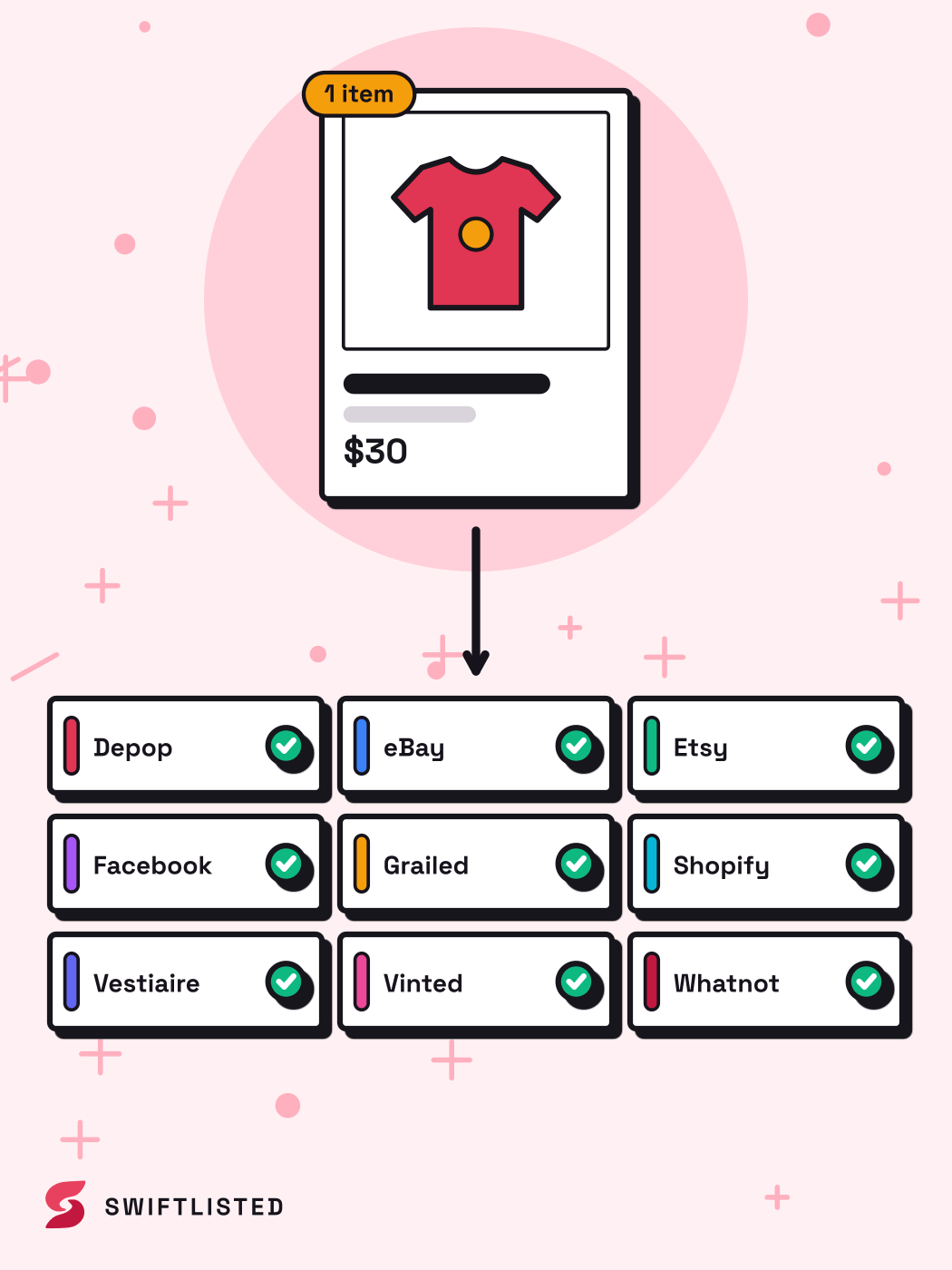
Understanding the Differences Between Shopify and Poshmark
Shopify powers independent e-commerce storefronts where sellers manage their own standalone websites, custom checkout processes, and domain branding. Poshmark operates as a social commerce platform centred around buyer-seller interactions, shares, offers, and community browsing feeds.
Because the two platforms target different shopping environments, their product catalogue structures differ. Shopify relies on custom vendor tags, custom collections, and flexible variant trees for sizes and colours. Poshmark uses a strict, structured taxonomy with predefined brand lists, specific item categories, and standardised size formats for apparel, footwear, and accessories.
When crosslisting from Shopify to Poshmark, your product data must be mapped from your custom Shopify setup into Poshmark's structured fields to ensure listings are discoverable in buyers' feeds.
- Shopify uses custom product types and flexible variant attributes.
- Poshmark requires structured department mapping (such as Women, Men, Kids, or Home).
- Shopify connects via official API authorisation, whereas Poshmark automation runs inside your Chrome browser session.
Preparing Your Shopify Catalogue for Crossposting
Before sending listings over to Poshmark, audit your Shopify inventory to ensure the underlying product data translates smoothly. Clear, high-quality images and structured title tags in Shopify reduce the need for manual edits later.
Make sure every clothing and footwear item on Shopify has a clear brand tag and size specified. On Shopify, sizes are often listed as variant options, whereas Poshmark requires an explicit item size selected from its category-specific size charts.
Check that your photos include clear shots of the main product, manufacturer tags, and any notable wear or condition details. Photos stored in your Shopify catalogue cleanly transfer over during the crosslisting process.
- Clear tag shots help automated scanning identify exact brand and size information.
- Selecting universal categories ensures correct taxonomy translation when posting to Poshmark.
- Ensure all listing fields like condition and price are filled in before starting a crosslist run.
Connecting Your Accounts and Extension
Connecting Shopify and Poshmark requires setting up permissions across both platforms on a desktop or laptop computer using Google Chrome.
To connect your Shopify store, ensure you are logged into your Shopify admin portal in Chrome and that the Swiftlisted Chrome extension has permission for your shopify domain. Link your store in Swiftlisted Integrations to import active listings via the official API connection.
Next, log into your Poshmark seller account in Chrome and open the Swiftlisted extension toolbar. This allows automated size and brand translation to operate seamlessly inside your active browser session.
- Shopify store connection uses official authorisation, requiring no active browser tab once set up.
- Poshmark integration operates through the Swiftlisted extension inside your signed-in browser session.
- Setup takes around five minutes and requires no technical knowledge.
Mapping Sizes, Brands, and Categories
One of the primary challenges when moving from a custom Shopify storefront to a social marketplace like Poshmark is category and size translation.
Poshmark requires specific category mappings for departments like Women, Men, Kids, and Home. Swiftlisted automatically translates your Shopify item details and universal categories into Poshmark's specific taxonomy.
Dynamic size mappers and brand mapping profiles handle the subtle formatting differences between platforms. If a brand from your Shopify store is not recognised in Poshmark's standard database, the system automatically falls back to Poshmark's approved alternative options, preventing listing errors during crosslisting.
- Dynamic size mapper converts sizing across footwear and apparel categories.
- Brand mapping profiles map Shopify brand attributes to Poshmark's accepted brand directory.
- Universal category selection maps automatically into Poshmark subcategories.
Preventing Double Sales with Inventory Tracking
Selling across both an independent website and a social commerce marketplace introduces the risk of selling the same piece of inventory twice. Preventing double sales requires active inventory monitoring across both channels.
Shopify communicates instant order updates through its official API whenever a customer purchases an item on your web store.
On Poshmark, sold detection and automated delisting tools monitor active listings. When an item sells on one platform, automated delisting removes the item from the other marketplace, keeping your central Stockroom accurate without requiring manual deletion.
- Real-time order notifications from Shopify inform your inventory system instantly upon sale.
- Poshmark listings are automatically delisted once positive proof of a sale is recorded elsewhere.
- Central Stockroom tracking maintains live status across every connected store.
Common questions
- Can I crosslist from Shopify to Poshmark using a mobile phone?
- No. Listing automation and browser extension tools require Google Chrome running on a desktop or laptop computer running Mac, Windows, or Linux. While you can view your dashboard and review inventory on a mobile browser, listing creation and crosslisting execution require a desktop environment.
- Do I need an active seller account on both Shopify and Poshmark?
- Yes. Swiftlisted crosslists items directly to your own existing accounts. You must already have an active Shopify store and a Poshmark seller account set up prior to crosslisting.
- What happens if a brand on my Shopify store isn't recognised by Poshmark?
- If a brand name on your Shopify product does not match Poshmark's approved brand list, the dynamic brand mapping tool automatically selects an appropriate fallback option (such as Poshmark's "Other" brand designation) so your listing posts successfully without failing.
- Will selling an item on Shopify automatically delist it on Poshmark?
- Yes. When connected with sold detection features, order notifications from Shopify trigger automated delisting across your connected social channels like Poshmark to prevent double sales.
List once, sell everywhere
Swiftlisted photographs, describes and crosslists your stock across every marketplace you sell on — then delists it everywhere when it sells.
Start free trial