 Swiftlisted
Crosslisting vs Crossposting: Is There a Difference?
Short answer: in resale, crosslisting is the term for posting the same item to more than one marketplace so it can sell wherever a buyer finds it. Crossposting is the older word from social media, meaning sending one post to several platforms at once. The two overlap, and many people use them interchangeably, but for a reseller the useful question is not the word. It is whether you are creating one listing per marketplace by hand, or whether a tool is doing it from a single set of photos and details. This article explains where the words came from, what each one actually involves in practice, and how to decide what to do today.
Where the two words come from
Crossposting comes from social media. Sharing one update to several networks at the same time is crossposting, and the word carries no assumption about commerce, inventory or stock.
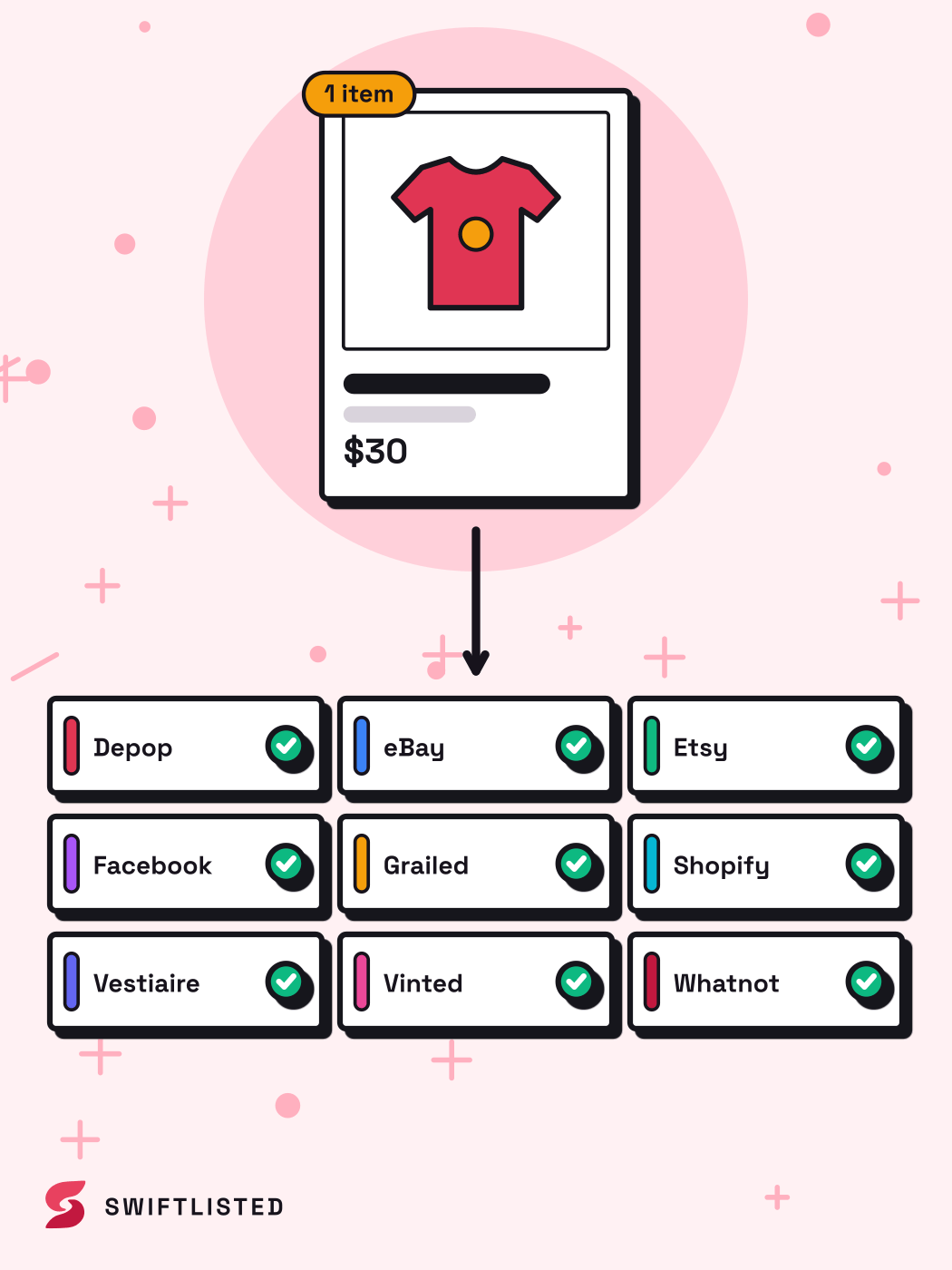
Crosslisting is the reseller's word. A listing is the page that sells an item, so crosslisting means listing the same physical item on several marketplaces. The item is singular and the listings are plural, and that distinction matters because each marketplace keeps its own record, its own category and its own sold status. If an item sells on one marketplace and the listing stays live on another, you have a double sale waiting to happen.
What each one involves in practice
Doing it by hand means photographing the item, writing the title, description, size, condition and price, choosing a category, and then repeating most of that on each marketplace. Some marketplaces let you copy a listing across; most still need fields filled in again, and categories and sizes do not map one to one.
Doing it with a tool means entering the item once and letting software produce the per-marketplace versions. The trade-off is that the tool is only as accurate as its mapping and its automation, so you still have to review what it produced before anything goes live.
- Manual: full control, slow, easy to forget to delist elsewhere when something sells.
- Tool-assisted: fast for batches, depends on the tool's category and size mapping being right, and needs a check before posting.
Which one describes what you are trying to do
If you want the same item visible on several shops at once, you want crosslisting, whatever the tool is called. If you are simply sharing one photo or post to several social accounts, the word crossposting fits better, and no inventory is involved.
The thing to check is sold status. A crosslisted item needs something that removes it from the other marketplaces when it sells. Without that, you rely on remembering, and a missed delist means selling the same item twice.
The risks, stated plainly
Crosslisting carries real risk, and automation does not remove it. Categories and sizes can be mapped wrongly, so an item can land under the wrong department. A required field left empty can make a listing fail. A sale on one marketplace can go undetected for a while, and in that window the item can sell again.
Automation tools, including Swiftlisted, act inside your own signed-in session on the marketplaces that have no public listing interface. That means a marketplace's own rules on automated activity apply, and enforcement is the marketplace's decision, not the tool's. Rules on automation differ by marketplace and change over time, so check each marketplace's current policy before you run large batches. Pace big runs sensibly rather than posting hundreds of listings in one sitting.
To lower the risk: review every draft before posting, photograph the brand and size tag clearly so the details are right, keep your marketplace sessions signed in, and check the activity log after each run. None of this guarantees a clean result.
- Review every AI or automated draft before it goes live.
- Fill in size and category yourself when the photos do not show them.
- Check each marketplace's automation and listing policy, and confirm it still says what you think it says.
- Run large batches in smaller groups rather than all at once.
A worked example
Say you have a jacket and want it on two marketplaces. Photograph it once, including a clear shot of the label. Write or generate the title and description, set the size and condition, and pick a universal category. Then set the price for each marketplace, because one price rarely suits both. Check that the category translated correctly on each side, post, and note both listing links.
When the jacket sells on one marketplace, the other listing has to come down before a second buyer finds it. If you are doing this manually, that is your job, and you need to do it promptly. If you are using a tool with sold detection and delisting, the tool should remove the other listing, but check the activity log to confirm it happened. Whichever you use, the sale is the moment to verify, not the moment to assume.
Common questions
- Is crossposting the same as crosslisting?
- They overlap but are not identical. Crossposting is the general term for sending one post to several platforms. Crosslisting is the reseller term for listing one physical item on several marketplaces, which brings in inventory and sold status.
- Do I need a tool to crosslist?
- No. You can crosslist entirely by hand. A tool saves time on repeated fields and category mapping, but you still need to review its output before posting.
- What happens if I forget to delist after a sale?
- The item can sell again on another marketplace, and you then have to cancel or refund an order. Always check each marketplace after a sale, or use a tool that delists elsewhere and confirm it did.
- Are marketplace rules on automation the same everywhere?
- No. Rules differ by marketplace and change over time. Check each marketplace's current policy before running large batches, since enforcement is the marketplace's decision.
- Where can I see plans and pricing for Swiftlisted?
- Plans and pricing are on the pricing page at swiftlisted.ai. Check there for current costs and what each plan includes.
List once, sell everywhere
Swiftlisted photographs, describes and crosslists your stock across every marketplace you sell on — then delists it everywhere when it sells.
Start free trial