 Swiftlisted
Sell-Through Rate: The Number Every Reseller Should Track
Sell-through rate is the share of the stock you list that actually sells within a given period. It is the single number that tells you whether your sourcing is good, your pricing is realistic and your listings are doing their job. Revenue can rise while sell-through falls, which means you are buying and listing more than you can move. Track it, and you will know which of those problems you have before your storage fills up.
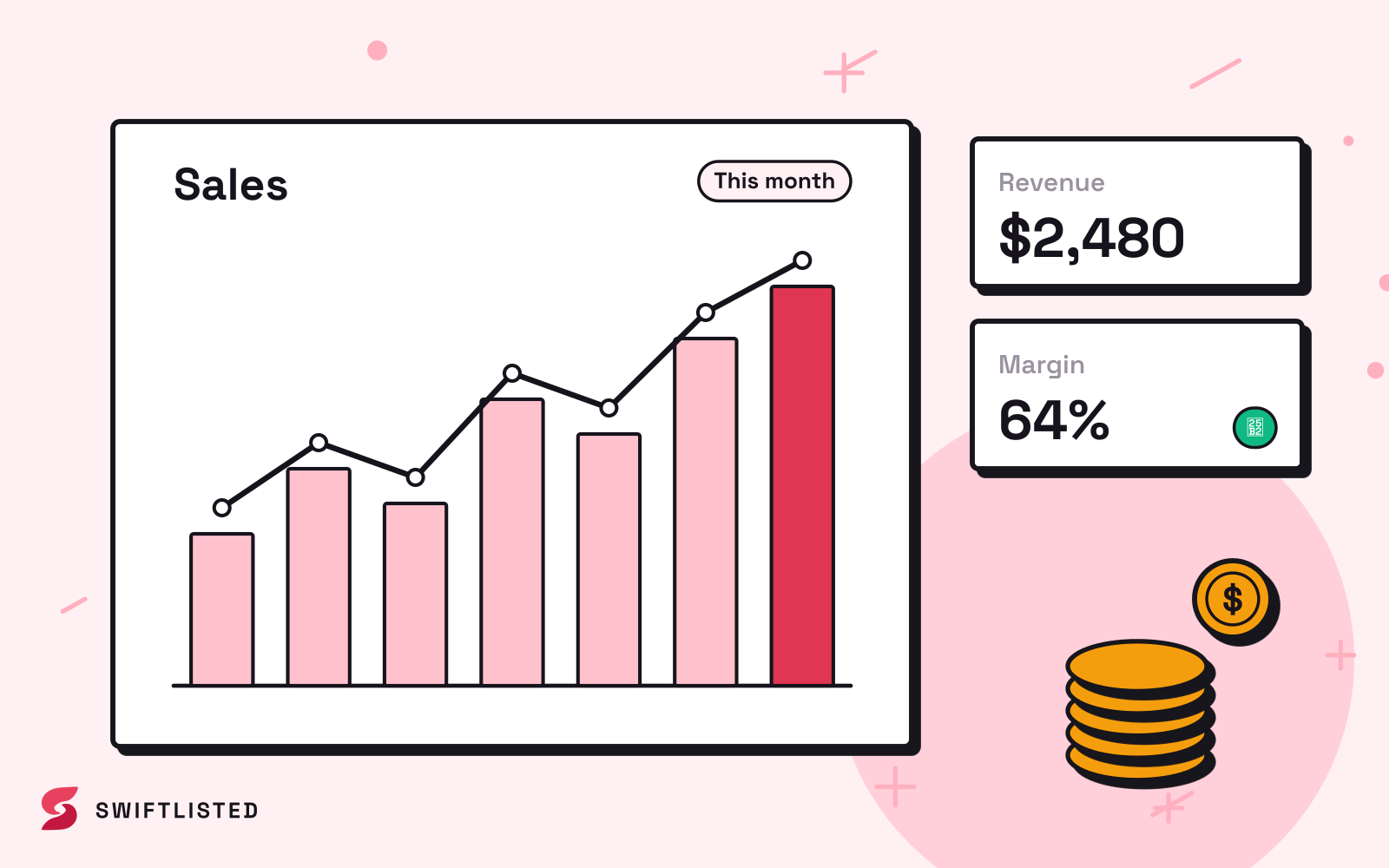
What sell-through rate actually measures
Sell-through is the number of items sold divided by the number of items available to sell over the same window. Pick a period, usually a month or a quarter, and count two things: how many items were in your stock for some or all of that period, and how many of those left through a sale. The result, expressed as a share, is your sell-through for that period.
The honest version of the calculation has a few traps. Items you bought and listed in the last week have not had a fair chance to sell, so either exclude them or report the rate for stock that has been live for a fixed minimum time. Items you pulled because they were damaged or you kept them for yourself should not count as unsold stock. Keep the definition the same every month, or the trend line will tell you nothing.
Why it matters more than sales alone
A strong month of sales can hide a weak business. If you sold forty items but listed ninety, your sell-through is low and your storage is quietly filling with stock that is costing you time, space and the opportunity to put that money into things that move. Sales tell you what happened; sell-through tells you whether the stock you chose was the right stock.
It also separates two problems that look identical from the outside. Low sales because you are not listing enough is a volume problem. Low sell-through because you are listing the wrong things is a sourcing problem. The fixes are different, and you cannot tell them apart by looking at revenue.
How to read the number
Compare your rate across categories, not just overall. Most sellers find that one or two categories carry the business and a long tail of others sit unsold. A blended figure hides that. Split by brand, by category and by price band, and look for where the stock that sells differs from the stock that does not.
Look at time as well. Items that sell in the first few weeks are priced and presented well. Items that sit for months usually have one of a small set of problems: the price is too high for the demand, the photos or title are weak, or the item is simply the wrong fit for the marketplace you have it on. Note the age of your unsold stock alongside the rate, because an old unsold item is a decision you have not yet made.
- Check whether the item is priced against what similar items have actually sold for, not what they are asking.
- Check that the tag and key details are visible in the photos, since missing size or brand information is one of the most common reasons an item goes unnoticed.
- Check whether the same item sells better on a different marketplace, because audiences differ and a listing that stalls on one can move quickly on another.
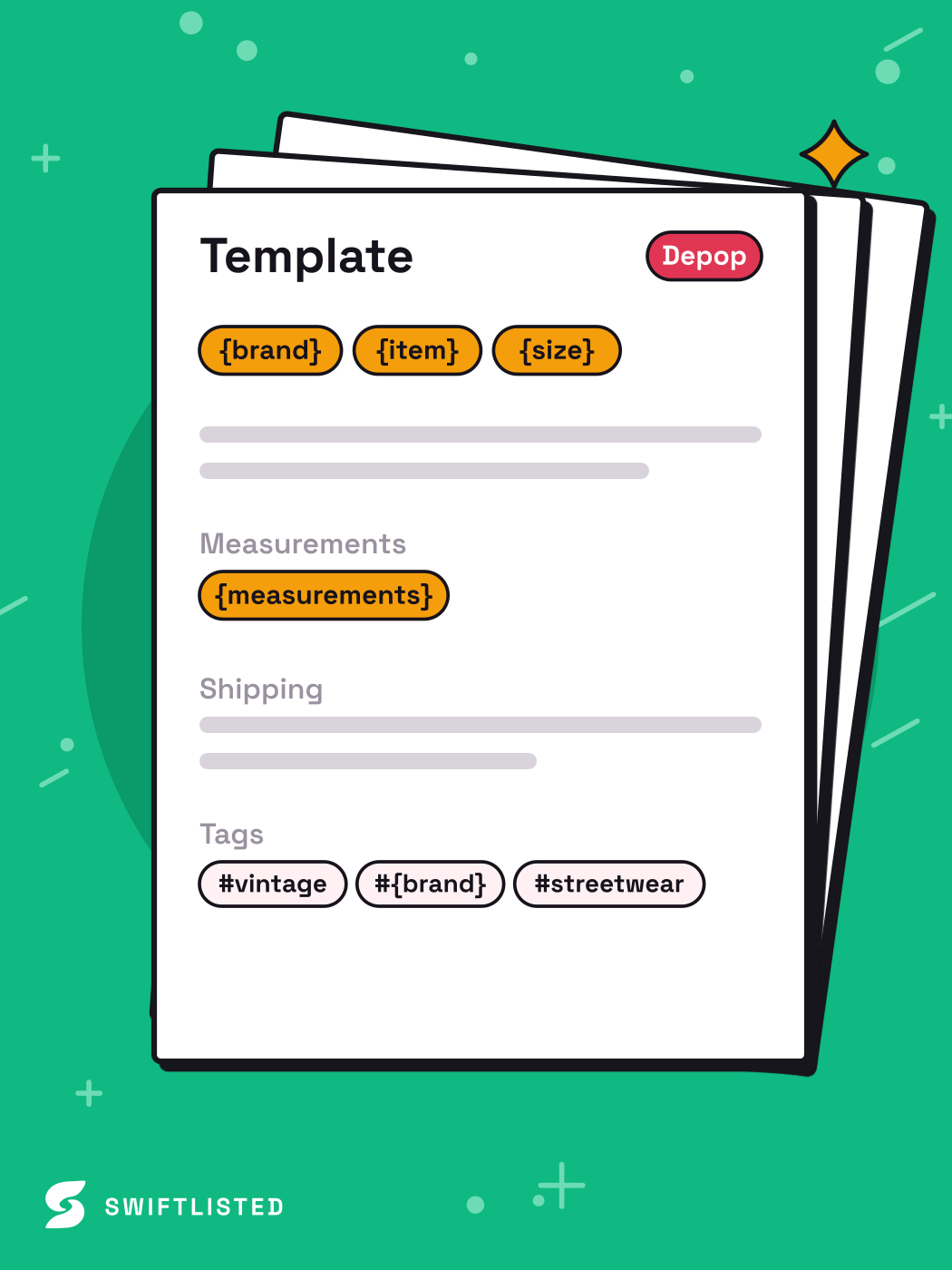
Using the rate to change what you buy and list
The point of tracking sell-through is to change your next purchase, not to admire the figure. Once you can see which categories and brands sell, weight your sourcing towards them. Be wary of over-correcting: a few strong sales in one category can be luck, so look at a few months before shifting your whole buying budget.
For stock that is sitting, you have three honest options: reprice it, improve the listing, or move it somewhere else. Repricing is the fastest test. Listing improvements are slower and depend on how good your photos and descriptions already are. Moving stock to a different marketplace is worth trying when the same item has been quiet on one shop for a long time. Each of these has a cost in time, and none of them is guaranteed to work, so decide in advance how long you will try each before you give up on an item.
Where tracking goes wrong
The most common mistake is counting sales on one marketplace and stock across several, which inflates or deflates the rate depending on where you look. Pick one definition of available stock, applied across every shop you use, and stick to it. If you crosslist the same item to several marketplaces, make sure you count it once as stock and attribute the sale to the marketplace where it actually sold.
Sales records can also lag or go missing. An item that sold on a marketplace but was not recorded against your stock will look unsold and skew the rate upwards in your favour, or the reverse if you double-count. Reconcile your totals against your marketplace order histories from time to time, particularly if you sell on several platforms, and do not trust a figure you have not checked.
Automation helps here but does not remove the need for checking. A sold-detection tool can mark items as sold and delist them elsewhere, which keeps your stock count accurate, but it depends on the marketplace making that information available and on your connections staying signed in. Where a marketplace is checked on a schedule rather than instantly, there can be a gap before a sale is reflected. Check the Activity feed when a number looks wrong, and treat any single sale record as something to verify rather than something to trust blindly.
A simple routine to start today
You do not need a complicated spreadsheet to begin. Write down the stock you had available at the start of the month, the stock you added, and the items you sold. Divide sold by available, adjusting for the minimum age rule you chose. Do this for the same period each month and note the figure beside any notable change in your buying or listing.
Within three months you will have a baseline. Use it to judge changes: a new supplier, a new category, a change in how you price. If the rate moves in the direction you expected, keep going. If it does not, look at the age and category breakdown before deciding what caused it.
- Pick a reporting period and a minimum listing age, and write both down.
- Count available stock and sold items in the same way every month.
- Split the figure by category and by age of stock, not just overall.
- Reconcile against your marketplace order histories at least once a quarter.
Common questions
- What is a good sell-through rate for reselling?
- There is no universal target, because it depends on your category, your price band and the marketplaces you use. The useful benchmark is your own trend: is it rising or falling over comparable periods, and which categories drag it down. Compare your figure against your own history rather than against a number someone else quotes.
- Should I include stock that is only a few days old?
- Usually not. Items listed very recently have not had a fair chance to sell, so they make the rate look worse than it is. Pick a minimum listing age, such as a few weeks, and apply it consistently so the figure stays comparable from month to month.
- How do I calculate sell-through if I crosslist the same item to several marketplaces?
- Count each physical item once as available stock, then attribute the sale to the marketplace where it sold. Counting the same item once per marketplace will distort the rate and make your stock look larger than it is.
- Can a sold-detection tool give me an accurate sell-through figure automatically?
- It can keep your stock count current and mark items sold, which makes the calculation far easier. It still depends on the marketplaces making sales information available and on your connections being signed in, and some marketplaces are checked on a schedule rather than immediately. Reconcile against your order histories periodically and check the activity log when a figure looks off.
- Should I reprice items that have not sold?
- Repricing is often the quickest test for stock that is sitting, but only after you have checked the listing itself. If the photos are weak or the tag is not visible, a lower price may not help. Decide in advance how long you will try each change before moving on, so you do not keep discounting an item that has a different problem.
List once, sell everywhere
Swiftlisted photographs, describes and crosslists your stock across every marketplace you sell on — then delists it everywhere when it sells.
Start free trial