 Swiftlisted
Selling on Whatnot: A Reseller’s Guide to Live Auctions and Inventory Management
Whatnot has transformed second-hand reselling by turning traditional flat listings into fast-paced, interactive live stream auctions. While live selling offers high engagement and rapid inventory turnover, managing product entry alongside your other sales channels requires a structured process. This guide covers how Whatnot works for resellers and how to streamline inventory preparation so you can focus on running entertaining, profitable streams.
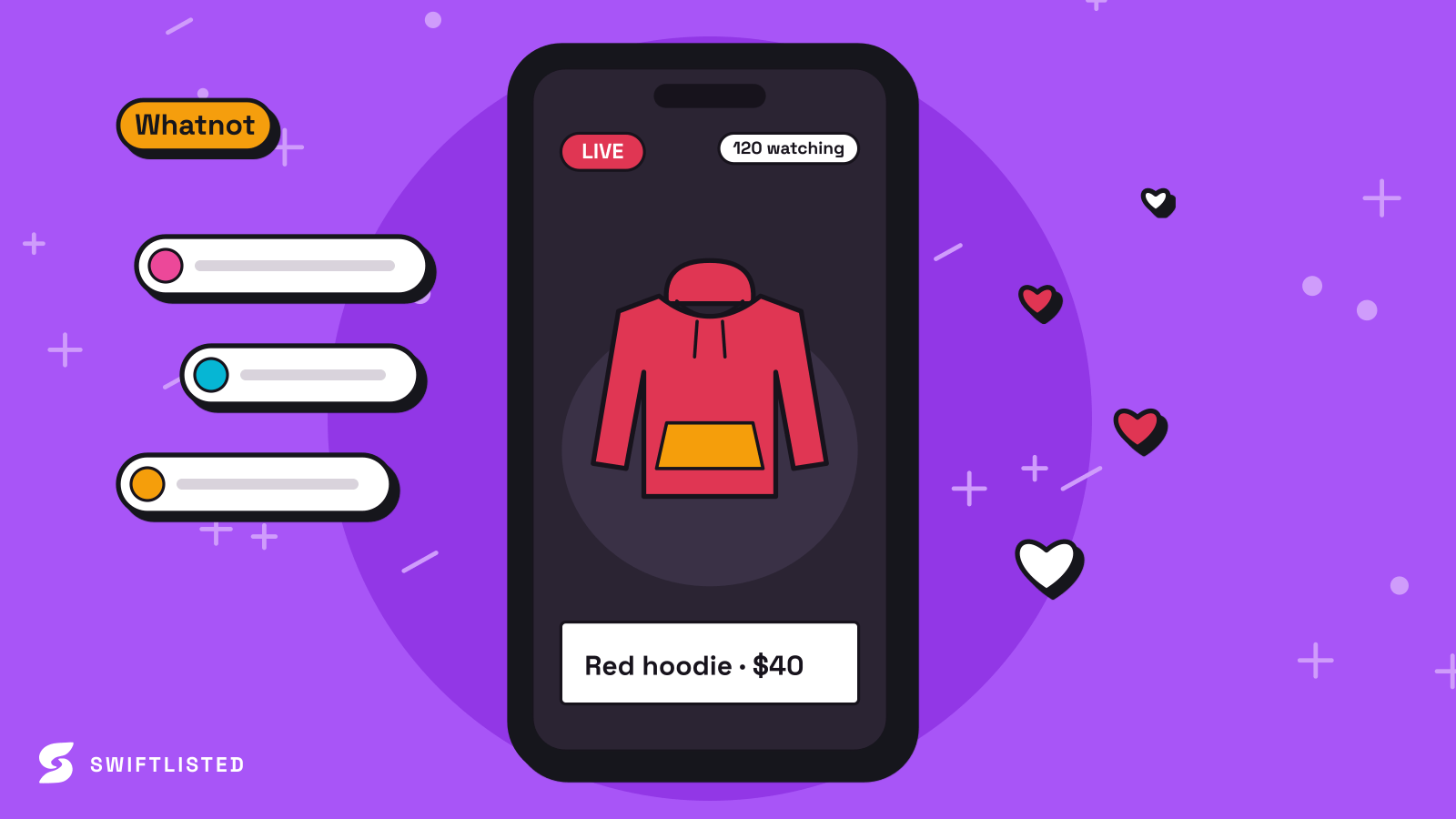
How Whatnot Differs from Static Marketplaces
Traditional reselling platforms like eBay, Depop, and Vinted rely on search-based discovery. You create a detailed listing, upload static photos, set a fixed price or accept offers, and wait for buyers to find your stock. Whatnot operates on an entirely different model: real-time live video streams where buyers bid on items as you show them.
Because live stream sales happen in seconds, your product catalog must be entered into the platform's backend before you go live. Buyers need to see the active item pinned in your stream store list to place bids or buy instantly. If you have to type out item details mid-stream, the momentum breaks and viewer retention drops.
- Real-time video interaction rather than passive search traffic.
- Fast-paced bidding windows requiring pre-loaded stream store lists.
- Instant buyer engagement, ideal for clearing volume and unsearched stock.
Preparing Inventory for Whatnot Live Streams
To run a successful Whatnot show, your physical inventory and digital stream list must match perfectly. Manual entry for dozens of items directly inside Whatnot can be time-consuming, especially if you already have detailed product information written up for other marketplaces.
Using Swiftlisted, you can prepare item drafts in bulk and upload them directly into your Whatnot stream store list. This removes the repetitive data entry required to get items show-ready.
- Step 1: Log into your Whatnot account on your computer using Google Chrome.
- Step 2: Link your live stream dashboard using the Swiftlisted Chrome extension.
- Step 3: Queue up to 50 active drafts to load directly into your stream store list.
Integrating Whatnot into a Multi-Channel Reselling Workflow
Many resellers treat Whatnot as an additional sales channel rather than their sole outlet. You might list fresh stock on platforms like Depop, Vinted, Grailed, eBay, Etsy, or Shopify first, and then move stale or high-volume items over to a Whatnot auction to liquidate inventory.
Crosslisting manually across seven platforms creates major admin overhead. Swiftlisted solves this by acting as a central hub (the Stockroom). You photograph an item once, and AI scans the images to extract key attributes including title, description, brand, size, condition, category, colours, and suggested price. From there, you can publish the item to static marketplaces or send it straight to your Whatnot stream draft list.
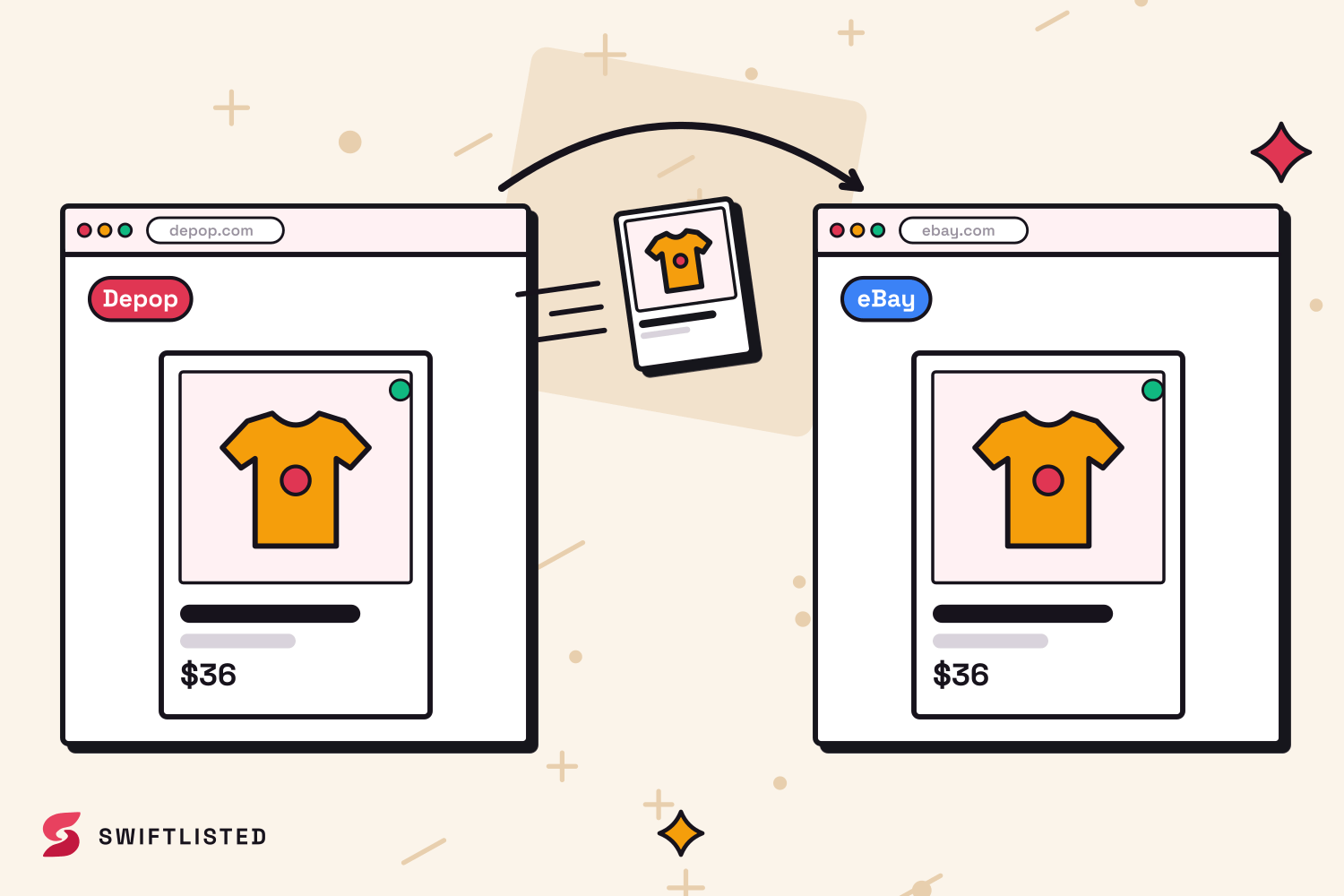
Preventing Double-Selling with Automated Sold Detection
One of the biggest risks of crosslisting inventory across multiple channels is double-selling—where an item sells during a Whatnot live show while still live on eBay, Depop, or Vinted.
When an item sells on connected marketplaces, Swiftlisted’s background sold detection identifies the sale, marks the item as sold in your Stockroom, and automatically delists it everywhere else. This keeps your inventory synchronized and protects your seller performance ratings across all channels.
Best Practices for High-Volume Stream Prep
To maximize efficiency when preparing for a Whatnot stream, optimize your photographic and staging workflow before triggering AI generation.
Capture clear, well-lit phone photos of your garments or items, ensuring the brand and size tags are clearly visible. The AI scanning tool uses tag photos to pinpoint exact details, cutting down manual edits in your inventory grid. Once your drafts are approved in the Stockroom, push them into your Whatnot stream list in bulk, sequence your physical items to match the digital store order, and you are ready to go live.
Common questions
- How does Swiftlisted help with selling on Whatnot?
- Swiftlisted lets you prepare drafts in bulk using AI photo scanning and import them straight to your Whatnot live stream store list using the Chrome extension.
- Can I crosslist items from Whatnot to other marketplaces?
- Yes. You can import existing listings or create new ones in Swiftlisted, then crosslist them across Depop, Vinted, Grailed, eBay, Etsy, Shopify, and Whatnot.
- Can I manage Whatnot stream listing from my phone?
- Listing automation requires Google Chrome on a desktop or laptop (Mac, Windows, or Linux) with the Swiftlisted extension installed. The mobile dashboard allows you to review inventory, but listing actions must be run from a computer.
- Does Swiftlisted offer automatic relisting for Whatnot?
- No. Relister Pro supports Depop, Vinted, Grailed, and eBay only. Whatnot, Etsy, and Shopify are not included in relisting automation.
List once, sell everywhere
Swiftlisted photographs, describes and crosslists your stock across every marketplace you sell on — then delists it everywhere when it sells.
Start free trial