 Swiftlisted
How to Bulk List Resale Items Without Repeating the Same Mistake Across Every Listing
The fastest way to ruin a bulk listing is to fix one thing wrong across a hundred items. A missing size, a wrong brand, a category that does not exist on one marketplace, or a price copied from the wrong row will all repeat silently unless you check for them before you publish. The method below is about catching those errors while the batch is still small enough to fix, then listing in runs you can actually verify.
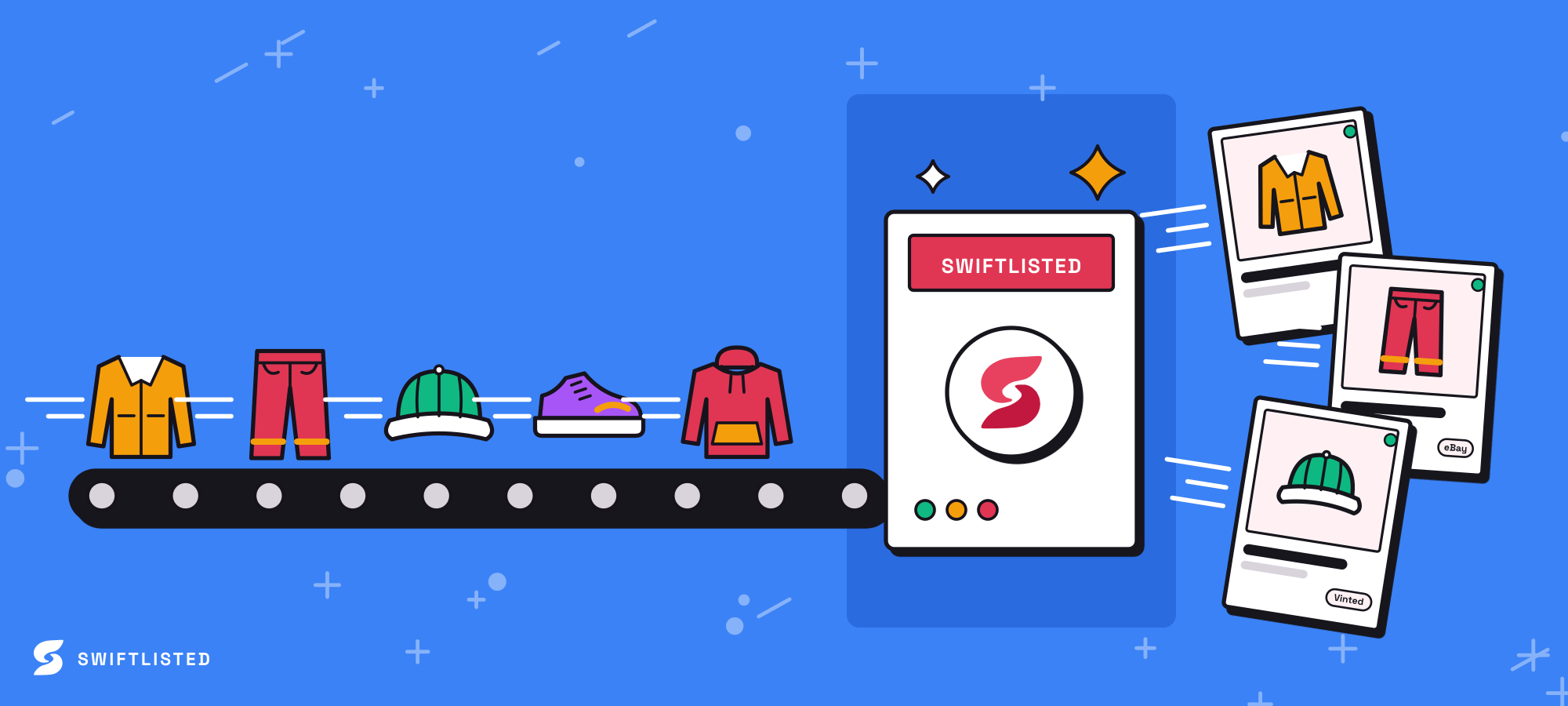
Sort the batch before you touch a listing
Most bulk mistakes come from listing items that are not really ready. Before you start, split the batch into groups that share the same type, brand and condition. A run of identical-looking jeans is easy to check as a group. A mixed pile of jeans, bags and jackets is where a size or category gets pasted onto the wrong item.
Photograph and group first, then scan, so every item has its own folder of photos. If two photos belong to different items, fix that before the AI writes anything, because a wrong grouping produces a wrong listing that looks perfectly confident.
- Group items by type and condition, not by where they came from
- Confirm each item has its own set of photos before scanning
- Set aside anything with no brand or size tag for separate handling
Check the fields that cause the expensive errors
Not every field is equally dangerous. A slightly weak description costs you a little interest. A wrong size or condition costs you a return, a refund or a bad review. Concentrate your checking on the fields that are costly to get wrong: size, brand, condition, colour and the marketplace category.
Size is the field most often left blank or guessed. Items with a missing required size should be filled in or held back. Do not let a bulk run go out with the size field empty, because the marketplace may reject the item partway through or accept it with no size at all.
- Size: check against the tag, not the AI guess
- Brand: a wrong brand is the most common mismatch on mainstream items
- Condition: be conservative, buyers return items that were described as better than they were
- Category: confirm it exists on each marketplace you list to, since a category can map imperfectly
Use a worked example to spot a copied error
Suppose you have forty hoodies and the first six scans say the brand is correct but the size is blank on two. You fill in the sizes by hand and move on. Then you notice the photos of the third and fourth hoodies show a different tag, but both listings were grouped under one item. The AI wrote the description from the wrong photos, and if you had listed the batch as it stood, two wrong listings would have gone live with the right-looking title.
The fix is not to re-check every item equally. Spot-check a sample from each group, correct what you find, then look again at the items closest to the error. If a size was wrong on one, check its neighbours in the same group.
- Sample at least one or two items from each group before the full run
- When you find an error, search the batch for similar items and recheck them
- Trust a field only after you have seen it right on real items
List in runs you can verify
Listing a big batch in one go makes it hard to see what went wrong. Split the work into runs of a size you can actually review. Swiftlisted allows up to 50 items in one bulk list run, and a bigger batch simply takes two runs. Choosing a smaller run than the maximum is often the sensible choice when the batch is mixed or unfamiliar.
Listing to several marketplaces raises the stakes. The extension-driven marketplaces are listed one at a time, and Facebook runs last and slowest. Watch the Activity feed during a run. A failure is logged with a reason, the failed item stays in your inventory and is not marked as listed, so you can fix the flagged field and retry only that item.
Be straight about the risk here. Automation is not infallible, and a rule that works on one marketplace may behave differently on another. The safest approach is to list a smaller first run to two marketplaces, check how the listings look live, and only then do the rest. Marketplace rules on automation and listing volume differ by marketplace and change over time, so check each marketplace's current policy before you run a large batch.
- Keep a run to a size you can review in one sitting
- Watch the Activity feed for per-item failures during the run
- Retry only failed items after fixing the flagged field
- Check each marketplace's current policy on automated and bulk listing before a big run
Keep the batch consistent after it is live
A bulk listing is not finished when the last item posts. Check a handful of live listings on each marketplace to confirm the title, size, price and photos all show correctly, because a field that looked right in your grid can display differently on the marketplace itself.
Keep a record of the batch: which items were listed, to which marketplaces, and any you held back. If a sale happens on one marketplace, sold detection on a paid plan will delist the item elsewhere. Before relying on that, check how it behaves with your own items and how each marketplace reports a sale, since timing differs by marketplace and nothing guarantees a sale is caught instantly.
- Spot-check live listings on every marketplace you used
- Record which items went where, and which were held back
- Confirm how sold detection behaves for your marketplaces before relying on it
Common questions
- How many items can I bulk list at once?
- Swiftlisted's bulk list window takes up to 50 items per run. A larger batch just needs two or more runs. For a mixed or unfamiliar batch, a smaller run is easier to check.
- What should I do if a bulk run stops partway?
- Check the Activity feed to see which items posted, then reselect the remaining items and run again. Items that already posted are marked live so they should not be listed twice, but confirm this on the marketplace for your batch.
- Why does one wrong size end up on many listings?
- Usually because the items were grouped or scanned in a way that copied a value, or because a field was left to the AI guess. Sample each group before the full run, and recheck items next to any error you find.
- Can I list everything to every marketplace at once?
- You can, but it is harder to verify. Listing to two marketplaces first and checking the live result is a safer way to catch a category or formatting problem before it repeats across the whole batch.
- Do marketplace rules on bulk listing differ?
- Yes. Rules on automation, listing volume and category handling differ by marketplace and change over time, so check each marketplace's current policy before running a large batch.
List once, sell everywhere
Swiftlisted photographs, describes and crosslists your stock across every marketplace you sell on — then delists it everywhere when it sells.
Start free trial