 Swiftlisted
Running a Consignment or Multi-Person Reselling Workflow
Running a consignment shop or a multi-person reselling business requires moving high volumes of stock through intake, photography, drafting, and crosslisting without losing track of who did what. When several hands touch the same inventory, sharing master passwords or letting staff post directly to marketplaces without review invites errors. A structured workflow keeps your central stockroom organised, protects your credentials, and ensures every item is checked before going live.

Structuring Item Intake and Stockroom Roles
The primary bottleneck in any consignment operation is intake. Items must be logged, photographed, and catalogued quickly so consignors see their stock go live without delay. Establishing a standardised photographic order—such as a clean front shot, back shot, and a clear photo of the brand and size tag—allows team members to process inventory rapidly.
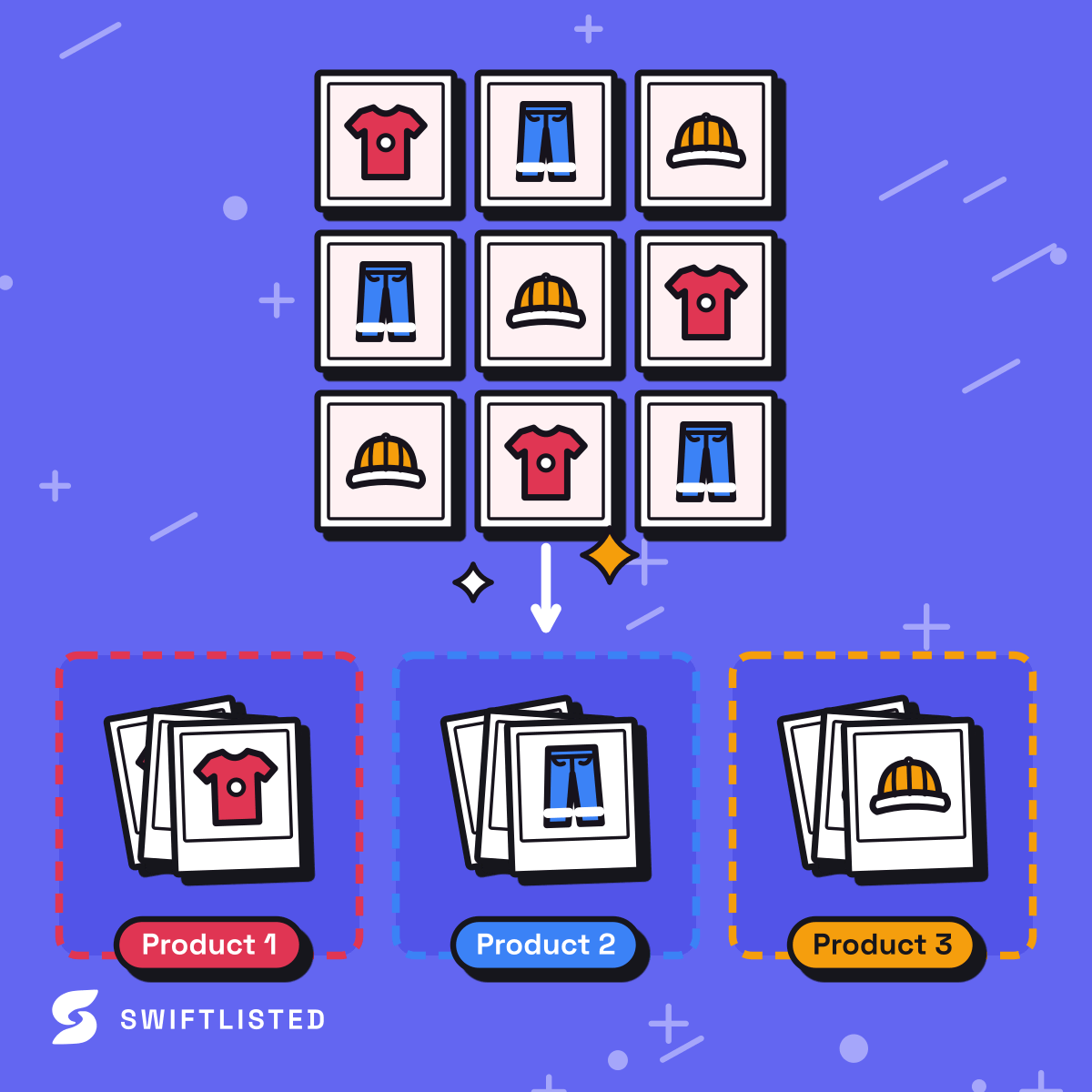
In a multi-user workflow, uploaded photos land in a central stockroom as pending drafts rather than posting immediately. This allows intake staff to focus entirely on digitising physical items, leaving description formatting and pricing reviews to store managers or specialized team members.
Assigning Granular Team Permissions
Not every team member needs full administrative access to your business. To protect workspace settings and marketplace connections, permissions should match specific job duties. On Swiftlisted's Expert plan, up to five team logins share a single workspace pool, while read-only logins allow partners or accountants to review inventory without editing items.
Assigning specific permissions prevents accidental deletions or unauthorised listing runs while giving staff the exact access required for their role:
- List items: Authorises team members to post new listings to any connected marketplace.
- Relist: Allows staff to end and repost stale listings to refresh them.
- Delist: Permits taking listings down and marking items sold.
- Edit the stockroom: Grants access to add, edit, import, and delete items, photos, and templates.
- Use AI: Enables generating descriptions, field extractions, and background removals using the shared allowance.
- Change settings: Restricts workspace settings, listing defaults, and eBay policies to account owners.
Separating Drafting from Final Publishing
In a multi-person workflow, the person taking photos is rarely the person managing marketplace strategy. Keeping the drafting process separate from publishing provides an essential safety net.
Intake staff can upload photos, run AI field extraction to populate brands, sizes, and categories, and refine the drafts inside the inventory grid. Because nothing reaches a marketplace until explicitly published, senior staff can perform a quick quality check before crosslisting items across Depop, Vinted, eBay, Etsy, and Shopify.
Securing Marketplace Credentials
Handing out passwords for your eBay, Etsy, or Shopify accounts to temporary staff or contractors introduces unnecessary risk. A professional consignment setup should eliminate password sharing entirely.
With Swiftlisted, team members log into the workspace using their own individual email and password. Listing automation for extension-driven marketplaces runs through Google Chrome on a desktop or laptop where the shop's marketplace accounts are signed in. Staff members handle day-to-day inventory tasks inside the dashboard without ever seeing or storing your raw marketplace credentials.
Maintaining Accountability with Activity Logs
When managing stock for third-party consignors, tracking the history of every item is essential. You need to know when an item was drafted, who published it, and when a sale was recorded.
The central Activity feed logs every listing run, delist, relist, detected sale, and error with exact timestamps and item details. If a listing fails due to a missing size field or an expired session on a browser-based marketplace, the log flags the exact cause so your team can resolve it and retry the item immediately.
Common questions
- Can staff members log into Swiftlisted with their own credentials?
- Yes. The Expert plan includes 5 team logins into one workspace, allowing everyone to work in the same stockroom using their own email and password.
- Do my staff need access to my marketplace passwords to crosslist items?
- No. Staff log into the Swiftlisted workspace using their own credentials. Listing automation runs through the Chrome extension on the computer where your marketplace accounts are signed in, so staff never handle your passwords.
- Can I restrict staff from changing store settings or deleting stock?
- Yes. You can assign permissions per person to control whether they can list items, relist, delist, edit the stockroom, use AI allowances, or change settings. Read-only logins are also supported.
- How do I see what actions my team members have performed?
- The Activity feed logs every listing, delist, relist, sale, and error with timestamps and the specific item involved, providing a complete audit trail for your inventory.
List once, sell everywhere
Swiftlisted photographs, describes and crosslists your stock across every marketplace you sell on — then delists it everywhere when it sells.
Start free trial