 Swiftlisted
How to Crosslist from eBay to Shopify Without Retyping Your Catalog
Expanding from eBay to your own independent Shopify store is one of the most effective ways to build a distinct e-commerce brand and diversify your sales channels. However, manually copying over titles, descriptions, item specifics, and photos for dozens or hundreds of listings takes hours of tedious admin work. By automating the crosslisting process from eBay to Shopify, you can establish your standalone storefront quickly while maintaining a single, clean inventory workflow.
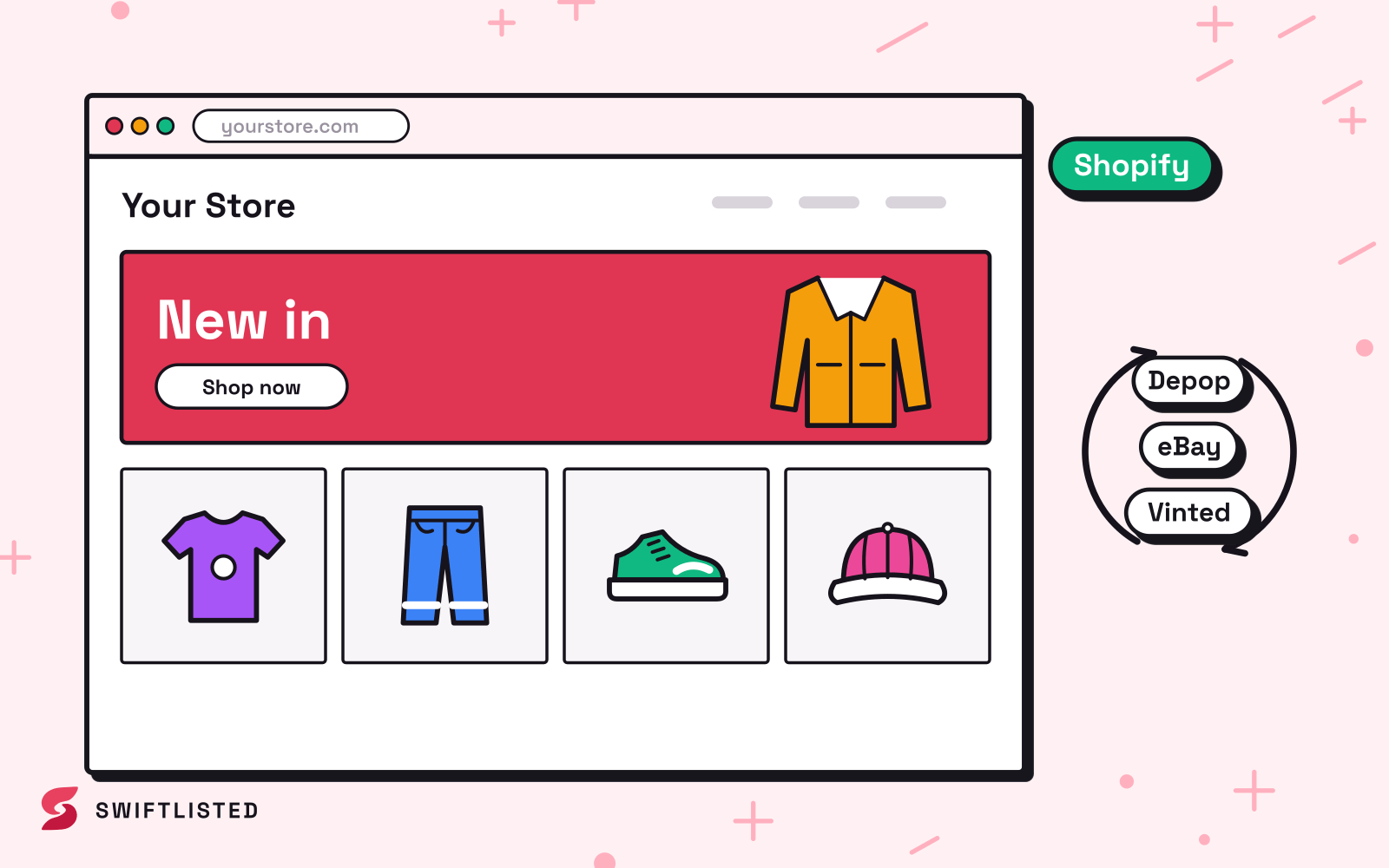
Understanding the Technical Differences: eBay vs. Shopify
eBay and Shopify operate on entirely different business models, which reflects in how they handle product data. eBay is a global marketplace structured around strict category trees, required item specifics (like brand, material, and size), and pre-set listing parameters designed to help buyers filter search results.
Shopify, by contrast, is an independent e-commerce platform. Instead of fitting your items into an enforced marketplace taxonomy, Shopify relies on custom product titles, HTML descriptions, tags, and product type collections. When moving inventory from eBay to Shopify, your tools must translate structured eBay item specifics into clean, customer-facing details suitable for an independent store.
Connecting eBay and Shopify via Official APIs
Unlike platforms that lack developer access, both eBay and Shopify offer official application programming interfaces (APIs). Swiftlisted connects to both channels via official authorisations, which means your credentials stay secure and listings post directly through official integrations.
Because both platforms connect via official APIs, crosslisting actions run securely in the background. While Chrome is required for managing your dashboard and handling extension-driven channels, your official store authorizations on eBay and Shopify enable reliable catalog importing and listing creation.
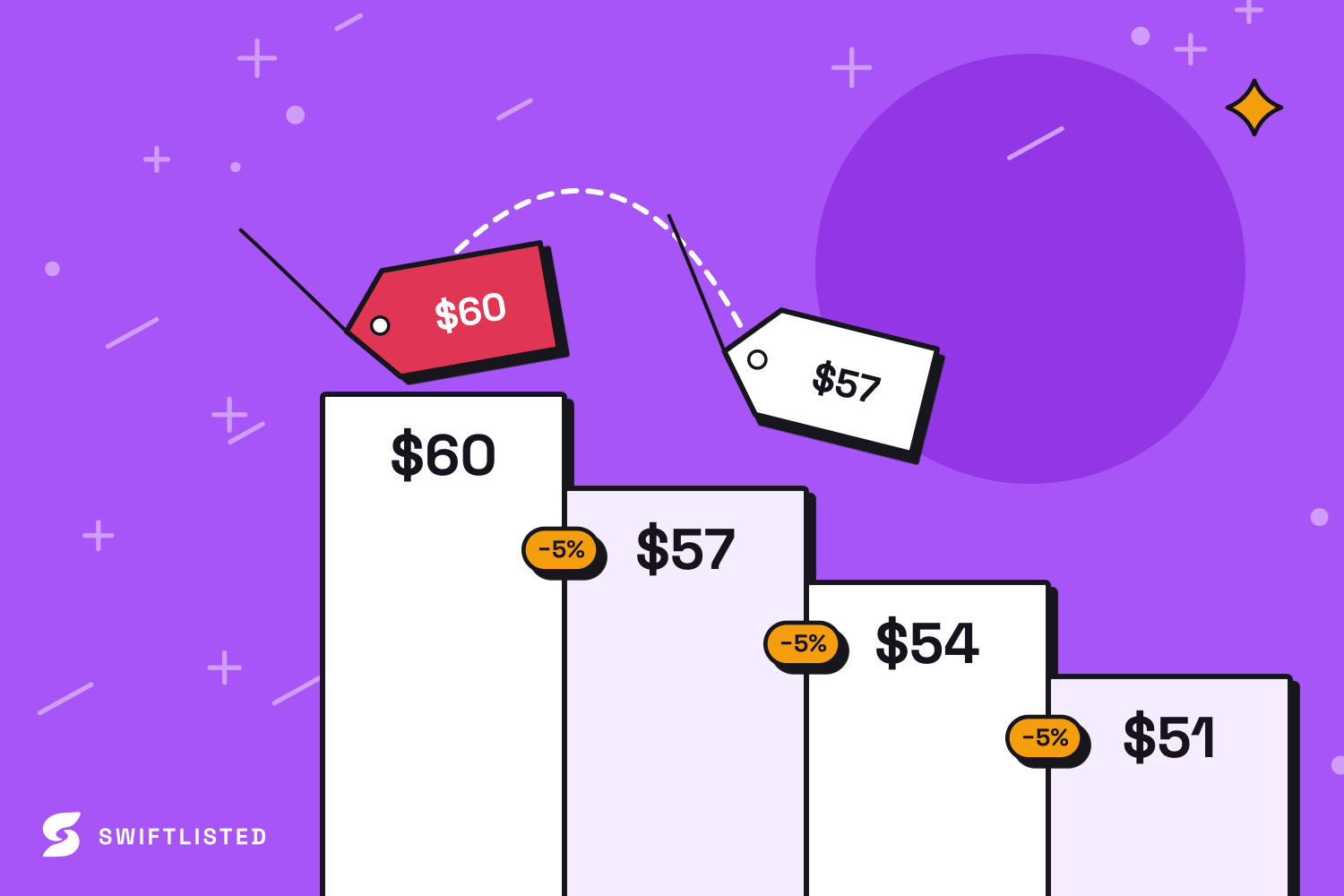
Step-by-Step: Importing and Crosslisting Your eBay Store to Shopify
Migrating your active inventory from eBay over to your Shopify catalog takes just a few steps using Swiftlisted's central Stockroom:
Once your imported inventory lands in the Stockroom, you can refine listing details before anything posts live. Any missing attributes are flagged automatically so your Shopify listings maintain professional formatting.
- Connect your eBay account under Integrations and import your active listings into your central inventory.
- Authorise your Shopify store domain to enable direct product listing creation.
- Review your imported drafts in the editable grid, verifying titles, categories, images, and prices.
- Select the items you want to publish, pick Shopify as your destination channel, and initiate the crosslisting run.
Preventing Double-Sales with Real-Time Inventory Sync
Selling across multiple active channels introduces the risk of double-selling an item before you can manually delete it from the second platform. Swiftlisted solves this problem through automated sold detection.
Because both eBay and Shopify send real-time order notifications to Swiftlisted the moment a purchase completes, your inventory status updates near-instantly. When an item sells on your Shopify store, Swiftlisted registers the transaction and automatically delists the item from your eBay account (and vice versa), protecting your seller metrics on both channels.
Common questions
- Do I need to keep Google Chrome open to sync sold items between eBay and Shopify?
- No. Both eBay and Shopify connect via official API integrations, which means near-instant order notifications are processed via stored authorisations even when your browser is closed.
- Will my eBay item specifics transfer accurately to Shopify?
- Yes. Swiftlisted maps eBay categories and item specifics into clean listing descriptions, brand details, and product tags formatted specifically for Shopify storefronts.
- Can I set different pricing on Shopify compared to eBay?
- Yes. You can override pricing per marketplace directly inside the inventory grid before publishing your listings to Shopify.
- What happens if I already have duplicate drafts in my inventory when importing?
- Swiftlisted automatically detects existing inventory items during an import and merges the imported data into your existing record to avoid duplicate inventory entries.
List once, sell everywhere
Swiftlisted photographs, describes and crosslists your stock across every marketplace you sell on — then delists it everywhere when it sells.
Start free trial