 Swiftlisted
How to Crosslist from Mercari to Shopify
If you already sell on Mercari and want to build an independent brand, moving your inventory onto a standalone Shopify store is the logical next step. Crosslisting your items allows you to own your customer relationships and avoid relying solely on a single resale app. This guide details how crosslisting between Mercari and Shopify works, what makes the two platforms distinct, and how to prepare your store for seamless multi-channel listing.
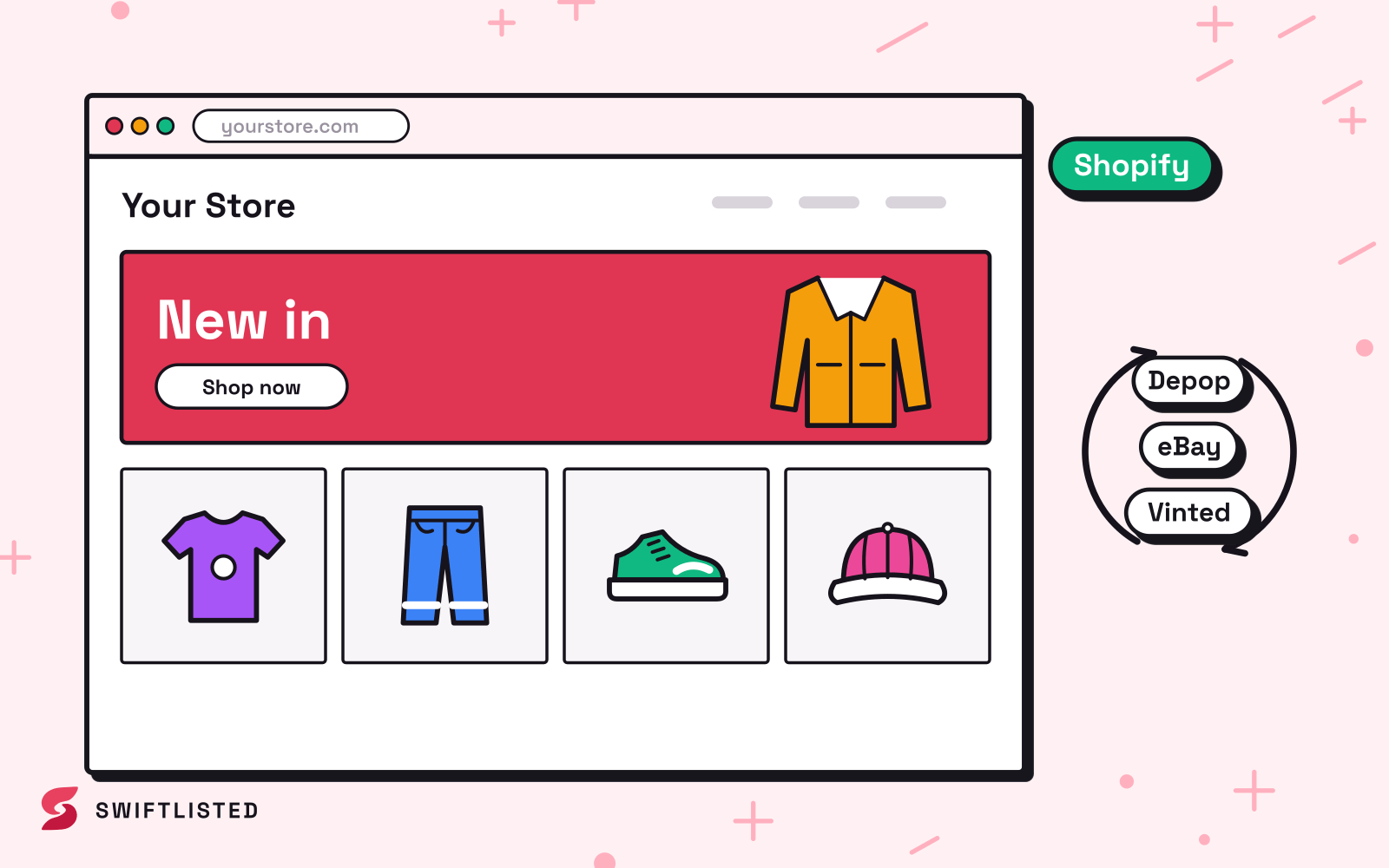
Understanding the Shift: Mercari vs Shopify
Mercari and Shopify serve entirely different functions in a reseller's business, which makes crosslisting between them particularly effective. Mercari is a resale app with built-in search traffic where buyers look for peer-to-peer deals on pre-owned fashion, electronics, and collectibles. The platform handles buyer browsing and checkout within its own ecosystem.
Shopify, by contrast, is an e-commerce platform that powers your own custom storefront. You own the domain, the customer data, and the branding. While Shopify does not provide built-in marketplace traffic, it gives you full control over margins, store policies, and repeat customer marketing.
Because the platforms handle inventory differently, moving listings between them requires translating item details accurately. Shopify relies on custom collections, tags, SKUs, and explicit product categories, whereas Mercari uses its own fixed category tree and simplified item specifics.
How Shopify Integration Works
Connecting your Shopify catalog to a crosslisting tool like Swiftlisted works directly through Shopify's official API. Because it uses an official authorization token, crosslisting to Shopify runs in parallel and does not rely on browser sessions or screen interaction.
When you crosslist items to Shopify, photos are uploaded automatically, and item fields—such as titles, descriptions, conditions, sizes, and prices—are formatted into clean product pages. You can also sync drafts, set store currency, and upload inventory directly to your connected store.
- Real-time Inventory Sync: Shopify instantly notifies connected tools when an item sells.
- Product Listing Creator: Converts uploaded photos and AI-generated listing details into complete product entries.
- Draft Synchronization: Prepare product pages as drafts before pushing them live to your storefront.
- Automated Image Uploading: Transfers high-resolution photos without manual saving or re-uploading.
Connecting Shopify to Swiftlisted
Setting up your Shopify store takes only a few minutes on a desktop or laptop running Google Chrome. Swiftlisted connects directly to your Shopify store so you can manage inventory from a single workspace.
- Ensure you are logged into your Shopify admin portal in Google Chrome.
- Confirm the Swiftlisted Chrome extension has permission for your Shopify domain.
- Navigate to Integrations inside Swiftlisted and link your store to authorise the connection and import active listings.
Status of Mercari Support and Preparing Your Catalogue
Mercari support is currently on the roadmap for Swiftlisted. When the Mercari lane ships, it will light up automatically across the app with no reinstall needed, enabling one-click crossposting, category mapping, inventory sync, and sold-item delisting for the app.
Until the Mercari lane is fully live, Mercari appears greyed out in the dashboard. In the meantime, you can build your central inventory in the Swiftlisted Stockroom using phone photos, AI draft creation, or by importing existing listings from other active marketplaces like eBay, Etsy, or Shopify itself.
When you upload photo sets into the Stockroom, Google Gemini AI fills in the title, description, brand, condition, size, and category. Once Mercari lights up, those existing Stockroom items can be crosslisted directly to both Mercari and Shopify in a single batch run.
Preventing Double Sales with Automated Sold Detection
Crosslisting across multiple channels creates the risk of selling the same physical item twice if an item is purchased while you are away from your computer. Swiftlisted solves this through automated background sold detection.
When a buyer purchases an item on Shopify, Shopify alerts Swiftlisted immediately via API. The item status changes to sold in your Stockroom, recording the sale details and removing the item from your other connected channels automatically so you never have to cancel an order due to duplicate sales.
Common questions
- Can I crosslist to Shopify on my phone?
- Not for posting. Listing automation runs through the Swiftlisted Chrome extension on a desktop or laptop computer running Windows, Mac, or Linux. The web dashboard itself is mobile-friendly for viewing inventory and analytics, but crosslisting requires a computer browser.
- Do I need to re-photograph my items to list them on Shopify?
- No. You can upload your original photos directly into Swiftlisted or import existing active listings from supported channels. Swiftlisted stores your high-resolution images and pushes them automatically to Shopify.
- Is Mercari currently available for automatic importing in Swiftlisted?
- Mercari support is coming soon and is currently listed on the development roadmap. Once shipped, the lane will activate automatically in your account so you can crosslist to and from Mercari alongside your Shopify store.
- How does Shopify know which product category to use when I crosslist?
- Swiftlisted uses a universal category structure. When you select or approve an item category in your draft grid, the system automatically translates that selection into Shopify's standard product taxonomy.
List once, sell everywhere
Swiftlisted photographs, describes and crosslists your stock across every marketplace you sell on — then delists it everywhere when it sells.
Start free trial