 Swiftlisted
How to Crosslist from Shopify to Mercari
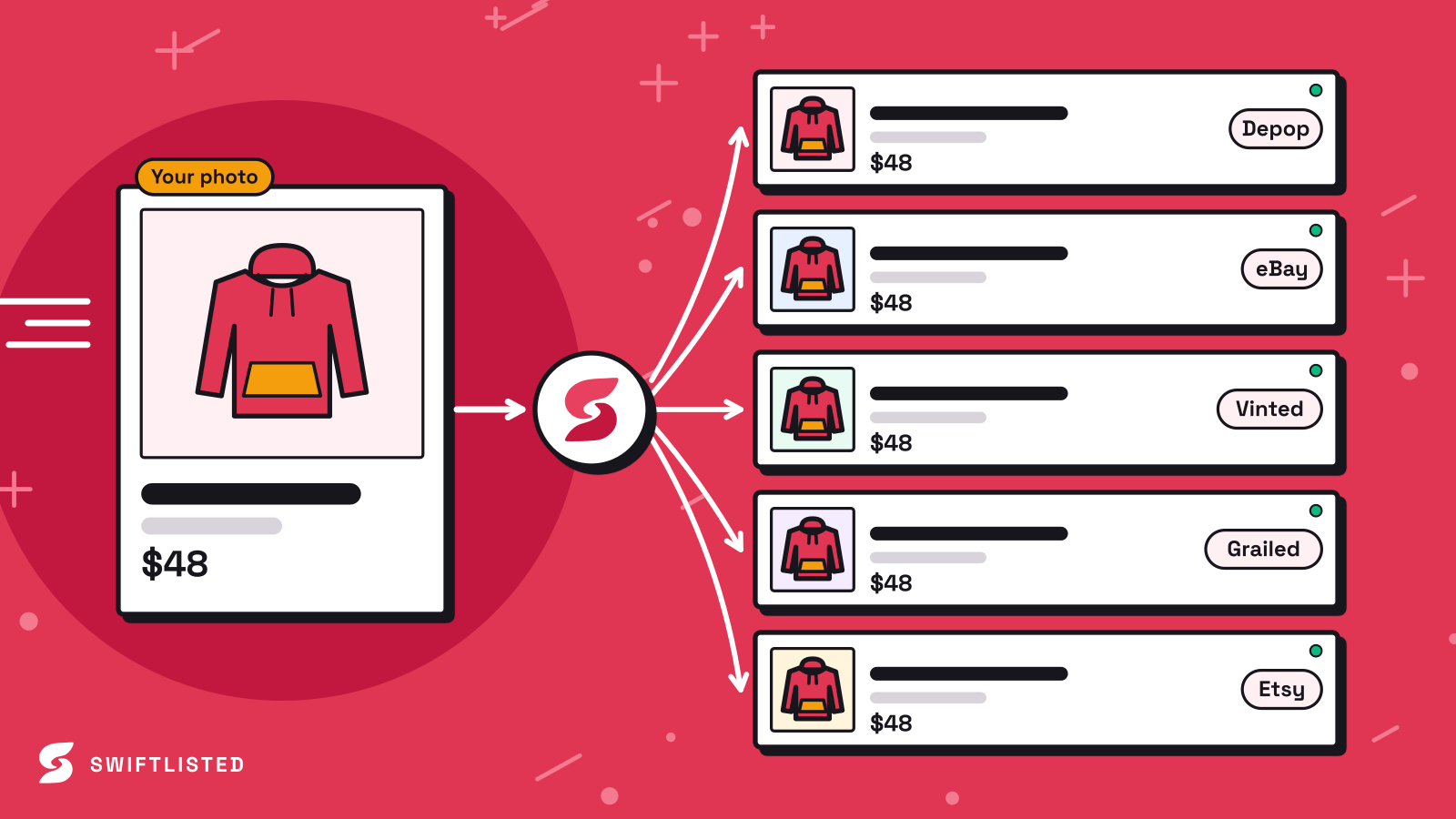
Running an independent store on Shopify gives you full ownership over your brand, but expanding your reach to resale marketplaces like Mercari can significantly boost your overall sales volume. If you already have dozens or hundreds of active items in your Shopify catalogue, retyping titles, descriptions, brands, and categories by hand for another app is an unnecessary time sink. Crosslisting allows you to publish your existing products across multiple sales channels without starting from scratch every time. In this guide, we examine the practical differences between Shopify and Mercari, explain how to prepare your inventory for crosslisting, and show you how to manage multi-channel listings efficiently.
Shopify vs Mercari: Key Channel Differences
Shopify and Mercari represent two very different e-commerce environments. Shopify is a self-hosted e-commerce platform where you create your own custom storefront, define your own collection structures, and set global shipping policies. You drive your own traffic, and your listings do not rely on a shared marketplace search engine.
Mercari, by contrast, is a dedicated resale marketplace app with millions of active buyers searching structured categories for clothing, electronics, collectibles, and home goods. Mercari relies heavily on strict item attributes such as pre-defined conditions (New, Like New, Good, Fair), fixed category trees, and standardized shipping options.
When you crosslist from Shopify to Mercari, your product data must adapt to these structural differences. A custom collection tag on Shopify needs to translate into Mercari's specific category hierarchy, and your item descriptions must highlight details that marketplace buyers look for, such as brand authenticity, precise measurements, and clear condition notes.
Connecting Shopify to Your Central Inventory
The first step in setting up a multi-channel selling operation is bringing your existing catalogue into a central dashboard. Shopify connects directly to Swiftlisted via an official API connection, meaning you do not rely on browser extension scraping to pull in your listings.
By authorizing your shop in the Integrations tab on swiftlisted.ai, you can import your active Shopify inventory automatically. This action pulls in your product titles, descriptions, price points, SKUs, and hosted image files directly into your central Stockroom grid.
Once your Shopify catalogue is imported, Google Gemini AI assists in scanning the imported details. It organises your raw Shopify product text into universal attributes—such as universal categories, subcategories, brand names, sizes, and colours—making the inventory ready to post to other marketplaces.
Mercari Integration Status and Roadmap
If you are looking to crosslist to Mercari today, it is important to note where the platform stands in our development pipeline. Mercari support is currently on the Swiftlisted roadmap and will ship soon. Across the dashboard, Mercari currently appears greyed out until the listing lane officially launches.
When the Mercari lane ships, it will operate with the exact same automation capabilities as our other supported channels: full draft synchronization, category mapping, one-click crosslisting, and background sold-item delisting. No browser extension reinstall will be required; the option will simply light up inside your connected workspace.
In the meantime, importing your live Shopify catalogue into your central inventory allows you to review, clean up, and organize your product data today. When the Mercari integration launches, your entire catalogue will be ready to crosslist immediately without any administrative delay.
Best Practices for Preparing Your Shopify Catalogue to Crosslist
Preparing your items thoroughly before attempting to crosslist saves time and prevents errors across all selling channels. Here are the core steps to keep in mind when getting inventory ready:
- Clear Tag Shots: Ensure your Shopify product listings include clear images of brand labels, care instructions, and size tags. Accurate tag images help AI tools assign precise sizes and conditions automatically.
- Universal Category Mapping: Review how custom Shopify categories map to standard marketplace trees. Selecting accurate universal categories ensures your items land in the correct buyers' feeds on resale apps.
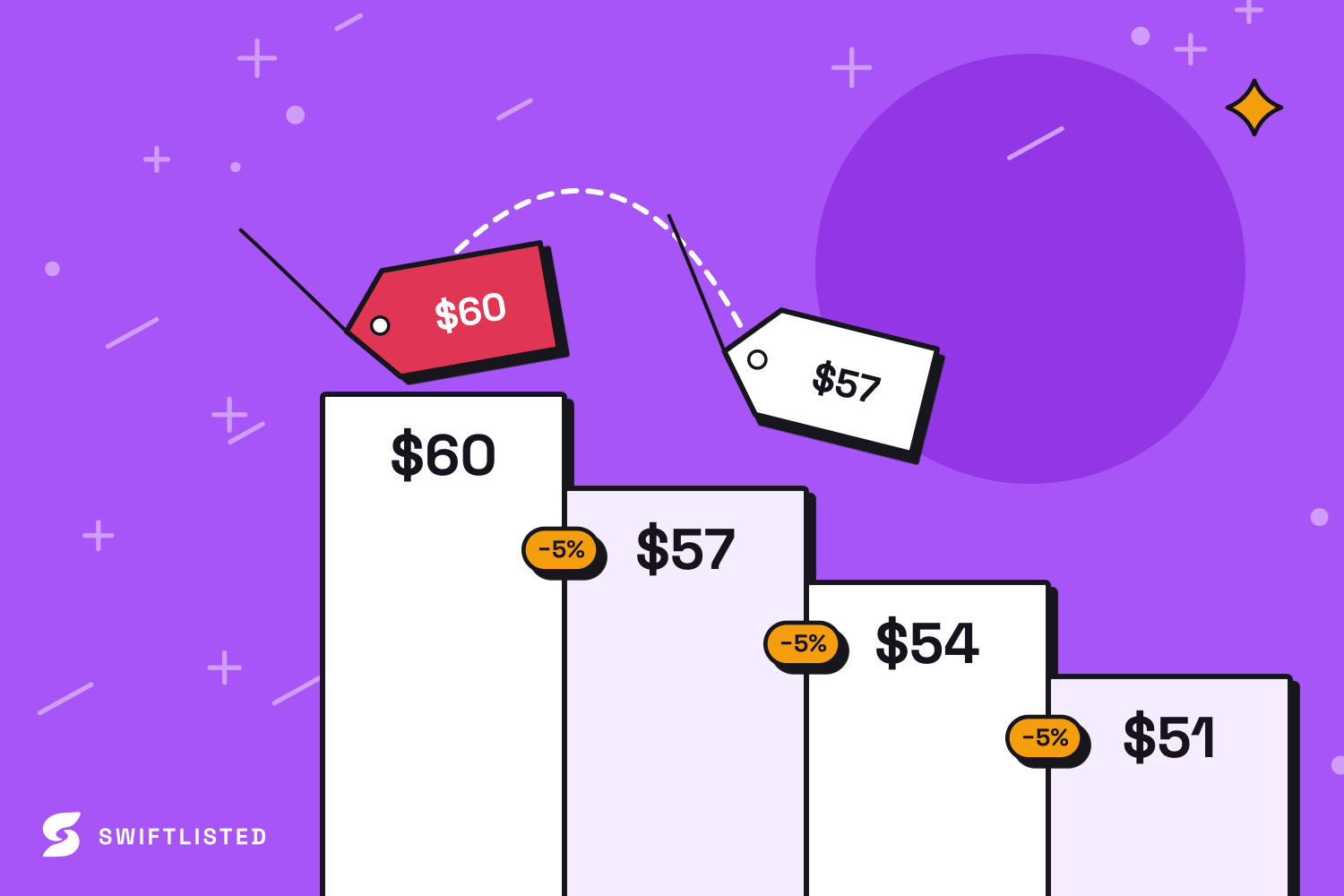
- Adjusting Prices Per Channel: Take into account platform fee differences. You can set individual marketplace price overrides in your central inventory so that your profit margins stay protected regardless of where the item sells.
- Completing Missing Fields: If an item is missing required marketplace data (such as a footwear size or brand selection), update it in your central grid before running a bulk listing operation.
Inventory Synchronization and Sales Management
Crosslisting across multiple sales channels introduces the risk of double-selling an item if an order comes through on one platform while remaining active on another. Swiftlisted handles this through real-time API integrations and schedule-based sold detection.
Because Shopify uses an official API authorization, Shopify notifies Swiftlisted instantly the moment a customer places an order on your storefront. The platform marks the item as sold in your Stockroom and immediately initiates delisting tasks across all other connected platforms where that item was crosslisted.
Note that all listing, crosslisting, and delisting automation runs via the Swiftlisted Chrome extension on a desktop or laptop computer. While you can review analytics and inventory records from a mobile device, active crosslisting operations require Google Chrome on a computer.
Common questions
- Can I crosslist my Shopify store to Mercari right now using Swiftlisted?
- Mercari support is currently on the roadmap and coming soon. In the meantime, you can connect your Shopify store to import your existing catalogue into your central Stockroom, ensuring all product details, images, and categories are organized and ready to list the day the Mercari lane ships.
- How does Swiftlisted connect to my Shopify store?
- Shopify connects via an official API login. You authorise Swiftlisted directly in your Shopify admin portal under Integrations. This allows Swiftlisted to import your active listings and receive real-time updates when an item sells on your website.
- Can I run crosslisting operations on my mobile phone?
- No. Active listing and crosslisting automation runs through the Swiftlisted Chrome extension, which requires Google Chrome on a desktop or laptop computer (Mac, Windows, or Linux). However, your dashboard and inventory grid are mobile-friendly for viewing stock and analytics.
- What happens if an item sells on Shopify after I have crosslisted it?
- Shopify notifies Swiftlisted immediately when an order is placed. Once detected, Swiftlisted marks the item as sold in your inventory and automatically delists it from every other connected marketplace to prevent double-selling.
List once, sell everywhere
Swiftlisted photographs, describes and crosslists your stock across every marketplace you sell on — then delists it everywhere when it sells.
Start free trial