 Swiftlisted
How to Crosslist from Vinted to Facebook Marketplace
Vinted is a major European fashion reseller marketplace, but relying solely on one platform leaves money on the table. Facebook Marketplace opens your inventory to an entirely different demographic: casual local buyers looking for doorstep collection alongside nationwide shoppers who never download dedicated resale apps. Crosslisting your Vinted catalog to Facebook Marketplace gives your items fresh visibility without forcing you to retype titles, descriptions, and pricing line by line.
Understanding the Platform Differences
Vinted and Facebook Marketplace serve distinctly different buyer mindsets, and understanding these differences ensures your listings perform well on both platforms.
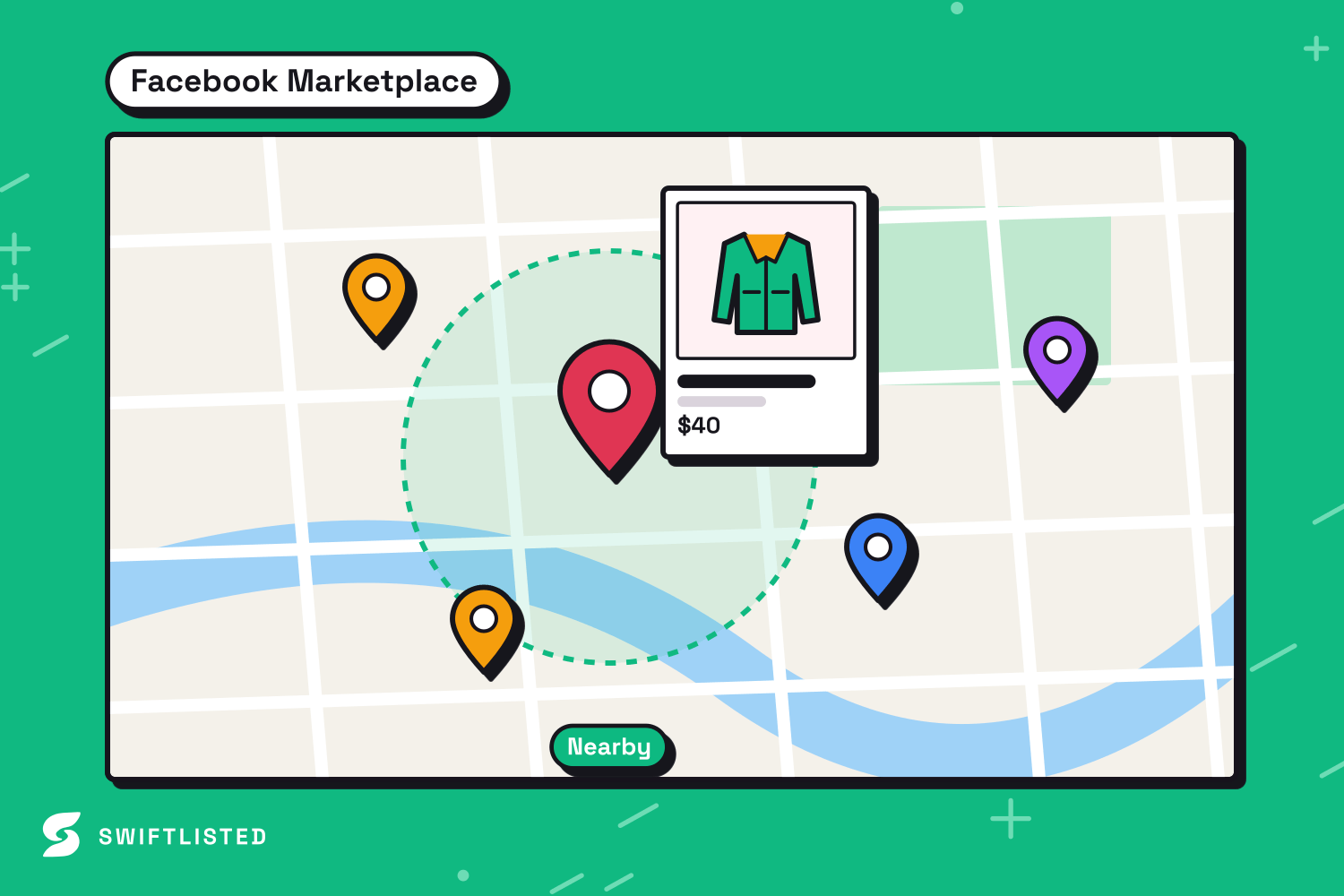
Vinted is built specifically for pre-loved fashion, shoes, and accessories. Its users search using precise brand names, specific sizing, and detailed category trees. Facebook Marketplace, on the other hand, operates as a broader classifieds network. Buyers on Facebook often search for general item types within a local radius or browse passively while using social media.
- Category Mapping: Vinted relies on a structured fashion catalogue ID system, whereas Facebook Marketplace uses broader retail categories tailored for local and shipped goods.
- Condition Translations: Vinted uses explicit condition grades like Very Good or Satisfactory, which must be mapped into Facebook Marketplace's corresponding standard condition fields.
- Buyer Interaction: Vinted listings rely on platform-integrated digital shipping labels, while Facebook Marketplace allows you to offer both local pickup and shipping options depending on your preference.
Prerequisites for Crosslisting
Before moving your inventory, you need to set up your workspace correctly. Crosslisting between extension-driven marketplaces requires a desktop environment to execute browser actions smoothly.
You will need a desktop or laptop computer running Mac, Windows, or Linux with the Google Chrome browser installed. Mobile browsers do not support the extension architecture required to interact with Vinted and Facebook Marketplace, though you can monitor your inventory dashboard from a phone.
- An active seller account on Vinted and a personal Facebook account with Facebook Marketplace enabled.
- Google Chrome installed on your computer.
- The Swiftlisted Chrome Extension added from the Chrome Web Store.
- An active session where you are signed into both Vinted and Facebook within the same Chrome profile.
Step-by-Step: Importing and Crosslisting Your Items
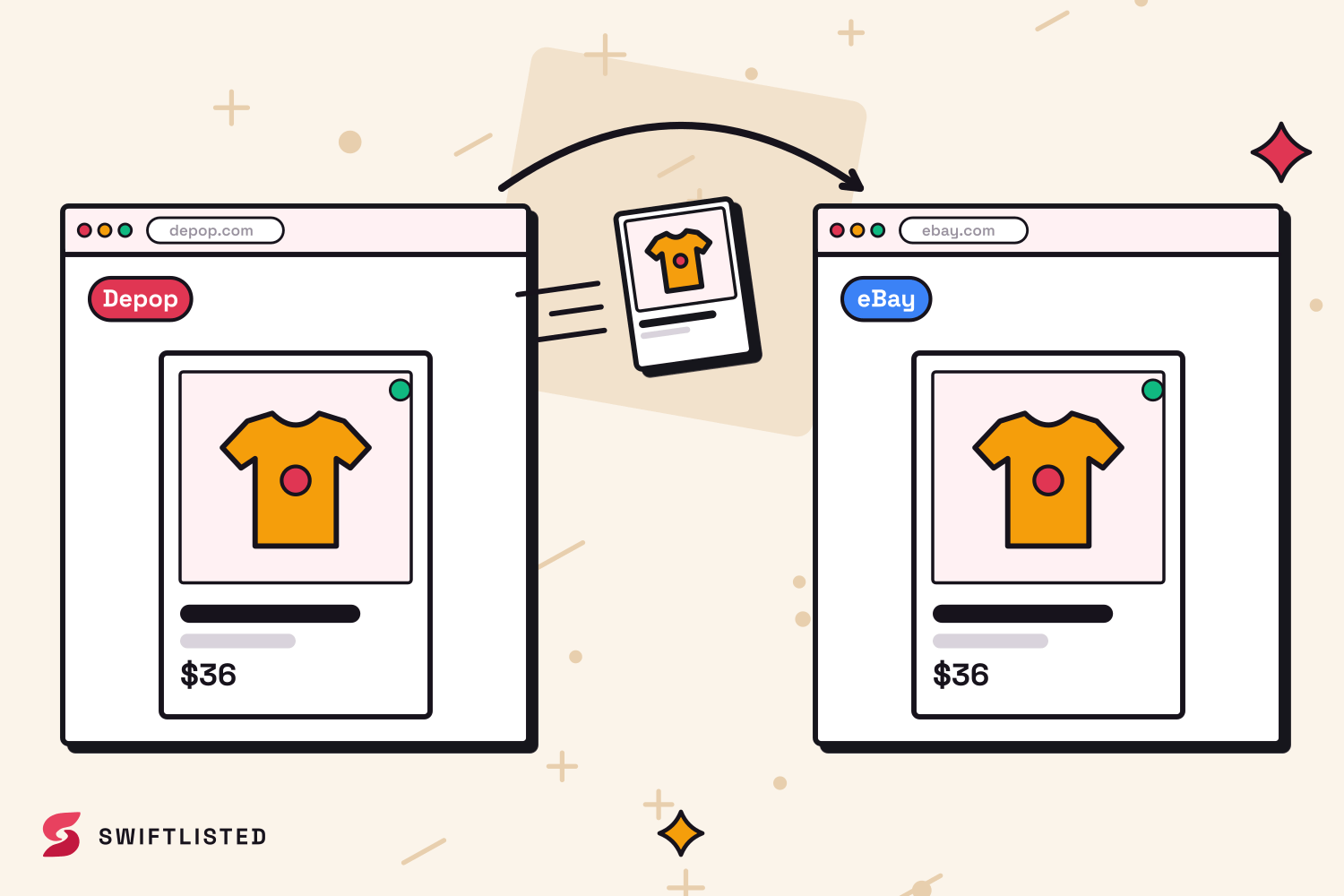
Once your Chrome extension is installed and your accounts are signed in, you can transfer your Vinted items directly to Facebook Marketplace.
First, import your existing Vinted shop into your Swiftlisted dashboard. The system pulls in your live item details, high-resolution photos, and descriptions into a centralized stockroom grid, saving you from re-photographing your stock.
Next, review your drafts in the inventory grid. Swiftlisted automatically translates your Vinted universal categories and sizing into Facebook Marketplace's specific taxonomy. You can edit any field before anything goes live, including titles, prices, and tags. You can also configure account-level defaults in Settings so your shipping preferences and local pickup options automatically apply to every Facebook listing.
Finally, select the items you wish to publish and initiate the crosslisting run. Extension-driven platforms are processed sequentially rather than simultaneously to ensure browser pages do not conflict. Facebook Marketplace runs last and at a deliberate speed to align with Facebook's strict account protection rules.
Preventing Double-Selling with Automated Sold Detection
The biggest challenge of crosslisting manually is tracking sales across multiple channels. Selling an item on Vinted and forgetting to delete it from Facebook Marketplace leads to cancelled orders and disappointed buyers.
Swiftlisted solves this using background sold detection. When an item sells on Vinted, the background scanner detects the sale, updates your central stockroom, and automatically delists the item from Facebook Marketplace.
Because Facebook enforces strict policies regarding automated account traffic, Swiftlisted scans Facebook Marketplace for sales once per hour. However, if an item sells on Vinted or another connected channel, Swiftlisted removes the corresponding Facebook listing immediately to keep your inventory accurate.
Common questions
- Can I crosslist from Vinted to Facebook Marketplace using my phone?
- Not for publishing listings. Crosslisting automation between Vinted and Facebook Marketplace runs via the Swiftlisted Chrome extension on a desktop or laptop computer running Mac, Windows, or Linux. You can, however, view your inventory grid and analytics on a mobile browser.
- Will crosslisting to Facebook Marketplace show my listings to my Facebook friends?
- Facebook Marketplace offers a setting to hide listings from friends. You can configure your account preferences in Swiftlisted to apply this setting automatically when listings are created.
- Can I use Relister Pro to refresh my Facebook Marketplace listings?
- No. Relister Pro supports Depop, Vinted, Grailed, and eBay. Facebook Marketplace is excluded because Facebook provides its own native Renew button and flags items that are deleted and reposted as duplicates.
- What happens if a listing fails during a bulk crosslisting run?
- If an item fails—for instance, if a required field is missing—the run logs the specific error in your Activity feed and continues with the remaining items. The failed item stays safely in your inventory so you can correct the detail and retry.
List once, sell everywhere
Swiftlisted photographs, describes and crosslists your stock across every marketplace you sell on — then delists it everywhere when it sells.
Start free trial