 Swiftlisted
How to Crosslist from Whatnot to eBay Without Retyping Your Catalogue
If you already sell on Whatnot, you know the power of live auctions for moving inventory quickly. However, leaving your unsold stream stock sitting idle between shows means missing out on buyers searching for specific items every day. Crosslisting your inventory from Whatnot to eBay allows you to tap into a massive global marketplace without re-entering descriptions, uploading photos twice, or typing out item details from scratch.
Why List Your Whatnot Stock on eBay?
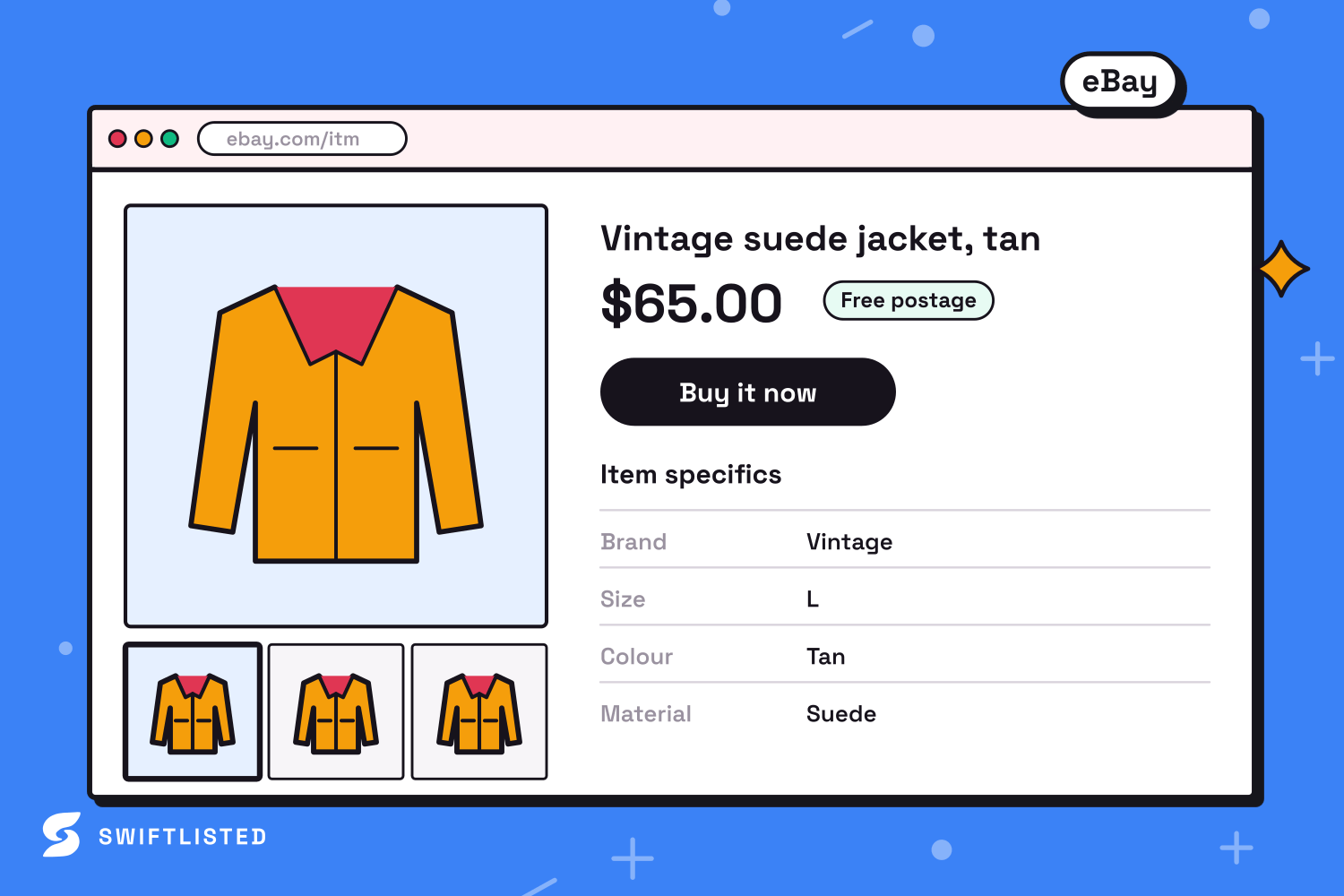
Whatnot and eBay serve entirely different buying behaviours. Whatnot thrives on real-time live auctions, quick bidding, and community engagement. eBay, by contrast, operates as a massive global marketplace where buyers search directly for specific brands, sizes, and product titles using organic search.
While Whatnot relies on queueing up active drafts inside a live stream store list, eBay requires detailed category trees and structured item specifics like brand, material, and colour. Crosslisting allows you to keep your items active in front of search engine traffic on eBay while keeping them ready for your next live show on Whatnot.
Step 1: Connect Your Marketplace Accounts
Before you crosslist, you need to link your sales channels in your Swiftlisted dashboard. Because eBay and Whatnot handle integrations differently, setting them up takes just a few clicks:
Once your accounts are connected, your setup is complete and you can manage your inventory seamlessly across both channels.
- Connect eBay: Navigate to Integrations in Swiftlisted and select eBay. eBay authorises directly through an official login screen, meaning listing runs without needing an active browser session.
- Connect Whatnot: Install the Crosslister by Swiftlisted extension from the Chrome Web Store on your desktop or laptop. Ensure you are signed into your Whatnot account in the same Google Chrome browser profile.
Step 2: Import Your Whatnot Inventory into the Stockroom
Instead of photographing your items again, Swiftlisted imports your active catalog straight from Whatnot into your central Stockroom. The importer pulls over your images, titles, and item details automatically.
If you already have duplicate records created across multiple platforms, Swiftlisted detects existing inventory and merges them into a single record to keep your catalogue tidy.
Step 3: Review Item Specifics and AI Category Mapping
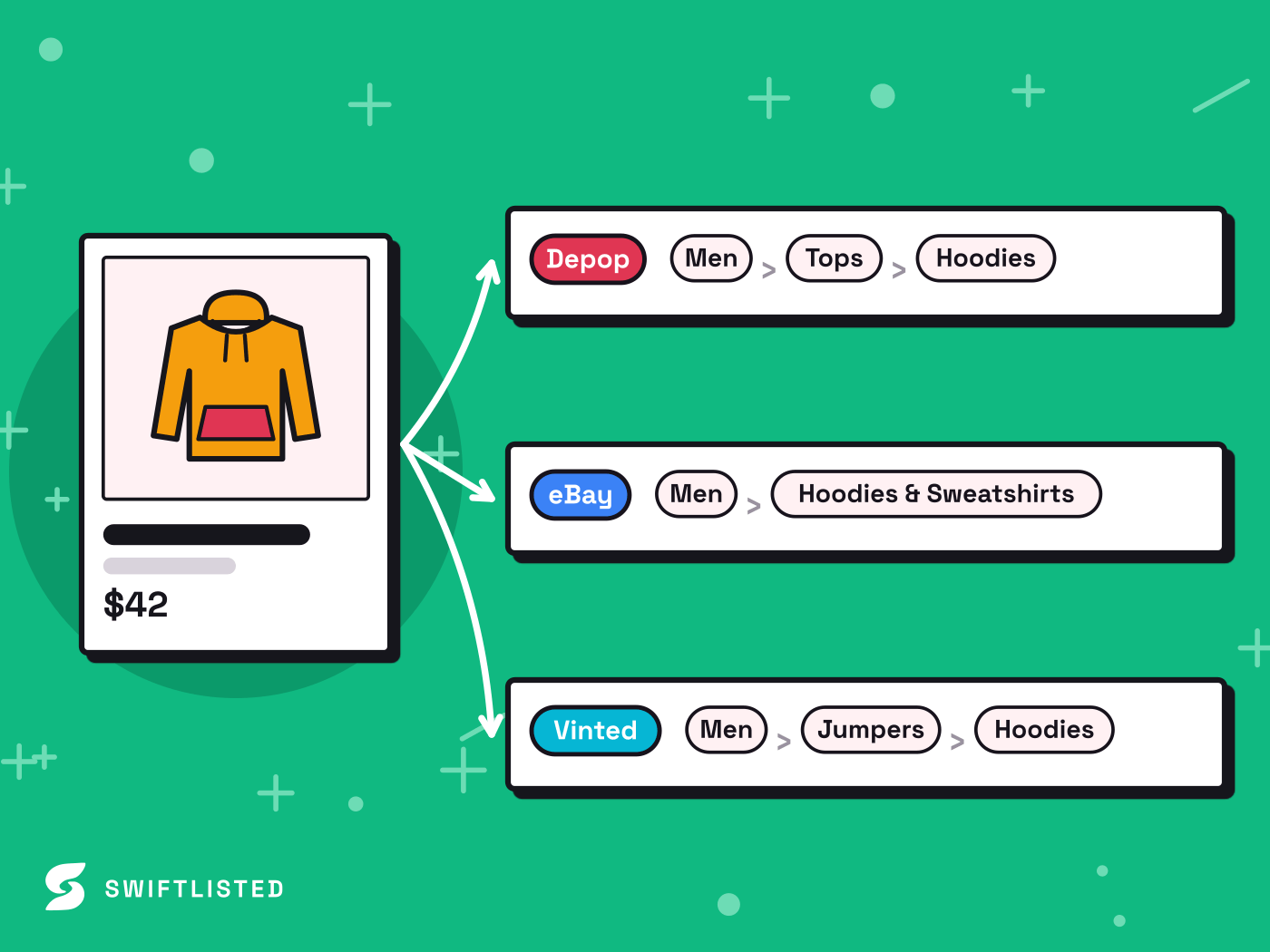
Whatnot listings tend to use simple titles tailored for fast-paced live shows. eBay listings require structured categories and detailed attributes to show up in search results.
When you prepare your imported Whatnot items for eBay, Swiftlisted performs automated category matching and item specifics auto-mapping. The AI suggests appropriate eBay categories, shoe sizes, or clothing dimensions based on your photos and text.
Everything lands in an editable inventory grid before anything is published. You can adjust your titles, descriptions, prices, or marketplace-specific attributes before sending the listings live.
Step 4: Crosslist to eBay and Prevent Double-Sales
Once your drafts are reviewed, select up to 50 items in your Stockroom grid and click Crosslist. Swiftlisted generates the eBay listings in parallel through the official API.
Selling on multiple channels brings the risk of double-sales, but automated sold detection protects your shop. When an order is placed on eBay, Swiftlisted receives a real-time notification, updates your Stockroom status to sold, and automatically delists the item from your other connected channels.
Common questions
- Can I crosslist from Whatnot to eBay using my phone?
- Not for publishing listings. While the Swiftlisted dashboard is mobile-friendly for checking analytics and reviewing inventory, listing automation requires Google Chrome on a desktop or laptop computer to run the Chrome extension.
- Do I need to be logged into eBay to keep my listings active?
- No. eBay connects to Swiftlisted using an official API authorisation, so listing, updating, and sold detection work even when your browser is closed.
- What happens if an item sells during a Whatnot live stream?
- Swiftlisted scans your connected accounts for sales on a background schedule. When a sale is confirmed, the item is marked as sold in your Stockroom and delisted from eBay to prevent double-selling.
- Can I set a higher price on eBay than on Whatnot?
- Yes. Every marketplace field in your Stockroom grid is editable, allowing you to override prices per channel to account for platform fee differences.
List once, sell everywhere
Swiftlisted photographs, describes and crosslists your stock across every marketplace you sell on — then delists it everywhere when it sells.
Start free trial