 Swiftlisted
What a Crosslisting App Does That a Spreadsheet Can’t
A well-maintained spreadsheet gives you a clear snapshot of stock, costs, and sales history. Yet as soon as you expand beyond a single platform, keeping that spreadsheet aligned with live listings requires constant manual intervention. Every new listing, price adjustment, or item sale demands repetitive tab-switching and manual updates across every channel you use. A dedicated crosslisting app changes your daily workflow by handling item creation, platform-specific formatting, and inventory syncing directly, turning a multi-step admin chore into a managed process.

From Manual Copy-Pasting to One-Time Data Entry
When managing stock through a spreadsheet, creating listings across multiple platforms means copying titles, descriptions, measurements, and tags over and over. Each platform has its own rules for character limits, required fields, and category structures. A spreadsheet holds the raw text, but you still have to manually open each site, paste the details into the correct boxes, upload photos, and hit publish.
A crosslisting app turns your stockroom into the single source of truth. You enter item details or generate them from photos once. The software then maps that information across your connected storefronts, formatting fields to match what each marketplace expects. Instead of repeating the same task five times for one item, you draft it once and push it to every target platform.
- Spreadsheets hold static text; a crosslisting app pushes structured data straight into listing forms.
- Item attributes like brand, colour, and material are mapped automatically rather than manually matched on every site.
- Drafts land in a central grid where you can edit titles, descriptions, and prices before anything goes live.
Handling Category Trees and Region Sizing
Marketplaces do not share a single taxonomy. A category structure on Depop differs completely from eBay's category tree, Vinted's catalogue options, or Grailed's departments. Spreadsheets cannot bridge these structural gaps; they simply record whatever text you type into a cell, leaving you to look up the equivalent category on every venue manually.
Sizing presents a similar challenge, particularly with international buyers or regional shoe conversions. What is listed as one size in your stockroom needs to appear as the corresponding local standard on each destination platform. Crosslisting software handles these translations automatically behind the scenes, converting universal inputs into the precise option selected by each marketplace's backend.
Preventing Double-Sales Across Platforms
The biggest operational risk of multi-channel selling is double-selling: having an item sell on one platform while it remains active on another. A spreadsheet offers zero automated protection against this. If an item sells while you are asleep, away from your desk, or packed with packing orders, that listing stays live everywhere else until you physically sign in and remove it.
Dedicated inventory tools monitor your sales and process delistings automatically. When an item is marked as sold, the system triggers removals across your other connected accounts. The speed of detection varies depending on how a marketplace connects: eBay and Shopify communicate via official integrations to provide immediate updates, whereas extension-driven platforms like Depop, Vinted, Grailed, Whatnot, Etsy, Vestiaire Collective, and Facebook Marketplace are checked on a scheduled background cycle.
Automation reduces double-selling risk significantly, but no tool eliminates operational risk entirely. A marketplace's website can change without warning, sessions can expire, or scheduled checks can experience delays. Good reseller practice involves regularly reviewing your activity feed, keeping browser sessions logged in, and acting promptly on any flagged alerts.
- Automated delisting takes down remaining listings when a purchase is recorded.
- Scheduled background checks monitor platforms without official listing integrations.
- Manual delisting remains necessary for channels without automated sold tracking, such as Vestiaire Collective.
Refreshing Stale Stock Without Manual Reposting
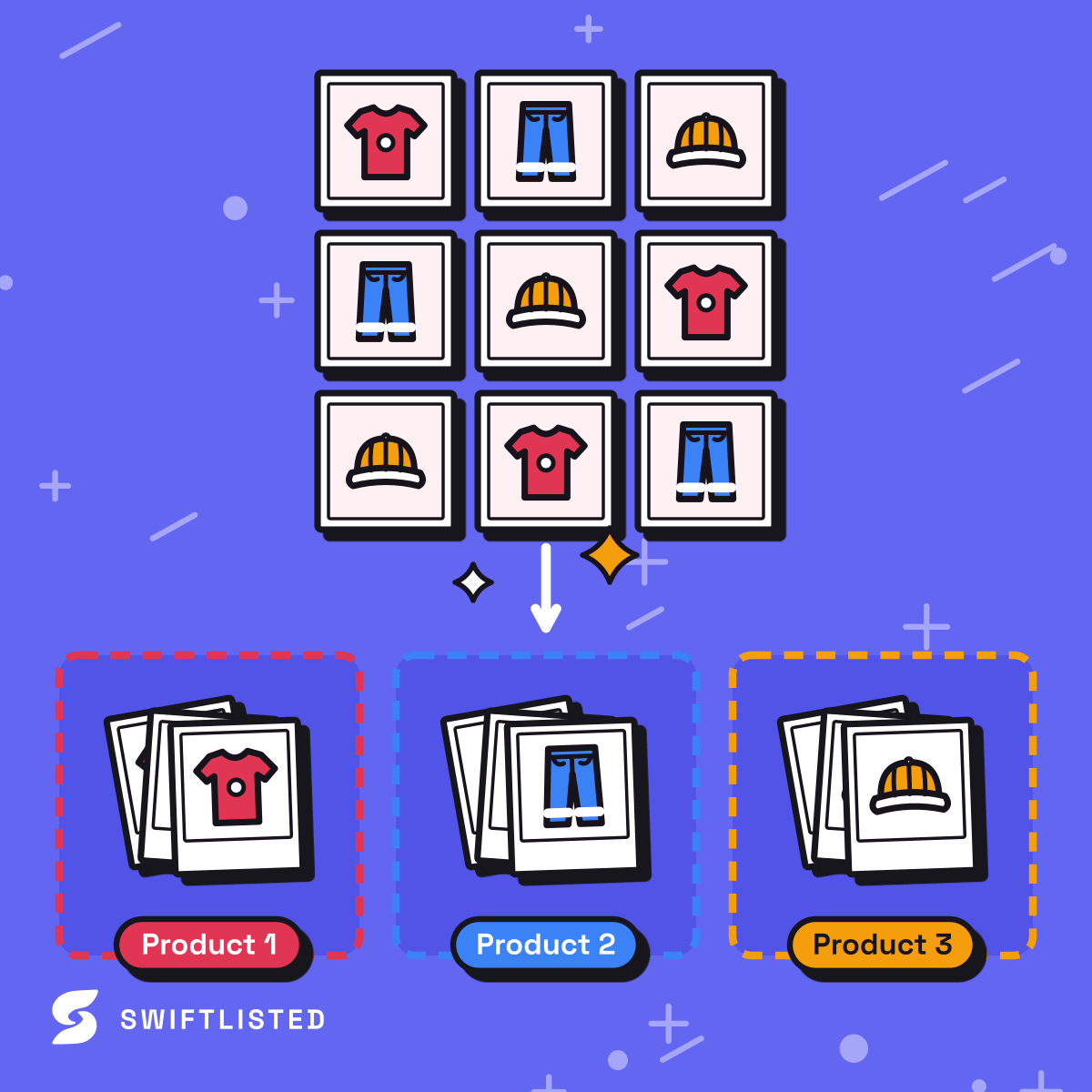
Many resale platforms prioritize newly listed items in search results or feed algorithms. Over time, older listings sink down the page and lose buyer visibility. To fix this using a spreadsheet, you have to delete the old listing manually, find the original photos and text in your records, and upload the entire item from scratch as if it were brand new.
With relisting tools built into a crosslisting app, refreshing stale inventory takes seconds. In Swiftlisted, Relister Pro lets you sort stock by age across Depop, Vinted, Grailed, and eBay, selecting quiet items to relist in bulk. To protect your listings, the app creates the fresh listing record before deleting the old one, ensuring your item is never left unlisted if a network glitch occurs part-way through.
Practical Action Plan: Transitioning from Spreadsheet to App
Moving from a manual spreadsheet system to automated crosslisting requires a clear step-by-step approach to keep your existing inventory accurate and avoid orphan listings.
Follow these concrete checks when making the switch today:
- Audit existing inventory: Ensure your spreadsheet reflects live stock before importing, removing any items that have already sold.
- Set up desktop environment: Install Google Chrome on a Mac, Windows, or Linux desktop or laptop, as browser extensions required for automation do not run on mobile browsers.
- Connect accounts safely: Authorize platforms like eBay and Shopify through their official login screens, and ensure you are signed in to Depop, Vinted, Grailed, Whatnot, Etsy, and Facebook Marketplace in the same Chrome profile.
- Import existing shops: Use the import tool to pull live listings into your central stockroom rather than creating duplicate items from scratch.
- Pace listing runs sensibly: Marketplace rules on listing frequency and automated traffic change often and differ by platform. Avoid publishing massive batches all at once to keep your account activity looking natural.
Common questions
- Can I crosslist directly from my phone?
- No. While you can review your stockroom and analytics on a mobile browser, listing automation requires Google Chrome on a desktop or laptop (Mac, Windows, or Linux) to run the browser extension layer.
- What happens if a marketplace changes its website structure?
- Extension-based automation relies on reading the marketplace page layout. When a platform updates its site, listing actions can temporarily pause until an update is pushed to the Chrome extension. Reloading the extension from chrome://extensions often resolves cached script issues.
- Does a crosslisting app replace my marketplace seller accounts?
- No. Crosslisting apps post directly to your own existing seller accounts. You must already have active user accounts on the platforms where you intend to sell.
- Will deleting an item in the app remove it from marketplaces?
- Deleting an item from your central stockroom only removes Swiftlisted's internal record. To remove a live listing from a marketplace, you must trigger a delist action before deleting the item record.
List once, sell everywhere
Swiftlisted photographs, describes and crosslists your stock across every marketplace you sell on — then delists it everywhere when it sells.
Start free trial