 Swiftlisted
What to Look For in Crosslisting Software: A Practical Checklist
The useful question when comparing crosslisting software is not which tool has the longest feature list. It is whether the tool will stop you selling the same item twice, whether it covers the marketplaces you actually use, and how it connects to each one, because that connection decides what breaks and when. This checklist walks through the things that matter, the checks you can run before you commit, and the risks no tool removes entirely.
Start with sold detection and delisting
Double-selling is the expensive failure in crosslisting. An item sells on one marketplace while it is still live on three others, and now you have to cancel an order or disappoint a buyer. Sold detection is the feature that prevents this, so it should be the first thing you test.
Ask how the tool finds out a sale has happened. Some tools rely on a notification from the marketplace, which can be near-instant where the marketplace offers one. Others check each marketplace on a schedule, which means there is a gap between a sale and the delist. Neither is wrong, but you need to know which you are getting and plan around the gap.
Then ask what happens to the other listings. A good tool delists everywhere else once it has positive proof of a sale. Check whether it ever delists on a guess, such as a listing that has simply gone missing from a marketplace. A tool that treats missing as sold will cost you live listings; one that demands proof will sometimes leave a dead listing up for a little longer. You want the second behaviour.
Check marketplace coverage against where you actually sell
List the marketplaces you sell on today, then the ones you plan to add in the next year. Compare that list to the tool's supported list, and be honest about the gaps. A tool that covers nine marketplaces is no use if the one you earn most from is missing or is listed as coming soon.
Coverage is not the same as equal quality. Look at what each marketplace supports in the tool: whether it can delist and relist, whether it can import your existing stock, and whether it handles drafts. A marketplace can be technically supported while only a subset of features work there.
Marketplace rules on automation, listing volume, and account enforcement differ by marketplace and change over time. Check each marketplace's current policy directly rather than trusting a tool's summary of it, and do not assume a rule that applies on one platform applies on another.
Understand how the tool connects to each marketplace
This is the part most comparisons skip, and it determines reliability. Broadly, tools connect to marketplaces in one of two ways. Some use an official API, where you authorise the tool through the marketplace's own login screen and listing can run without a browser open. Others use a browser extension that acts inside your own signed-in session, because the marketplace offers no public listing API.
Each approach has different failure modes. An API connection can stop working if the marketplace changes its authorisation or its limits. A browser-extension connection depends on you being signed in, on the extension being up to date, and on the marketplace's page layout not changing underneath it. When a marketplace changes its website, an extension may need an update before listing works again. Ask any tool how it handles that, and how quickly it pushes fixes.
A practical check: find out what stops working if you sign out of a marketplace, if your browser closes, or if you switch computers. A good tool tells you plainly which marketplace needs attention rather than failing silently. Silent failure is the one to avoid, because a delist that looks like it worked but did nothing leaves a live listing you do not know about.
Test categories, sizes and the review step
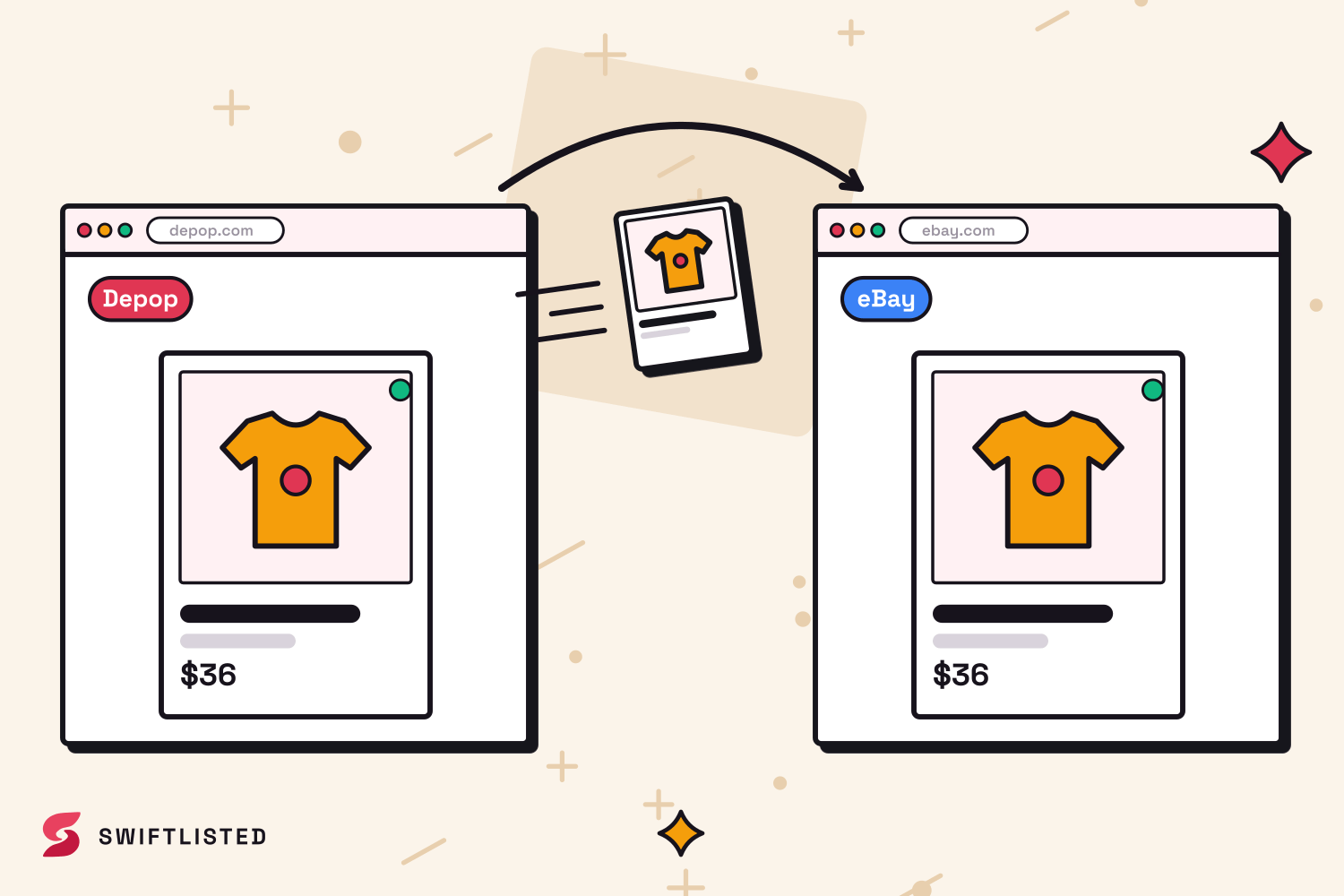
Crosslisting only saves time if the item lands correctly everywhere. Each marketplace has its own category tree and its own size scheme, and footwear sizing in particular varies by marketplace and region. A tool that picks one universal category and translates it is far more useful than one that makes you map every item by hand, but translation is only as good as the mapping behind it.
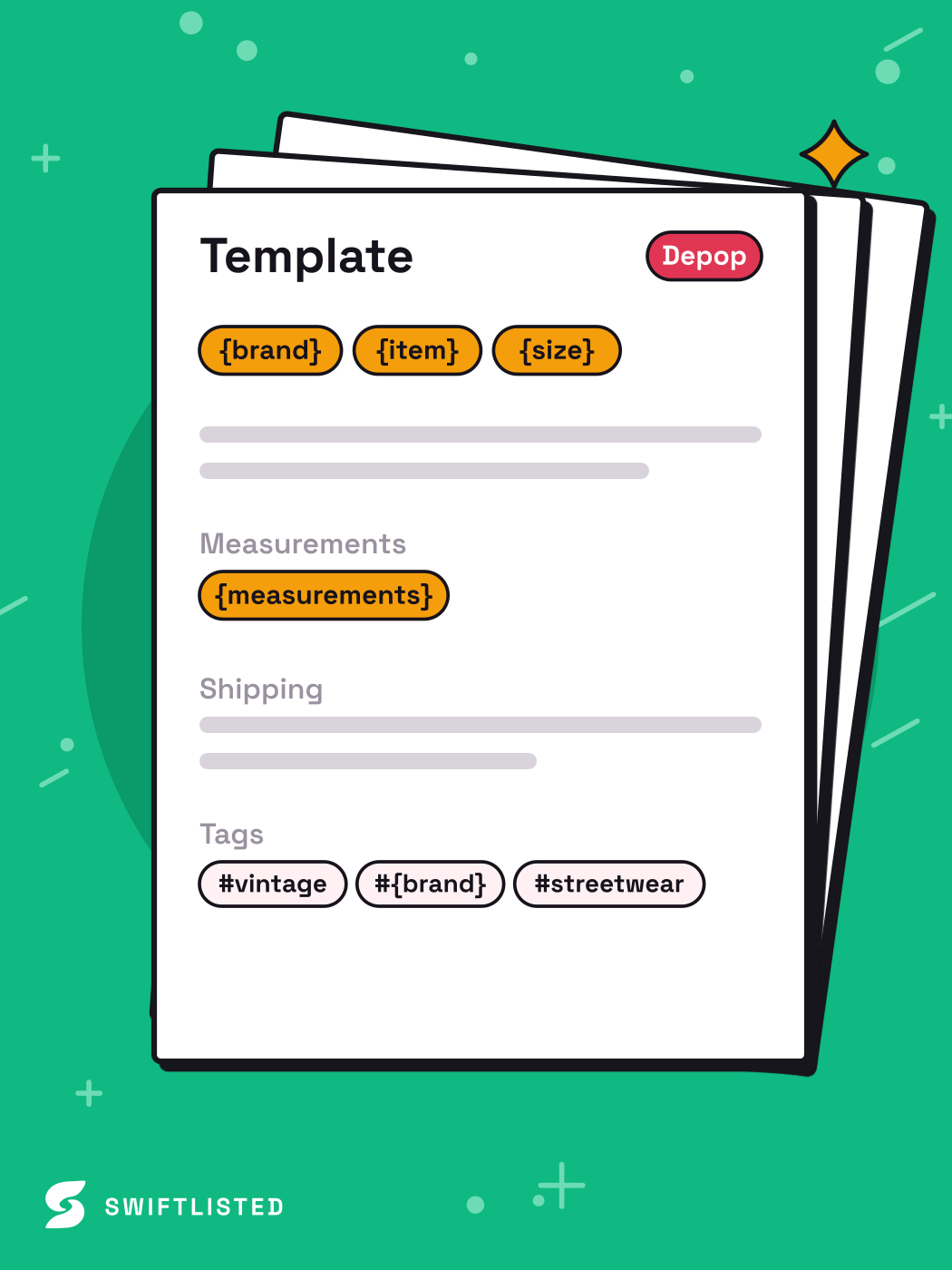
Check whether you review listings before anything posts. Automated drafts are a first pass and will sometimes get a brand or size wrong. The safer tools keep every AI-generated field editable and post nothing until you approve it. Check also how a missing required field is handled: a tool that flags it and holds the item is better than one that fails the whole batch partway through.
Run a small test before a big one. List five or six items that represent your real range, including one awkward item such as an unbranded or vintage piece, and check every marketplace's result by hand.
Know the risks no tool removes
Be clear-eyed about what can go wrong, including with automation. Listing runs can be interrupted, so an item may be left stuck or partly posted; a good tool logs the failure and lets you retry just that item, but you still need to check. Photos can fail to upload, and very large files may time out. Connections can lapse, and a sign-in you forgot about can stop a whole run.
Account risk is real. Every marketplace sets its own rules on automation and enforces them as it sees fit, and no tool can promise your account will never be restricted. Reduce the risk by pacing large runs sensibly rather than pushing hundreds of listings in one sitting, and by keeping an eye on any notices your marketplace sends you.
Finally, the AI that writes titles and descriptions is a draft generator. It is good on mainstream clothing and footwear and weaker on unusual vintage or unbranded pieces. Treat its output as something to check, especially the brand and size, which are the fields that cause returns when they are wrong. A clear, well-lit photo of the brand and size tag is the single biggest improvement you can make to accuracy, whichever tool you use.
A quick checklist before you choose
Use this when comparing tools. Work through it against a short trial rather than the marketing page.
Before you sign up for a paid plan, test these in order: how sold detection works and how fast a sale is noticed; what happens to other listings when something sells; whether every marketplace you sell on is supported and at what level; how each marketplace connects and what breaks when you sign out; how categories and sizes map; whether you can review and edit everything before it posts; and what the tool does when a listing fails part-way through.
Pricing, plan limits and trial terms change, so check the pricing page of any tool you are considering for current figures.
- Sold detection: how it works, and how quickly a sale is noticed
- Delisting: does it delist everywhere on proof of sale, and never on a guess
- Marketplace coverage: does it support every platform you sell on today
- Connection method: official login or browser session, and what breaks when you sign out
- Categories and sizes: are they translated per marketplace and editable
- Review: does anything post before you approve it
- Failure handling: are failures logged and retryable one item at a time
Common questions
- What is the most important feature in crosslisting software?
- Sold detection and delisting. Selling the same item twice is the costliest failure, so test how the tool detects a sale and what it does to your other listings before you judge anything else.
- Should I choose a tool that connects through an official login or a browser session?
- Neither is automatically better. Official logins are often more stable for the marketplaces that offer them, while browser-based connections depend on your sign-in and on the extension being kept up to date. Check what breaks in each case and how the tool tells you.
- Can crosslisting software get my marketplace account restricted?
- It is a risk you cannot fully remove. Marketplaces set their own rules on automation and enforce them independently. Pace large runs sensibly and check each marketplace's current policy, since these rules differ and change.
- Do I still need to check listings the software creates?
- Yes. Automated titles, sizes and brands are a first draft and will sometimes be wrong. Choose a tool that lets you edit every field and holds listings until you approve them.
List once, sell everywhere
Swiftlisted photographs, describes and crosslists your stock across every marketplace you sell on — then delists it everywhere when it sells.
Start free trial