 Swiftlisted
Stop Sharing Your Password With Your Team
Handing your personal or business marketplace passwords to an assistant, employee, or Virtual Assistant feels like an inevitable step when growing a second-hand reselling business. As your inventory expands across platforms like Depop, Vinted, Grailed, eBay, Etsy, Shopify, Whatnot, and Facebook Marketplace, delegating listing and stock management becomes essential. However, handing over main login credentials exposes your banking details, payout configurations, customer communications, and account settings to unnecessary risk. Fortunately, you can scale your reselling operations and let your team crosslist items without ever sharing a single password.
The Real Risks of Sharing Marketplace Passwords
When you give an assistant the direct login details for your marketplace accounts, you are not just giving them permission to create drafts. On most platforms, a single password grants full administrative control over your business. That means anyone with your password can view your bank payout details, alter tax information, read private buyer messages, or accidentally violate platform policies that trigger an account suspension.
Security risks multiply when team members log in from different geographic locations or remote IP addresses. Security algorithms on platforms like eBay or Facebook Marketplace frequently flag sudden logins from new devices, which can result in temporary lockouts or automated account verifications that halt your sales.
Furthermore, managing a team with shared passwords creates an audit nightmare. If a listing is mistakenly deleted, a price is changed incorrectly, or a customer dispute is mishandled, you have no way to trace which team member performed the action.
- Full visibility of sensitive financial data, payout accounts, and store settings.
- Increased risk of security triggers and account lockouts from multi-location logins.
- Zero accountability or audit trail when errors occur in your inventory.
- The tedious necessity of changing every password across nine platforms whenever a team member leaves.
Why Traditional Crosslisting Delegation Breaks Down
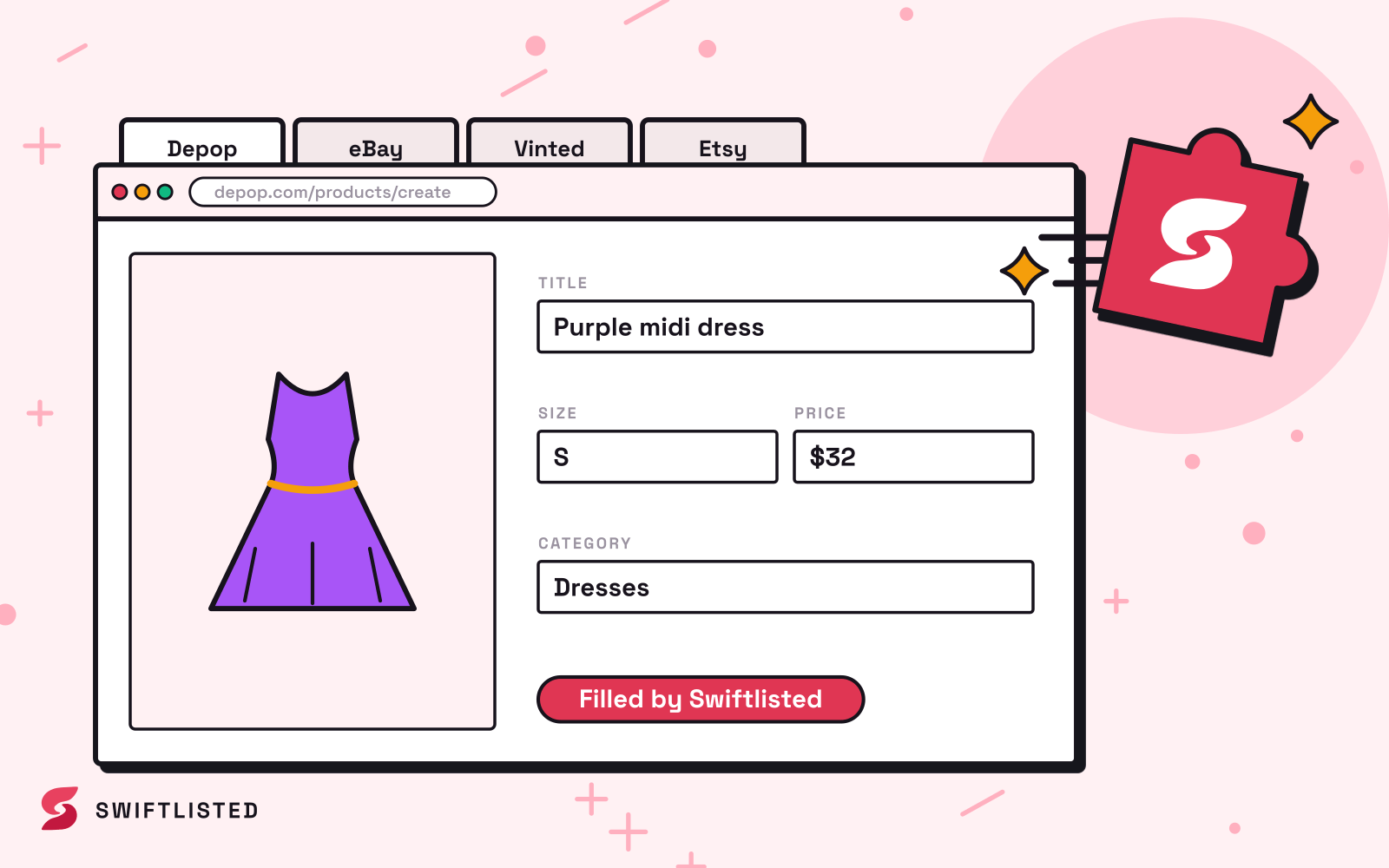
Resellers often attempt to delegate by having team members log directly into individual marketplace accounts to post items. This approach is slow and error-prone. Each platform uses a different interface, requires different field structures, and enforces distinct category trees. Asking an assistant to manually copy and paste listing details across several marketplaces consumes hours of labor that could be spent sourcing.
Attempting to solve this by sharing access to traditional crosslister accounts often presents the same fundamental flaw: if everyone shares a single master login to your inventory tool, any user can alter billing settings, disconnect channels, or overwrite active listings. To build an efficient reselling workflow, you need a system that separates inventory creation from administrative store controls.
How Granular Team Permissions Protect Your Business
The safest way to manage a reselling team is to grant each team member their own unique login to a central inventory workspace. Instead of logging into your underlying seller accounts, your assistants log into a shared dashboard at swiftlisted.ai using their own email and password.
By assigning specific role-based permissions, you retain full control over what each staff member can see and do within your workspace:
- List items: Allows team members to post new listings to any connected marketplace.
- Relist: Grants authority to end and repost stale listings to refresh their visibility.
- Delist: Enables staff to remove listings manually or mark items as sold.
- Edit the stockroom: Allows users to add, edit, import, and delete items, photos, and templates.
- Use AI: Lets assistants generate titles, descriptions, extract fields, and perform background removal using the shared workspace allowance.
- Change settings: Controls access to workspace configurations, listing defaults, and eBay policies.
Executing Automation Safely on Your Local Hardware
A common concern for resellers delegating tasks is how browser-based listing automation executes without handing over platform logins. Swiftlisted solves this by separating listing preparation from execution.
Marketplaces like Depop, Vinted, Grailed, Whatnot, and Facebook Marketplace do not provide public listing APIs. To automate crosslisting on these platforms, automation runs through the Swiftlisted Chrome extension on a desktop or laptop computer where your accounts are already signed in. The Chrome extension operates safely inside your existing signed-in browser session and never sees or stores your marketplace passwords.
Your assistant can log into the central workspace from their own computer anywhere in the world to upload photos, trigger AI scans, edit fields, and organize the stockroom. When drafts are approved, the actual crosslisting run executes through the Chrome extension on your primary shop computer. This ensures your marketplace sessions remain strictly local to your device, protecting your seller accounts from foreign IP flags and keeping your credentials entirely private.
Steps to Transition Your Reselling Team to Secure Logins
Transitioning away from shared passwords takes only a few minutes and permanently secures your business infrastructure. Start by changing the master passwords on all your marketplace accounts to ensure previous staff no longer have direct access.
Next, establish a central stockroom workflow. Invite your virtual assistants or local team members to your Swiftlisted workspace on the Expert plan, which supports dedicated team logins. Assign appropriate permissions to each person based on their responsibilities—such as allowing an assistant to edit the stockroom and use AI while restricting access to store settings.
With this structure in place, your team can prepare, edit, and organize inventory collaboratively. You maintain total security over your financial settings and platform credentials while building a scalable, professional reselling operation.
Common questions
- Can my assistant crosslist items without knowing my marketplace passwords?
- Yes. Your assistant works inside your shared Swiftlisted workspace using their own email and password. They can draft, edit, and prepare items without ever seeing or entering your marketplace login details.
- What happens to my workspace if a team member leaves?
- You simply remove their team access from your workspace settings. Because they were never given your underlying marketplace passwords, you do not need to log into Depop, Vinted, Grailed, eBay, or other accounts to change master passwords.
- Does my team member need to install the Chrome extension on their computer?
- Not necessarily. Assistants can prepare drafts, upload photos, and edit inventory from any browser. The crosslisting process itself can be run on the desktop or laptop computer that is signed into your marketplace accounts.
- Do team members share my AI generation and background removal limits?
- Yes. All team members connected to your workspace draw from a single shared allowance for AI listing generation and background removal, making it easy to track resource usage across your business.
List once, sell everywhere
Swiftlisted photographs, describes and crosslists your stock across every marketplace you sell on — then delists it everywhere when it sells.
Start free trial