 Swiftlisted
Selling on Shopify: A Reseller’s Guide
Expanding from marketplaces like Depop, eBay, or Etsy into your own Shopify storefront is one of the most effective ways to build a distinct brand and own your customer relationships. However, operating an independent e-commerce site alongside fast-moving marketplace channels presents a major challenge: keeping inventory up to date across platforms without double-selling.
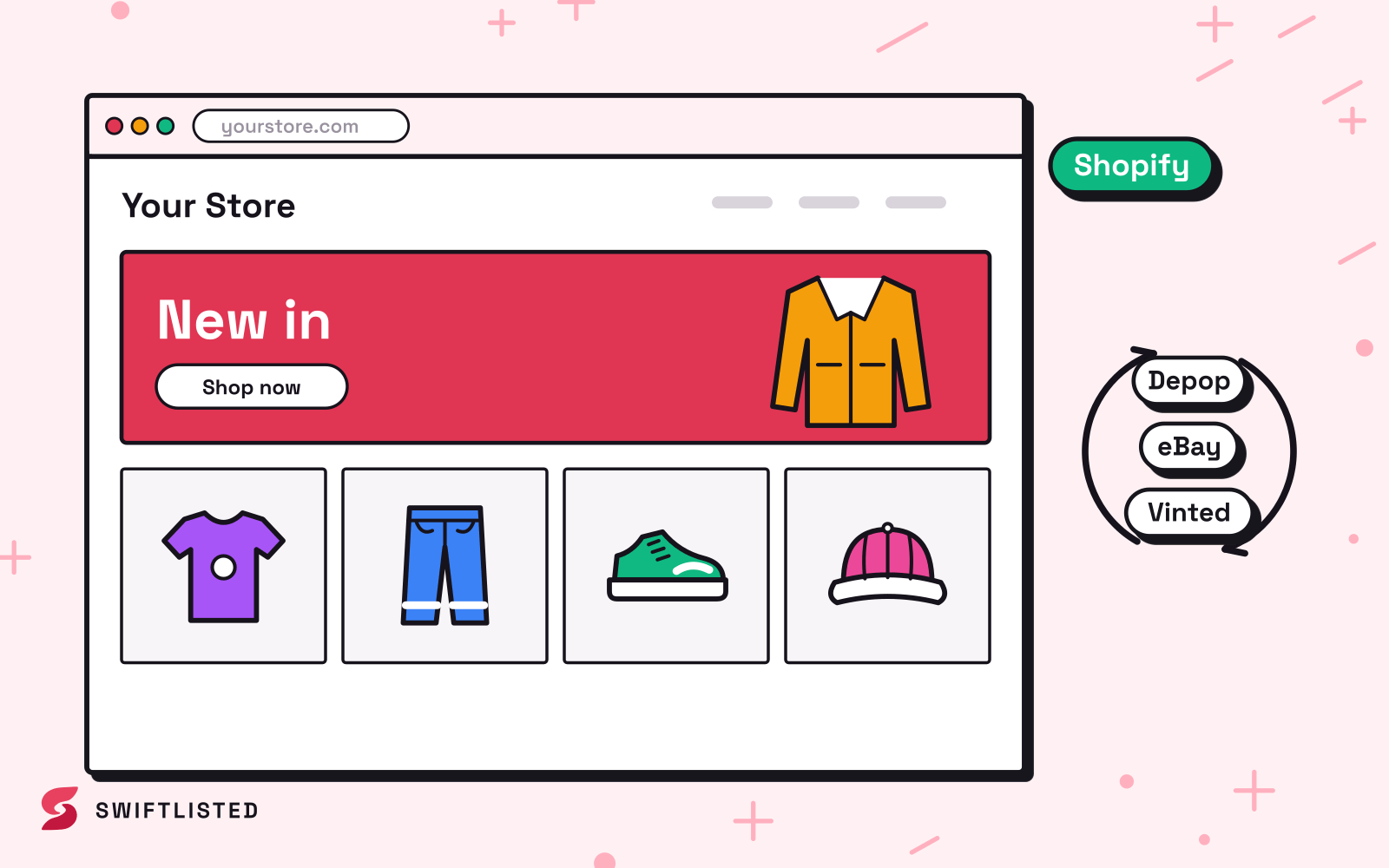
Why Add a Shopify Store to Your Resale Setup?
Selling on third-party marketplaces gives you built-in buyer traffic, but you are subject to platform fees, strict policy shifts, and competing directly with thousands of other sellers in search results. A Shopify storefront gives you complete control over your customer experience, branding, and margins.
For established resellers, Shopify works best not as a replacement for marketplaces, but as an anchor channel. You can direct repeat customers and social media traffic to your independent site where you keep higher margins, while continuing to list items on marketplace platforms to reach new buyers.
Connecting Shopify to Your Crosslisting Workflow
Unlike extension-driven marketplaces that rely on an open browser session, Shopify connects directly via an official API. This means Swiftlisted interacts with your Shopify store securely in the background, making listing creation and inventory management seamless.
To link your Shopify store with your multi-channel inventory, follow these steps:
- Ensure you are logged into your Shopify admin portal in Google Chrome.
- Confirm that your Chrome browser setup permits access to your Shopify domain.
- Navigate to Integrations in your Swiftlisted dashboard and select Shopify to authorise the connection and import your active listings.
Managing Multi-Channel Inventory and Real-Time Syncing
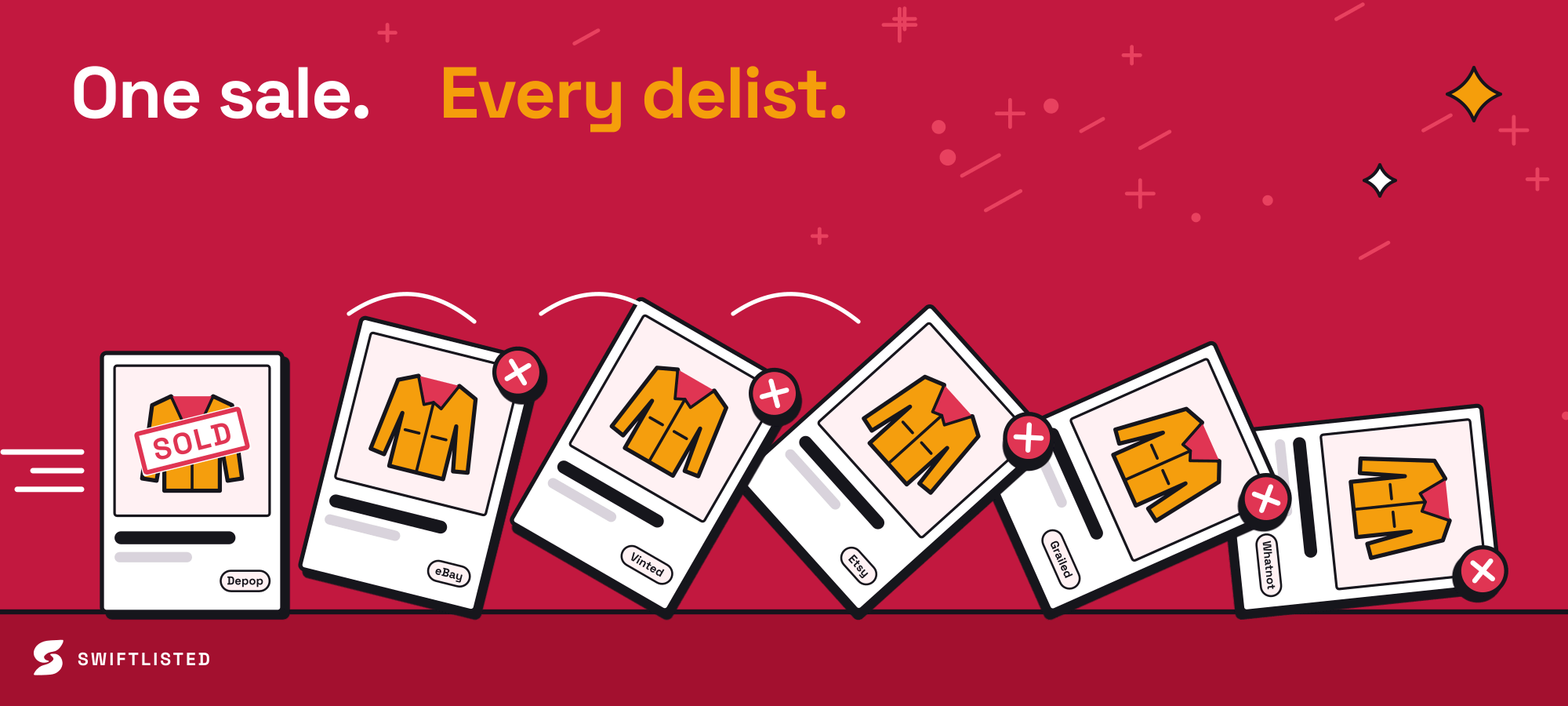
The primary risk of crosslisting unique, single-quantity items across multiple platforms is the possibility of double-selling. When an item sells on one channel, it must be removed from all others immediately.
Because Shopify uses an official API authorisation, sales made on your Shopify store trigger instant notification events. The moment an order is placed on your website, Swiftlisted detects the sale, updates your inventory status, and automatically delists the sold item from your other connected marketplaces such as eBay, Depop, Etsy, Vinted, Grailed, and Whatnot.
If you already have an established catalogue on Shopify, you can import your live items directly into your central inventory grid. Swiftlisted imports item details, pricing, and images so you can immediately cross-list your existing stock to other marketplaces without starting from scratch.
Listing Creation and Platform Differences
When preparing items for Shopify through Swiftlisted, the automated workflow scans your item photos using AI to generate titles, descriptions, categories, sizes, and suggested prices into an editable inventory grid. You maintain full control to adjust descriptions, tags, and prices before anything goes live.
It is important to note how Shopify differs from feed-based marketplaces regarding listing maintenance:
- API Listing Creation: Swiftlisted generates product listings, syncs drafts, and automatically uploads images directly into your Shopify catalog.
- No Feed Relisting Needed: Features like Relister Pro are designed for algorithmic marketplace feeds (such as Depop, Vinted, Grailed, and eBay). Shopify operates as an independent store, so relisting stale items to bump them up a feed does not apply.
- Draft Mode: You can publish products directly to your storefront or push them as drafts if you want to perform final layout tweaks inside your Shopify admin before making them visible to shoppers.
Best Practices for Running Shopify Alongside Marketplaces
To get the most out of your Shopify setup while keeping administrative overhead low, set your store defaults inside your dashboard settings. Define account-level details and shipping rules so you are not re-entering basic logistics for every single item.
Make sure to review AI drafts on your desktop or laptop before pushing them live. While dashboard inventory monitoring works on mobile devices, preparing and publishing listings requires Google Chrome on a desktop environment. Taking a few seconds to verify category mapping and custom tags ensures your independent shop maintains a professional, polished catalogue.
Common questions
- Do I need to keep Google Chrome open for Shopify inventory syncing?
- No. Because Shopify authorises through an official API connection, order notifications and inventory updates process automatically in the background even if your browser is closed.
- What happens when an item sells on my Shopify storefront?
- Shopify notifies Swiftlisted the moment an order is placed. Swiftlisted marks the item as sold in your inventory and immediately delists it from your other connected marketplace channels to prevent double-selling.
- Can I import my existing Shopify catalogue into Swiftlisted?
- Yes. You can import your live Shopify store listings, complete with photos and product details, directly into your Stockroom to crosslist them to other platforms.
- Does Relister Pro work on Shopify listings?
- No. Relister Pro is designed for marketplace search feeds like Depop, Vinted, Grailed, and eBay. Independent storefronts like Shopify do not have a public feed algorithm, so relisting does not apply to them.
List once, sell everywhere
Swiftlisted photographs, describes and crosslists your stock across every marketplace you sell on — then delists it everywhere when it sells.
Start free trial