 Swiftlisted
Free tools › Shipping label combiner
Shipping label combiner
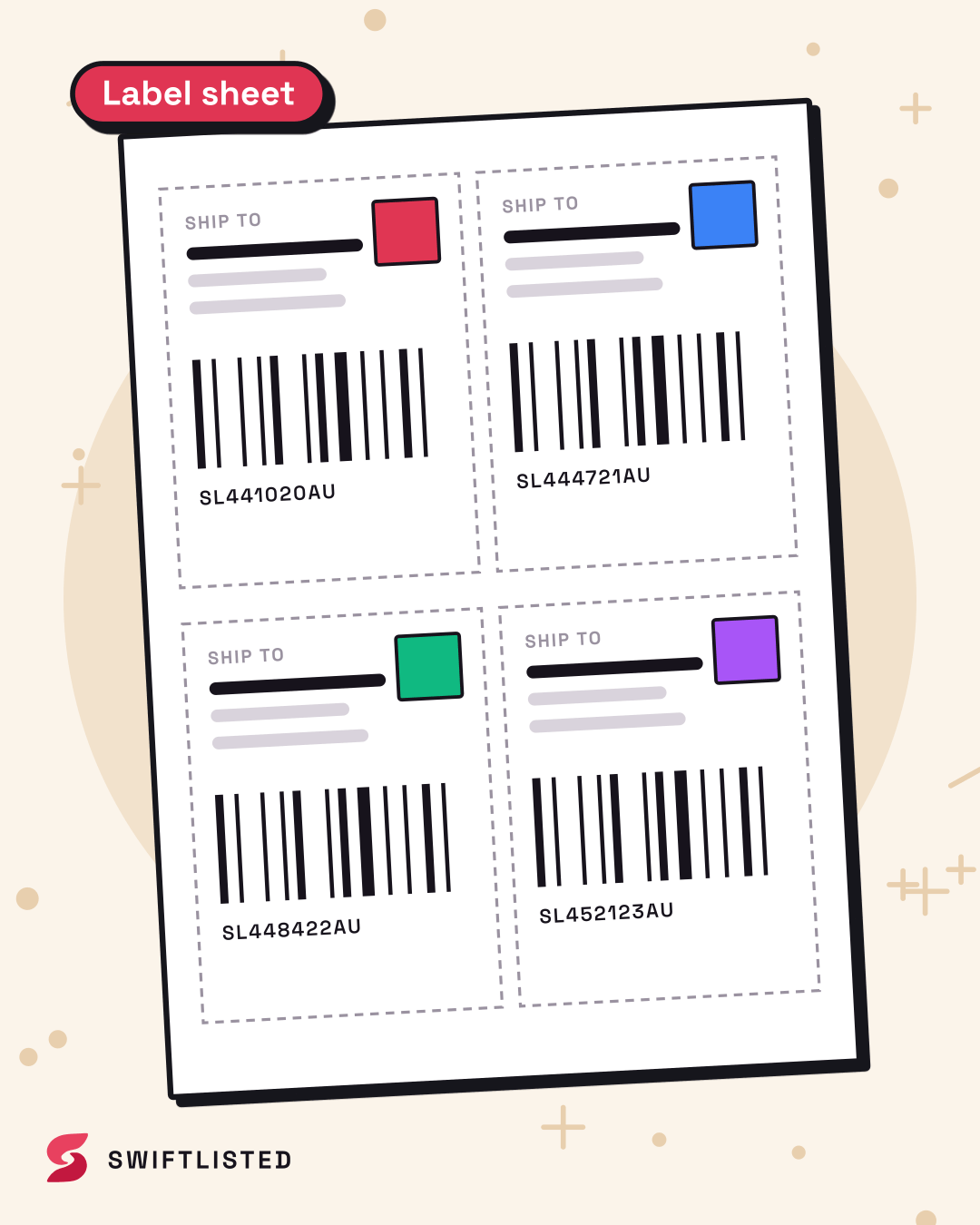
Drop in the shipping labels from your sales and download them laid out four to an A4 page, two to a page, or one per A5 or A6 page. Everything happens in your browser: the labels, with your buyers' addresses on them, are never uploaded.
How it works
Each label is placed on the page as it was made, not as a picture of it, so the barcode prints as sharp as the original. A label saved sideways is turned to fit its space, and a landscape label in a portrait space is rotated rather than shrunk. Only the first page of each PDF is used, because what follows a label is usually carrier paperwork.
Print the sheet at 100% (actual size), not "fit to page". An A6 label lands on a quarter of an A4 page at full size.
Questions
- How do I print four shipping labels on one page?
- Add the label PDFs or screenshots here, pick the A4 sheet with four labels, download it and print it at actual size. Cut along the dashed guides.
- Can I print several Vinted labels on one sheet?
- Yes. Download each label from Vinted as a PDF, add them all here and they are laid out four to an A4 page.
- Are my labels uploaded anywhere?
- No. The page reads the files and builds the sheet on your own computer. Nothing is sent to Swiftlisted or anyone else.
More free tools
- Reselling profit calculatorWhat to list an item at on every marketplace to make the profit you want.
- SKU barcode label makerPrint SKU barcode stickers for Dymo, Zebra and Rollo label printers.
- Depop hashtag generatorThe five hashtags Depop buyers search, from a description of your item.
- Grailed tag generatorUp to 10 Grailed tags: style, era and material, never the designer.
- Etsy tag generatorUp to 13 Etsy tags that fit the 20-character limit.
- Photo resizerSquare, evenly sized listing photos at the size eBay, Etsy and Poshmark recommend.
- Listing title generatorOne description, a title shaped for eBay, Etsy, Poshmark, Grailed, Vinted and Depop.
- Clothing size converterWomen's, men's and shoe sizes in US, UK, EU and Australian sizing.
- Marketplace fee calculatorsWhat every marketplace takes from the same sale, by country.
Sold on one, gone from the rest
Swiftlisted crosslists your stock and delists it everywhere else when it sells, so you only ever ship what you still have. 30-day free trial, no card.
Start free trial