 Swiftlisted
Free tools › SKU barcode label maker
SKU barcode label maker
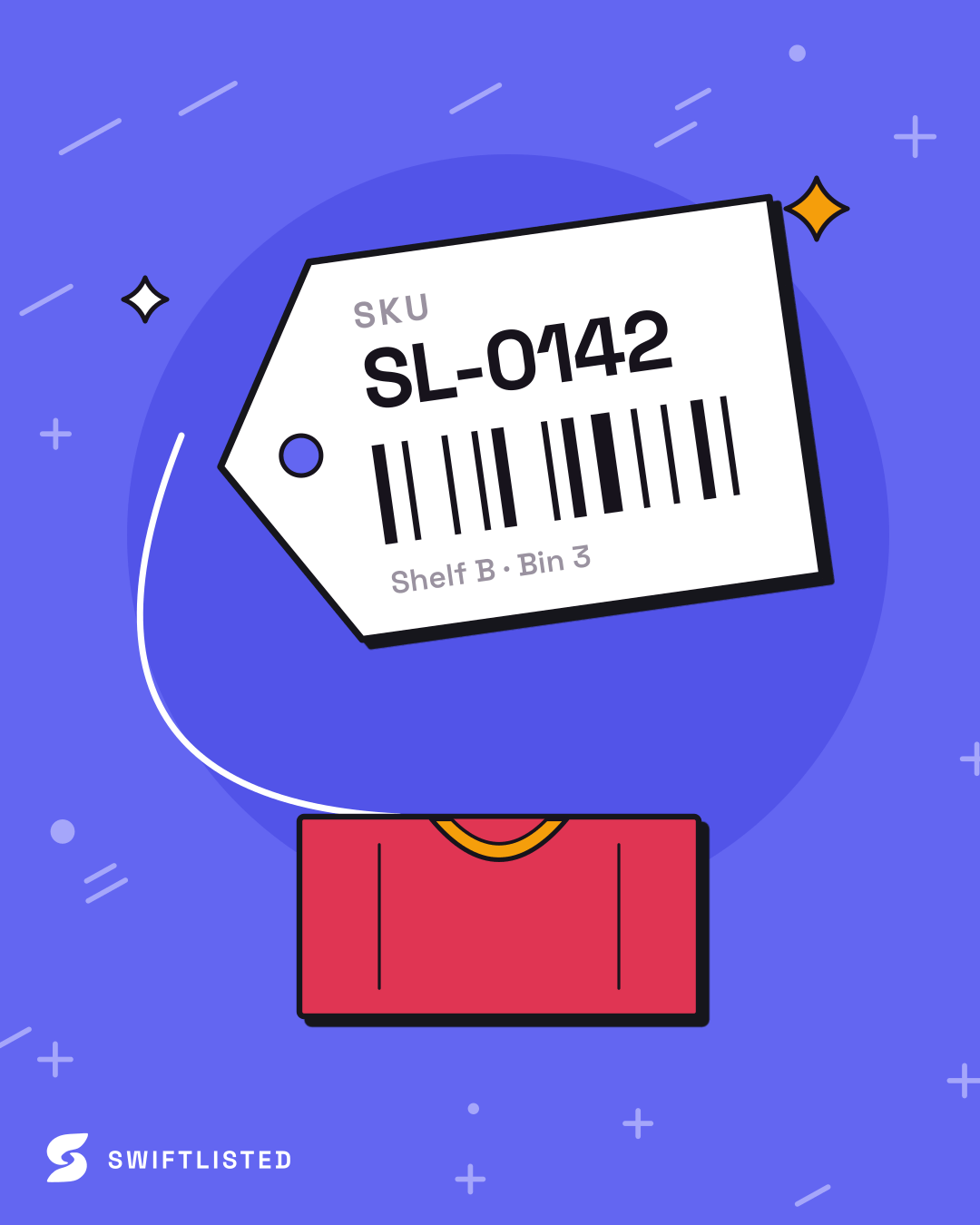
Number your stock and print a barcode sticker for each item. Generate a run of SKUs or paste your own, add a title, size and price if you want them on the label, and download a PDF sized to your label roll.
What the labels carry
Each label is a Code 128 barcode of the SKU, which any USB or phone barcode scanner reads. The bars are drawn as shapes rather than an image, so a thermal printer prints them crisp. One label per page, so your label printer feeds one sticker per item.
Keep SKUs to letters, numbers, dashes and dots: a barcode cannot carry accented letters or symbols, and any that cannot be printed are listed rather than dropped silently.
Questions
- What is a SKU for a reseller?
- A stock-keeping unit: a short code that is unique to one item, so you can find it on the shelf and match it to its listing. Swiftlisted gives every item one automatically.
- Which barcode type should I use for SKUs?
- Code 128. It carries letters and numbers in a compact barcode and every common scanner reads it.
- Which label printers does this work with?
- Any printer that prints a PDF onto the label size you pick: Dymo 11352, 11354 and 99012, and 2 x 1 inch Zebra or Rollo rolls.
More free tools
- Reselling profit calculatorWhat to list an item at on every marketplace to make the profit you want.
- Shipping label combinerPut several shipping labels on one A4 page, in your browser.
- Depop hashtag generatorThe five hashtags Depop buyers search, from a description of your item.
- Grailed tag generatorUp to 10 Grailed tags: style, era and material, never the designer.
- Etsy tag generatorUp to 13 Etsy tags that fit the 20-character limit.
- Photo resizerSquare, evenly sized listing photos at the size eBay, Etsy and Poshmark recommend.
- Listing title generatorOne description, a title shaped for eBay, Etsy, Poshmark, Grailed, Vinted and Depop.
- Clothing size converterWomen's, men's and shoe sizes in US, UK, EU and Australian sizing.
- Marketplace fee calculatorsWhat every marketplace takes from the same sale, by country.
SKUs on every listing, automatically
Swiftlisted numbers every item, prints its barcode from the Stockroom and keeps the listing in step on every marketplace. 30-day free trial, no card.
Start free trial